
From my experience with Open Voice OS, I found it excels at providing a truly open source and privacy-focused voice assistant platform. Its offline capabilities and modular design make it ideal for developers and privacy-conscious users who want control over their voice data. However, it requires some technical skill to install and customize, and the community is smaller than mainstream assistants. Overall, if you need a customizable voice assistant that respects privacy and runs locally, Open Voice OS delivers a solid foundation.
Open Voice OS - Open Source Voice Assistant Platform for Developers
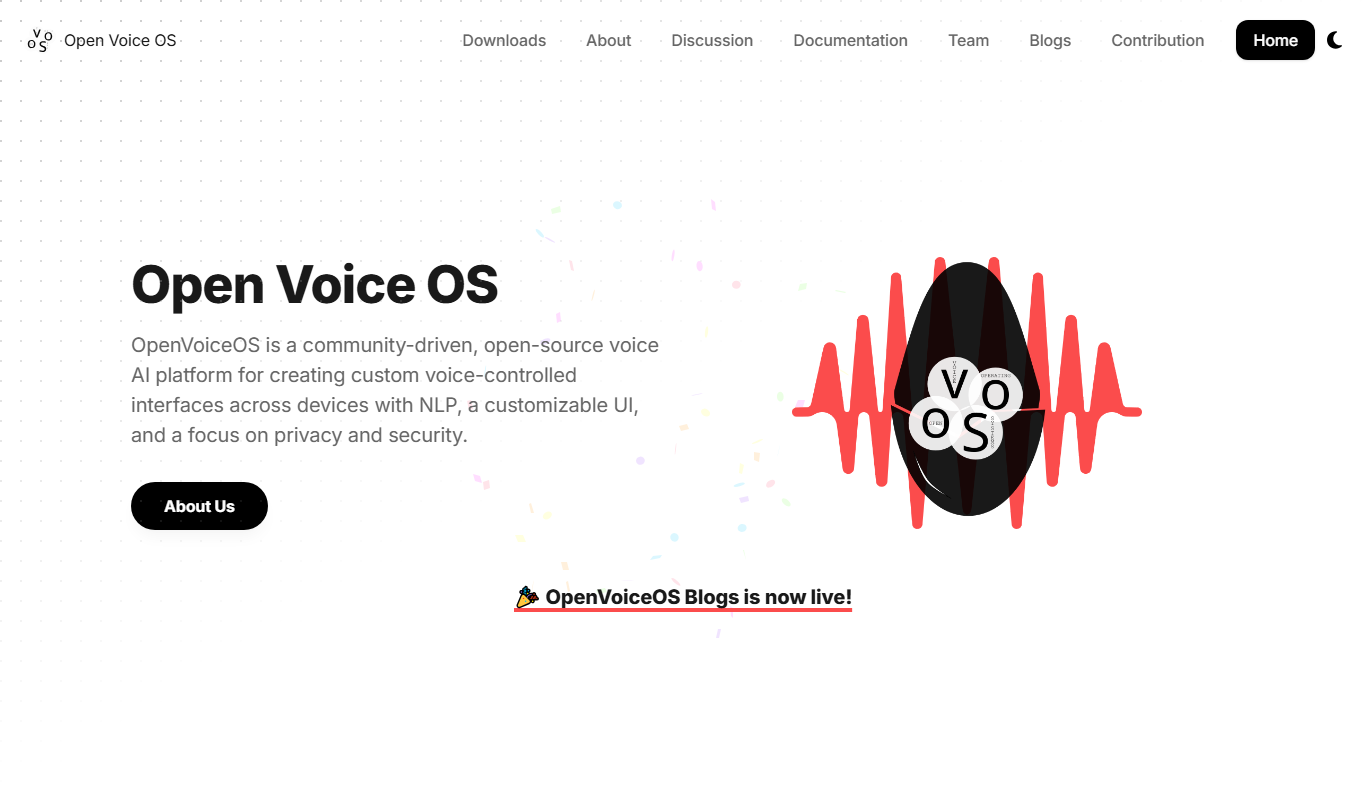
Open Voice OS is an open source voice assistant operating system that enables privacy-focused, offline voice control on Linux and Raspberry Pi devices.
Tech Stack:
Linux
Python
What is Open Voice OS?
Open Voice OS is an open source voice assistant operating system designed to provide a privacy-focused, customizable alternative to commercial voice assistants. It is built on Linux and leverages open source technologies like Mycroft AI to enable users and developers to run voice assistant services locally or on personal devices without relying on cloud infrastructure.
Key Features of Open Voice OS
Open Source and Privacy-Focused
Fully open source platform that processes voice data locally to protect user privacy.
Modular Architecture
Supports modular skills and services that can be customized or extended by developers.
Offline Voice Recognition
Enables offline voice command recognition without requiring cloud connectivity.
Multi-Device Support
Compatible with various devices including Raspberry Pi, desktops, and embedded systems.
Pros and Cons of Open Voice OS
Pros
- Fully open source with transparent codebase
- Strong focus on user privacy and local data processing
- Supports offline voice recognition
- Customizable and modular for developers
- Compatible with affordable hardware like Raspberry Pi
Cons
- Smaller community compared to commercial assistants
- Limited language support currently
- Requires technical knowledge to install and customize
Key Use Cases for Open Voice OS
Personal Voice Assistant
Use Open Voice OS as a privacy-focused personal voice assistant on desktop or embedded devices.
Custom Voice Assistant Development
Developers can customize and extend the open source platform to build tailored voice assistant solutions.
Smart Home Control
Integrate Open Voice OS with smart home devices for voice-controlled automation without relying on cloud services.
Privacy-Conscious AI Interaction
Interact with AI voice assistant features while maintaining data privacy and local processing.
How Open Voice OS Works
-
1
Install Open Voice OS
Download and install the Open Voice OS image on supported hardware such as a Raspberry Pi or Linux desktop.
-
2
Configure Voice Assistant
Set up your microphone, speakers, and network settings to enable voice interaction.
-
3
Use or Develop Skills
Use pre-built voice skills or develop your own to extend the assistant’s capabilities.
-
4
Interact Locally
Speak commands to the assistant and receive responses processed locally to ensure privacy.
Who's Using Open Voice OS
Privacy-conscious users
Developers building custom voice assistants
Hobbyists and makers using Raspberry Pi
Smart home enthusiasts
Open source advocates
Open Voice OS Pricing
Free
$0
Open source and free to use with no subscription fees.
Frequently Asked Questions About Open Voice OS
Yes, Open Voice OS is completely free and open source.
Yes, it supports offline voice recognition and local processing.
It supports Linux desktops, Raspberry Pi devices, and other compatible embedded hardware.
Developers can use the open source SDK and documentation to create and integrate custom voice skills.
This tool is designed to help users accomplish its core tasks more efficiently. It is typically used by individuals or teams looking to improve productivity and workflow.
Some tools offer a free plan or trial with limited features. Availability can vary, so confirm on the official website.
Yes, it can help with that use case depending on how you configure it and what features are available. You’ll get the best results with clear inputs and a defined goal.
It depends on your specific needs and how you plan to use the tool. The official website and documentation are the best sources for the latest details.
Share your review
Reviews are limited to one per logged-in user and are published after moderation.
You need an account to review this tool.
0.0
★
★
★
★
★
0 reviews
5 star
0
4 star
0
3 star
0
2 star
0
1 star
0
No reviews yet
Be the first to share how this tool worked for you.
Questions from the community
Read questions and answers about this tool, or ask your own.
No questions yet
Start the conversation by asking the first question about this tool.
Is this tool helpful?
Alternative Tools
Explore similar AI tools that might fit your needs
Free
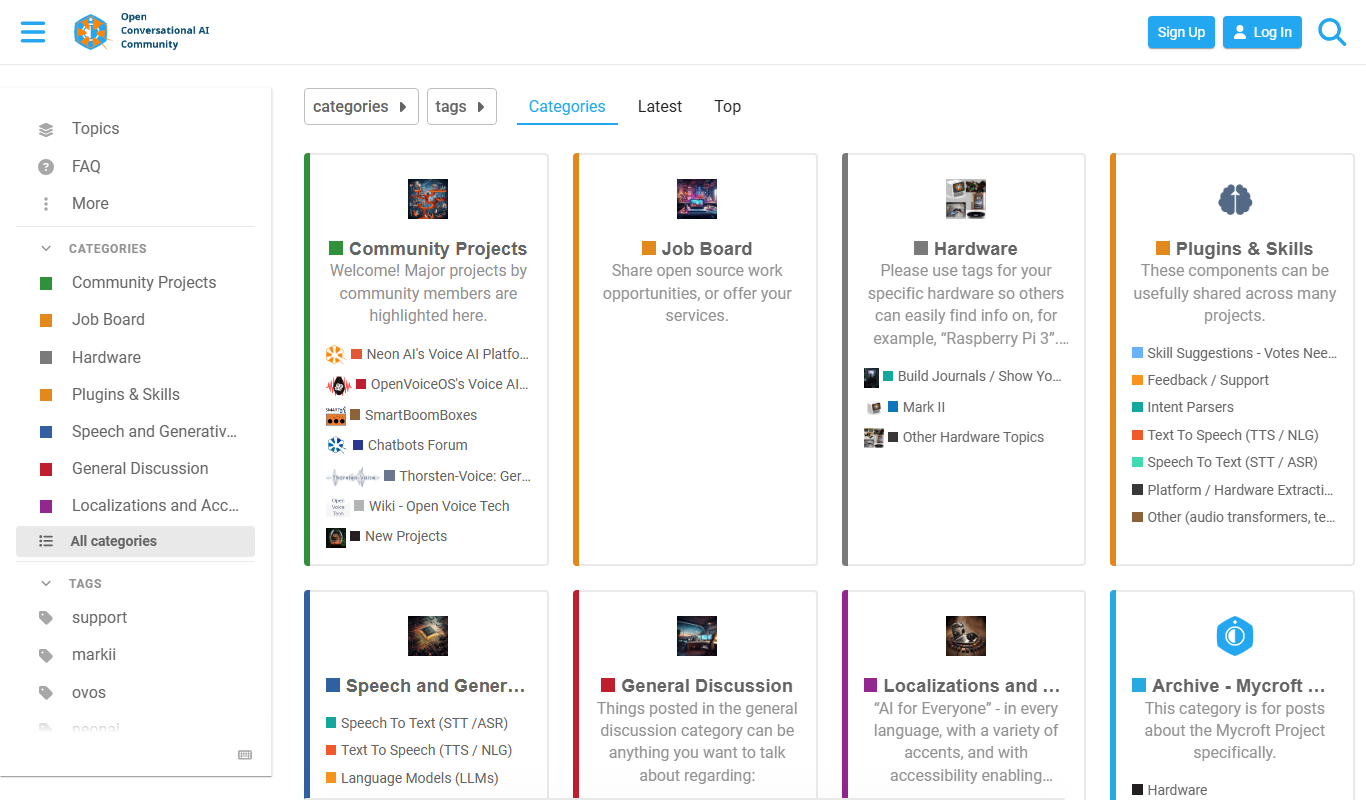
Mycroft AI
Mycroft AI is an open-source voice assistant platform that offers customizable, privacy-conscious voice interaction capabilities across multiple devices.
Free
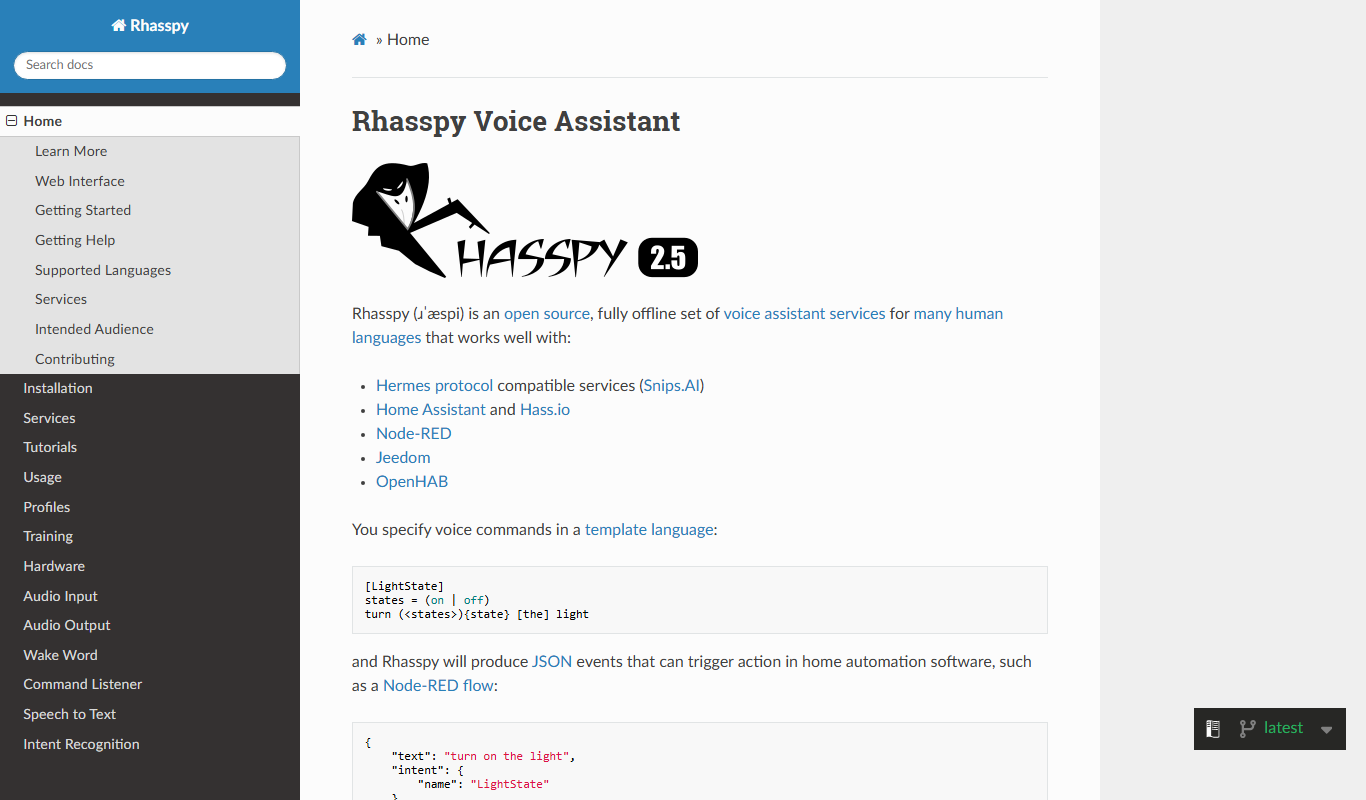
Rhasspy
Rhasspy is an open-source, offline voice assistant platform that enables users to build custom voice-controlled smart home systems with privacy and multilingual support.

Freemium
Wetime ai
Wetime AI is an AI-powered meeting assistant that automates scheduling, transcribes meetings in real time, generates summaries, and extracts action items to improve productivity.
Freemium
Kimi Chat
Kimi Chat is an AI chatbot platform by Moonshot Inc. that automates customer support and engagement with natural language understanding and multi-language capabilities.
Free
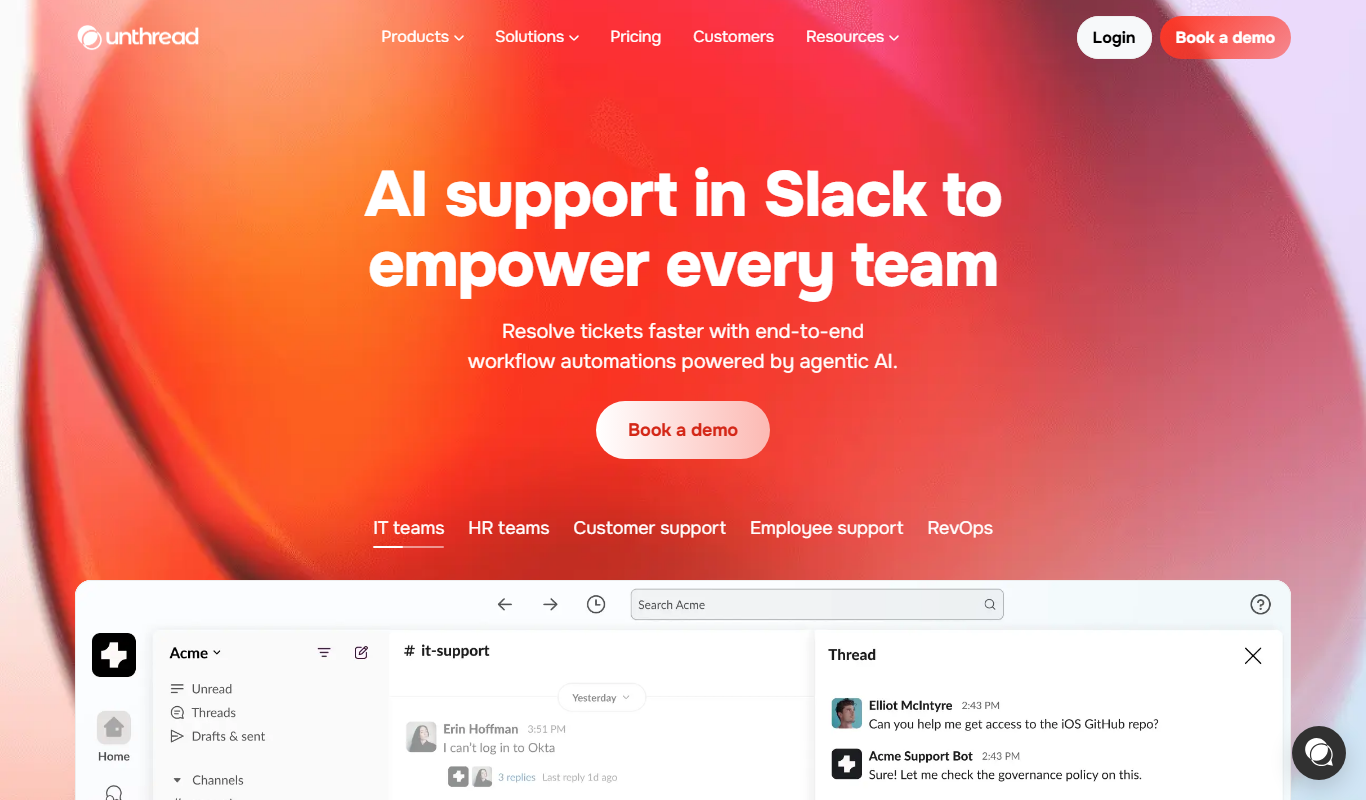
Unthread
Unthread is an AI email assistant that summarizes lengthy email threads to help users quickly understand and manage their inboxes more efficiently.

Freemium
Goover
Goover AI is a Chrome extension-based meeting assistant that provides real-time transcription and AI-generated summaries to improve meeting productivity.

Freemium
Chandler
Chandler is an AI sports betting assistant that provides data-driven predictions, real-time odds comparison, and personalized betting strategies to help users make smarter wagers.
Free
TypePilot – Fun AI Assistant
TypePilot is an AI-powered typing assistant that lets you create keyboard shortcuts to automatically expand into longer text snippets, helping you type faster and reduce repetitive work.

Contact for pricing
Currux Vision – AI Driving Assistant
Currux Vision is an AI-powered driving assistant that uses computer vision to detect road hazards in real-time and alert drivers to improve safety.

Free
Your Personal AI
Your Personal AI is a platform that lets users create customizable AI assistants to automate tasks, manage workflows, and provide conversational support without coding.