

From my experience with Neon AI, I found it excels at providing a truly open source and privacy-focused voice assistant platform. Its modular design allows for deep customization, making it ideal for developers and privacy-conscious users who want control over their AI assistant. However, setting it up requires some technical knowledge, and its current support is mainly limited to English. Overall, if you need a customizable AI assistant that respects your privacy and integrates with smart home devices, Neon AI is a solid choice.
Neon AI Open Source Voice Assistant Platform for Custom AI Solutions
Neon AI is an open source voice assistant platform that enables users to create customizable, privacy-focused AI assistants with offline capabilities and smart home integrations.
- Best for
- Personal Voice Assistant
- Key capability
- Open Source Framework


Do you recommend this tool?
What is Neon AI?
Neon AI is an open source voice assistant platform designed to provide customizable, privacy-conscious conversational AI solutions. It enables developers and enthusiasts to build and deploy personal or enterprise-grade voice assistants without dependency on proprietary cloud services. The platform supports modular integrations and is built with extensibility in mind, allowing users to tailor the assistant’s capabilities to their specific needs.
Key features of Neon AI
Neon AI offers a modular open source architecture, natural language understanding, offline voice processing capabilities, and integrations with smart home devices. It emphasizes privacy by enabling local data processing and supports extensibility through plugins and APIs.
Open Source Framework
Fully open source codebase allowing transparency, customization, and community contributions.
Modular Skill System
Easily add, remove, or develop skills to tailor the assistant’s capabilities.
Privacy-Centric Design
Supports offline processing and local data storage to protect user privacy.
Smart Home Integration
Compatible with various smart home devices for voice-controlled automation.
Cross-Platform Support
Runs on multiple platforms including desktop and web environments.
Pros and cons of Neon AI
Pros
- Fully open source with transparent code
- Strong focus on user privacy and offline use
- Highly customizable modular architecture
- Supports smart home device integration
- Free to use without restrictions
Cons
- Requires technical knowledge to set up and customize
- Limited language support currently (English only)
- Smaller community compared to commercial assistants
Key use cases for Neon AI
Personal Voice Assistant
Use Neon AI as a customizable personal assistant for managing tasks, reminders, and information retrieval.
Smart Home Automation
Integrate Neon AI with smart home devices to control lighting, temperature, and other IoT devices via voice commands.
Custom AI Development
Develop tailored conversational AI applications using Neon AI’s open source framework and modular architecture.
Privacy-Focused AI Solutions
Deploy voice assistant solutions that prioritize user privacy and data security without relying on cloud services.
How Neon AI works
- 1
Install and Set Up
Download and install Neon AI on your preferred platform, following setup instructions to configure the assistant.
- 2
Customize Skills and Integrations
Add or develop custom skills and connect Neon AI to smart devices or services to extend functionality.
- 3
Interact via Voice or Text
Use voice commands or text input to interact with the assistant for tasks, queries, or controlling devices.
- 4
Maintain Privacy
Run Neon AI locally or on private servers to keep data secure and under your control.
Who is using Neon AI
Developers and AI enthusiasts
Privacy-conscious users
Smart home hobbyists
Organizations seeking custom AI assistants
Open source advocates
Neon AI pricing
Free
$0
Open source and free to use with full access to all features.
Plans and prices are as published by the vendor and can change. Check the official site before you buy. Open the pricing page (opens in a new tab)
Frequently asked questions about Neon AI
Yes, Neon AI is an open source project and free to use without any licensing fees.
Yes, Neon AI supports offline voice processing to enable use without internet connectivity.
Neon AI is primarily built using Python and leverages machine learning frameworks like TensorFlow.
Yes, Neon AI supports integration with various smart home devices for voice control.
This tool is designed to help users accomplish its core tasks more efficiently. It is typically used by individuals or teams looking to improve productivity and workflow.
Some tools offer a free plan or trial with limited features. Availability can vary, so confirm on the official website.
Yes, it can help with that use case depending on how you configure it and what features are available. You’ll get the best results with clear inputs and a defined goal.
It depends on your specific needs and how you plan to use the tool. The official website and documentation are the best sources for the latest details.
Sign in to review this tool.
Sign In to ReviewNo reviews yet
Be the first to share how this tool worked for you.
Ask about pricing, limits, or how it compares — or answer someone else.
Sign In to AskNo questions yet
Have a question about using or paying for this tool? Be the first to ask.
Featured on TiorAI



Alternative Tools
Explore similar AI tools that might fit your needs
Free
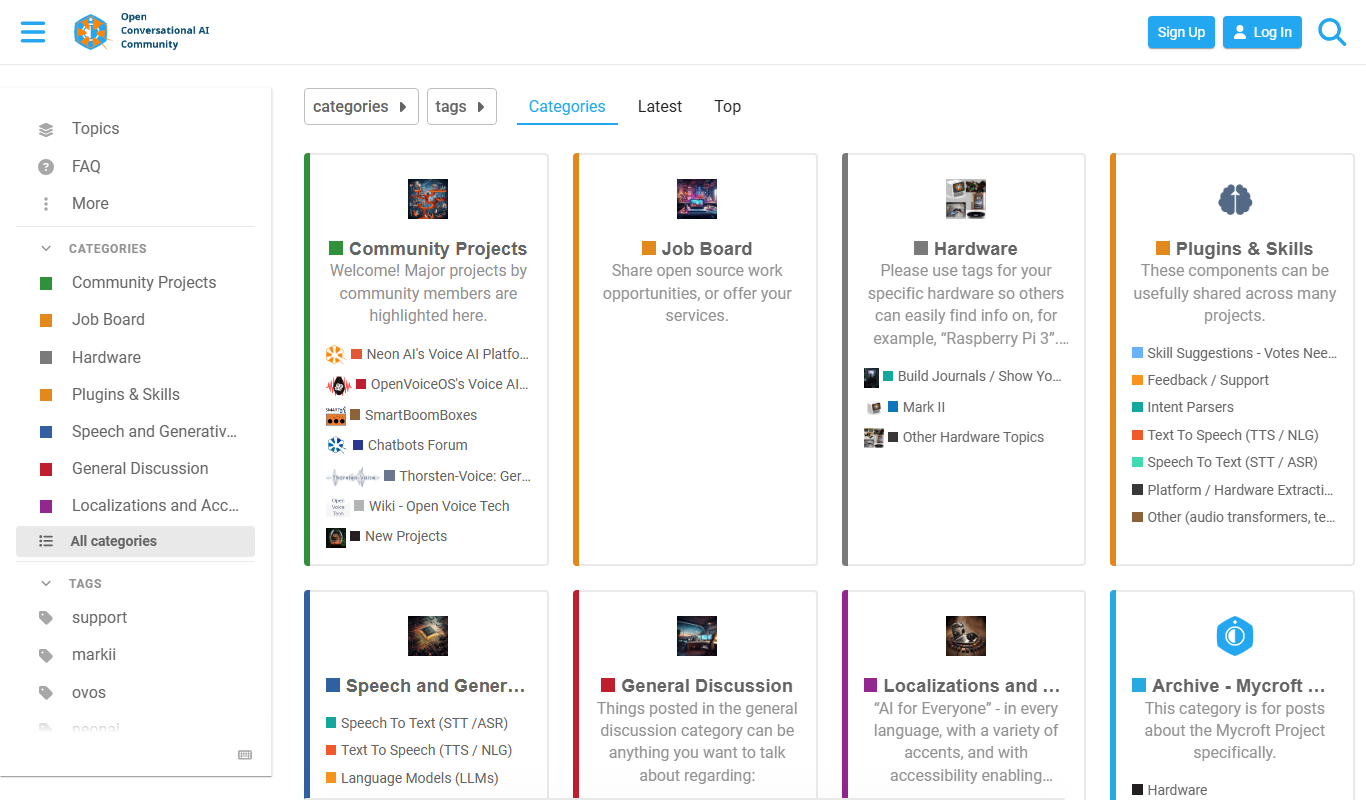
Mycroft AI
Mycroft AI is an open-source voice assistant platform that offers customizable, privacy-conscious voice interaction capabilities across multiple devices.
Free
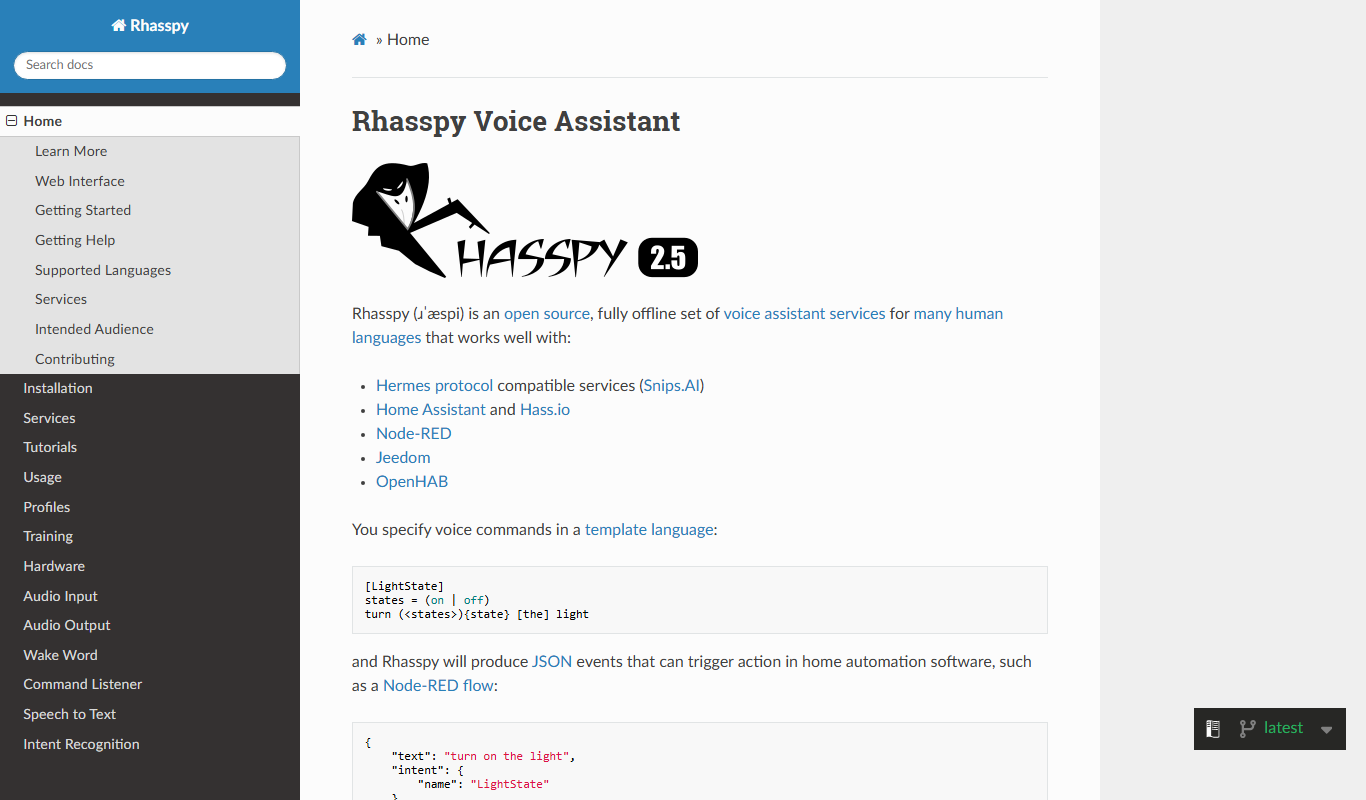
Rhasspy
Rhasspy is an open-source, offline voice assistant platform that enables users to build custom voice-controlled smart home systems with privacy and multilingual support.

Enterprise Licensing
Snips
Snips is an AI voice assistant platform that processes speech recognition and natural language understanding locally on devices, ensuring privacy by avoiding cloud data transmission.
More AI Artificial Intelligence Tools tools
Other tools in the same category, for when this one is not quite the fit.

Freemium
EasyTrip AI
EasyTrip AI is an AI-driven travel planner that generates customized trip itineraries based on your travel dates, destinations, and preferences, helping you organize your trip efficiently.

Freemium
Travel Itinerary AI
Travel Itinerary AI is an AI-powered web tool that creates personalized travel itineraries based on your preferences, helping you plan and manage trips efficiently.

Free
NilgAI Travel
NilgAI Travel is an AI-driven travel planning tool that creates personalized itineraries based on your preferences, travel dates, and budget, helping you efficiently plan trips worldwide.

Custom Pricing
sentiance.com
Sentiance is an AI-powered platform that transforms sensor and contextual data into actionable behavioral insights, enabling businesses to understand user behavior and deliver personalized experiences in real-time.

Contact for pricing
ODESIS
ODESIS is an AI-driven analytics platform that helps businesses transform data into actionable insights through machine learning, visualization, and predictive analytics.

Contact for pricing
QUINETICS
Quinetics is an AI platform that provides businesses with advanced data analytics, workflow automation, and custom machine learning model development to optimize operations and decision-making.

Free
aigclist
AIGCList is a free online directory that aggregates and categorizes AI tools, providing detailed information, user reviews, and AI industry news to help users discover and compare AI solutions.

Free
AI Tool Center
AI Tool Center is a free online directory that helps users discover, compare, and review AI tools across various categories and industries.