

Open-Source CARLA Simulator for Autonomous Driving and AI Research
CARLA Simulator is a free, open-source autonomous driving simulator that provides realistic urban environments and sensor data for testing and developing self-driving vehicle algorithms.
- Best for
- Autonomous Vehicle Testing
- Key capability
- High-Fidelity Urban Environments
Save CARLA Simulator, follow its updates and vote on it — everything stays in your account.
Sign in or create a free account
What is CARLA Simulator?
CARLA Simulator is an open-source autonomous driving simulator designed to support development, training, and validation of self-driving vehicle systems. It provides realistic urban environments, sensor suites, and traffic scenarios to enable safe and reproducible testing of autonomous driving algorithms without physical vehicles.
Key features of CARLA Simulator
CARLA offers high-fidelity 3D environments, flexible sensor simulation, customizable scenarios, and an API for integration with AI frameworks. It supports multi-agent simulation and detailed environmental conditions like weather and lighting.
High-Fidelity Urban Environments
Detailed 3D maps with realistic buildings, roads, and traffic elements.
Multi-Sensor Simulation
Simulate cameras, LiDAR, radar, GPS, and IMU sensors with configurable parameters.
Open-Source and Extensible
Fully open-source codebase allowing customization and integration with other tools.
Scenario and Traffic Management
Create complex traffic scenarios with multiple vehicles and pedestrians.
Weather and Lighting Effects
Simulate different weather conditions and times of day to test robustness.
Pros and cons of CARLA Simulator
Pros
- Open-source with active community and continuous development
- Highly realistic urban environments and sensor simulation
- Flexible API for integration with AI and robotics frameworks
- Supports complex multi-agent and scenario-based testing
Cons
- Requires significant computing resources for high-fidelity simulation
- Steep learning curve for beginners unfamiliar with simulation tools
- Limited official support beyond community forums and documentation
Key use cases for CARLA Simulator
Autonomous Vehicle Testing
Simulate complex urban driving scenarios to test and validate autonomous vehicle algorithms safely.
AI Research and Development
Develop and benchmark AI models for perception, planning, and control in realistic simulated environments.
Sensor Simulation
Generate synthetic data from various sensors like cameras, LiDAR, and GPS for training and testing.
Education and Training
Provide a platform for students and professionals to learn about autonomous driving technologies.
Scenario Generation
Create and customize driving scenarios to evaluate edge cases and safety-critical situations.
How CARLA Simulator works
- 1
Download and Install
Get the CARLA Simulator from the official website or GitHub repository and install it on your desktop.
- 2
Set Up Environment
Configure the simulation environment including maps, weather, and sensor parameters.
- 3
Develop or Integrate AI Models
Use the Python API to connect your autonomous driving algorithms to the simulator.
- 4
Run Simulations
Execute driving scenarios to test perception, planning, and control modules.
- 5
Analyze Results
Collect sensor data and performance metrics to evaluate and improve your models.
Who is using CARLA Simulator
CARLA Simulator pricing
Free
$0
Full access to the open-source simulator with community support.
Plans and prices are as published by the vendor and can change. Check the official site before you buy. Open the pricing page (opens in a new tab)
Frequently asked questions about CARLA Simulator
Yes, CARLA is completely free and open-source under the MIT license.
CARLA primarily uses C++ and Python for simulation and API integration.
Yes, CARLA allows simulation of various weather and lighting conditions.
Yes, it supports multiple vehicles and pedestrians interacting in the environment.
This tool is designed to help users accomplish its core tasks more efficiently. It is typically used by individuals or teams looking to improve productivity and workflow.
Some tools offer a free plan or trial with limited features. Availability can vary, so confirm on the official website.
Yes, it can help with that use case depending on how you configure it and what features are available. You’ll get the best results with clear inputs and a defined goal.
It depends on your specific needs and how you plan to use the tool. The official website and documentation are the best sources for the latest details.
Conclusion
Driving code connects to CARLA through a Python API, which links autonomous driving algorithms to detailed 3D urban maps with realistic buildings, roads and traffic elements. Before a run, users configure maps, weather and sensor parameters, then execute driving scenarios that test perception, planning and control modules. Simulated cameras, LiDAR, radar, GPS and IMU sensors have configurable parameters, and their output can be generated as synthetic data for training and testing. Traffic scenarios can include multiple vehicles and pedestrians under different weather conditions and times of day.
The simulator targets autonomous vehicle researchers, automotive companies testing self-driving systems, and academic institutions and students. It is free and open source with community support, but high-fidelity simulation requires significant computing resources and official support is limited beyond community forums and documentation.
Sources
Sign in to review this tool.
Sign In to ReviewNo reviews yet
Be the first to share how this tool worked for you.
Ask about pricing, limits, or how it compares — or answer someone else.
Sign In to AskNo questions yet
Have a question about using or paying for this tool? Be the first to ask.
Featured on TiorAI



More AI Developer Tools tools
Other tools in the same category, for when this one is not quite the fit.

Luxand FaceSDK
Luxand FaceSDK is a multi-platform facial recognition SDK that enables developers to integrate face detection, recognition, tracking, and biometric analysis into applications with support for real-time processing and multiple programming languages.

Hyperledger Fabric
Hyperledger Fabric is an open-source, permissioned blockchain platform designed for enterprise use, offering modular architecture, smart contracts, and privacy controls.

PatentBots
PatentBots is an AI-powered platform that automates patent drafting and review to help patent attorneys create accurate and compliant patent applications faster.
Xano
Xano is a no-code backend platform that enables users to build scalable APIs and manage databases visually without coding, ideal for rapid app development.
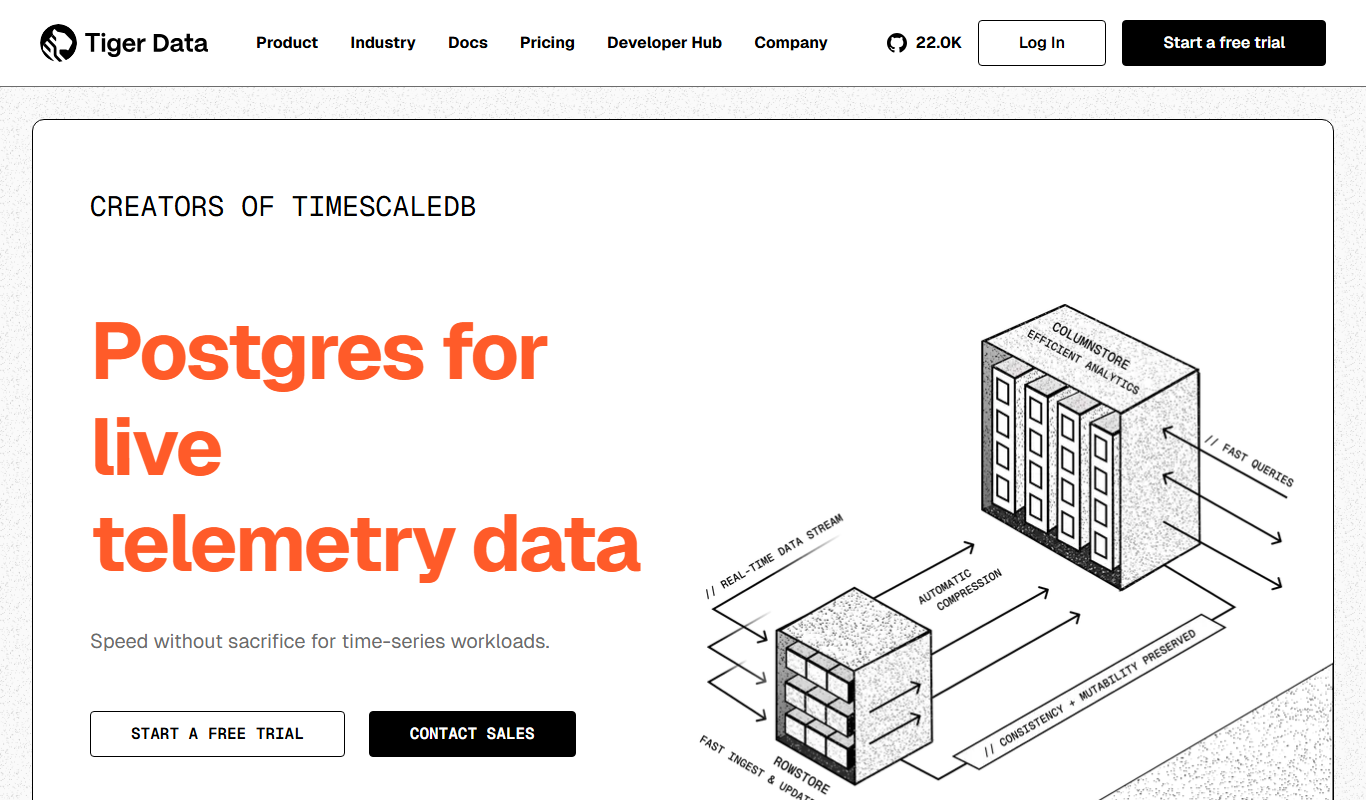
TimescaleDB
TimescaleDB is an open-source time-series database built on PostgreSQL that enables efficient storage, querying, and analysis of time-stamped data for applications like IoT, monitoring, and financial analytics.

Kube-Proxy
Kube-Proxy is a Kubernetes component that runs on each node to manage network rules and proxy service traffic to backend pods, supporting load balancing and service discovery.

SoapUI
SoapUI is an API testing tool that enables developers and testers to create, execute, and automate functional, load, and security tests for REST and SOAP web services.
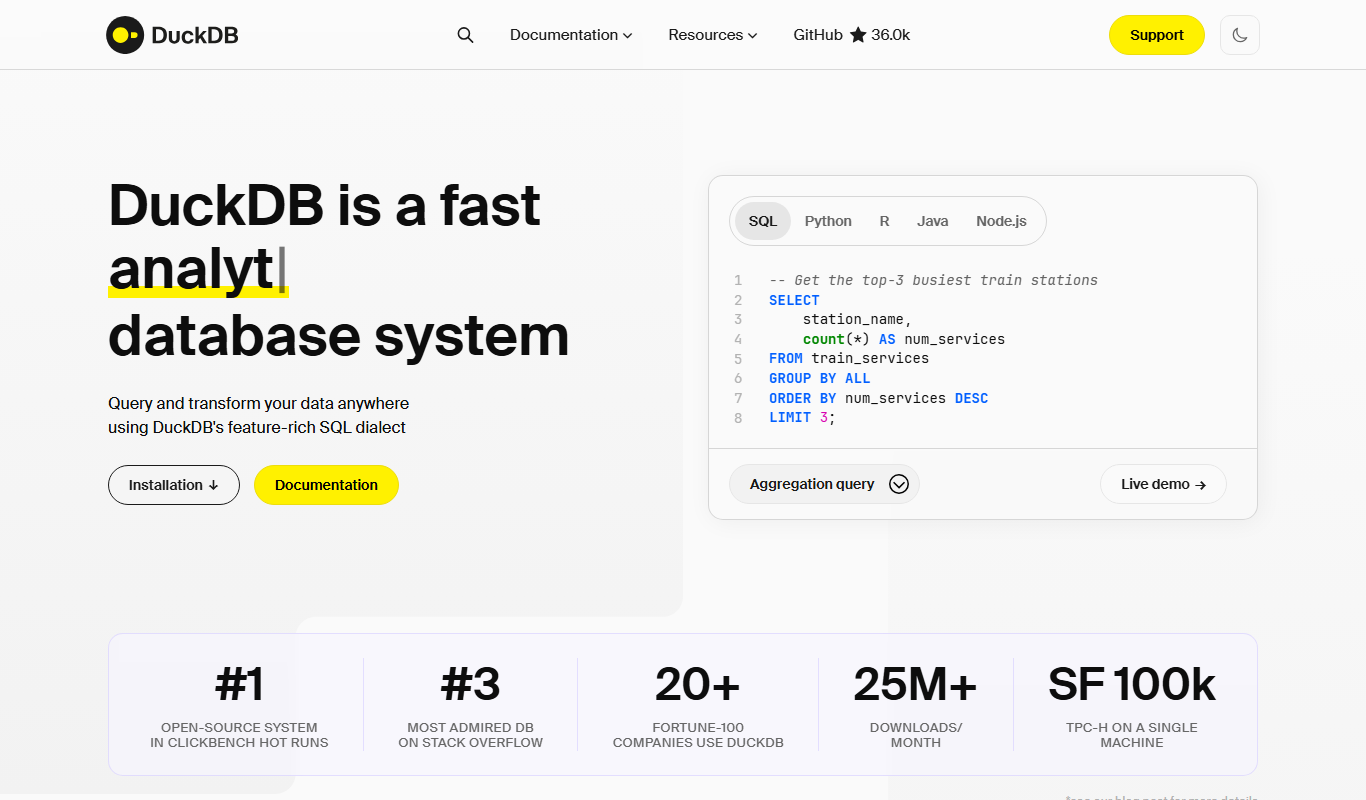
DuckDB
DuckDB is an open-source, embedded SQL OLAP database optimized for fast analytical queries within applications and data science environments.