

Appsmith Low-Code Platform for Building Custom Business Apps Fast
Appsmith is an open-source low-code platform that enables developers and businesses to build custom internal applications quickly using drag-and-drop UI components and integrations with databases and APIs.
- Best for
- Internal Business Applications
- Key capability
- Drag-and-Drop UI Builder
Save Appsmith, follow its updates and vote on it — everything stays in your account.
Sign in or create a free account
What is Appsmith?
Appsmith is an open-source low-code platform designed to help developers and businesses build custom internal applications quickly and efficiently. It provides a drag-and-drop interface to create user interfaces, connect to databases and APIs, and automate workflows without writing extensive code. Appsmith supports self-hosting and cloud deployment, making it flexible for various organizational needs.
Key features of Appsmith
Appsmith offers a visual app builder with drag-and-drop widgets, seamless integration with databases and REST APIs, real-time collaboration, role-based access control, and deployment options including cloud and self-hosted environments.
Drag-and-Drop UI Builder
Easily create interfaces using pre-built widgets like tables, forms, charts, and buttons.
Data Source Integrations
Connect to popular databases (PostgreSQL, MySQL, MongoDB) and APIs seamlessly.
Open Source and Extensible
Fully open-source platform allowing customization and community-driven improvements.
Role-Based Access Control
Manage user permissions and secure your applications with granular access controls.
Real-Time Collaboration
Multiple team members can work simultaneously on app development.
Pros and cons of Appsmith
Pros
- Open-source with active community support
- Flexible deployment options including self-hosting
- Intuitive drag-and-drop interface for rapid app building
- Supports multiple data sources and API integrations
- Role-based access control enhances security
Cons
- Learning curve for non-developers despite low-code approach
- Limited advanced UI customization compared to full-code frameworks
- Cloud pricing can be expensive for large teams
Key use cases for Appsmith
Internal Business Applications
Build custom internal tools like dashboards, admin panels, and workflows without extensive coding.
Data Visualization
Create interactive dashboards that connect to multiple data sources for real-time insights.
Workflow Automation
Automate repetitive tasks by integrating APIs and databases with custom UI components.
Customer Support Tools
Develop tailored customer support portals and ticketing systems to improve service efficiency.
Rapid Prototyping
Quickly prototype and iterate on app ideas with drag-and-drop UI and pre-built widgets.
How Appsmith works
- 1
Sign Up or Self-Host
Create an account on Appsmith cloud or deploy the platform on your own infrastructure.
- 2
Connect Data Sources
Integrate databases, REST APIs, or GraphQL endpoints to fetch and manipulate data.
- 3
Build UI
Use drag-and-drop widgets to design the app interface without coding.
- 4
Add Logic
Configure actions, queries, and event handlers to automate workflows and interactions.
- 5
Deploy and Collaborate
Publish your app for users and collaborate with team members with role-based permissions.
Who is using Appsmith
Appsmith pricing
Community
$0/month
Free and open-source version with core features and self-hosting.
Business
$15 per month per user
For teams that need more customization and collaboration: up to 99 users, unlimited environments, Git repos and workspaces, workflows, reusable packages, premium integrations, custom roles and access controls, audit logs and email/chat support.
Enterprise
$2,500 per month for 100 users
For teams that need advanced security, scale and support: everything in Business plus SAML / OIDC SSO, user provisioning and group sync through SCIM, CI/CD, private app embedding with shared logins, managed hosting, custom integrations and dedicated support and SLAs.
Plans and prices are as published by the vendor and can change. Check the official site before you buy. Open the pricing page (opens in a new tab)
Frequently asked questions about Appsmith
Yes, Appsmith offers a free open-source Community edition that you can self-host.
Yes, Appsmith supports integration with many databases like PostgreSQL, MySQL, MongoDB, and more.
Absolutely, you can connect REST and GraphQL APIs to build dynamic applications.
No extensive coding is needed; however, some JavaScript knowledge can help customize app logic.
This tool is designed to help users accomplish its core tasks more efficiently. It is typically used by individuals or teams looking to improve productivity and workflow.
Some tools offer a free plan or trial with limited features. Availability can vary, so confirm on the official website.
Data handling and security practices vary by provider. Review the official privacy policy to understand how your data is stored and used.
It depends on your specific needs and how you plan to use the tool. The official website and documentation are the best sources for the latest details.
Conclusion
Dashboards, database GUIs, admin panels and approval apps are the kind of internal applications it targets, assembled by dragging pre-built widgets and connecting them to databases and APIs. Business logic that reads and writes data is written with queries and JavaScript, and external JS libraries can be imported. Data can be sourced from any database, SaaS tool or REST/GraphQL API, including PostgreSQL, MySQL and MongoDB. Updates are versioned and merged with Git, and merged changes deploy automatically from designated environment branches.
Its Community Edition is open source under the Apache 2.0 license, and any edition can run on your own infrastructure with air-gapped deployment options. Developers building internal tools and IT teams automating workflows are the core audience. A free tier covers up to 5 users for cloud, paid plans use user-based pricing, and new signups receive a 15-day free trial of the Business plan with no credit card required. The listed cons still mention a learning curve for non-developers despite the low-code approach, and some JavaScript knowledge can help customize app logic.
Sources
Sign in to review this tool.
Sign In to ReviewNo reviews yet
Be the first to share how this tool worked for you.
Ask about pricing, limits, or how it compares — or answer someone else.
Sign In to AskNo questions yet
Have a question about using or paying for this tool? Be the first to ask.
Featured on TiorAI



Alternative Tools
Explore similar AI tools that might fit your needs
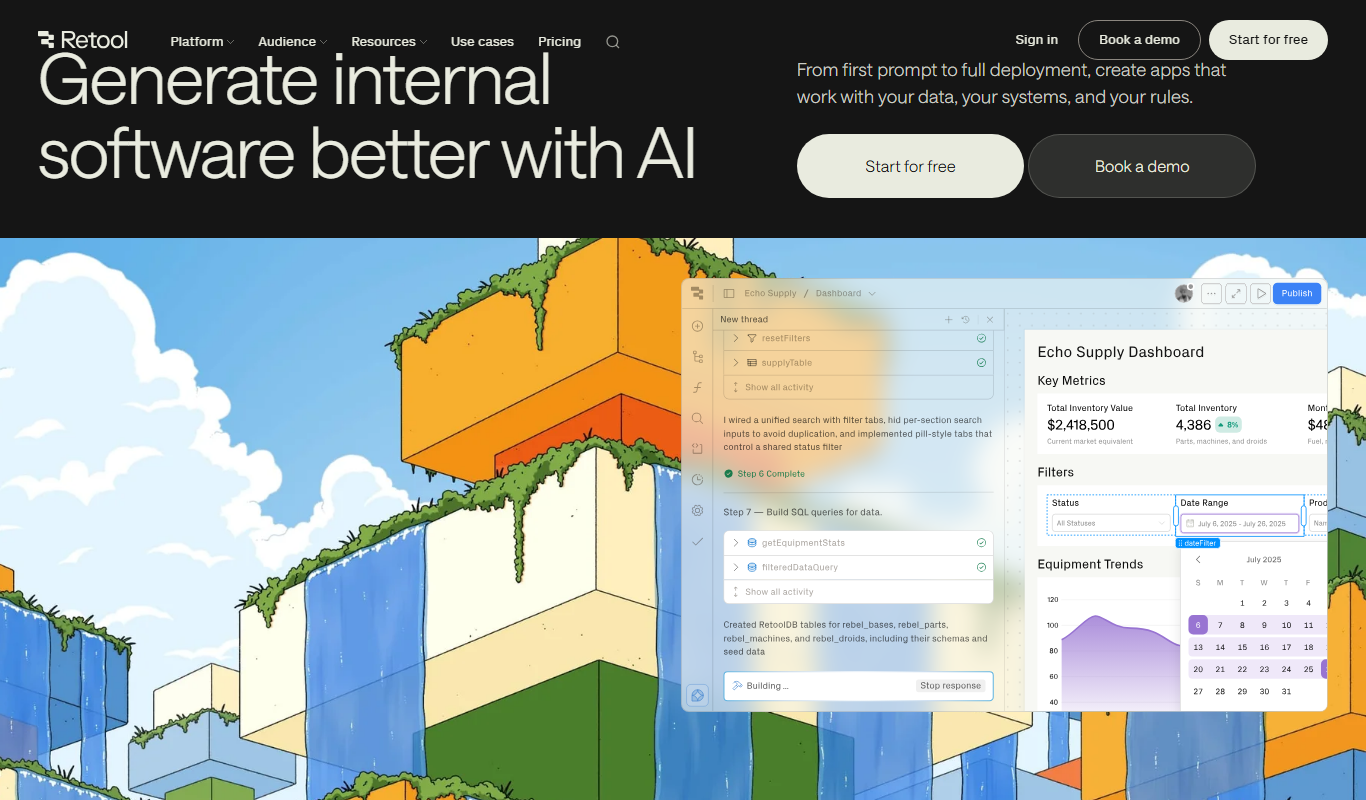
Retool
Retool is a low-code platform that helps developers and businesses quickly build internal tools by connecting to databases and APIs using a drag-and-drop interface combined with custom JavaScript.

Budibase
Budibase is an open-source low-code platform that enables rapid development of internal tools and web applications through a visual builder, database integrations, and automation workflows.
More Business Management tools
Other tools in the same category, for when this one is not quite the fit.

BetterWorks
BetterWorks is a cloud-based software platform designed to help organizations manage Objectives and Key Results (OKRs) and continuous employee performance through goal setting, regular check-ins, and real-time progress tracking.

GreyOrange
GreyOrange provides AI-driven autonomous robots and software solutions to automate warehouse operations, improving efficiency and accuracy in logistics.
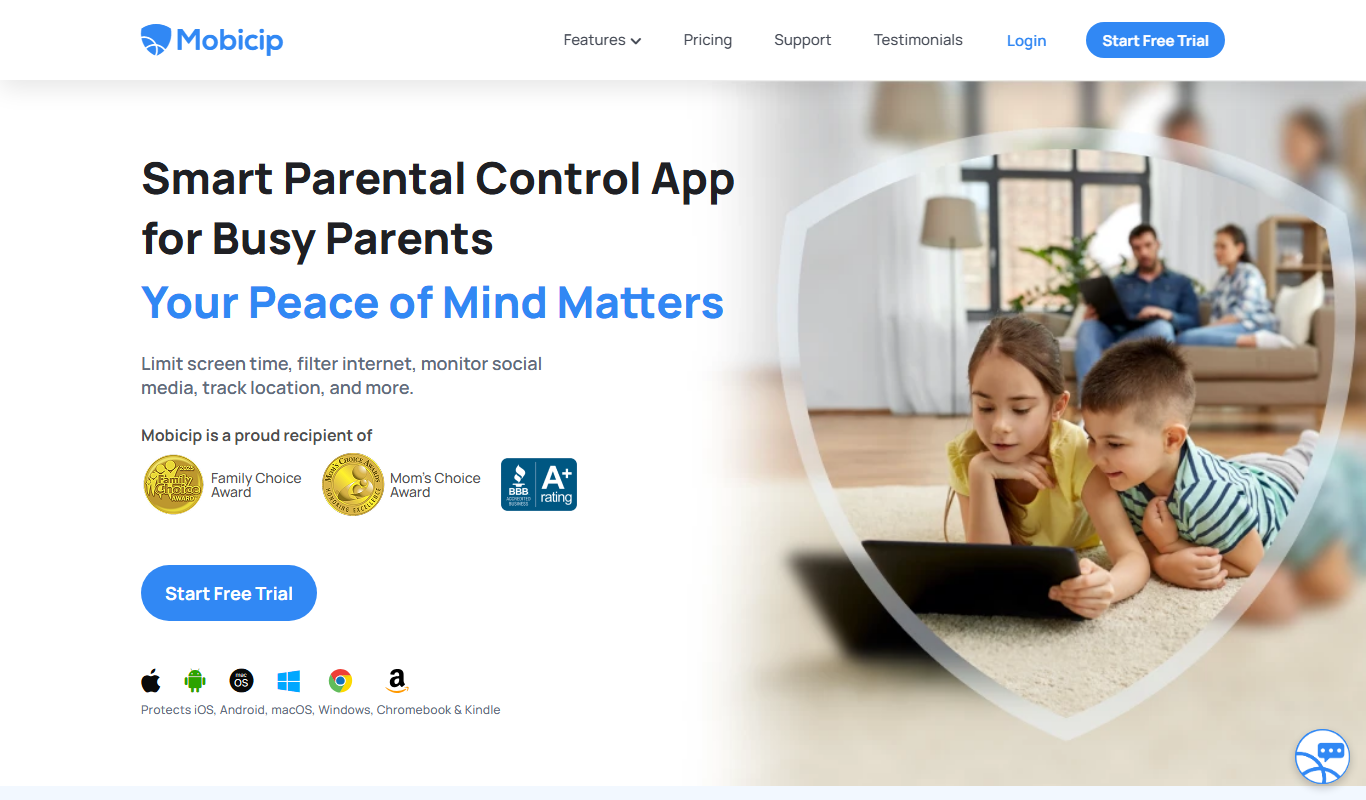
Mobicip
Mobicip is a parental control app that helps parents filter internet content, manage screen time, monitor app usage, and track their children's location across multiple devices.
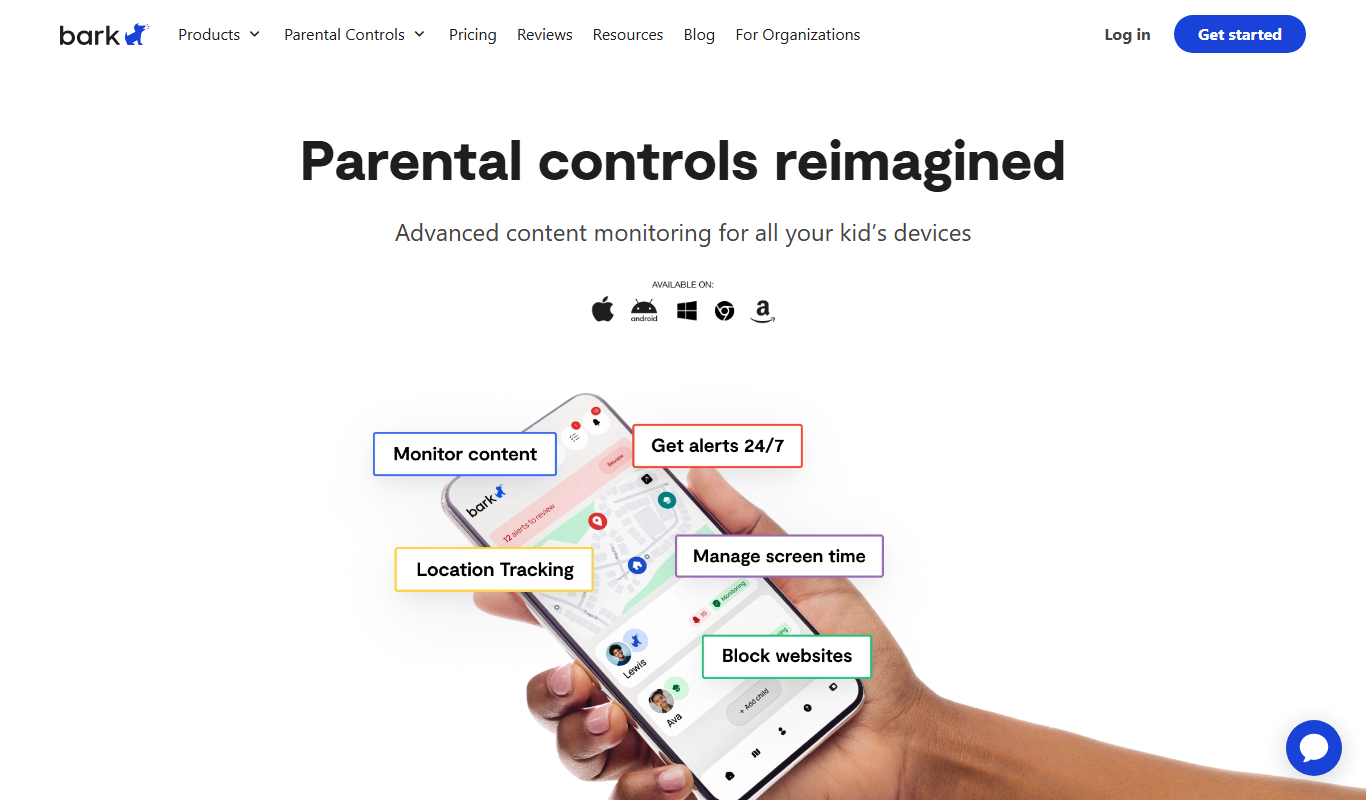
Bark
Bark is a parental control app that monitors children's online activity using AI to detect cyberbullying, threats, and inappropriate content, while offering screen time management and content filtering.

2Houses
2Houses is a co-parenting app that helps separated parents manage custody schedules, expenses, and communication in one secure platform.

Cozi Family Organizer
Cozi Family Organizer is a multi-platform app that centralizes family scheduling, meal planning, and task management with shared calendars and real-time syncing.
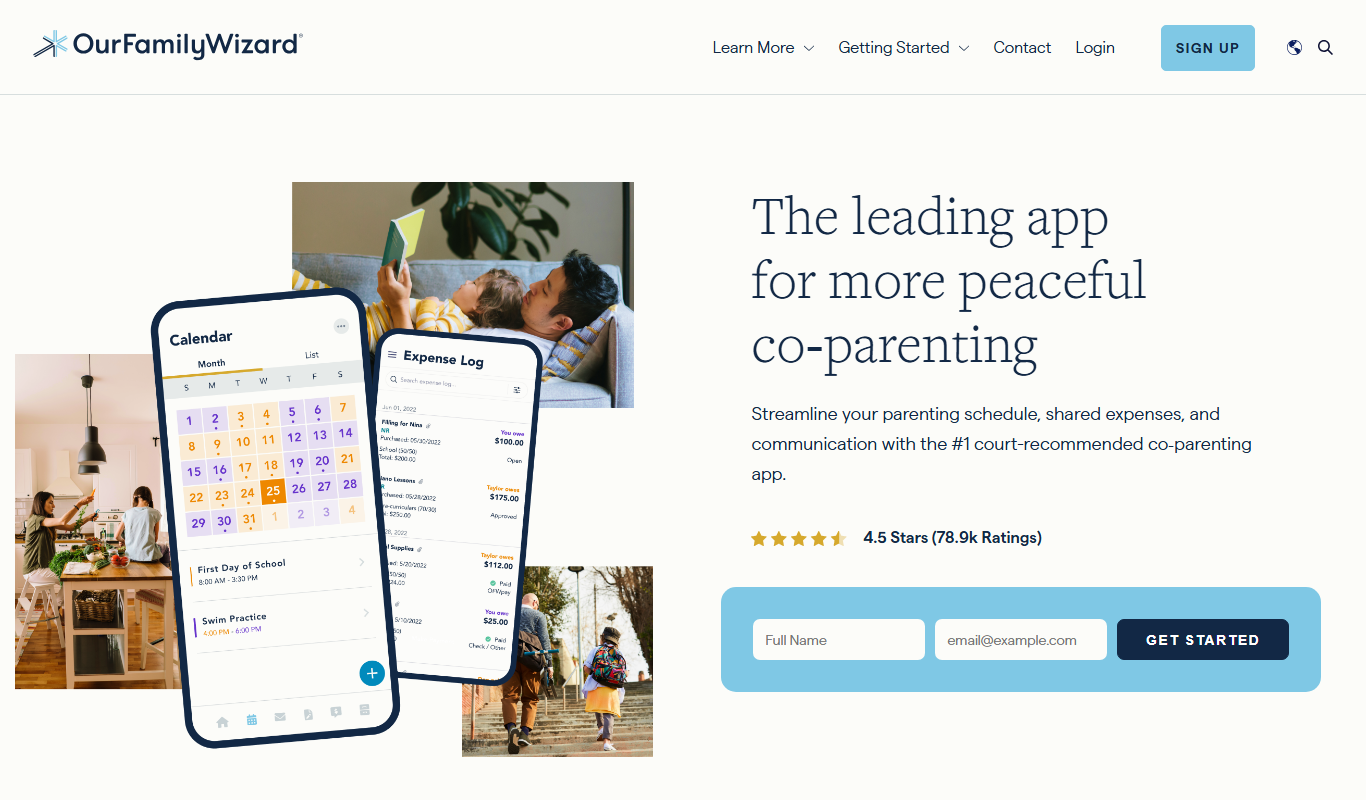
OurFamilyWizard
OurFamilyWizard is a co-parenting communication platform designed to help separated parents coordinate schedules, share information, track expenses, and communicate securely to reduce conflict.
Baby Connect
Baby Connect is a baby tracking app that helps parents and caregivers log daily baby activities, share updates in real time, and manage health records across iOS, Android, and web platforms.