

2Houses Co-Parenting App for Family Organization and Communication
2Houses is a co-parenting app that helps separated parents manage custody schedules, expenses, and communication in one secure platform.
- Best for
- Shared Custody Scheduling
- Key capability
- Shared Custody Calendar
Save 2Houses, follow its updates and vote on it — everything stays in your account.
Sign in or create a free account
What is 2Houses?
2Houses is a co-parenting application designed to help separated or divorced parents manage their shared responsibilities effectively. It centralizes communication, scheduling, expense tracking, and document sharing to reduce conflicts and improve cooperation for the well-being of the children involved.
Key features of 2Houses
The app offers a shared calendar for custody schedules, expense management tools, secure messaging, document storage, and child profile management to streamline co-parenting tasks.
Shared Custody Calendar
A centralized calendar that both parents can access and update to manage custody and visitation schedules.
Expense Management
Track and share child-related expenses with detailed records and receipts.
Secure Messaging
Private communication channel to facilitate respectful and clear dialogue between co-parents.
Document Storage
Upload and share important documents such as medical records, school reports, and legal papers.
Child Profiles
Maintain detailed profiles for each child including personal info, schedules, and notes.
Pros and cons of 2Houses
Pros
- Centralizes co-parenting communication and scheduling
- User-friendly interface for all ages
- Supports multiple languages
- Includes expense tracking for transparency
- Secure and private messaging system
Cons
- A paid subscription is required after the 14-day trial
- Limited integrations with other calendar apps
- No AI-powered automation features
Key use cases for 2Houses
Shared Custody Scheduling
Helps separated or divorced parents coordinate and manage custody schedules with a shared calendar.
Expense Tracking
Allows parents to log and share expenses related to their children for transparency and budgeting.
Communication and Messaging
Provides a secure messaging platform for parents to communicate about their children and co-parenting matters.
Document and Information Sharing
Enables sharing important documents, medical records, and school information in one centralized place.
Child Profile Management
Stores detailed profiles for each child including personal information, schedules, and notes.
How 2Houses works
- 1
Create an Account
Sign up on the 2Houses platform and create profiles for your children.
- 2
Invite Co-Parent
Send an invitation to the other parent to join the shared family account.
- 3
Set Up Custody Calendar
Input custody schedules and important dates into the shared calendar.
- 4
Track Expenses
Log expenses related to the children and share receipts for transparency.
- 5
Communicate Securely
Use the built-in messaging system to discuss parenting matters privately.
Who is using 2Houses
2Houses pricing
Family subscription
$99/year
One subscription for the whole family, after a 14-day trial.
Free trial
14 days
14-day trial of the single family account, which then costs $8.25/month billed as $99.00 every 12 months.
Plans and prices are as published by the vendor and can change. Check the official site before you buy. Open the pricing page (opens in a new tab)
Frequently asked questions about 2Houses
No, there is no free plan; a 14-day trial is followed by one $99/year subscription for the whole family.
Yes, both parents can access and update shared calendars, expenses, and messages.
2Houses uses secure encryption and privacy measures to protect your information.
Yes, the app supports English, French, Spanish, Dutch, German, and Italian.
Yes, it can help with that use case depending on how you configure it and what features are available. You’ll get the best results with clear inputs and a defined goal.
Some tools offer a free plan or trial with limited features. Availability can vary, so confirm on the official website.
Yes, it can help with that use case depending on how you configure it and what features are available. You’ll get the best results with clear inputs and a defined goal.
It depends on your specific needs and how you plan to use the tool. The official website and documentation are the best sources for the latest details.
Conclusion
One parent signs up, creates profiles for the children and invites the other parent to join the shared family account. Both then work from the same calendar for custody schedules and important dates, log child-related expenses with receipts, and talk through a private messaging channel. Documents such as medical records, school reports and legal papers can be uploaded and shared.
Separated or divorced parents are the core audience, with family mediators and legal professionals specializing in family law also named. It is available on the web, iOS and Android. There is no free plan: after a 14-day trial, one $99 yearly subscription covers the whole family.
Sources
Sign in to review this tool.
Sign In to ReviewNo reviews yet
Be the first to share how this tool worked for you.
Ask about pricing, limits, or how it compares — or answer someone else.
Sign In to AskNo questions yet
Have a question about using or paying for this tool? Be the first to ask.
Featured on TiorAI



Alternative Tools
Explore similar AI tools that might fit your needs
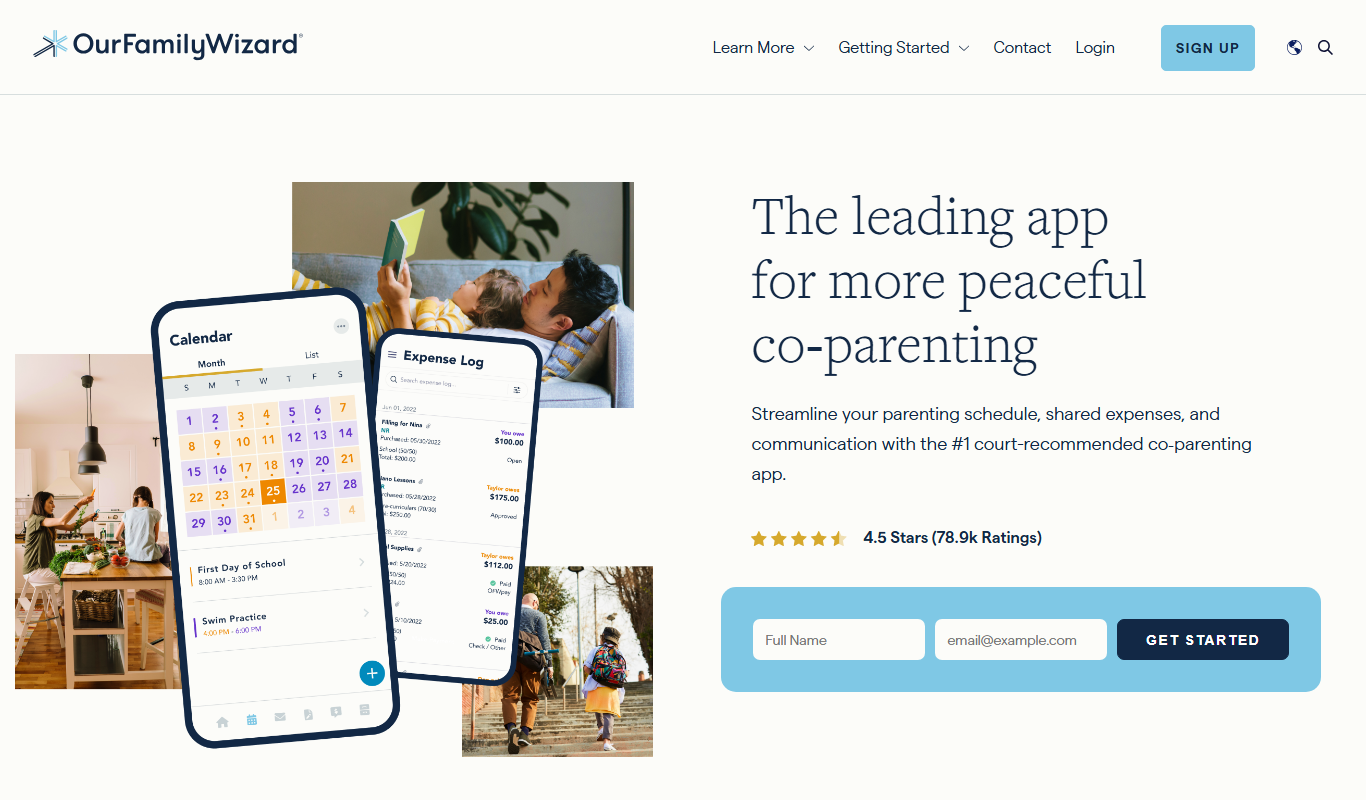
OurFamilyWizard
OurFamilyWizard is a co-parenting communication platform designed to help separated parents coordinate schedules, share information, track expenses, and communicate securely to reduce conflict.
More AI Customer Service tools
Other tools in the same category, for when this one is not quite the fit.

Smartwriter.ai
Smartwriter.ai is an AI copywriting platform that creates personalized email campaigns and automates sales outreach to improve engagement and conversion rates.
CropX
CropX is an agtech platform combining wireless soil sensors with AI analytics to help farmers optimize irrigation and crop management for better yields and sustainability.

Taranis
Taranis is an AI-powered precision agriculture platform that uses aerial imagery and machine learning to monitor crop health, detect pests and diseases, and provide actionable insights for farmers.

Tata Consultancy Services
Tata Consultancy Services (TCS) is a global IT services and consulting company offering digital transformation, AI automation, cloud migration, and enterprise software solutions tailored for large businesses.

Personyze
Personyze is an AI-driven personalization platform that helps businesses deliver tailored website experiences and targeted marketing campaigns through real-time visitor segmentation and behavioral targeting.

Sensibull
Sensibull is an AI-driven options trading platform focused on Indian markets, providing tools for strategy creation, market analysis, and risk management.

Starship Technologies
Starship Technologies offers autonomous delivery robots that navigate sidewalks to deliver food, groceries, and packages locally, providing contactless, efficient last-mile delivery solutions.
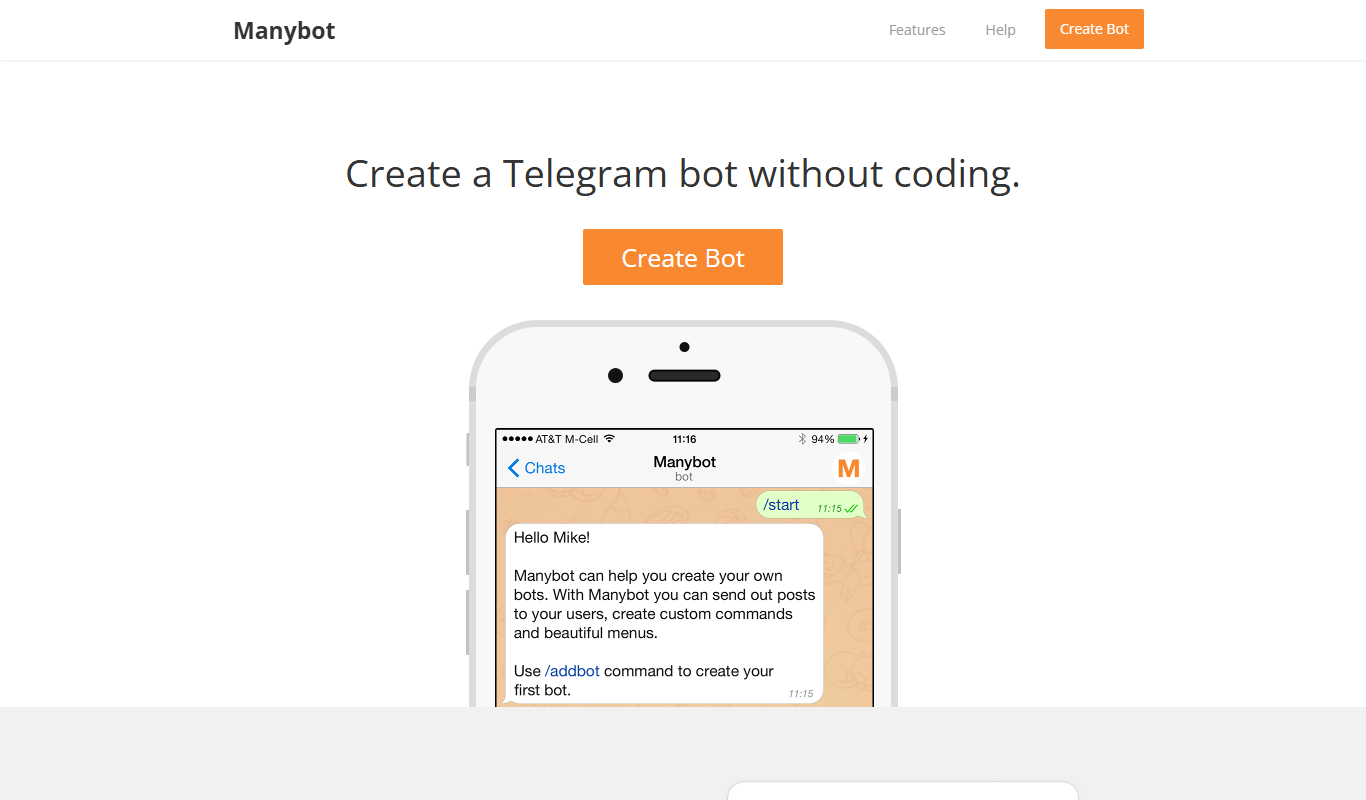
ManyBot
ManyBot is a no-code platform that enables users to create and manage Telegram chatbots for marketing, customer support, and automation without programming skills.