

From my experience with AI Humanizer, I found it excels at producing highly natural and expressive AI voices that feel authentic and engaging. The platform’s simplicity makes it accessible even for users without technical backgrounds, which is a big plus. It’s particularly well-suited for content creators and marketers who need quick, realistic voiceovers without recording sessions. However, the tool currently supports only English and limits features on the free plan, which might restrict some users. Overall, if you want a straightforward AI voice generator with good customization and fast results, AI Humanizer delivers solid performance.
AI Humanizer - Realistic AI Voice Generator for Natural Speech
AI Humanizer is a web-based AI voice generator that creates realistic, human-like speech from text with customizable voice options and fast processing.
- Best for
- Content Creation
- Key capability
- Natural Voice Synthesis
Your actions
Save AI Humanizer, follow its updates and vote on it — everything stays in your account.
Sign in or create a free account
What is AI Humanizer?
AI Humanizer is a web-based AI voice generation platform that converts text into realistic, human-like speech. It leverages advanced neural networks to produce natural intonation, pacing, and emotional expression, making synthetic voices sound more authentic and engaging. The tool is designed for creators, marketers, educators, and developers who need high-quality voiceovers without recording real human voices.
Key features of AI Humanizer
AI Humanizer offers customizable voice options, including different accents, tones, and emotions. It supports easy text input and generates audio outputs quickly. Users can preview voices before downloading and integrate the tool into workflows for content creation or accessibility solutions.
Natural Voice Synthesis
Produces human-like speech with realistic intonation and rhythm.
Multiple Voice Options
Offers a variety of voices with different accents and emotional expressions.
Fast Processing
Generates audio quickly to streamline content production.
User-Friendly Interface
Simple web platform that requires no technical expertise.
Downloadable Audio
Allows users to download generated speech for use in various projects.
Pros and cons of AI Humanizer
Pros
- Produces highly natural and expressive AI voices
- Easy to use with no technical skills required
- Offers multiple voice and emotion options
- Fast audio generation speeds
Cons
- Limited language support (English only)
- Free plan has usage and feature restrictions
Key use cases for AI Humanizer
Content Creation
Generate natural-sounding voiceovers for videos, podcasts, and presentations.
Accessibility
Create realistic speech for visually impaired users or those with reading difficulties.
Marketing
Produce engaging audio ads and promotional materials with human-like voices.
E-learning
Develop interactive educational content with clear and natural narration.
Entertainment
Use AI-generated voices for characters in games, animations, or audiobooks.
How AI Humanizer works
- 1
Enter Text
Input the text you want to convert into speech using the web interface.
- 2
Select Voice Settings
Choose from various voice profiles, accents, and emotional tones to customize the output.
- 3
Generate Audio
The AI processes the text and produces a natural-sounding audio file.
- 4
Preview and Download
Listen to the generated voice and download the audio in your preferred format.
Who is using AI Humanizer
Content creators
Marketing professionals
Educators and e-learning developers
Accessibility advocates
Game and animation producers
AI Humanizer pricing
Free
$0/month
Limited usage with basic voice options and download limits.
Pro
$19/month
Access to premium voices, higher usage limits, and faster processing.
Plans and prices are as published by the vendor and can change. Check the official site before you buy. Open the pricing page (opens in a new tab)
Frequently asked questions about AI Humanizer
Yes, commercial use is allowed under the Pro subscription plan.
The tool supports common formats like MP3 and WAV for downloads.
Free plan users have daily limits, while Pro users enjoy higher or unlimited quotas.
It depends on your specific needs and how you plan to use the tool. The official website and documentation are the best sources for the latest details.
This tool is designed to help users accomplish its core tasks more efficiently. It is typically used by individuals or teams looking to improve productivity and workflow.
Sign in to review this tool.
Sign In to ReviewNo reviews yet
Be the first to share how this tool worked for you.
Ask about pricing, limits, or how it compares — or answer someone else.
Sign In to AskNo questions yet
Have a question about using or paying for this tool? Be the first to ask.
Featured on TiorAI



More AI Music & Audio Tools tools
Other tools in the same category, for when this one is not quite the fit.
Free
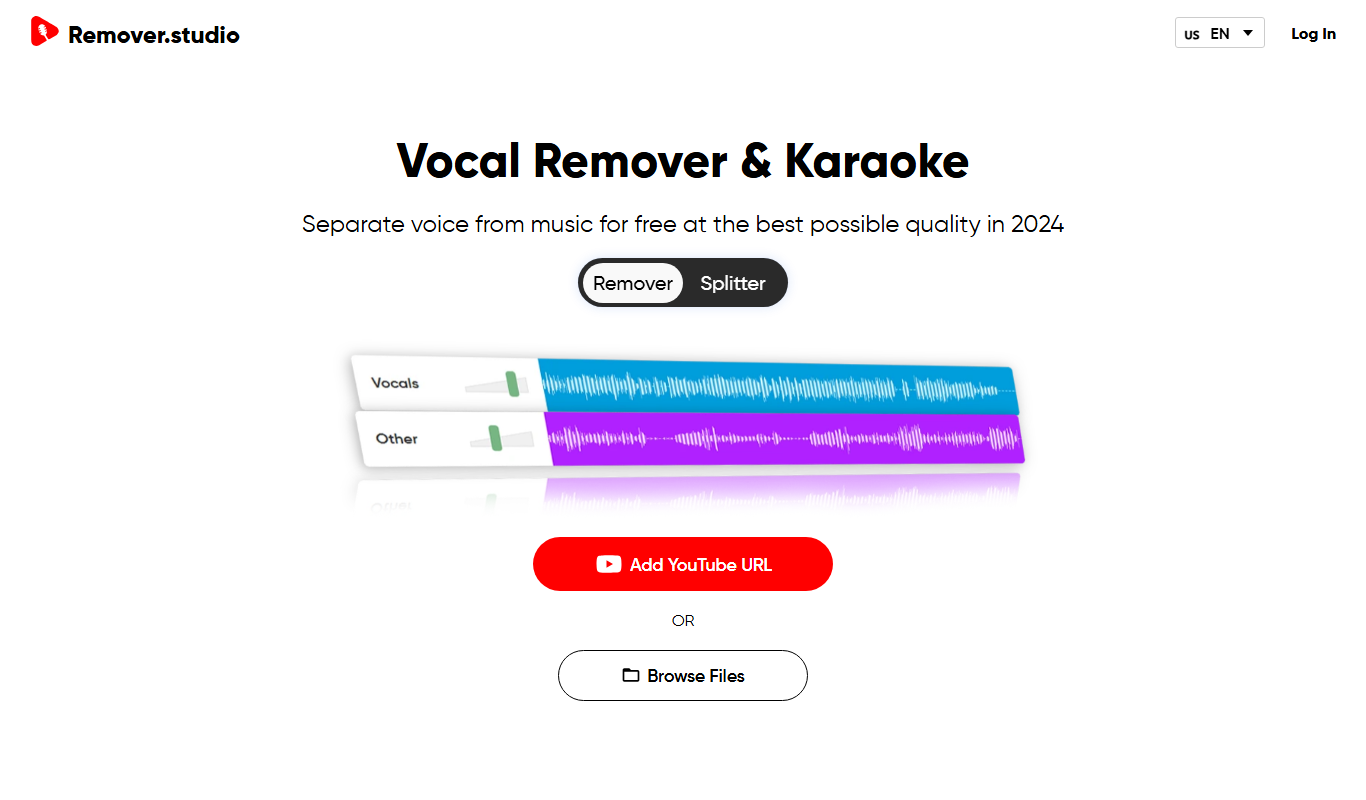
VocalRemover.co
VocalRemover.co is an online AI-powered tool that removes vocals from audio tracks to create karaoke versions or isolated stems for remixing and editing.
Free Trial
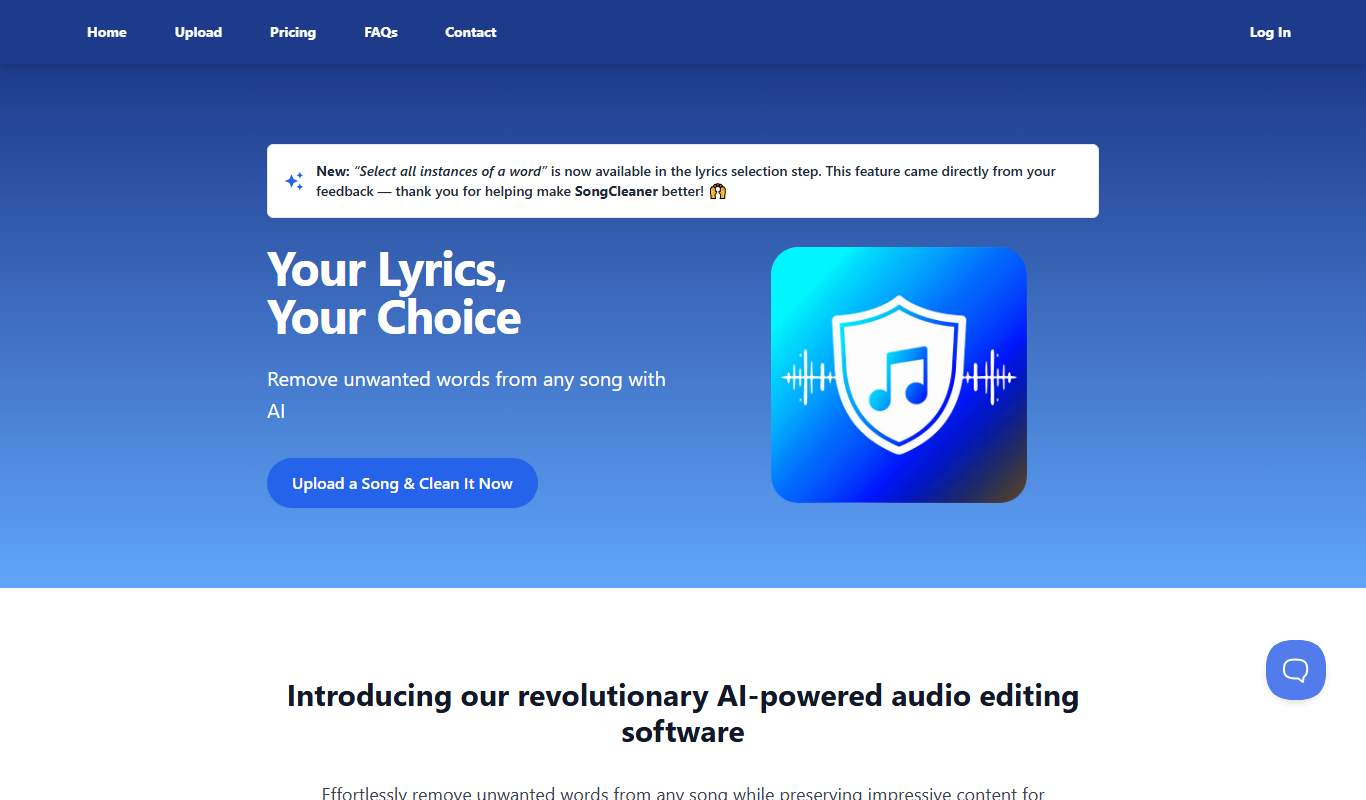
SongCleaner
SongCleaner is a web-based audio noise reduction tool that automatically removes background noise and hiss from music and voice recordings, improving audio clarity without requiring technical skills.
Free
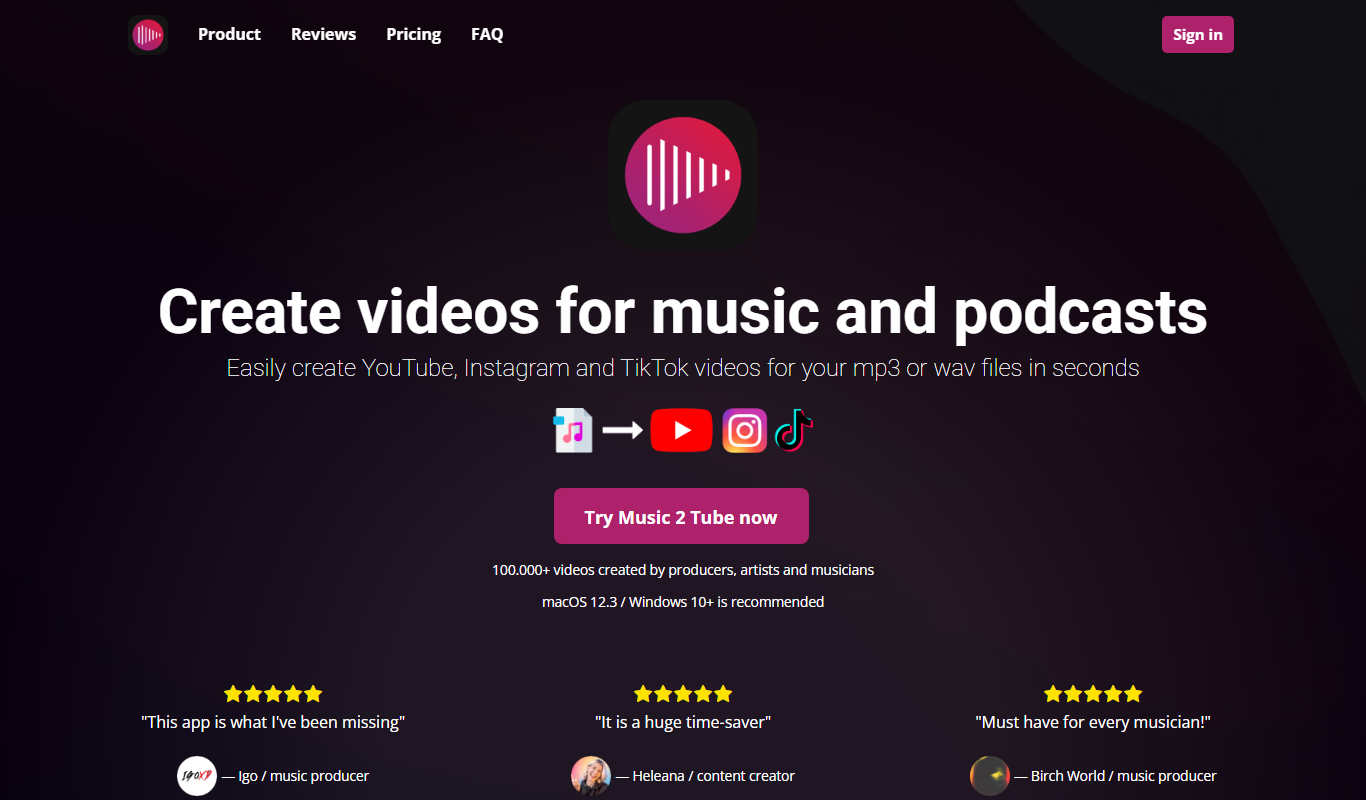
Music 2 Tube
Music 2 Tube is an online tool that converts your music or audio files into videos optimized for YouTube by combining audio with customizable visuals.

Freemium
Decrackle Playground & APIs
Decrackle Playground & APIs is an AI-driven platform that removes crackle, hiss, and other noise from audio recordings using machine learning, available via a web interface and APIs.

Free
Transcript LOL
Transcript LOL is a free web-based AI transcription tool that quickly converts audio and video files into text without requiring an account.

Free
File Transcribe
File Transcribe is an online tool that converts audio files into text transcripts using automatic speech recognition technology, supporting multiple audio formats and offering pay-as-you-go pricing.
Free
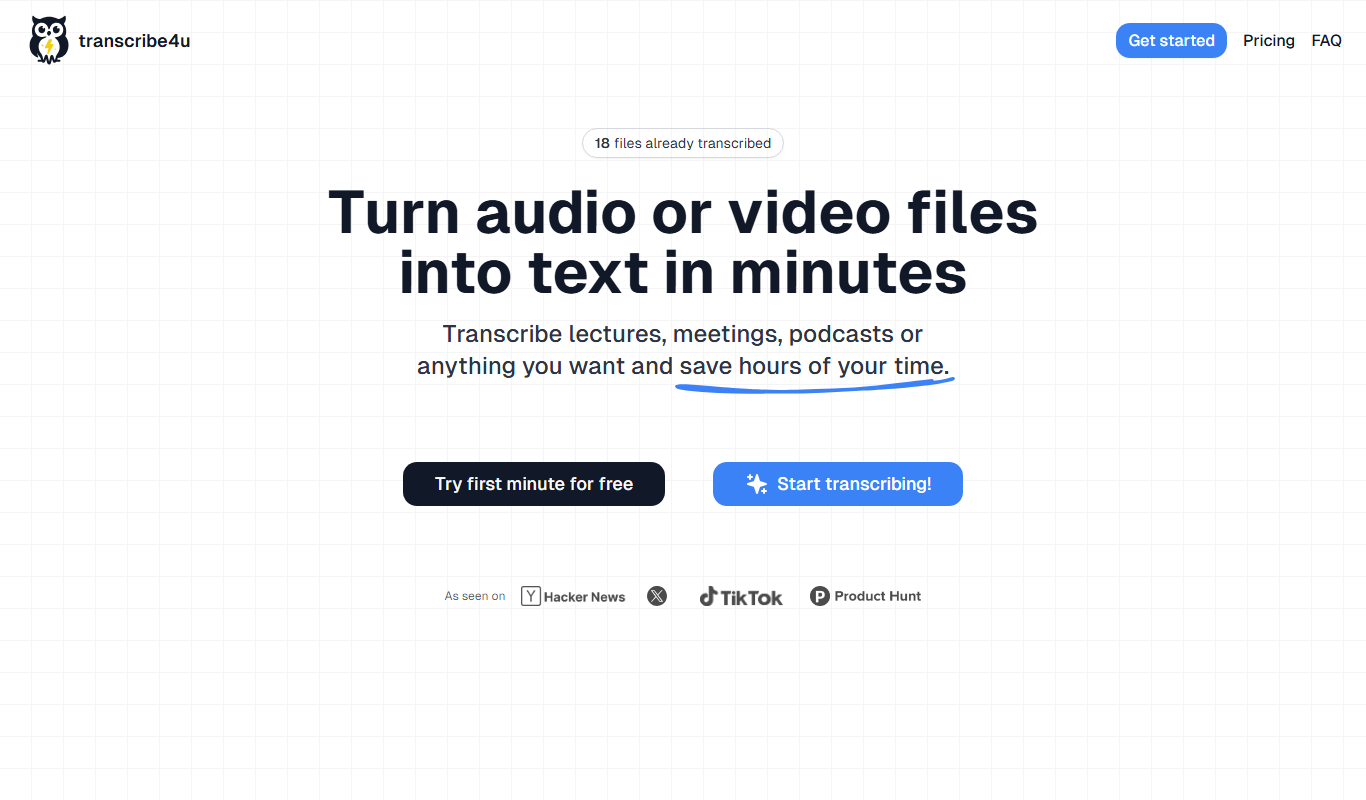
transcribe4u
Transcribe4u is a web-based transcription service that automatically converts audio and video files into text using AI-powered speech recognition.

Free
free text Into Speech
Free Text Into Speech is a free web tool that converts typed text into natural-sounding speech with multiple voice options and downloadable MP3 audio.