

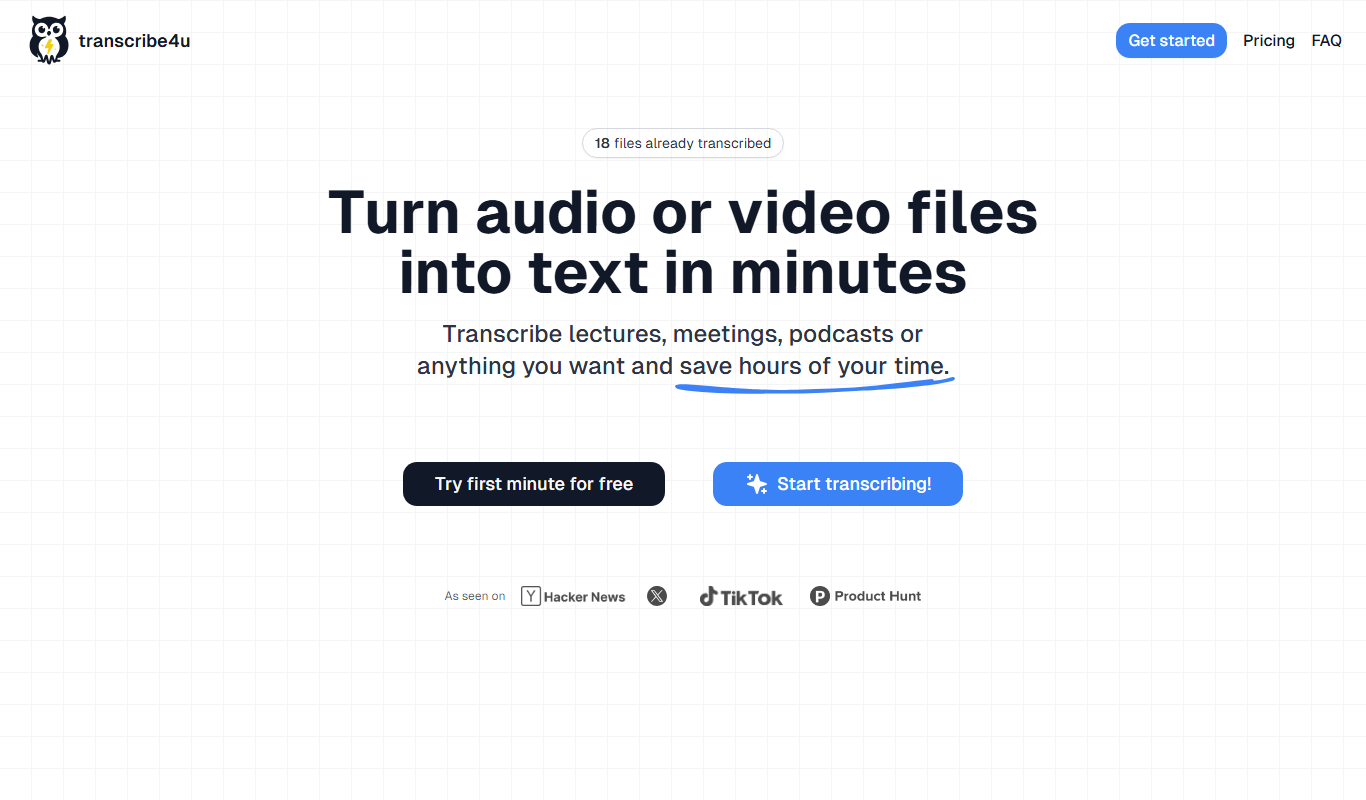
From my experience with Transcribe4u, I found it excels at providing a straightforward and fast way to convert audio and video files into text without needing technical skills. The web-based interface makes it accessible for users who want quick transcription without installing software. However, the accuracy depends on the quality of the original recording, and the platform offers limited options for editing transcripts after generation. Overall, if you need a simple, pay-as-you-go transcription service for occasional use, Transcribe4u delivers solid results with minimal hassle.
Transcribe4u Online Transcription Service for Audio and Video Files
Transcribe4u is a web-based transcription service that automatically converts audio and video files into text using AI-powered speech recognition.
- Best for
- Transcribing Interviews
- Key capability
- Automatic Speech Recognition

Do you recommend this tool?
What is transcribe4u?
Transcribe4u is an online transcription service that converts audio and video files into text. It offers automatic speech recognition technology to provide quick and accurate transcriptions without the need for manual typing. Users can upload files directly on the website and receive transcribed text output suitable for various professional and personal uses.
Key features of transcribe4u
Key features of Transcribe4u include support for multiple audio and video formats, fast automatic transcription, easy-to-use web interface, and options for downloading the transcribed text. The service focuses on simplicity and speed, making transcription accessible to users without technical expertise.
Automatic Speech Recognition
Uses AI to convert spoken words from audio or video into written text quickly.
Multiple File Format Support
Accepts common audio and video formats such as MP3, WAV, MP4, and more.
User-Friendly Interface
Simple web-based platform requiring no software installation or technical skills.
Fast Processing
Delivers transcriptions in a short time, depending on file length.
Pros and cons of transcribe4u
Pros
- Quick and easy transcription process
- Supports multiple audio and video formats
- No software installation required
- Free tier available to test the service
Cons
- Limited editing capabilities within the platform
- Accuracy depends heavily on audio quality
Key use cases for transcribe4u
Transcribing Interviews
Convert recorded interviews into text for easier analysis and documentation.
Video Captioning
Generate text captions from video files to improve accessibility and SEO.
Meeting Notes
Automatically transcribe meeting recordings to create accurate notes and minutes.
Content Creation
Transform audio content into written form for blogs, articles, or social media posts.
How transcribe4u works
- 1
Upload File
Users upload their audio or video files directly on the Transcribe4u website.
- 2
Automatic Transcription
The system processes the file using speech recognition algorithms to generate text.
- 3
Review and Download
Users can view the transcription online and download the text file for their use.
Who is using transcribe4u
Journalists and reporters
Content creators and marketers
Students and researchers
Business professionals needing meeting transcripts
transcribe4u pricing
Free
$0
Limited free transcription minutes to try the service.
Pay-as-you-go
Varies
Pay based on the length of audio or video transcribed with no subscription.
Plans and prices are as published by the vendor and can change. Check the official site before you buy. Open the pricing page (opens in a new tab)
Frequently asked questions about transcribe4u
It supports common audio and video formats including MP3, WAV, MP4, and others.
There may be limits on file size or length depending on the plan; details are available on the website.
Accuracy depends on audio quality and clarity of speech; the tool uses AI for automatic transcription.
The platform allows you to review the transcription but does not provide built-in editing tools.
It depends on your specific needs and how you plan to use the tool. The official website and documentation are the best sources for the latest details.
Yes, it can help with that use case depending on how you configure it and what features are available. You’ll get the best results with clear inputs and a defined goal.
Some tools offer a free plan or trial with limited features. Availability can vary, so confirm on the official website.
Yes, it can help with that use case depending on how you configure it and what features are available. You’ll get the best results with clear inputs and a defined goal.
Sign in to review this tool.
Sign In to ReviewNo reviews yet
Be the first to share how this tool worked for you.
Ask about pricing, limits, or how it compares — or answer someone else.
Sign In to AskNo questions yet
Have a question about using or paying for this tool? Be the first to ask.
Featured on TiorAI



Alternative Tools
Explore similar AI tools that might fit your needs
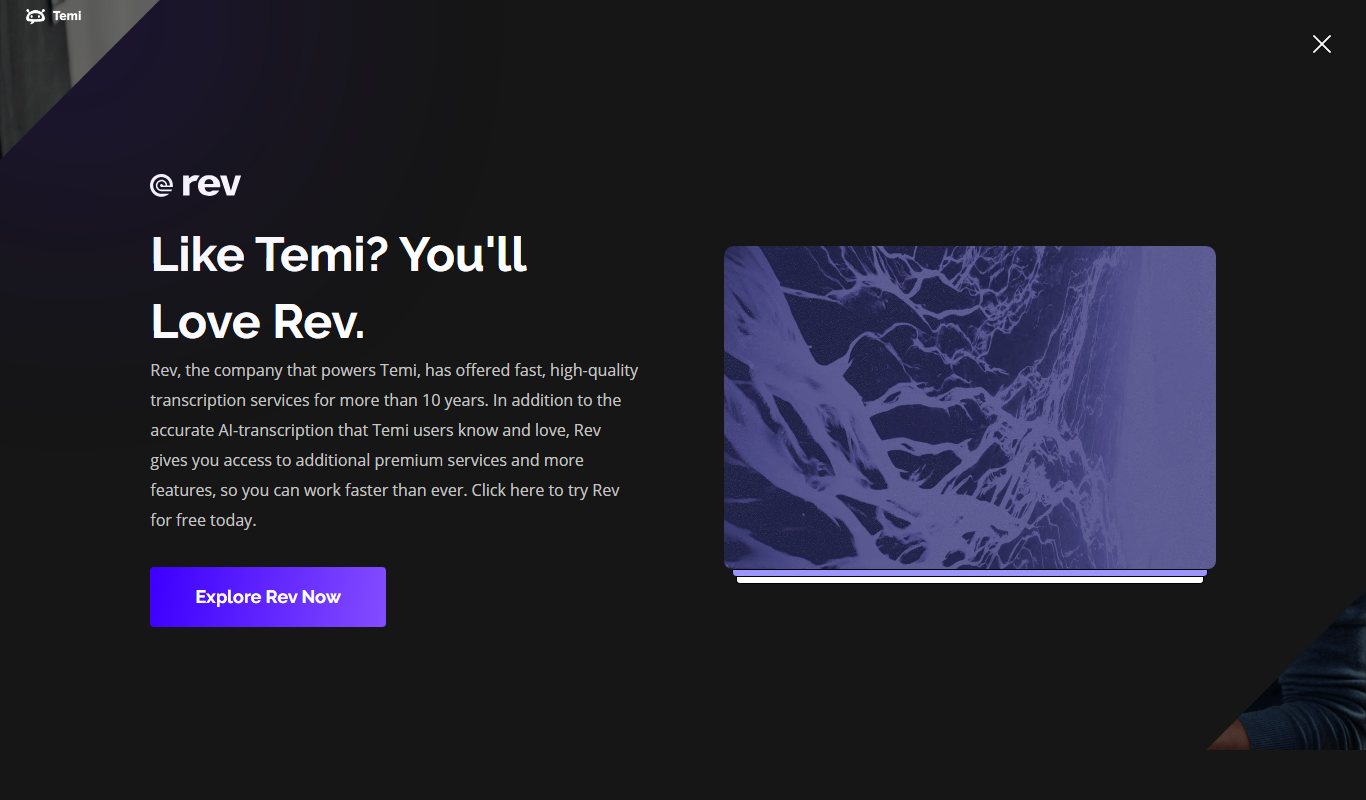
Pay As You Go
Temi
Temi is an AI-powered transcription service that quickly converts audio and video files into editable, timestamped text transcripts with speaker identification.
More AI Music & Audio Tools tools
Other tools in the same category, for when this one is not quite the fit.

Freemium
Gladia
Gladia is an AI platform providing speech-to-text transcription, multilingual support, and audio analysis via easy-to-use APIs for real-time and batch processing.
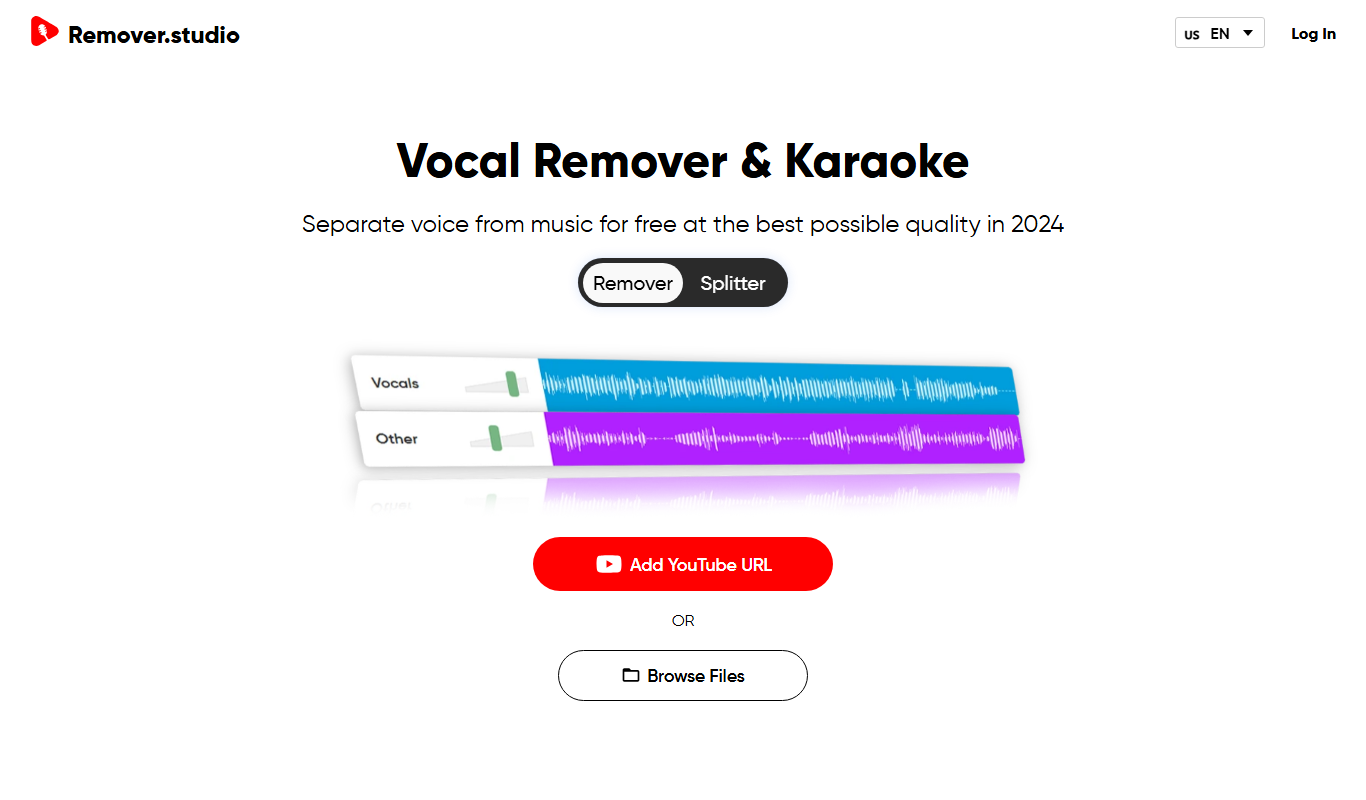
Free
VocalRemover.co
VocalRemover.co is an online AI-powered tool that removes vocals from audio tracks to create karaoke versions or isolated stems for remixing and editing.

Free
Mubert
Mubert is an AI-driven music generation platform that creates continuous, royalty-free music streams customizable by genre and mood, suitable for streaming, content creation, and commercial use.

Free
Aiva
Aiva is an AI music composition software that generates original music in various styles, enabling creators to produce soundtracks and background music quickly without needing musical expertise.

Free
MusicHero.ai: Free AI Music Generator from Text Online
MusicHero.ai is a free online AI tool that generates original music tracks from user-provided text descriptions, enabling quick and easy music creation without musical skills.
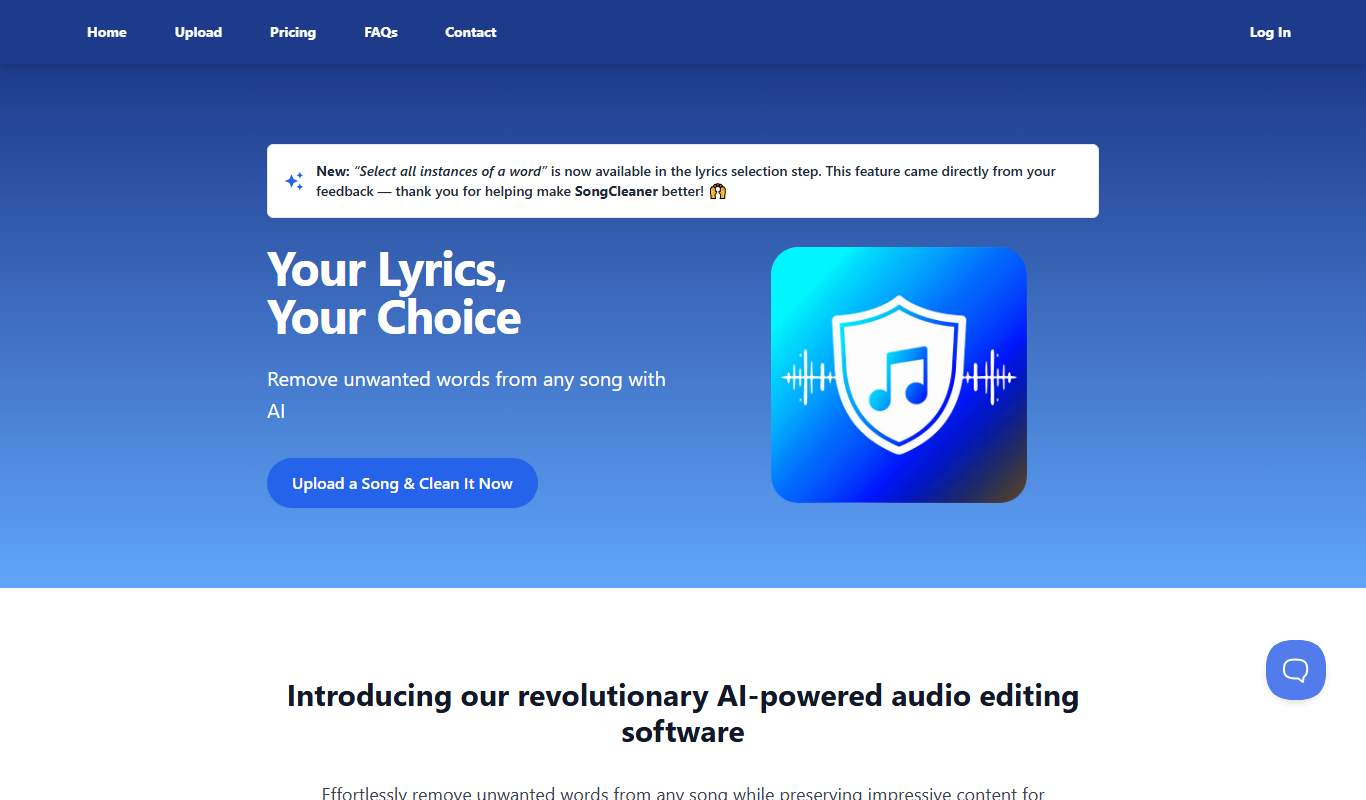
Free Trial
SongCleaner
SongCleaner is a web-based audio noise reduction tool that automatically removes background noise and hiss from music and voice recordings, improving audio clarity without requiring technical skills.
Free
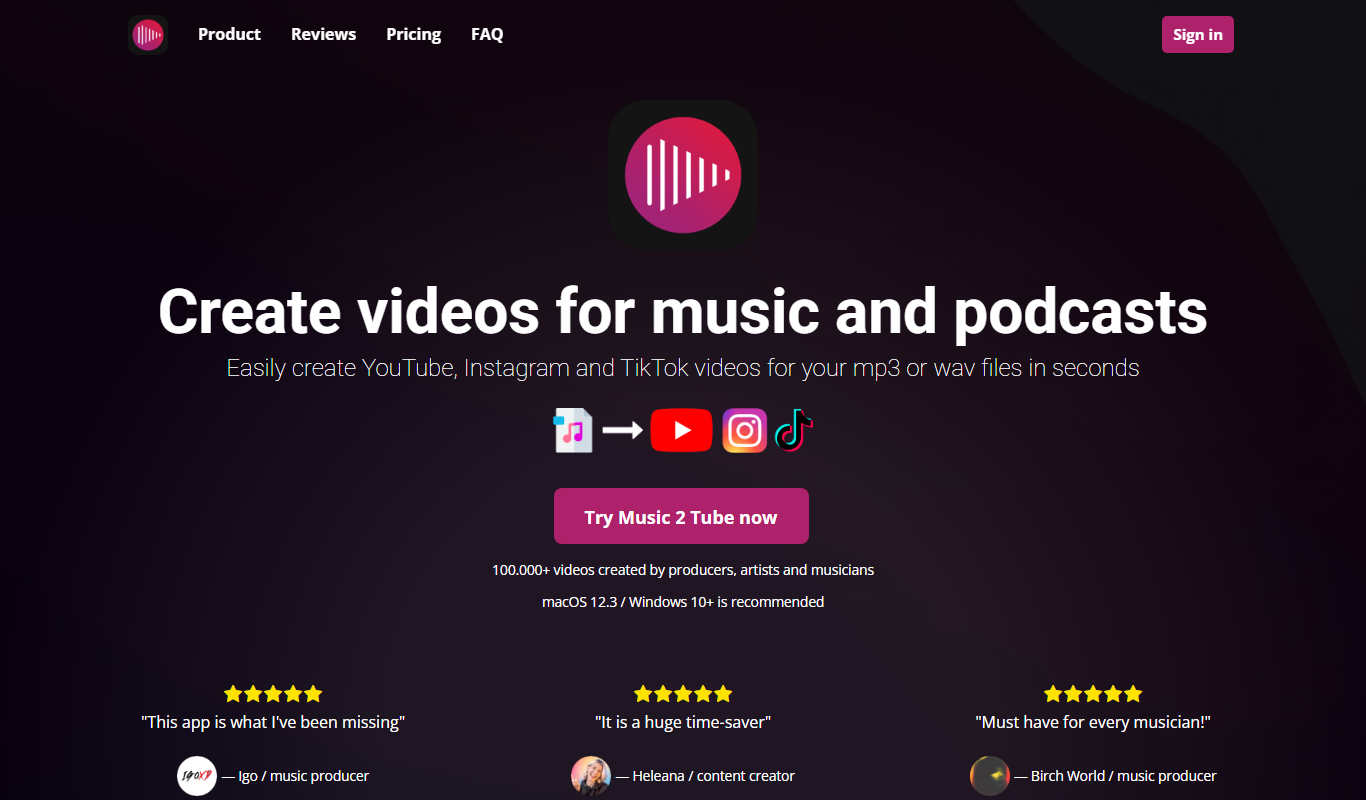
Music 2 Tube
Music 2 Tube is an online tool that converts your music or audio files into videos optimized for YouTube by combining audio with customizable visuals.

Freemium
Decrackle Playground & APIs
Decrackle Playground & APIs is an AI-driven platform that removes crackle, hiss, and other noise from audio recordings using machine learning, available via a web interface and APIs.