

Password Strength Test
Check the strength of your password based on length, character variety, and common patterns.
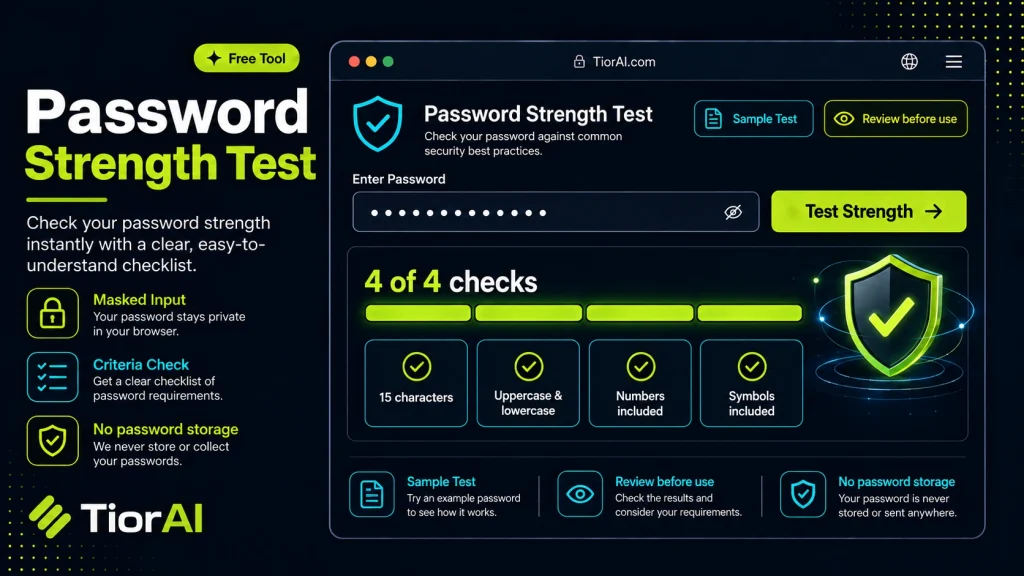
| Requirement | Result |
|---|---|
| Length (8+ characters) | — |
| Uppercase letters (A-Z) | — |
| Lowercase letters (a-z) | — |
| Numbers (0-9) | — |
| Special characters (!@#$...) | — |
| Length (16+ characters) | — |
| Not a common password | — |
| No repeated characters (3+) | — |
How to use it
- Paste Your Input Paste your code or data into the Password Strength Test. The tool accepts standard input formats and validates your entry.
- Process and Transform Click the action button to process your input. Results are generated instantly with proper formatting.
- Export the Output Copy the processed output to your clipboard or download it for use in your development workflow.
Tip The Password Strength Test runs entirely in your browser — your code never leaves your device, keeping it private and secure.
Understanding Password Strength and Its Importance
Password strength refers to how resistant a password is against guessing or brute-force attacks. Strong passwords are essential for securing user accounts, sensitive data, and systems from unauthorized access. Developers need to ensure that users create passwords that are difficult to crack, which reduces the risk of data breaches and account compromises.
What Makes a Password Strong?
Length:Longer passwords exponentially increase the number of possible combinations.Complexity:Using a mix of uppercase, lowercase letters, numbers, and special characters makes passwords harder to guess.Unpredictability:Avoiding common words, phrases, or predictable patterns prevents dictionary and pattern-based attacks.
How Password Strength Testing Works
Password strength testing tools analyze a password against various criteria to estimate how difficult it would be for an attacker to guess or brute-force it. These tools often use algorithms based on entropy calculations, pattern recognition, and known password databases.
One common approach is to calculate the entropy of a password, which measures the randomness and unpredictability of the characters used. Higher entropy means a stronger password. Some tools also check against lists of commonly used or compromised passwords to warn users if their password is easily guessable.
Standards and Specifications
While there is no single universal standard for password strength, organizations like the National Institute of Standards and Technology (NIST) provide guidelines in publications such as SP 800-63B. NIST recommends allowing longer passwords (passphrases), discouraging composition rules that frustrate users, and checking passwords against known breached password lists.
Developer Use Cases
Developers integrate password strength tests into registration forms, password reset flows, and security audits. By providing real-time feedback on password strength, they help users create secure credentials, improving overall system security. Additionally, backend validation can enforce minimum strength requirements to prevent weak passwords from being accepted.
What Is Password Strength and Why It Matters
Password strength measures how resistant a password is to guessing or brute-force attacks. Strong passwords protect user accounts and sensitive data from unauthorized access. Developers must encourage users to create passwords that are both long and complex to improve security.
When to Use Password Strength Testing
- During user registration to guide users toward secure passwords
- When users reset or change passwords to prevent weak credentials
- In security audits to evaluate password policies and compliance
- As part of developer tools to validate password rules before deployment
Common Mistakes with Password Strength Testing
- Focusing only on password length without considering complexity or common patterns
- Failing to check passwords against known breached or common password lists
- Assuming that a password strength meter alone guarantees security without backend validation
Technical Context
Password strength testing typically involves calculating entropy, which quantifies randomness and unpredictability. Tools analyze character variety, length, and patterns, sometimes referencing breached password databases. Developers often follow guidelines like NIST SP 800-63B, which recommend allowing long passphrases and checking against compromised password lists rather than enforcing strict composition rules that frustrate users.
Integrating password strength tests into user interfaces provides immediate feedback, helping users create stronger passwords. Backend validation ensures that weak passwords cannot bypass client-side checks, maintaining consistent security standards.
Common use cases
- Testing a simple password
- Testing a complex password
- Testing a passphrase
Frequently asked questions
Reviews and questions
Whether this tool gave people the answer they needed, and what they asked about it.
Sign in to review this tool.
Sign In to ReviewNo reviews yet
Be the first to say whether this tool gave you what you needed.
Ask how to read the result, or what the tool does with an edge case — or answer someone else.
Sign In to AskNo questions yet
Not sure how to read a result? Be the first to ask.
AI tools related to this topic
Tools from the TiorAI directory that work on the same kind of job.

Peak Strength
Peak Strength is a personalized strength training app for athletes, with exercise demos and immediate feedback.