

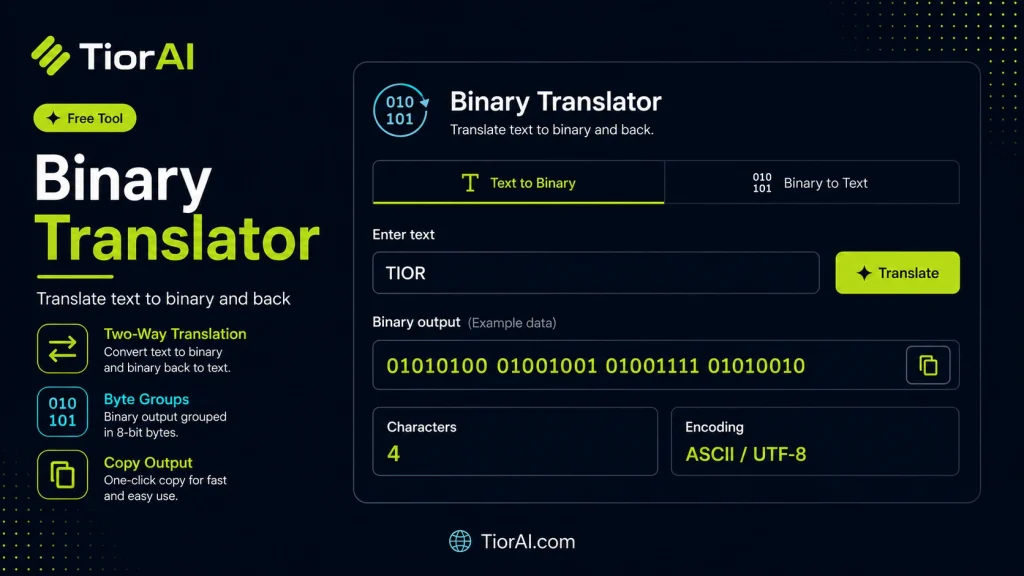
How to use it
- Paste Your Input Paste your code or data into the Binary Translator. The tool accepts standard input formats and validates your entry.
- Process and Transform Click the action button to process your input. Results are generated instantly with proper formatting.
- Export the Output Copy the processed output to your clipboard or download it for use in your development workflow.
Tip Use the Binary Translator during code reviews to quickly reformat or transform snippets for clearer comparisons.
Understanding Binary Translation
Binary translation involves converting data between binary code and human-readable text or other formats. Binary is the fundamental language of computers, representing information using only two symbols: 0 and 1. Each group of binary digits (bits) corresponds to a character or instruction, depending on the encoding scheme used.
Why is binary translation important? Computers store and process all data in binary form, but humans interact with text, numbers, and symbols. Translating between binary and text allows developers, students, and enthusiasts to understand, debug, or manipulate raw data.
Common uses include:
- Decoding binary data received from hardware or network sources.
- Learning and teaching how computers represent characters using ASCII or Unicode.
- Debugging or reverse engineering software by examining binary representations.
- Encoding messages for simple cryptography or data transmission.
Binary translators automate this conversion, interpreting binary strings as text or vice versa, based on standard encoding schemes. This process is essential for bridging the gap between machine-level data and human-readable information.
What is Binary Translation?
Binary translation converts data between binary code and readable text. Computers operate using binary, which consists of 0s and 1s, but humans prefer text and symbols. This translation bridges that gap, allowing us to interpret raw binary data as meaningful characters.
Binary translators take a string of binary digits and convert them into text by grouping bits into bytes (usually 8 bits) and mapping those bytes to characters using encoding standards like ASCII or Unicode. This process is essential for understanding how computers store and communicate information.
When to Use a Binary Translator
- Decoding binary data from files, devices, or network streams into readable text.
- Learning how characters are represented in binary for educational purposes.
- Debugging software or data that involves binary-encoded messages.
- Encoding text into binary for demonstrations or simple data encoding tasks.
- Working with legacy systems that use binary-coded text formats.
Common Mistakes to Avoid
- Inputting binary strings that are not multiples of 8 bits, which causes translation errors.
- Mixing encoding standards, such as using ASCII input with a Unicode-based translator, leading to incorrect output.
- Including spaces, letters, or other non-binary characters in the input without proper formatting.
Understanding these points helps ensure accurate and meaningful binary translations, making this tool valuable for developers, students, and anyone working with low-level data.
Frequently asked questions
Reviews and questions
Whether this tool gave people the answer they needed, and what they asked about it.
Sign in to review this tool.
Sign In to ReviewNo reviews yet
Be the first to say whether this tool gave you what you needed.
Ask how to read the result, or what the tool does with an edge case — or answer someone else.
Sign In to AskNo questions yet
Not sure how to read a result? Be the first to ask.
AI tools related to this topic
Tools from the TiorAI directory that work on the same kind of job.

Image Translator / Manga translator
TranslateImg is an AI image translator for the web and Chrome that translates text in images, manga and photos while keeping the original layout.

AI Code Translator
AI Code Translator is a web-based tool that uses artificial intelligence to automatically translate source code between multiple programming languages, helping developers save time and reduce errors.

AI Manga Translator
AI Manga Translator is a web tool that uses AI-powered OCR and machine translation to convert Japanese manga pages into English while preserving the original artwork and layout.

Angry Email Translator
Angry Email Translator is a free web tool that transforms angry or harsh emails into calm, polite, and professional messages to improve communication.

BabelPhone – Call Translator
BabelPhone is an AI-driven call translator that provides real-time voice translation during phone calls, supporting multiple languages to facilitate seamless global communication.