

URL Encoder Decoder
Encode or decode URL strings. Useful for handling special characters in URLs, query parameters, and API requests.
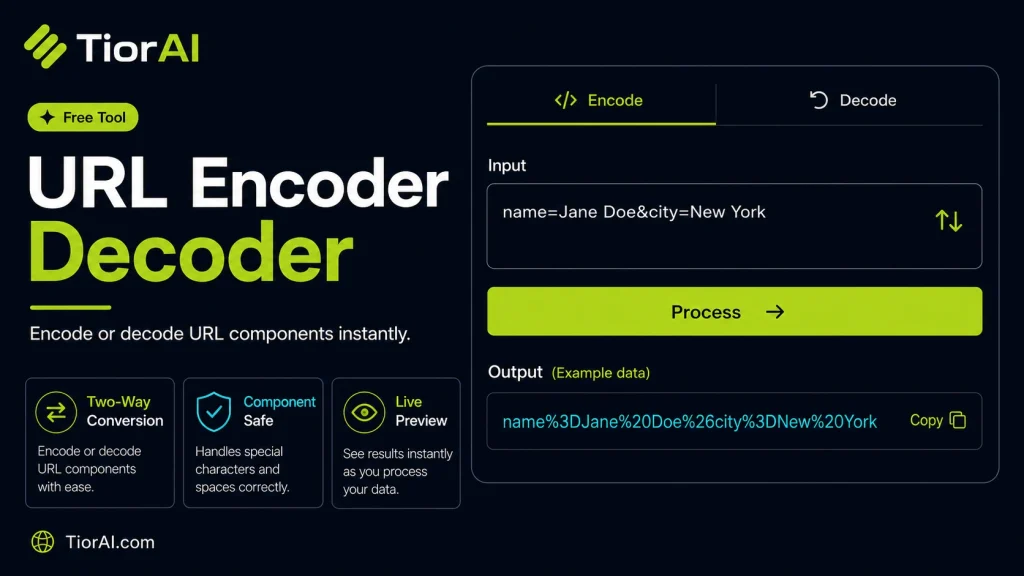
Common Encoded Characters
| Character | Encoded |
|---|---|
| Space | %20 |
| & | %26 |
| = | %3D |
| ? | %3F |
| / | %2F |
How to use it
- Paste Your Input Paste your code or data into the Url Encoder Decoder. The tool accepts standard input formats and validates your entry.
- Process and Transform Click the action button to process your input. Results are generated instantly with proper formatting.
- Export the Output Copy the processed output to your clipboard or download it for use in your development workflow.
Tip Pair the Url Encoder Decoder with other developer tools on TiorAI to build a complete online development toolkit.
About URL Encoder Decoder
URL encoding, also known as percent-encoding, is a method used to convert characters into a format that can be transmitted over the internet within URLs. URLs can only contain a limited set of characters, primarily alphanumeric characters and a few special symbols. Characters outside this set, such as spaces, punctuation, or non-ASCII symbols, must be encoded to ensure the URL is valid and interpretable by web servers and browsers.
Encoding replaces unsafe or reserved characters with a ‘%’ followed by two hexadecimal digits representing the character’s ASCII code. For example, a space character is encoded as %20. This process prevents ambiguity and errors when URLs are processed.
Why URL encoding is needed
- To safely include special characters like spaces, &, ?, #, and others in URLs.
- To transmit non-ASCII characters, such as accented letters or symbols from other languages.
- To ensure data passed via query strings or form submissions is correctly interpreted.
Common use cases
- Encoding user input in web forms before appending it to URLs.
- Generating URLs dynamically in web applications.
- Decoding URLs received from external sources to retrieve original data.
Understanding URL Encoding and Decoding
URLs have strict rules about which characters they can contain. Characters like spaces, punctuation, and non-English letters can cause problems if included directly. URL encoding solves this by converting these characters into a standardized format using percent signs followed by hexadecimal codes. This ensures URLs remain valid and interpretable by browsers and servers.
For example, a space character is encoded as %20. This conversion is essential when passing data through URLs, such as form inputs or query parameters, where special characters might otherwise break the URL structure.
When to Use URL Encoding and Decoding
- When embedding user input into URLs to avoid invalid characters.
- When sharing URLs containing special or non-ASCII characters to ensure they work across different browsers and platforms.
- When processing URLs received from external sources, decoding them helps retrieve the original data.
- When developing web APIs that require safe data transmission within URLs.
Common Mistakes to Avoid
- Using
encodeURIinstead ofencodeURIComponentfor query parameters, which can leave unsafe characters unencoded. - Not decoding URLs before processing, leading to misinterpretation of data.
- Double encoding URLs, which can corrupt the URL and cause errors.
Understanding these concepts ensures you handle URLs correctly, avoiding common pitfalls and ensuring reliable web communication.
Frequently asked questions
Reviews and questions
Whether this tool gave people the answer they needed, and what they asked about it.
Sign in to review this tool.
Sign In to ReviewNo reviews yet
Be the first to say whether this tool gave you what you needed.
Ask how to read the result, or what the tool does with an edge case — or answer someone else.
Sign In to AskNo questions yet
Not sure how to read a result? Be the first to ask.
AI tools related to this topic
Tools from the TiorAI directory that work on the same kind of job.

Legalese Decoder
Legalese Decoder is an AI-powered tool that simplifies complex legal contracts into plain English summaries and highlights potential risks to help users understand and review contracts efficiently.

Code to Flow: Visualize your code
Code to Flow is a web tool that automatically converts source code into flowcharts, helping developers visualize and understand code logic easily.