

Bcrypt Generator
Generate bcrypt password hashes. Bcrypt is a secure hashing algorithm designed for password storage.
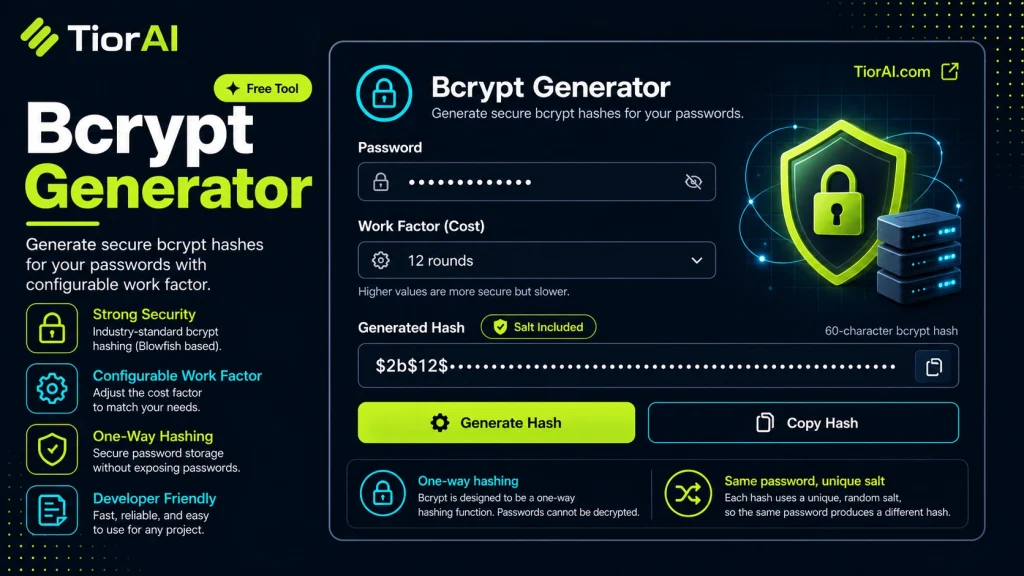
About Bcrypt
- Bcrypt is designed specifically for password hashing
- Includes built-in salt for each hash
- Cost factor controls computational complexity
- Higher cost = more secure but slower
Note: This uses a browser-based implementation. For production, use server-side bcrypt.
How to use it
- Configure Settings Set your preferences and parameters in the Bcrypt Generator. Customize the output to match your specific requirements.
- Generate Output Click generate to create your result. The tool processes your settings and produces output instantly.
- Copy or Download Review the generated output, then copy it to your clipboard or download it for immediate use.
Tip Bookmark the Bcrypt Generator for repeat use — generators are even more powerful when used as part of your regular workflow.
Understanding bcrypt and Its Role in Password Security
bcrypt is a password hashing function designed to securely store passwords by transforming them into a fixed-length string that cannot be reversed to reveal the original password. It was created to address the vulnerabilities of simpler hashing algorithms like MD5 or SHA-1, which are fast and thus susceptible to brute-force and rainbow table attacks.
At its core, bcrypt is based on the Blowfish cipher and incorporates a salt — a random value added to the password before hashing — to ensure that identical passwords produce different hashes. This prevents attackers from using precomputed tables to crack passwords.
One of bcrypt’s key features is its adaptive cost factor, which controls how computationally expensive the hashing process is. Developers can increase this cost over time to keep pace with advances in hardware speed, making brute-force attacks more difficult as technology evolves.
bcrypt is widely supported in many programming languages and frameworks, making it a standard choice for password hashing in web applications, APIs, and authentication systems. It complies with best practices for password storage by:
- Using salts to prevent hash collisions
- Being computationally intensive to slow down attackers
- Allowing adjustable work factors to future-proof security
In real projects, developers use bcrypt to hash user passwords before storing them in databases. During login, the entered password is hashed with the same parameters and compared to the stored hash. This ensures that even if the database is compromised, the original passwords remain protected.
Standards such as OWASP recommend bcrypt as a secure password hashing algorithm, and it is often preferred over alternatives like PBKDF2 or scrypt for its balance of security and performance.
What is bcrypt and Why It Matters
bcrypt is a password hashing algorithm designed to securely protect user passwords by transforming them into a fixed-length string that cannot be reversed. Unlike simple hash functions, bcrypt incorporates a random salt and a configurable cost factor, making it resistant to brute-force and rainbow table attacks. This makes bcrypt a preferred choice for developers who need to store passwords safely in databases.
When to Use bcrypt
- When building authentication systems that require secure password storage
- When upgrading legacy password storage to a more secure method
- When you want to future-proof password security by adjusting the computational cost
- When protecting user credentials in web applications, APIs, or mobile backends
Common Mistakes to Avoid
- Using a low cost factor that makes hashing too fast and vulnerable
- Failing to use unique salts for each password, which weakens security
- Storing hashes without the salt or cost factor, preventing proper verification
- Misunderstanding bcrypt as encryption and attempting to decrypt hashes
Technical Context
bcrypt is based on the Blowfish cipher and includes a salt to ensure that identical passwords produce different hashes. The cost factor controls how many iterations the hashing algorithm performs, allowing developers to increase security as hardware improves. This adaptive nature is critical for maintaining password security over time.
Standards like OWASP recommend bcrypt for password hashing due to its balance of security and performance. It is supported in many programming languages and frameworks, making it accessible for a wide range of projects.
In practice, developers hash passwords with bcrypt before storing them. When a user logs in, the password they enter is hashed with the same parameters and compared to the stored hash. This process ensures that even if the database is compromised, the original passwords remain protected.
Common use cases
- Hashing a simple password with bcrypt
- Verifying a password against a bcrypt hash
Frequently asked questions
Reviews and questions
Whether this tool gave people the answer they needed, and what they asked about it.
Sign in to review this tool.
Sign In to ReviewNo reviews yet
Be the first to say whether this tool gave you what you needed.
Ask how to read the result, or what the tool does with an edge case — or answer someone else.
Sign In to AskNo questions yet
Not sure how to read a result? Be the first to ask.