

From my experience with Peak Strength, I found it excels at providing a straightforward and customizable platform for strength training enthusiasts. The app’s intuitive workout logging and clear progress analytics make it easy to stay motivated and track gains effectively. It’s particularly well-suited for beginners and intermediate users who want structured plans without overwhelming complexity. However, the lack of integration with other fitness apps and limited offline features may be a drawback for some. Overall, if you seek a focused strength training app with personalized plans and solid tracking, Peak Strength delivers reliable results.
Peak Strength App for Personalized Fitness Training and Workout Tracking
Peak Strength is a mobile app designed to help users create personalized strength training plans, log workouts, and track progress with detailed analytics.
- Best for
- Personalized Workout Plans
- Key capability
- Custom Workout Builder
Your actions
Save Peak Strength, follow its updates and vote on it — everything stays in your account.
Sign in or create a free account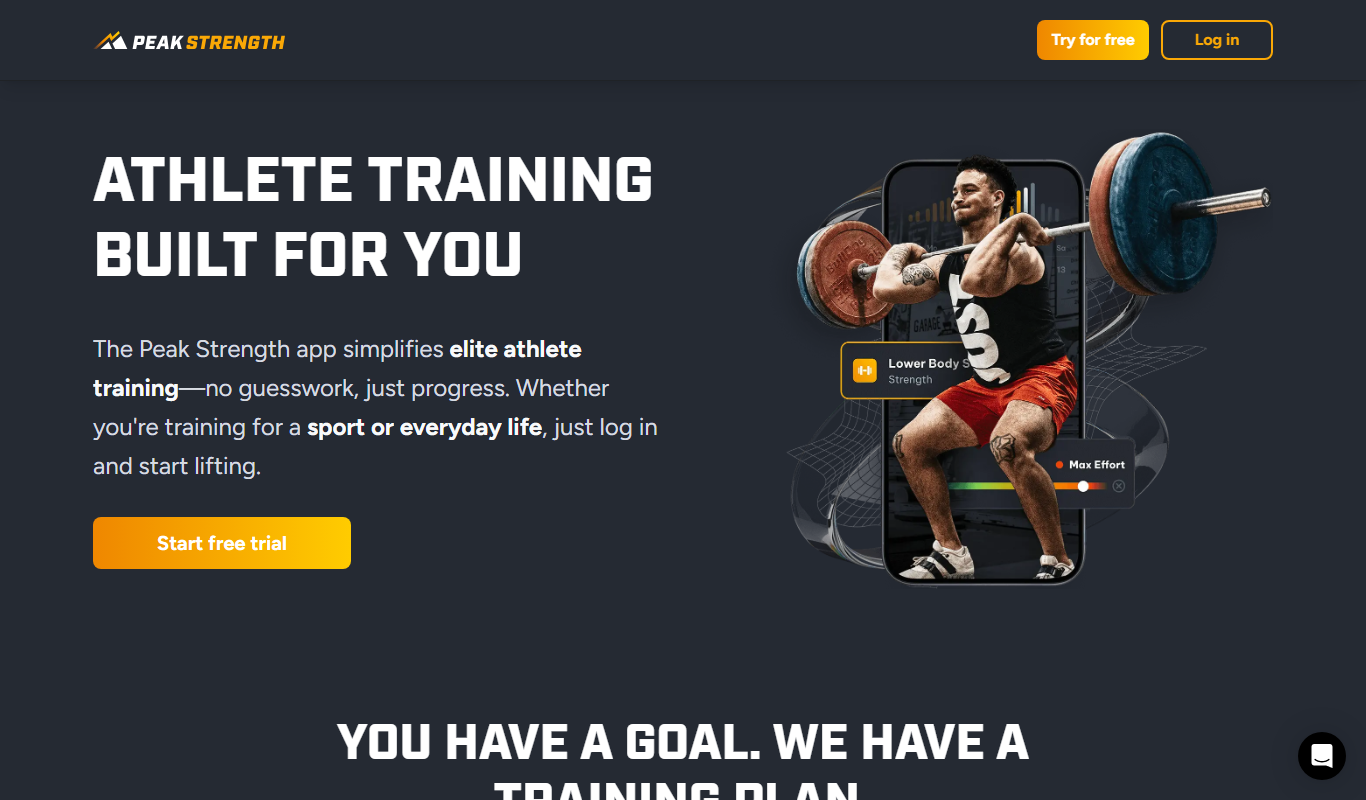
What is Peak Strength?
Peak Strength is a mobile fitness application designed to help users build strength through personalized workout programs and detailed tracking. It focuses on strength training by allowing users to plan, log, and analyze their workouts to optimize performance and progress.
Key features of Peak Strength
The app offers customizable workout plans, an extensive exercise library, intuitive workout logging, progress tracking with analytics, and goal-setting tools to support users in their strength training journey.
Custom Workout Builder
Design personalized strength training routines based on your goals.
Detailed Exercise Database
Access instructions and tips for a wide variety of strength exercises.
Workout Logging Interface
Easily input sets, reps, and weights with a user-friendly interface.
Progress Analytics
Visualize your strength gains and workout consistency over time.
Goal Setting and Tracking
Set measurable fitness goals and track your progress toward them.
Pros and cons of Peak Strength
Pros
- User-friendly workout logging interface
- Comprehensive exercise library with instructions
- Customizable workout plans for all levels
- Clear progress tracking with analytics
- Affordable premium subscription
Cons
- No integration with other fitness platforms
- Limited offline functionality for some features
- Currently available only on mobile platforms
Key use cases for Peak Strength
Personalized Workout Plans
Create customized strength training programs tailored to individual goals and fitness levels.
Workout Tracking
Log exercises, sets, reps, and weights to monitor progress over time.
Progress Monitoring
Visualize strength gains and workout history through detailed analytics and charts.
Exercise Library
Access a comprehensive database of exercises with instructions and tips.
Goal Setting
Set specific fitness goals and receive guidance to achieve them efficiently.
How Peak Strength works
- 1
Download and Install
Get the Peak Strength app from the iOS App Store or Google Play Store.
- 2
Create an Account
Sign up to save your workout data and personalize your experience.
- 3
Set Your Goals
Define your strength training objectives and fitness level.
- 4
Choose or Customize a Workout Plan
Select from pre-built plans or create your own tailored routine.
- 5
Log Workouts
Record exercises, sets, reps, and weights during your training sessions.
- 6
Track Progress
Review charts and analytics to monitor improvements and adjust plans.
Who is using Peak Strength
Strength training beginners
Fitness enthusiasts
Personal trainers
Athletes focusing on strength
Individuals seeking structured workout plans
Peak Strength pricing
Free
$0/month
Basic workout tracking and access to exercise library.
Premium
$9.99/month
Advanced features including personalized plans, progress analytics, and priority support.
Plans and prices are as published by the vendor and can change. Check the official site before you buy. Open the pricing page (opens in a new tab)
Frequently asked questions about Peak Strength
Yes, the app offers customizable plans that can be tailored for all fitness levels, including beginners.
Basic workout logging and access to saved plans are available offline, but some features require internet access.
Currently, Peak Strength does not support integration with third-party fitness apps.
Payments are processed through the App Store or Google Play Store using their supported payment methods.
It depends on your specific needs and how you plan to use the tool. The official website and documentation are the best sources for the latest details.
Yes, it can help with that use case depending on how you configure it and what features are available. You’ll get the best results with clear inputs and a defined goal.
Sign in to review this tool.
Sign In to ReviewNo reviews yet
Be the first to share how this tool worked for you.
Ask about pricing, limits, or how it compares — or answer someone else.
Sign In to AskNo questions yet
Have a question about using or paying for this tool? Be the first to ask.
Featured on TiorAI



More AI Personal Assistant Tools tools
Other tools in the same category, for when this one is not quite the fit.
Free
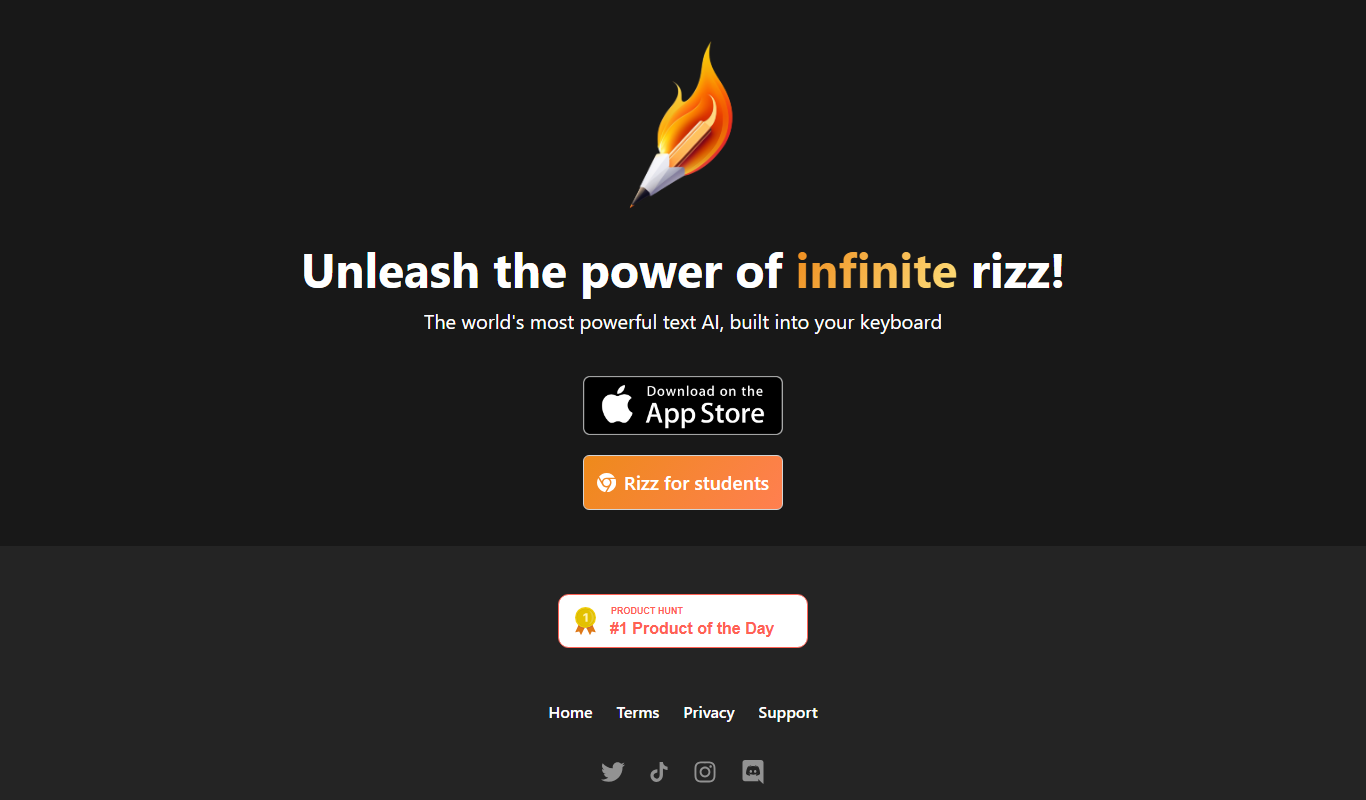
Rizz!
Rizz! is an AI chatbot that creates personalized, context-aware messages to improve conversations across social and professional platforms.

Free
Kin AI
Kin AI is an AI personal assistant designed to help users manage tasks, set reminders, and improve productivity through natural language input and automation.
Freemium
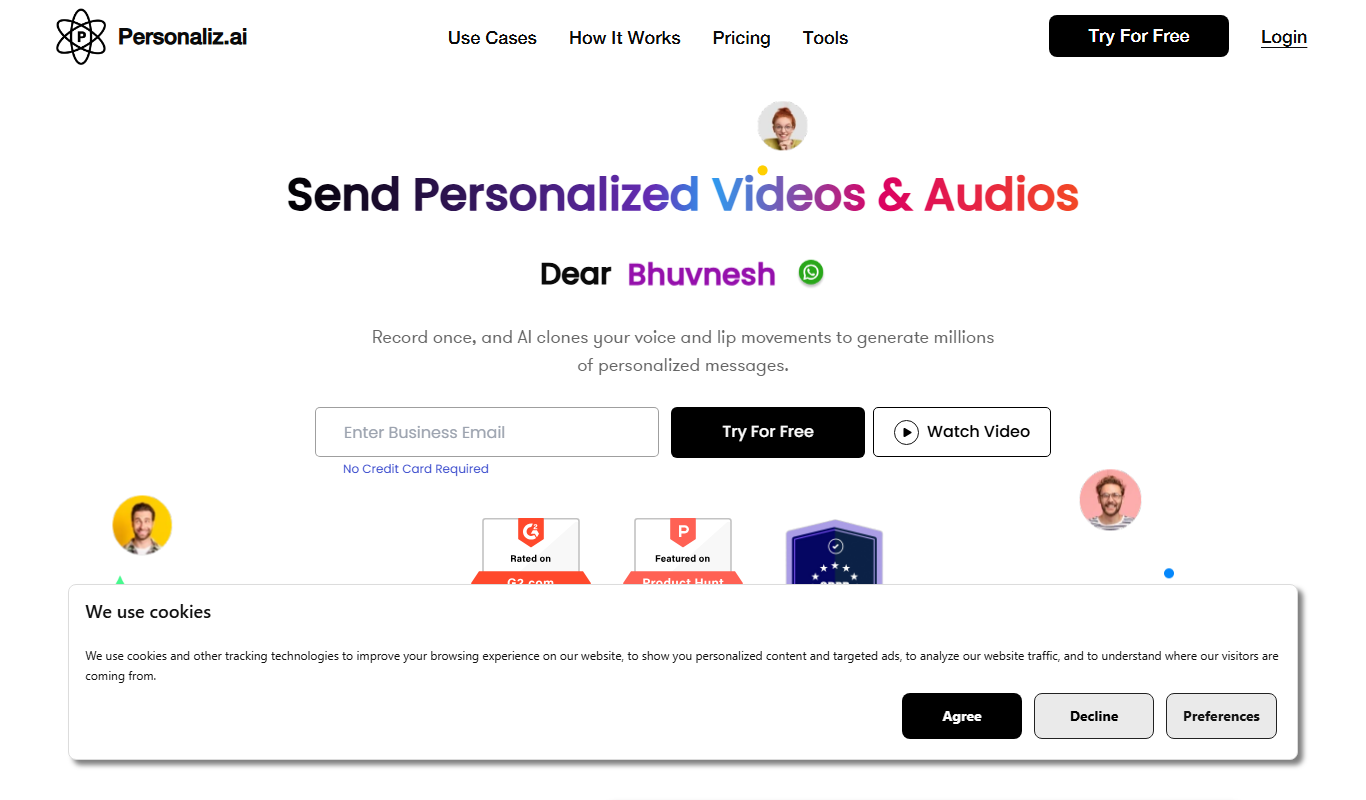
Personaliz.ai
Personaliz.ai is an AI-driven personalization platform that enables marketers to deliver real-time, behavior-based personalized marketing campaigns and product recommendations to improve customer engagement and conversions.

Custom Pricing
Adaptify
Adaptify is an AI-powered marketing platform that enables businesses to create personalized, adaptive campaigns by analyzing customer data and behavior in real time.

Freemium
Customuse
Customuse is an AI-driven platform that automates personalized content creation and marketing campaigns to enhance customer engagement and conversion.
Free
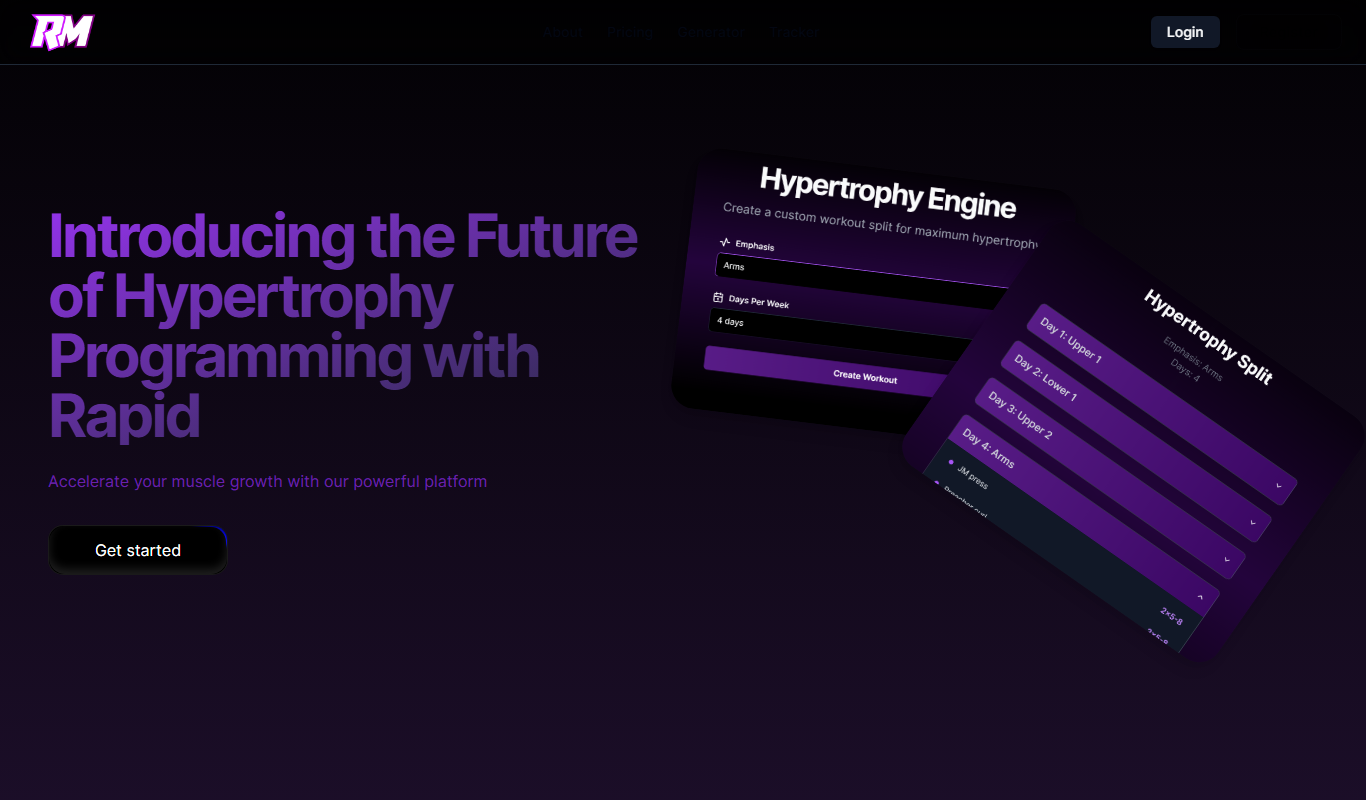
Rapid Muscle
Rapid Muscle is a fitness app that creates personalized muscle-building workout plans tailored to your fitness level and goals, available on web and mobile platforms.
Free Trial
Jamie’s Fit
Jamie's Fit is a personalized fitness coaching platform offering tailored workout plans, nutrition advice, and direct trainer support via web and mobile apps.

Freemium
Planfit – AI Personal Trainer
Planfit is an AI-powered personal trainer that generates customized workout plans and coaching based on your fitness goals, experience, and available equipment, accessible via web and mobile apps.