

Rizz! AI Chatbot for Personalized Conversations and Engagement
Rizz! is an iPhone keyboard extension that puts AI inside the keyboard, not a chatbot platform.
- Best for
- Personalized Chat Assistance
- Key capability
- AI-Powered Personalized Replies
Save Rizz!, follow its updates and vote on it — everything stays in your account.
Sign in or create a free account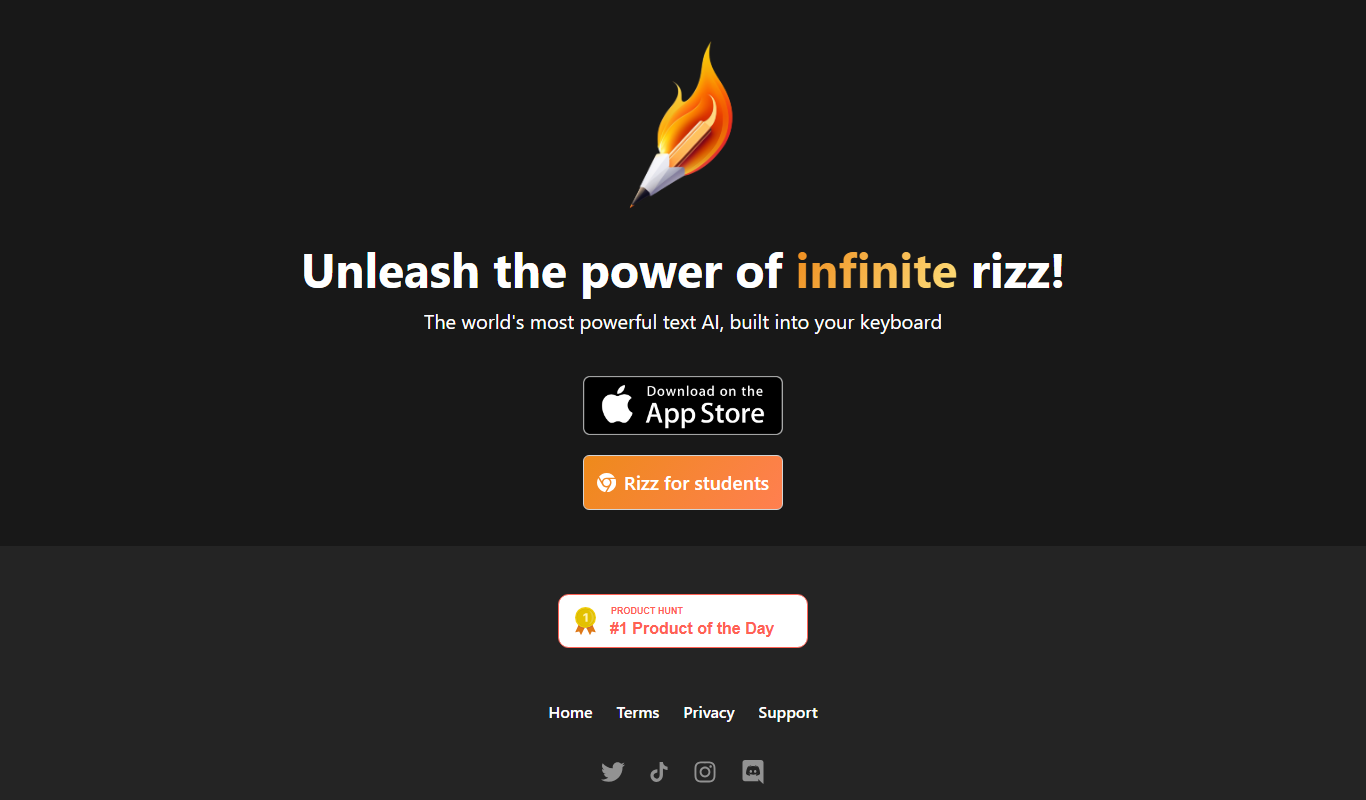
What is Rizz!?
Rizz! is an AI keyboard for iPhone that generates replies, not a standalone chatbot.
Key features of Rizz!
Rizz! offers features such as AI-generated personalized replies, context awareness, multi-platform support, and easy integration for enhancing conversational experiences across social and professional settings.
AI-Powered Personalized Replies
Generates context-aware and personalized messages to improve engagement.
Multi-Platform Compatibility
Supports integration with various messaging and social media platforms.
User-Friendly Interface
Easy to use with intuitive controls for generating and customizing responses.
Privacy and Security
Ensures user data is handled securely with privacy considerations.
Pros and cons of Rizz!
Pros
- Generates highly personalized and context-aware messages
- Easy integration with multiple platforms
- User-friendly interface suitable for beginners
- Affordable pricing with a free tier
Cons
- Limited language support (English only)
- Some advanced features require Pro subscription
Key use cases for Rizz!
Personalized Chat Assistance
Rizz! provides AI-powered personalized chat responses to enhance user engagement and communication.
Social Interaction Enhancement
Helps users improve their conversational skills and social interactions by generating context-aware replies.
Content Generation for Messaging
Assists in creating engaging and relevant messages for social media, dating apps, and other communication platforms.
Customer Support Automation
Can be used to automate responses in customer support chats, improving response time and consistency.
How Rizz! works
- 1
Sign Up
Create an account on the Rizz! platform to access chatbot features.
- 2
Connect Your Chat Platform
Link Rizz! with your preferred messaging or social media platform.
- 3
Generate Responses
Use Rizz! to generate AI-powered personalized replies based on conversation context.
- 4
Customize and Send
Edit the generated messages if needed and send them to your contacts.
Who is using Rizz!
Rizz! pricing
Free
$0/month
Basic access with limited daily message generations.
Pro
$14.99/month
Unlimited message generations and access to premium features.
Plans and prices are as published by the vendor and can change. Check the official site before you buy. Open the pricing page (opens in a new tab)
Frequently asked questions about Rizz!
Rizz! offers a free plan with limited daily message generations and a Pro subscription for unlimited access.
Rizz! supports integration with popular messaging and social media platforms via its web and mobile apps.
Rizz! follows industry-standard security practices to protect user data and privacy.
This tool is designed to help users accomplish its core tasks more efficiently. It is typically used by individuals or teams looking to improve productivity and workflow.
Pricing depends on the plan and included features. For the most accurate and up-to-date details, check the official pricing page.
Integration support depends on the tool and its available connectors or API. Check the official documentation or integrations page to confirm what is supported.
Conclusion
Replies are written from inside the iPhone keyboard, since the product is a keyboard extension with AI built in rather than a separate chatbot. It generates context-aware, personalized replies based on the conversation. Generated messages can be edited if needed before they are sent to contacts.
Social media, dating apps and other communication platforms are the settings the use cases describe. It is also aimed at individuals seeking to improve their conversational skills. The app is available on the App Store.
Sources
Sign in to review this tool.
Sign In to ReviewNo reviews yet
Be the first to share how this tool worked for you.
Ask about pricing, limits, or how it compares — or answer someone else.
Sign In to AskNo questions yet
Have a question about using or paying for this tool? Be the first to ask.
Featured on TiorAI



More AI Chatbot & Conversational Tools tools
Other tools in the same category, for when this one is not quite the fit.
SupBot
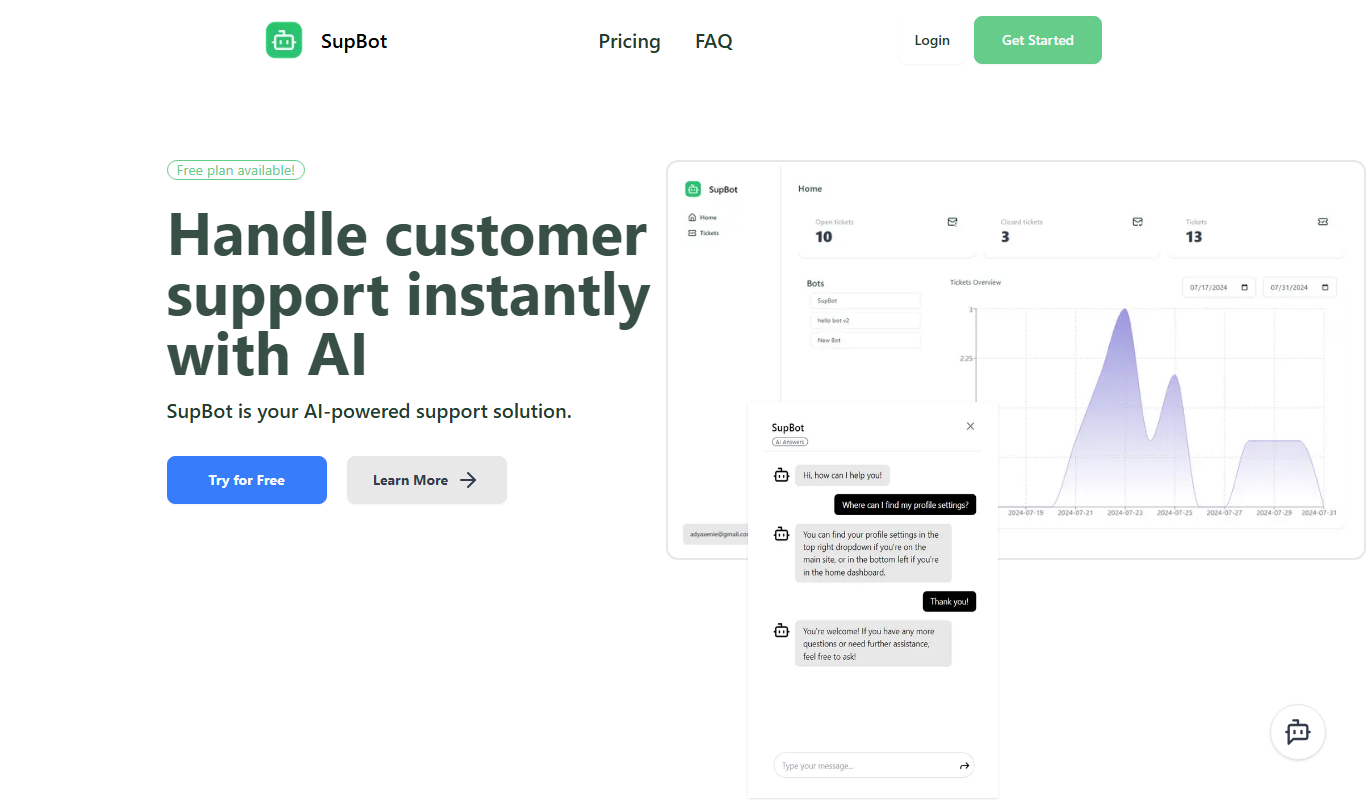
SupBot is an AI-powered chatbot platform designed to automate customer support and engagement by providing customizable chatbots that operate across multiple channels.

Frontdesk AI
Frontdesk AI is an AI receptionist and customer platform that answers calls, texts and chats, books appointments and updates your CRM around the clock.

Custom GPTs Store
Custom GPTs Store is a free online marketplace where users can discover, share, and access custom-built GPT chatbots tailored for specific tasks and industries.
pdf2gpt
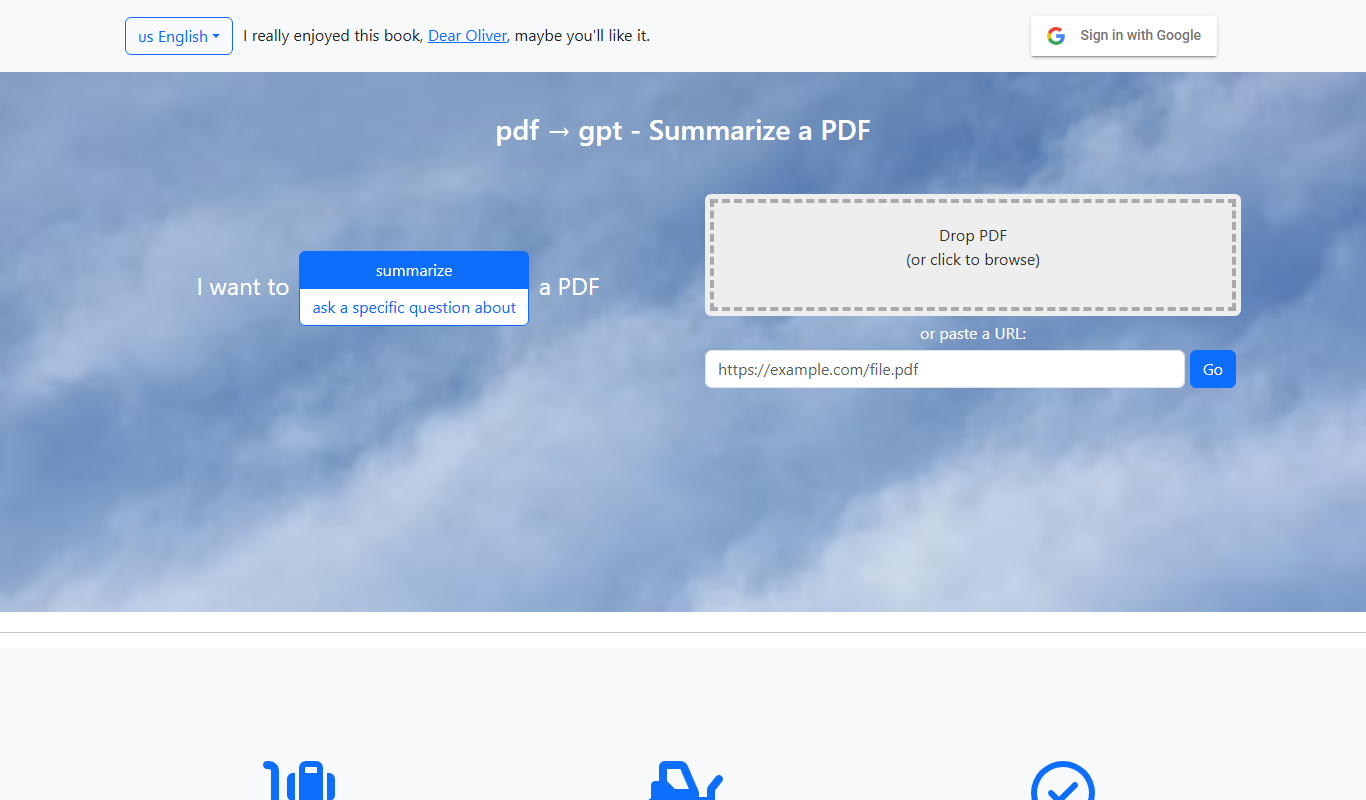
pdf2gpt summarizes large PDF files by splitting them into parts, with a table of contents and a summary for each section.

PDF GPT
PDF GPT is an AI chatbot tool that enables users to upload PDF documents and interactively ask questions or get summaries using natural language processing powered by GPT models.
enterprisebot.ai
EnterpriseBot.ai is an AI chatbot platform designed for enterprises to automate customer support and internal workflows through customizable conversational AI deployed across multiple channels.

Quiksbot
Quiksbot is an AI-powered no-code chatbot platform designed to automate customer support and lead generation on websites.

IvyQuantum
IvyQuantum is an AI chatbot platform by Ivy.ai that automates customer support and engagement using natural language understanding, primarily serving higher education and enterprise sectors.