

Minutes Between Calculator
Calculate the number of minutes and hours between two times. Perfect for tracking work hours, meeting durations, or time differences.
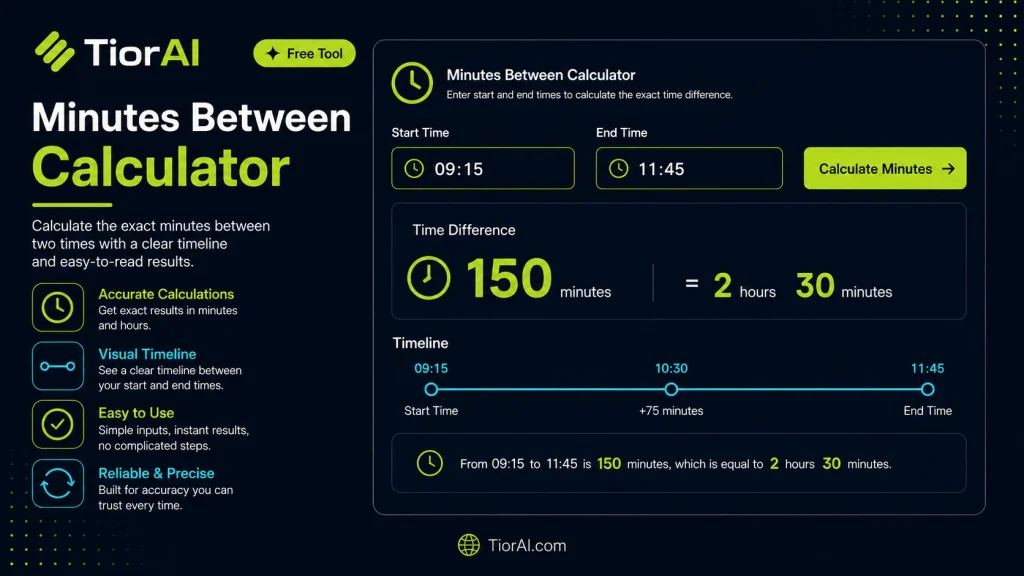
| Measure | Value |
|---|---|
| Total Minutes | - minutes |
| Hours & Minutes | - |
| Decimal Hours | - |
| Time Span | - |
How to use it
- Enter Your Values Input your numbers or parameters into the Minutes Between Calculator. Fill in all required fields for an accurate calculation.
- Calculate Results Click the calculate button to process your inputs. The Minutes Between Calculator delivers instant, accurate results.
- Review and Use Review your calculated results, explore the breakdown, and copy or share the output for your needs.
Tip Run the Minutes Between Calculator multiple times with edge-case values to stress-test your assumptions before committing.
Understanding Time Interval Calculations
Calculating the number of minutes between two points in time is a common task in many fields such as scheduling, project management, and time tracking. This type of calculation involves determining the exact duration that has elapsed from a start time to an end time, expressed in minutes. It requires converting hours and minutes into a single unit (minutes) to simplify comparisons and computations.
Why is this important? Precise time interval calculations help in billing clients accurately, measuring productivity, or planning events. For example, if a meeting starts at 9:15 AM and ends at 11:00 AM, knowing the exact minutes elapsed (105 minutes) is essential for time-sensitive decisions.
Common situations where this is used include:
- Calculating work hours or overtime
- Determining the length of phone calls or appointments
- Tracking elapsed time in sports or experiments
- Converting time differences across time zones or days
These calculations often need to handle cases where the end time is on a different day than the start time, requiring the tool to account for date changes. Automating this process with an online calculator reduces errors and saves time compared to manual calculations.
What Is a Minutes Between Calculator?
A minutes between calculator is a utility that determines the exact number of minutes elapsed between two specified times. This calculation is essential when you need precise time intervals for tasks like billing, scheduling, or tracking durations.
When Should You Use It?
- Calculating work hours or overtime for payroll.
- Measuring event durations that span several hours or cross midnight.
- Planning appointments or meetings by comparing start and end times.
- Converting time differences into minutes for easier analysis.
Common Mistakes to Avoid
- Failing to account for the end time occurring on the next day, which can cause incorrect negative results.
- Mixing up AM and PM in 12-hour time formats, leading to inaccurate calculations.
Technical Context
Calculating minutes between times involves converting hours and minutes into a single unit and handling date transitions when necessary. For example, if an event starts at 11:30 PM and ends at 1:15 AM the next day, the calculator must recognize the day change and add 24 hours to the end time before subtracting. This ensures the output reflects the true elapsed time in minutes.
Using an online minutes calculator automates these conversions and reduces human error, especially in complex scenarios involving different days or time zones.
Frequently asked questions
Reviews and questions
Whether this tool gave people the answer they needed, and what they asked about it.
Sign in to review this tool.
Sign In to ReviewNo reviews yet
Be the first to say whether this tool gave you what you needed.
Ask how to read the result, or what the tool does with an edge case — or answer someone else.
Sign In to AskNo questions yet
Not sure how to read a result? Be the first to ask.
AI tools related to this topic
Tools from the TiorAI directory that work on the same kind of job.

Between
Between is a private messaging and relationship management app designed exclusively for couples to communicate securely, share memories, and coordinate schedules with features like shared calendars and photo albums.

Minutes: AI Meeting Notes & Transcripts
Minutes is an AI meeting assistant that automatically transcribes and summarizes meetings, helping teams capture notes, decisions, and action items efficiently.
Minutes.io
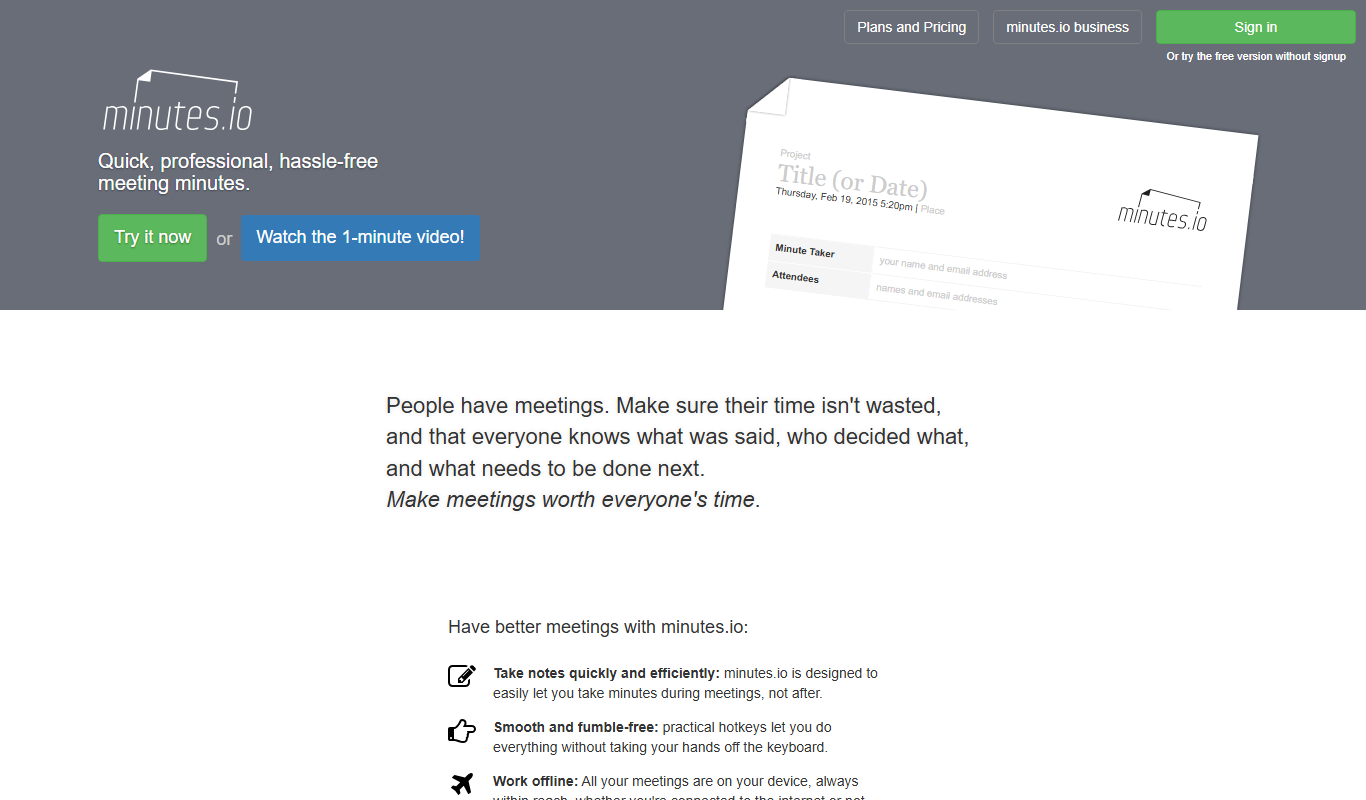
Minutes.io is a free, web-based meeting minutes tool that allows users to quickly create, organize, and share meeting notes without needing to sign up.