

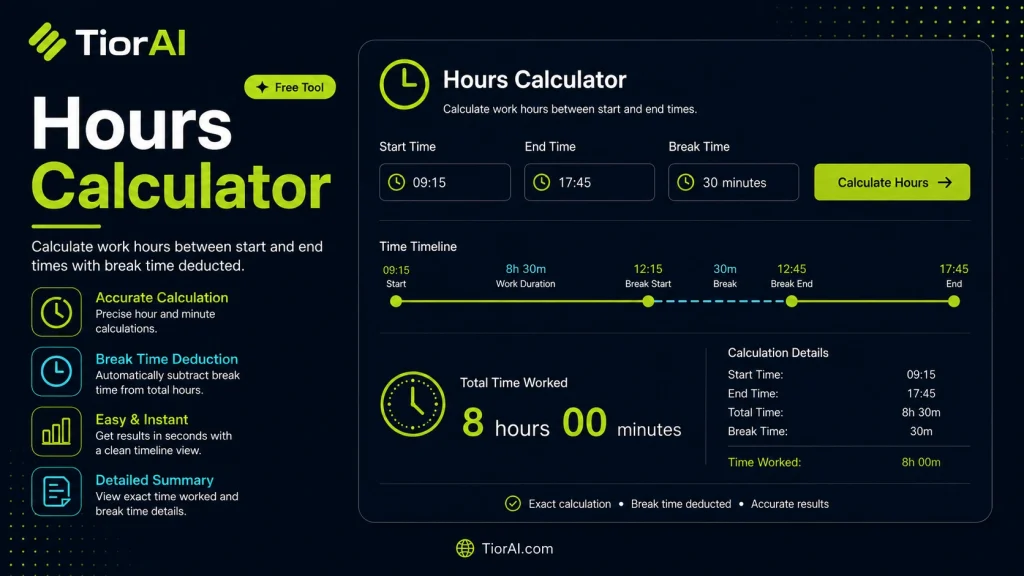
How to use it
- Enter Your Values Input your numbers or parameters into the Hours Calculator. Fill in all required fields for an accurate calculation.
- Calculate Results Click the calculate button to process your inputs. The Hours Calculator delivers instant, accurate results.
- Review and Use Review your calculated results, explore the breakdown, and copy or share the output for your needs.
Tip The Hours Calculator rounds results automatically, but you can use the full decimal output for precision work.
Understanding Hours Calculation
Calculating hours between two times is a common task in many fields such as project management, payroll, event planning, and personal time tracking. This process involves determining the total elapsed time from a start point to an end point, often expressed in hours and minutes. The calculation can be straightforward when times are on the same day, but it becomes more complex when crossing midnight or spanning multiple days.
Why is this calculation important? Accurate time calculations help in billing clients correctly, managing work hours, scheduling tasks efficiently, and analyzing productivity. Without precise calculations, errors can lead to underpayment, overbooking, or mismanagement of resources.
Common scenarios for hours calculation include:
- Tracking work hours for payroll purposes.
- Calculating the duration of events or meetings.
- Determining elapsed time for travel or activities.
- Converting time intervals into decimal hours for reporting.
Hours calculators automate this process by handling different time formats (12-hour or 24-hour), accounting for AM/PM distinctions, and managing edge cases like crossing midnight. This reduces human error and saves time compared to manual calculations.
What is Hours Calculation?
Calculating the difference between two times is essential for many daily tasks, from tracking work hours to planning events. This calculation determines how many hours and minutes have elapsed between a start time and an end time. It can be simple when both times are on the same day, but more complex when the period crosses midnight or involves different time formats.
When to Use an Hours Calculator
- To accurately track employee work hours for payroll.
- When you need to find the duration of meetings or appointments.
- For billing clients based on time spent on projects.
- To convert time intervals into decimal hours for reporting or invoicing.
Common Mistakes to Avoid
- Not accounting for crossing midnight, which can cause negative or incorrect results.
- Mixing 12-hour and 24-hour formats without proper conversion, leading to errors.
- Adding hours and minutes directly without converting minutes properly, resulting in inaccurate totals.
Using an hours calculator helps eliminate these mistakes by automating the conversion and calculation process. It supports different time formats and handles edge cases like midnight crossings, ensuring you get precise and reliable results every time.
Frequently asked questions
Reviews and questions
Whether this tool gave people the answer they needed, and what they asked about it.
Sign in to review this tool.
Sign In to ReviewNo reviews yet
Be the first to say whether this tool gave you what you needed.
Ask how to read the result, or what the tool does with an edge case — or answer someone else.
Sign In to AskNo questions yet
Not sure how to read a result? Be the first to ask.