

Date Picker Calendar
Pick a day from the calendar or type a date, then convert it to every common format at once — ISO 8601, US, European, long form, Unix timestamp, week number and more.
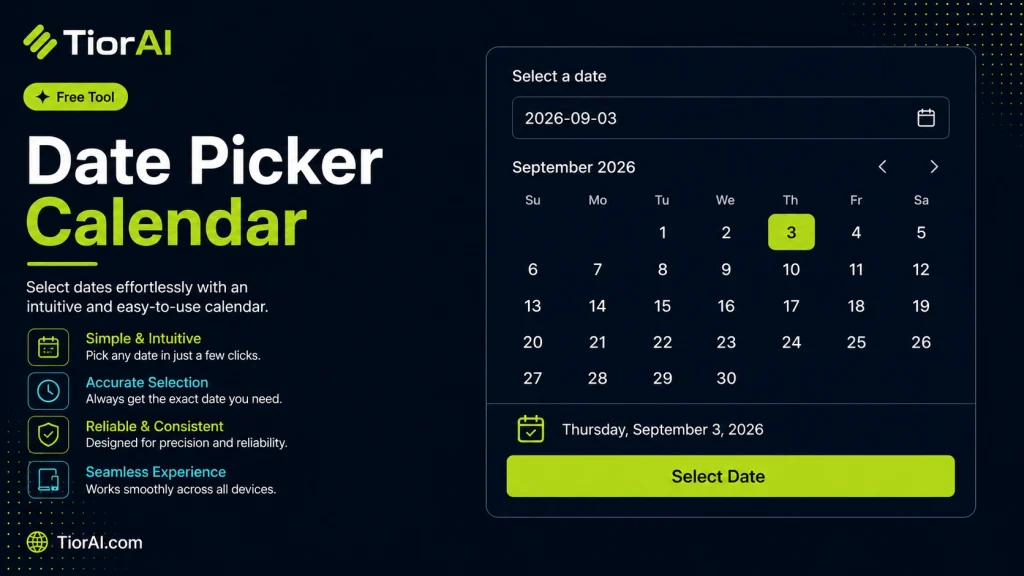
Choosing a day in the calendar below fills this field. Press Convert to see the formats.
About These Date Formats
- ISO 8601
YYYY-MM-DD— the unambiguous international standard; sorts correctly as plain text, so it is the safest choice in databases, filenames and APIs.- US format
MM/DD/YYYY— month first, used mainly in the United States.- European format
DD/MM/YYYY— day first, used across most of Europe. This is why 03/04 is ambiguous without knowing the convention.- Unix timestamp
- Seconds elapsed since 1 January 1970 UTC, taken at midnight UTC on the selected day.
- ISO week number
- Weeks run Monday to Sunday, and week 1 is the week containing the first Thursday of the year. Early January can therefore fall in week 52 or 53 of the previous year.
Long and short forms follow the language settings of your browser, so they change with your locale. Every other format is fixed.
How to use it
- Paste or Enter Your Input Paste your code, text, or data into the input field. The tool supports large inputs without performance issues.
- Process and Analyze Click the action button or let the tool auto-process your input. Results appear in real time with highlighted details.
- Copy or Download the Output Review the results and copy the output to clipboard or download as a file for use in your project.
Tip This tool preserves your input formatting. Check format settings if the output differs from expected.
Understanding Date Picker Calendars
A date picker calendar is a user interface component that allows users to select dates from a visual calendar rather than typing them manually. This tool simplifies date input by presenting a calendar grid where users can click on a specific day, month, and year. Date pickers are widely used in web forms, booking systems, scheduling apps, and anywhere precise date input is required.
Using a date picker reduces errors caused by manual entry, such as incorrect date formats or invalid dates. It also improves user experience by making date selection intuitive and faster. Behind the scenes, date pickers often rely on JavaScript and HTML to render the calendar and handle user interactions.
Common situations where date pickers are essential include:
- Booking flights, hotels, or appointments where selecting a valid date is critical.
- Filling out forms that require birthdates, deadlines, or event dates.
- Scheduling tasks or reminders in productivity tools.
By standardizing date input, date pickers help maintain data consistency and prevent format-related issues across different browsers and devices.
What is a Date Picker Calendar?
A date picker calendar is a user interface element that allows users to select dates visually from a calendar rather than typing them manually. This reduces errors related to date format and invalid dates, making it easier and faster to input dates accurately.
When to Use a Date Picker Calendar
- When creating web forms that require precise date input, such as booking or registration forms.
- In scheduling applications where users need to pick event dates or deadlines.
- For any scenario where preventing date format errors is important.
- When you want to improve user experience by providing an intuitive way to select dates.
Common Mistakes to Avoid
- Manually typing dates instead of using the date picker, which can cause format errors.
- Expecting to select multiple dates when the date picker only supports single date selection.
- Overlooking timezone effects that may cause the selected date to appear different.
Overall, date picker calendars are essential tools for any application that requires reliable and user-friendly date input. They help maintain data consistency and improve the accuracy of date-related information.
Frequently asked questions
Reviews and questions
Whether this tool gave people the answer they needed, and what they asked about it.
Sign in to review this tool.
Sign In to ReviewNo reviews yet
Be the first to say whether this tool gave you what you needed.
Ask how to read the result, or what the tool does with an edge case — or answer someone else.
Sign In to AskNo questions yet
Not sure how to read a result? Be the first to ask.
AI tools related to this topic
Tools from the TiorAI directory that work on the same kind of job.

ChatGPT
ChatGPT is an AI chatbot by OpenAI powered by GPT-4o. It handles writing, coding, research, data analysis, and natural conversation. Free tier available, Plus at $20/month.