

Miles to Kilometers Converter
Convert distances between miles and kilometers. 1 mile = 1.609344 kilometers.
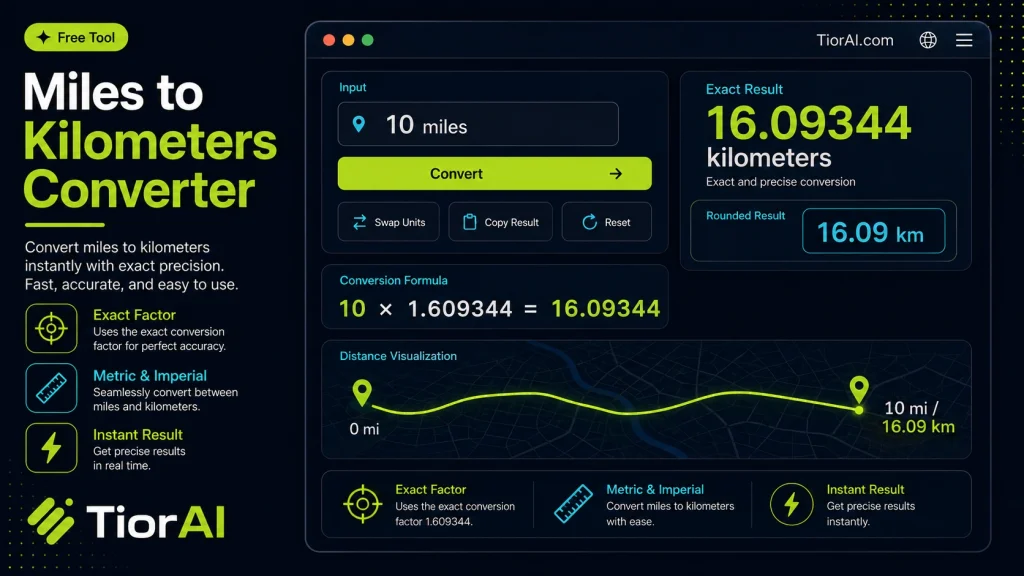
Conversion Formula
km = miles × 1.6093441 mi = 1.609 km100 mi = 160.9 km
How to use it
- Enter Source Value Type or paste the value you want to convert into the Miles to Kilometers Converter. The tool accepts a wide range of input formats.
- Select Target Format Choose your desired output format or unit from the available options. The conversion starts automatically.
- Copy the Result Review the converted output and click copy to use it in your project, document, or workflow.
Tip Switch between source and target formats in the Miles to Kilometers Converter to quickly verify conversions in both directions.
Understanding Distance Conversion: Miles to Kilometers
Distance measurement units vary globally, with miles commonly used in the United States and the United Kingdom, while kilometers are standard in most other countries. Converting miles to kilometers is essential for accurate communication, travel planning, scientific calculations, and international commerce.
Why convert miles to kilometers? The mile and kilometer measure the same physical quantity—distance—but differ in length. One mile equals approximately 1.60934 kilometers. This conversion factor allows you to translate distances from one system to another.
Common situations requiring this conversion include:
- Travelers comparing distances on maps or GPS devices that use different units.
- Scientists and engineers working with international data sets or specifications.
- Sports events where race distances are reported in miles but need to be understood in kilometers.
- Educational settings where students learn about unit systems and conversions.
Using a miles to kilometers converter automates this calculation, reducing errors and saving time compared to manual conversion.
Understanding Miles to Kilometers Conversion
Distance units like miles and kilometers measure the same concept but differ in length. One mile equals approximately 1.60934 kilometers. This conversion is necessary when dealing with international travel, scientific data, or any context where distances are reported in different units.
When to Use a Miles to Kilometers Converter
- Planning trips in countries using kilometers while your source data is in miles.
- Interpreting scientific or engineering measurements reported in miles.
- Converting race distances for training or competition purposes.
- Comparing logistics or shipping distances internationally.
Common Mistakes to Avoid
- Using an approximate conversion factor like 1.6 instead of the precise 1.60934, which can cause inaccuracies.
- Ignoring decimal points when converting fractional miles, leading to incorrect results.
Using an online miles to kilometers converter ensures quick and accurate conversions, reducing manual calculation errors and saving time.
Frequently asked questions
Reviews and questions
Whether this tool gave people the answer they needed, and what they asked about it.
Sign in to review this tool.
Sign In to ReviewNo reviews yet
Be the first to say whether this tool gave you what you needed.
Ask how to read the result, or what the tool does with an edge case — or answer someone else.
Sign In to AskNo questions yet
Not sure how to read a result? Be the first to ask.
AI tools related to this topic
Tools from the TiorAI directory that work on the same kind of job.

Any Video Converter
Any Video Converter is a multimedia software that converts video files between numerous formats, downloads online videos, and offers basic editing and DVD burning features.

Bank Statement Converter
Bank Statement Converter converts single or multiple PDF bank statements into a single CSV file containing only the transaction data extracted from their tables.

Code Language Converter
Code Language Converter is an online tool that translates code between 30+ programming languages with AI-powered conversion, with a free plan and a paid PRO plan.

HD Photo Converter
HD Photo Converter is an online AI image enhancer that converts low-quality images to high resolution, up to 4x the original size.