

Digital Storage Converter
Convert between bits, bytes and every multiple up to petabytes — in either the binary (1024) or the decimal (1000) standard.
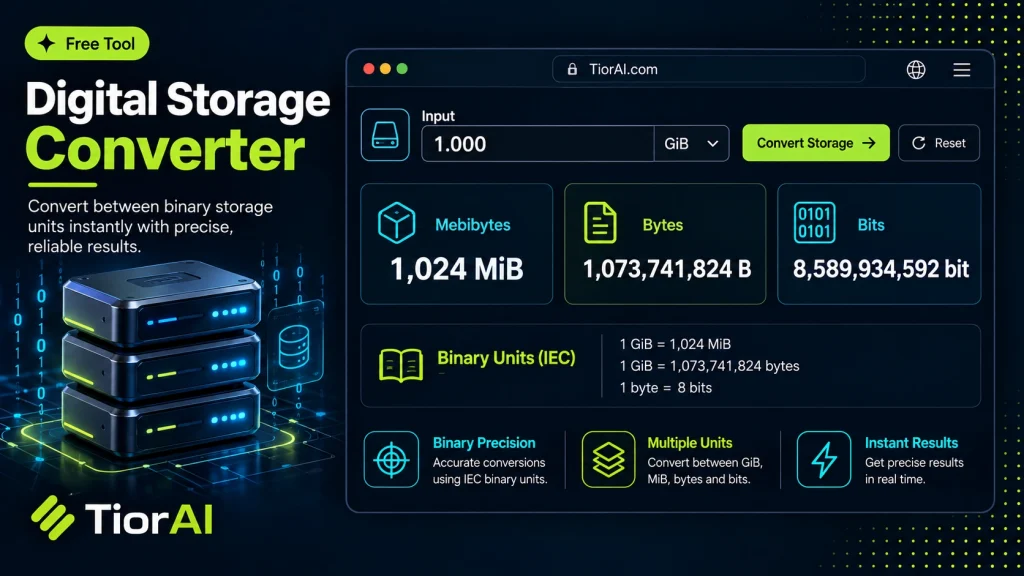
Operating systems report file sizes in the binary standard. Drive manufacturers advertise capacity in the decimal one.
Binary vs Decimal, and Why a 1 TB Drive Shows as 931 GB
The same unit name means two different things depending on who is using it. Storage manufacturers count in powers of ten, while operating systems count in powers of two, so a drive sold as 1 TB (1,000,000,000,000 bytes) is reported by the OS as roughly 931 GB. Nothing is missing — the two sides are simply dividing by 1000 and by 1024.
- Binary (1024)
- 1 KB = 1024 B, 1 MB = 1024 KB, and so on. Strictly speaking these are the KiB / MiB / GiB units. Used by Windows, Linux and RAM sizing.
- Decimal (1000)
- 1 KB = 1000 B. Used on drive packaging, by macOS since 10.6, and by network transfer rates.
- Bits vs bytes
- One byte is 8 bits. Bandwidth is quoted in bits per second, file sizes in bytes — which is why a 100 Mb/s line downloads at about 12.5 MB/s.
How to use it
- Enter Source Value Type or paste the value you want to convert into the Digital Storage Converter. The tool accepts a wide range of input formats.
- Select Target Format Choose your desired output format or unit from the available options. The conversion starts automatically.
- Copy the Result Review the converted output and click copy to use it in your project, document, or workflow.
Tip The Digital Storage Converter preserves formatting and structure during conversion, so your output stays clean and usable.
Understanding Digital Storage Units and Conversion
Digital storage refers to the amount of data that can be stored on a device or transmitted over a network. Common units include bits, bytes, kilobytes (KB), megabytes (MB), gigabytes (GB), terabytes (TB), and beyond. Each unit represents a multiple of the previous one, typically based on powers of 1024 or 1000 depending on the context.
Why convert digital storage units? Different devices, software, and contexts use varying units to express data size. For example, a hard drive might be advertised in terabytes, while a file size is shown in megabytes. Converting between these units helps users understand and compare storage capacities or data sizes accurately.
Common situations for digital storage conversion include:
- Comparing file sizes to available storage space
- Estimating download times based on internet speed and file size
- Understanding memory requirements for software or applications
- Converting data transfer rates or storage capacities between units
Digital storage conversion tools automate the calculation process, reducing errors and saving time when dealing with large or complex numbers.
What is Digital Storage Conversion?
Digital storage conversion involves changing data sizes from one unit to another, such as from bytes to megabytes or gigabytes. Since digital data is measured in units that scale by powers of 1024 or 1000, converting between them helps users interpret and compare data sizes effectively.
When to Use a Digital Storage Converter
- When you want to understand how large a file is relative to your device’s storage capacity
- When comparing storage devices that use different unit standards (decimal vs binary)
- When calculating how much data can be transferred over a network within a given time
- When software or systems require data input in a specific unit
Common Mistakes to Avoid
- Mixing up bits and bytes, which differ by a factor of 8 and can lead to incorrect conversions
- Not distinguishing between decimal (KB = 1000 bytes) and binary (KiB = 1024 bytes) units, causing confusion in size calculations
Understanding these distinctions and using a digital storage converter correctly ensures accurate data size interpretation, which is essential for storage management, data transfer planning, and software compatibility.
Frequently asked questions
Reviews and questions
Whether this tool gave people the answer they needed, and what they asked about it.
Sign in to review this tool.
Sign In to ReviewNo reviews yet
Be the first to say whether this tool gave you what you needed.
Ask how to read the result, or what the tool does with an edge case — or answer someone else.
Sign In to AskNo questions yet
Not sure how to read a result? Be the first to ask.
AI tools related to this topic
Tools from the TiorAI directory that work on the same kind of job.

Acon Digital DeNoise
Acon Digital DeNoise is a professional audio noise reduction tool that removes unwanted background noise from recordings using adaptive algorithms, available as standalone software and plugins for Windows and macOS.

AdSync: AI Digital Marketing Solutions
AdSync is an AI-driven digital marketing platform that automates campaign management, optimizes ad spend, and provides real-time analytics to improve advertising performance.