

Hours & Minutes Calculator
Add and subtract durations in HH:MM and get the total in both formats.

Pick the minus sign to subtract a duration from the total.
| Total (HH:MM) | - |
|---|---|
| Total (decimal hours) | - |
| Total minutes | - |
| Durations counted | - |
How to use it
- Enter Your Values Input your numbers or parameters into the Hours & Minutes Calculator. Fill in all required fields for an accurate calculation.
- Calculate Results Click the calculate button to process your inputs. The Hours & Minutes Calculator delivers instant, accurate results.
- Review and Use Review your calculated results, explore the breakdown, and copy or share the output for your needs.
Tip Double-check critical calculations by adjusting one variable at a time in the Hours & Minutes Calculator to spot trends.
Understanding Hours and Minutes Calculations
Calculating hours and minutes involves converting time units into a consistent format to perform arithmetic operations like addition, subtraction, or difference calculation. This process is essential because hours and minutes are not decimal units; 60 minutes make one hour, so simple arithmetic without conversion can lead to errors.
Why is this important? Time calculations are common in many fields such as project management, payroll, transportation, and daily scheduling. For example, determining the total hours worked by an employee or calculating the duration between two events requires accurate handling of hours and minutes.
Common situations where hours and minutes calculations are used:
- Adding multiple time intervals to find total duration.
- Subtracting start time from end time to find elapsed time.
- Converting time formats between 12-hour and 24-hour clocks.
- Adjusting times that cross midnight or span multiple days.
Handling these calculations manually can be error-prone, especially when dealing with carry-over of minutes to hours or crossing day boundaries. Tools that automate these conversions help ensure accuracy and save time.
What is Hours and Minutes Calculation?
Calculating hours and minutes involves converting and manipulating time units that are based on a 60-minute hour rather than a decimal system. This means you cannot simply add or subtract numbers as you would with regular decimals. Instead, you need to convert minutes exceeding 60 into additional hours and handle cases where time spans cross midnight.
When to Use an Hours & Minutes Calculator
- When you need to add multiple time intervals, such as summing work hours from different shifts.
- To find the duration between two times, for example, the length of a meeting or event.
- When subtracting time durations to calculate remaining time or elapsed periods.
- To convert time formats or ensure accurate calculations when times cross midnight.
Common Mistakes to Avoid
- Failing to convert minutes over 60 into hours, which leads to incorrect totals.
- Ignoring the effect of crossing midnight, which can cause negative or illogical results.
Using a dedicated hours and minutes calculator automates these conversions and reduces errors, making time calculations straightforward and reliable.
Frequently asked questions
Reviews and questions
Whether this tool gave people the answer they needed, and what they asked about it.
Sign in to review this tool.
Sign In to ReviewNo reviews yet
Be the first to say whether this tool gave you what you needed.
Ask how to read the result, or what the tool does with an edge case — or answer someone else.
Sign In to AskNo questions yet
Not sure how to read a result? Be the first to ask.
AI tools related to this topic
Tools from the TiorAI directory that work on the same kind of job.

Minutes: AI Meeting Notes & Transcripts
Minutes is an AI meeting assistant that automatically transcribes and summarizes meetings, helping teams capture notes, decisions, and action items efficiently.
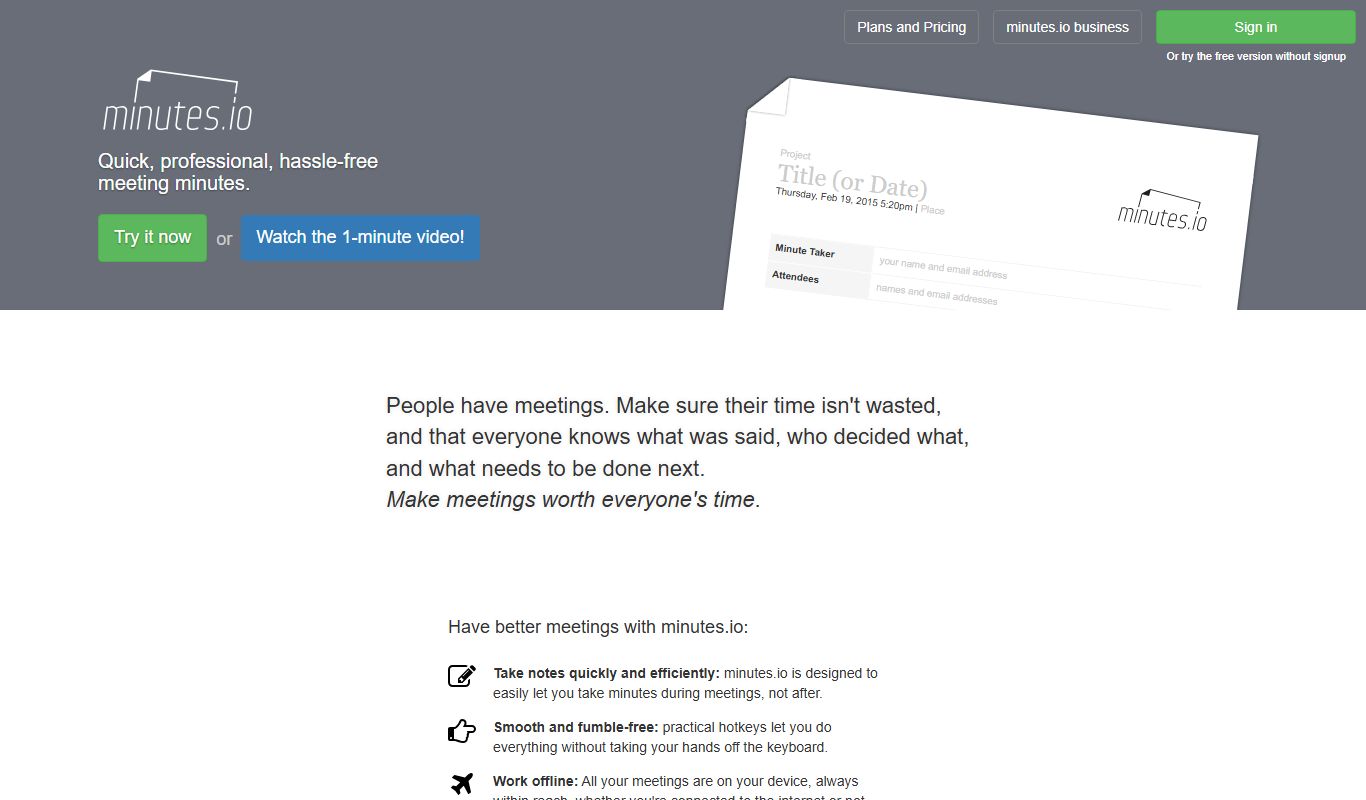
Minutes.io
Minutes.io is a free, web-based meeting minutes tool that allows users to quickly create, organize, and share meeting notes without needing to sign up.