

StorageIQ: AI home organizer that lists what is in every storage bin
StorageIQ is an AI home organizer app that scans the items in your storage bins from a photo and lists them, so you can find anything in seconds.
- Best for
- Storage bins and totes
- Key capability
- AI-generated inventory
Save StorageIQ, follow its updates and vote on it — everything stays in your account.
Sign in or create a free account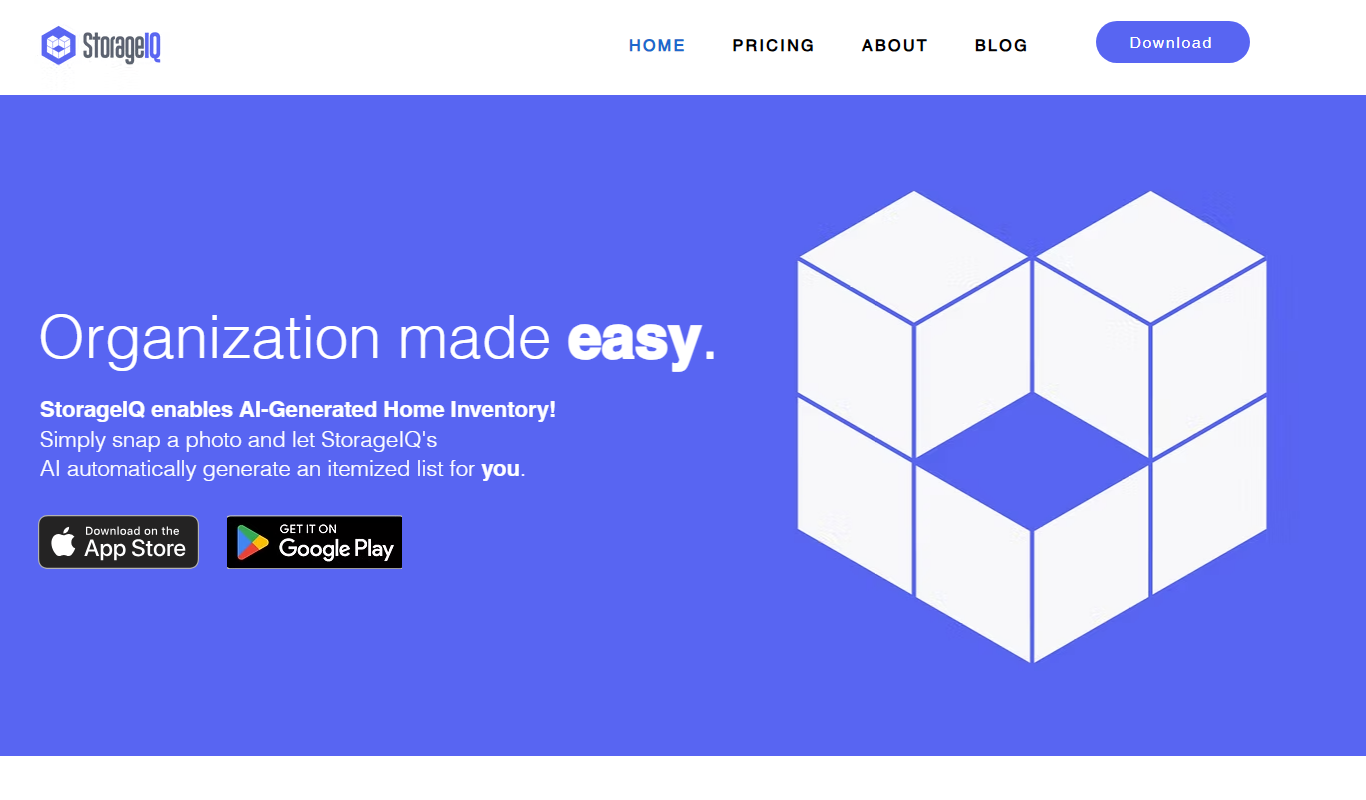

What is StorageIQ?
StorageIQ is an AI home organizer app for iPhone and iPad. You snap a photo of the items going into a storage bin or tote, and its AI machine vision generates an itemized list, so you can later search your whole inventory to find where things are.
Key features of StorageIQ
AI-generated inventory from a photo of your items, photo storage for totes, global inventory search, item value estimation and a listing outline of your inventory.
AI-generated inventory
Snap a photo or upload an image of your items and the AI generates an itemized list.
Photo storage
Store and manage photos of your totes and items directly within the app.
Global inventory search
Search and filter to locate an item across all your bins.
Listing outline
Create an outline of your inventory to keep track of what you have or share it with others.
Item value estimation
Paid plans include item value estimation.
Pros and cons of StorageIQ
Pros
- No manual typing: the AI lists items from a photo
- Free to start, with low-cost monthly and annual plans
- Inventory and photos are stored with encryption
- Automated data classification for governance
- Flexible subscription plans with trial option
Cons
- The app listing is for iPhone and iPad
- Pricing details require direct contact, which may delay decision-making
Key use cases for StorageIQ
Storage bins and totes
Know exactly what is in every storage bin without opening it.
Moving
Keep a list of what is in each box during a move.
Garages and attics
Find things stored in the garage or attic in seconds.
Sharing an inventory
Create an outline of your inventory to share it with others.
How StorageIQ works
- 1
Download the app
Install StorageIQ on iPhone or iPad from the App Store.
- 2
Snap a photo
Take a photo or upload an image of the items going into a bin.
- 3
Get an itemized list
The AI automatically generates an itemized list for that container.
- 4
Find items later
Search and filter your inventory to locate an item.
Who is using StorageIQ
StorageIQ pricing
Free
$0
Start for free and upgrade as you need.
Monthly
$1.99 USD per month
Full access, no commitment, cancel anytime: unlimited item scans and unlimited storage.
Annual
$19.99 USD per year
Billed yearly: unlimited item scans and unlimited storage.
Plans and prices are as published by the vendor and can change. Check the official site before you buy. Open the pricing page (opens in a new tab)
Frequently asked questions about StorageIQ
An AI home organizer app: snap a photo of your items and the AI generates an itemized list of what is in each bin.
You can start for free and upgrade as you need to the monthly or annual plan.
The App Store listing covers iPhone and iPad.
Your inventory and photos are stored with encryption.
StorageIQ LLC, an American family owned tech company.
Pricing depends on the plan and included features. For the most accurate and up-to-date details, check the official pricing page.
Yes, it can help with that use case depending on how you configure it and what features are available. You’ll get the best results with clear inputs and a defined goal.
Conclusion
A photo replaces the packing list: the user snaps the items going into a tote, and machine vision turns the picture into an itemized list attached to that container. Photos of each box stay in the app, and a global search with filters finds which bin holds a given item. An outline of the inventory can also be created and shared with others.
Storage bins, moves, garages and attics are the situations the site has in mind, and the App Store description extends it to the whole home or an office. The app is listed for iPhone and iPad and is made by StorageIQ LLC, an American family owned company. It is free to start, and monthly or annual plans add unlimited item scans, unlimited storage and item value estimation.
Sources
Sign in to review this tool.
Sign In to ReviewNo reviews yet
Be the first to share how this tool worked for you.
Ask about pricing, limits, or how it compares — or answer someone else.
Sign In to AskNo questions yet
Have a question about using or paying for this tool? Be the first to ask.
Featured on TiorAI



Alternative Tools
Explore similar AI tools that might fit your needs

Cloudability
Cloudability is a cloud cost management platform by Apptio that helps organizations monitor, analyze, and optimize their cloud spending across multiple providers with budgeting, forecasting, and cost allocation features.
CloudHealth
CloudHealth by Broadcom is a cloud management platform that helps enterprises optimize cloud costs, enforce governance policies and manage multi-cloud environments.
Turbonomic
Turbonomic is an AI-driven platform that automates application resource management to optimize performance and reduce costs across hybrid and multi-cloud environments.
More AI Productivity Tools tools
Other tools in the same category, for when this one is not quite the fit.

DocXter
DocXter is an AI assistant for interacting with any document: upload a document, ask questions, simplify the language and extract insights, with OCR and AI agents.
AI PDF redaction tool App
AI PDF Redaction Tool App is a web-based solution that uses AI to identify and permanently remove sensitive data from PDF documents, ensuring privacy and compliance.

Edit in PPT
Edit in PPT converts images, PDF pages and NotebookLM slide decks into editable PowerPoint files and refines them with plain-language AI edits.
Typli
Typli is an AI platform with 185+ specialized writing tools, chat with leading AI models, an image generator and estimates and invoices.

Toolsaday
Toolsaday is an AI content platform with Text Genie, a paraphrasing tool, email and story generators, Novel Studio, text to speech and an image generator.

Partly AI
Partly builds frontier AI for repair: Repair AI, an AI assistant for repair shops, and Interpreter, a language model for automotive parts and repair workflows.

History Timeline Generator
History Timeline Generator is an AI tool that turns a topic such as a person, nation, company or historical event into a customized history timeline.

Quilter
Quilter uses physics-driven AI to automate PCB placement and routing, returning review-ready layout candidates in hours for designs from Altium, Cadence and Xpedition.