

VMind Visual Component Library for Intelligent Data Visualization in China
VMind is part of VisActor by ByteDance. It is free and open source, and it does intelligent charting with an LLM and rule algorithms.
- Best for
- Interactive Data Dashboards
- Key capability
- Modular Component Design
Save VMind, follow its updates and vote on it — everything stays in your account.
Sign in or create a free account
What is VMind?
VMind is an intelligent visualization package that does chart recommendation, color matching and code generation with an LLM. It is not a UI components library.
Key features of VMind
VMind is an intelligent visualization package for chart recommendation, color matching and code generation with an LLM.
Modular Component Design
Provides a wide range of reusable and customizable visualization components.
High Performance Rendering
Optimized for smooth rendering of complex and large datasets.
Flexible Data Binding
Supports various data formats and dynamic data updates.
Interactive Capabilities
Built-in support for user interactions like zoom, pan, and tooltips.
Easy Integration
Compatible with popular JavaScript frameworks and build tools.
Pros and cons of VMind
Pros
- Open-source and free to use
- Modular and customizable components
- High performance with large data
- Supports interactive visualizations
- Good integration with modern frameworks
Cons
- Documentation primarily in Chinese
- Limited global community compared to larger libraries
Key use cases for VMind
Interactive Data Dashboards
Build dynamic and interactive dashboards for business intelligence and analytics.
Custom Visualization Components
Develop tailored visualization components to fit specific data representation needs.
Web Application Integration
Integrate advanced visualization components seamlessly into web applications.
Rapid Prototyping
Quickly prototype data visualization concepts using pre-built components.
How VMind works
- 1
Install VMind Library
Add VMind to your project via npm or CDN to access the component library.
- 2
Import Components
Import required visualization components into your web application.
- 3
Configure Data and Styles
Bind your data sources and customize component styles and behaviors.
- 4
Render and Interact
Render visualizations on the web and enable user interactions.
Who is using VMind
VMind pricing
Free
$0
Open-source and free to use for all projects.
Plans and prices are as published by the vendor and can change. Check the official site before you buy. Open the pricing page (opens in a new tab)
Frequently asked questions about VMind
Yes, VMind is an open-source library available for free.
VMind is primarily a JavaScript/TypeScript library for web development.
Yes, VMind components can be integrated with popular frameworks like React and Vue.
Yes, VMind is optimized for high-performance rendering of large datasets.
This tool is designed to help users accomplish its core tasks more efficiently. It is typically used by individuals or teams looking to improve productivity and workflow.
Some tools offer a free plan or trial with limited features. Availability can vary, so confirm on the official website.
Data handling and security practices vary by provider. Review the official privacy policy to understand how your data is stored and used.
Integration support depends on the tool and its available connectors or API. Check the official documentation or integrations page to confirm what is supported.
Conclusion
Chart recommendation, color matching and code generation are the core of this VisActor package, which relies on an LLM rather than acting as a UI components library. The project comes from ByteDance, combines the LLM with rule algorithms, and is free and open source. Developers work with it as a JavaScript/TypeScript library for web development.
Its intended users include web developers and data visualization engineers, and building interactive dashboards for business intelligence and analytics is one of the documented use cases.
Sources
Sign in to review this tool.
Sign In to ReviewNo reviews yet
Be the first to share how this tool worked for you.
Ask about pricing, limits, or how it compares — or answer someone else.
Sign In to AskNo questions yet
Have a question about using or paying for this tool? Be the first to ask.
Featured on TiorAI


More Data Visualization tools
Other tools in the same category, for when this one is not quite the fit.

ChartPixel
ChartPixel is a web-based platform that turns messy data into interactive charts, written insights and forecasts with AI assisted analysis, and lets users chat with their data.

Graphy for Data Storytelling
Graphy is a web-based platform designed for creating interactive data stories by combining data visualization with narrative elements, enabling users to communicate insights effectively.

Vizzy
Vizzy is a free web-based AI tool that transforms CSV data into interactive charts and graphs, enabling easy data exploration without coding.

Rerun
Rerun is the data layer for physical AI: an open source SDK to log, query, transform, visualize and train on multimodal robotics data, plus the commercial Rerun Hub for teams at scale.
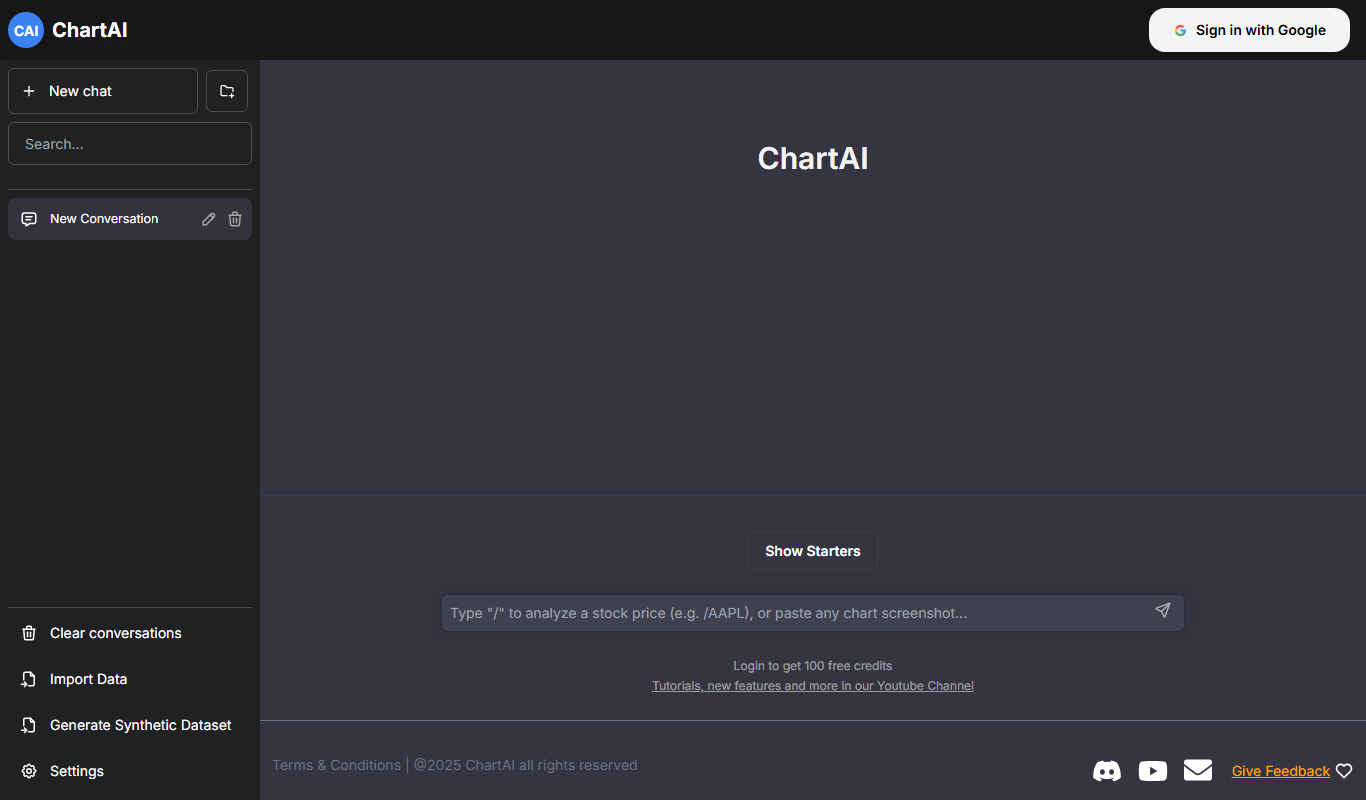
ChartAI
ChartAI is an AI-powered web tool that automatically generates professional charts from raw data, enabling users to visualize information quickly without design expertise.

AI graph maker
AI Graph Maker is an AI graph generator that turns text or data into interactive charts, mind maps, knowledge graphs and infographics, with free daily credits and a paid Hobby plan.

Excel Dashboard Ai
Excel Dashboard AI is a web platform that turns uploaded Excel or CSV data into polished reports, interactive dashboards and editable PowerPoint files.

Mixflow.AI
Mixflow.AI is an AI-powered analytics platform that transforms data into actionable insights through customizable dashboards, real-time processing, and predictive analytics.