

CAPTR Video Forms Platform for Interactive Video Engagement and Data Capture
CAPTR Video Forms is a web platform that lets you embed interactive forms and CTAs inside videos to engage viewers and capture leads without leaving the video player.
- Best for
- Lead Generation
- Key capability
- Interactive Video Forms
Save CAPTR Video Forms, follow its updates and vote on it — everything stays in your account.
Sign in or create a free account
What is CAPTR Video Forms?
CAPTR Video Forms is a web-based platform that enables users to create interactive videos by embedding customizable forms and clickable elements directly into video content. This allows businesses and marketers to engage viewers actively, capture leads, collect data, and drive conversions without redirecting users away from the video experience.
Key features of CAPTR Video Forms
The platform offers tools to add interactive forms, CTAs, quizzes, and surveys within videos. It supports real-time data capture, analytics, and integrations with CRM and marketing automation systems to streamline lead management and campaign tracking.
Interactive Video Forms
Embed customizable forms directly inside videos to capture leads and data without interrupting playback.
Clickable CTAs and Buttons
Add clickable calls-to-action to drive viewers to take desired actions seamlessly.
Real-Time Analytics
Monitor viewer engagement, form submissions, and conversion metrics in real time.
CRM and Marketing Integrations
Connect with popular CRM and marketing tools to automate lead nurturing workflows.
Responsive Design
Interactive videos are optimized for viewing on desktop and mobile devices.
Pros and cons of CAPTR Video Forms
Pros
- Enables direct lead capture within videos
- User-friendly drag-and-drop editor for interactivity
- Supports integration with marketing tools
- Responsive and mobile-friendly interactive videos
Cons
- Limited language support (English only)
- No desktop or mobile app; web platform only
- Pricing details beyond trial require contacting sales
Key use cases for CAPTR Video Forms
Lead Generation
Embed interactive forms within videos to capture leads directly during video playback.
Customer Engagement
Increase viewer interaction by adding clickable elements and forms inside videos.
Market Research
Collect feedback and survey responses seamlessly through video-embedded forms.
Sales Enablement
Use video forms to qualify prospects and gather information during product demos.
Training and Education
Enhance learning experiences by integrating quizzes and forms within training videos.
How CAPTR Video Forms works
- 1
Upload or Link Video
Start by uploading your video or linking an existing video URL to the CAPTR platform.
- 2
Add Interactive Elements
Use the editor to embed forms, buttons, quizzes, and other interactive components at desired timestamps.
- 3
Customize Form Fields
Design your forms with custom fields to capture specific information from viewers.
- 4
Publish and Share
Publish the interactive video and share it via your website, email campaigns, or social media.
- 5
Analyze Engagement
Track viewer interactions and form submissions through CAPTR’s analytics dashboard.
Who is using CAPTR Video Forms
CAPTR Video Forms pricing
Free Trial
$0 for 14 days
Access core features with limited video plays to test the platform.
Pro
$49/month
Includes higher video plays, advanced customization, and integrations.
Business
Custom pricing
Tailored solutions with dedicated support, API access, and enterprise features.
Plans and prices are as published by the vendor and can change. Check the official site before you buy. Open the pricing page (opens in a new tab)
Frequently asked questions about CAPTR Video Forms
Yes, CAPTR supports linking videos hosted on platforms like YouTube or Vimeo to add interactive forms.
Limits depend on your subscription plan; higher-tier plans offer increased submission capacity.
Yes, CAPTR offers integrations with popular CRM and marketing automation platforms for seamless lead management.
Absolutely, you can tailor form fields, colors, and styles to match your branding.
This tool is designed to help users accomplish its core tasks more efficiently. It is typically used by individuals or teams looking to improve productivity and workflow.
It depends on your specific needs and how you plan to use the tool. The official website and documentation are the best sources for the latest details.
Integration support depends on the tool and its available connectors or API. Check the official documentation or integrations page to confirm what is supported.
Some tools offer a free plan or trial with limited features. Availability can vary, so confirm on the official website.
Conclusion
Work starts by uploading a video or linking an existing video URL, and videos hosted on YouTube or Vimeo are supported. An editor places forms, buttons, quizzes and other interactive components at chosen timestamps. Playback is not interrupted, since the forms sit directly inside the video.
Finished videos are shared on a website, in email campaigns or on social media, and an analytics dashboard tracks interactions and form submissions. Lead data can flow to CRM and marketing automation platforms. It is designed for digital marketers, sales teams and training and education professionals.
Sources
Sign in to review this tool.
Sign In to ReviewNo reviews yet
Be the first to share how this tool worked for you.
Ask about pricing, limits, or how it compares — or answer someone else.
Sign In to AskNo questions yet
Have a question about using or paying for this tool? Be the first to ask.
Featured on TiorAI



Alternative Tools
Explore similar AI tools that might fit your needs

Vidyard
Vidyard is a video platform that helps businesses create, host, and share personalized videos for marketing, sales, and customer engagement with detailed analytics and CRM integrations.

Wistia
Wistia is a video hosting and marketing platform designed for businesses to host videos, customize players, analyze viewer engagement, and generate leads through interactive video tools.
More AI Forms Surveys tools
Other tools in the same category, for when this one is not quite the fit.

FormBuilderGPT
FormBuilderGPT is an AI-driven tool that creates customizable forms based on your natural language descriptions, enabling quick and easy data collection without coding.

ngsurvey.com
ngSurvey is enterprise survey software deployed on-premise or in the cloud, with an AI agent called Artemis for analysis.

Webs-Automation Job Application Bots
AI Jobs Automation is a web-based tool that automates filling and submitting job applications across multiple portals, helping job seekers save time and increase efficiency.
Sup! Standup Bot
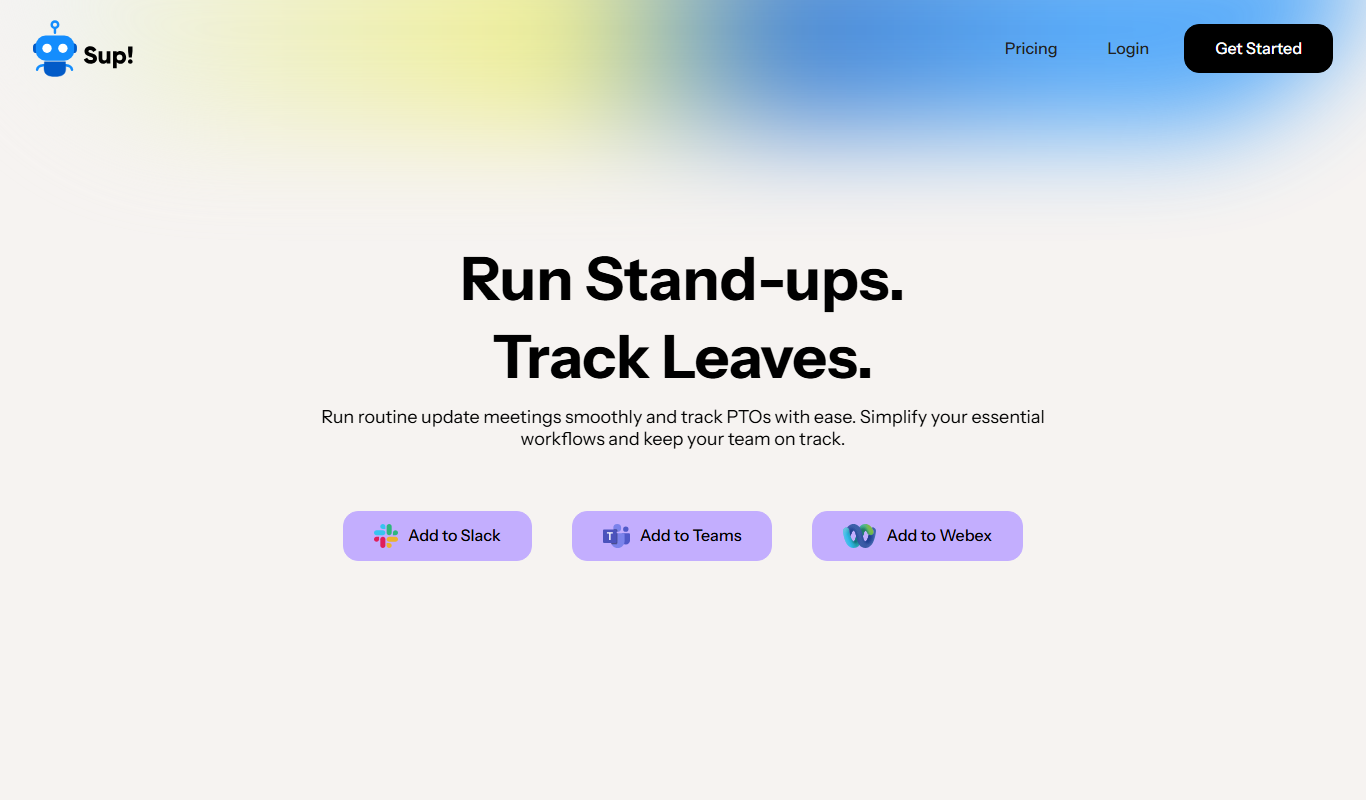
Sup! Standup Bot runs asynchronous standups, follow-ups, polls and leave tracking inside Slack, Microsoft Teams and Webex, and sends one summary instead of a status meeting.

Nifty
Nifty is a project management platform that helps teams organize tasks, track milestones, communicate via built-in chat, and monitor time spent, all in one centralized workspace.
Cognicio
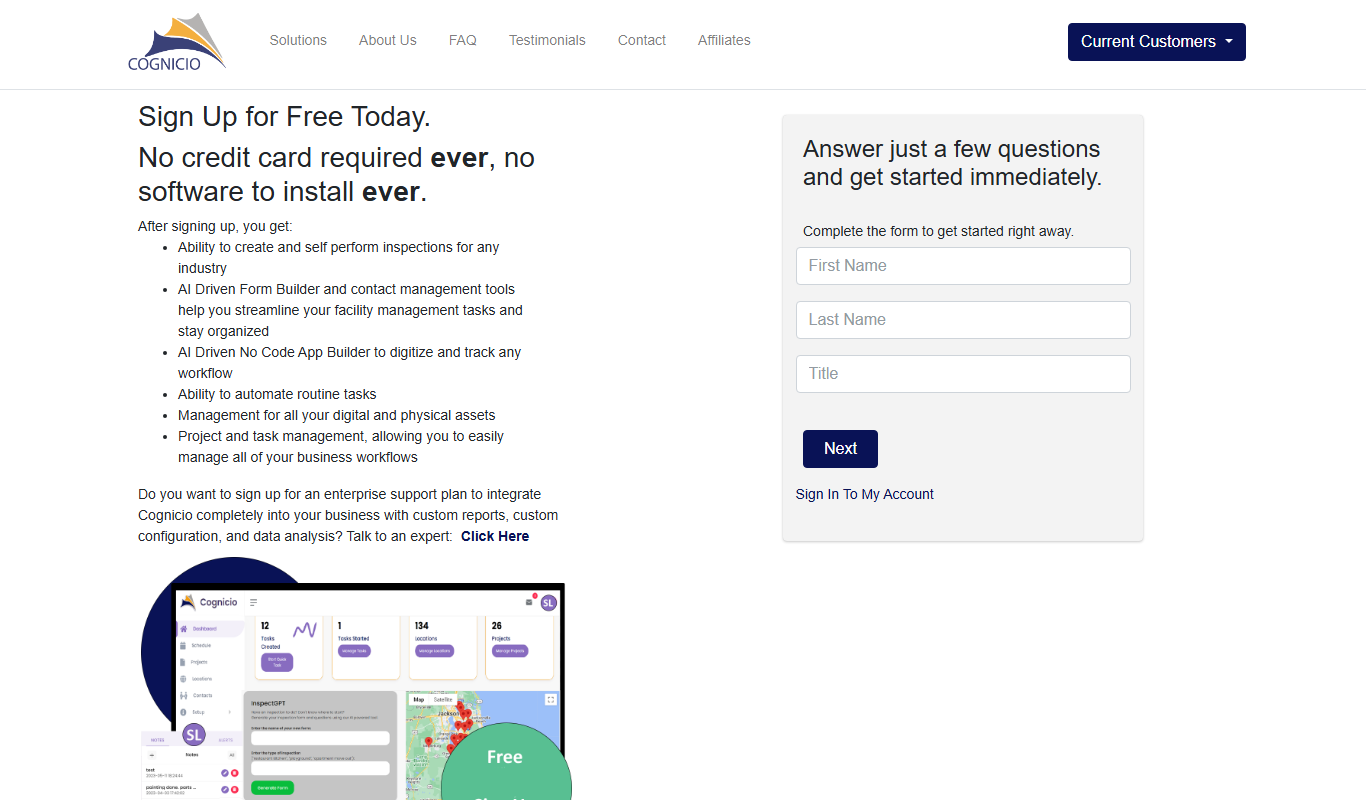
Cognicio is an AI-powered data analytics platform that automates complex data analysis, providing natural language insights and predictive analytics to help businesses make informed decisions.

UserCue
UserCue is a web-based tool that enables businesses to collect real-time user feedback through customizable surveys on their websites, helping improve customer experience and product development.

CrowdSnap
CrowdSnap is an AI image generation platform that creates realistic photos from text prompts, ideal for marketers and content creators needing custom visuals quickly.