

From my experience with Nifty, I found it excels at combining essential project management features with seamless team communication in one platform. The built-in chat and milestone tracking help keep projects transparent and teams aligned without juggling multiple apps. After spending time with the platform, I can say it’s particularly well-suited for small to medium-sized teams and remote groups who need an intuitive, all-in-one workspace. However, there is a trade-off: advanced customization and integrations are somewhat limited unless you opt for higher-tier plans. Overall, if you need a straightforward yet powerful tool to manage projects and collaborate efficiently, Nifty delivers solid results.
Nifty Project Management Software for Team Collaboration and Productivity
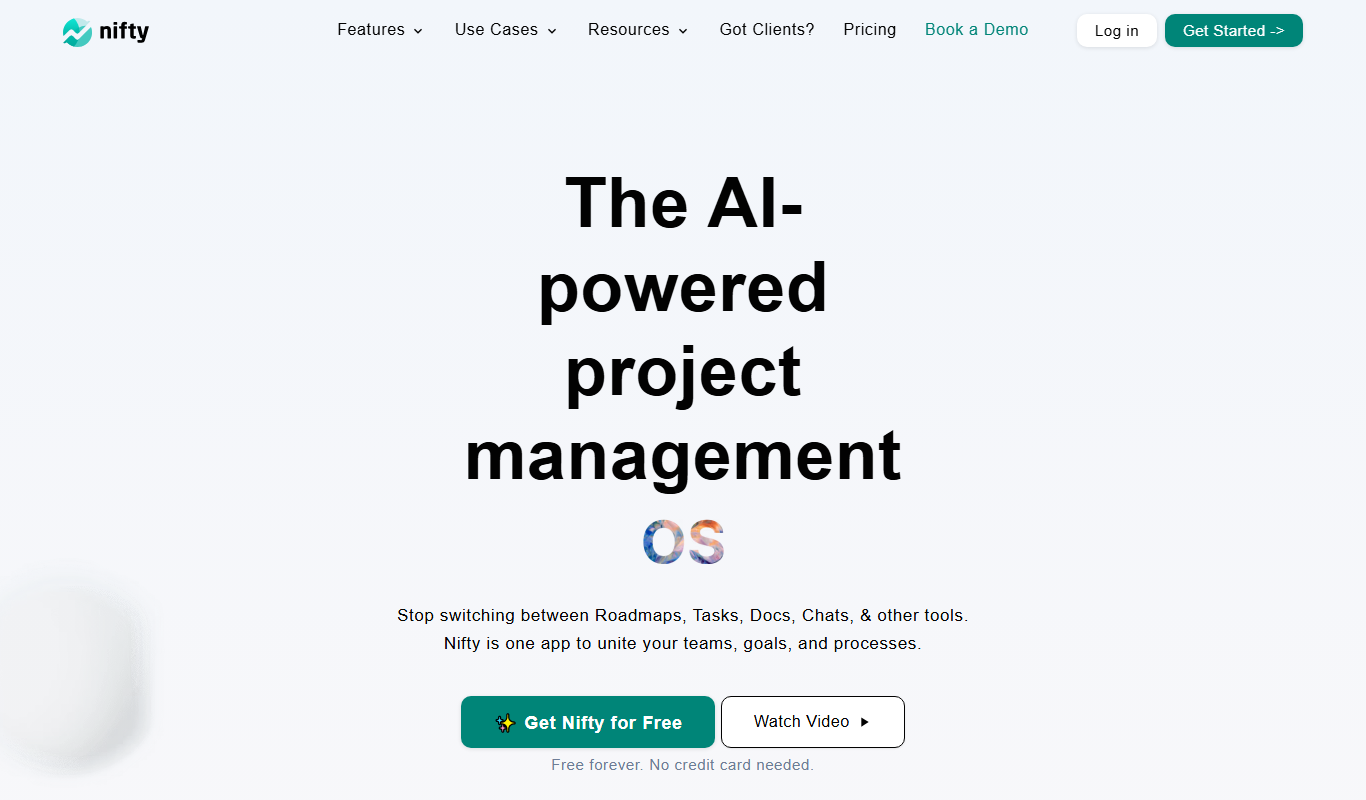
Nifty is a project management platform that helps teams organize tasks, track milestones, communicate via built-in chat, and monitor time spent, all in one centralized workspace.
- Best for
- Project Planning and Tracking
- Key capability
- Task and Milestone Management
Do you recommend this tool?
What is Nifty?
Nifty is a comprehensive project management and collaboration platform designed to streamline workflows, improve team communication, and increase productivity. It combines task management, milestone tracking, file sharing, and time tracking into a single intuitive interface, enabling teams to plan, execute, and deliver projects efficiently.
Key features of Nifty
Nifty offers task and milestone management, real-time chat, file sharing, time tracking, and automated reporting. Its centralized workspace helps teams stay organized and aligned on project goals.
Task and Milestone Management
Organize work with tasks, subtasks, and milestones to visualize project progress.
Built-in Team Chat
Communicate in real-time within projects to reduce email clutter.
Time Tracking
Log hours spent on tasks to analyze productivity and manage billing.
File Sharing and Document Management
Upload and share files directly within projects for easy access.
Automated Reporting
Generate customizable reports to keep clients and stakeholders informed.
Pros and cons of Nifty
Pros
- Intuitive and user-friendly interface
- Comprehensive all-in-one project management features
- Strong collaboration tools with built-in chat
- Flexible pricing plans including a free tier
- Mobile apps for on-the-go access
Cons
- Limited advanced customization options
- Some integrations require higher-tier plans
- No offline mode available
Key use cases for Nifty
Project Planning and Tracking
Organize projects with tasks, milestones, and timelines to keep teams aligned and on schedule.
Team Collaboration
Facilitate communication through built-in chat, comments, and file sharing within projects.
Client and Stakeholder Reporting
Generate progress reports and share project updates easily with clients and stakeholders.
Resource and Time Management
Track time spent on tasks and manage team workload to optimize productivity.
Goal Setting and Progress Monitoring
Set clear goals and monitor progress across multiple projects to ensure strategic alignment.
How Nifty works
- 1
Create a Workspace
Set up your team workspace and invite members to collaborate.
- 2
Start a Project
Define project goals, add tasks, and set milestones to outline the workflow.
- 3
Collaborate and Communicate
Use chat, comments, and file sharing to keep everyone connected and informed.
- 4
Track Progress
Monitor task completion, milestones, and time spent to ensure deadlines are met.
- 5
Generate Reports
Create automated reports to update stakeholders on project status.
Who is using Nifty
Small to medium-sized businesses
Remote and distributed teams
Marketing and creative agencies
Software development teams
Freelancers managing multiple projects
Nifty pricing
Free
$0/month
Basic features for small teams with limited projects and storage.
Pro
$49/month
Advanced features including unlimited projects, integrations, and increased storage.
Business
$99/month
Full feature set with priority support and enhanced security for larger teams.
Plans and prices are as published by the vendor and can change. Check the official site before you buy. Open the pricing page (opens in a new tab)
Frequently asked questions about Nifty
Yes, Nifty provides a free plan with limited features and a free trial for paid plans.
Nifty supports integrations with popular tools like Slack, Google Drive, and Zapier.
Yes, Nifty has mobile apps for both iOS and Android devices.
Nifty uses industry-standard security measures including encryption and regular backups.
It depends on your specific needs and how you plan to use the tool. The official website and documentation are the best sources for the latest details.
It depends on your specific needs and how you plan to use the tool. The official website and documentation are the best sources for the latest details.
It depends on your specific needs and how you plan to use the tool. The official website and documentation are the best sources for the latest details.
It depends on your specific needs and how you plan to use the tool. The official website and documentation are the best sources for the latest details.
Sign in to review this tool.
Sign In to ReviewNo reviews yet
Be the first to share how this tool worked for you.
Ask about pricing, limits, or how it compares — or answer someone else.
Sign In to AskNo questions yet
Have a question about using or paying for this tool? Be the first to ask.
Featured on TiorAI



Alternative Tools
Explore similar AI tools that might fit your needs

Business
Asana
Asana is a cloud-based project management platform that enables teams to organize tasks, track progress, automate workflows, and collaborate effectively across projects.

Free
Trello
Trello is a visual project management tool that helps teams organize tasks and workflows using boards, lists, and cards, with automation and integrations to enhance productivity.

Free Trial
Monday.com
Monday.com is a cloud-based project management and collaboration tool that helps teams plan, track, and automate workflows with customizable boards and integrations.
More AI Forms Surveys tools
Other tools in the same category, for when this one is not quite the fit.

Free Trial
CAPTR Video Forms
CAPTR Video Forms is a web platform that lets you embed interactive forms and CTAs inside videos to engage viewers and capture leads without leaving the video player.
Free
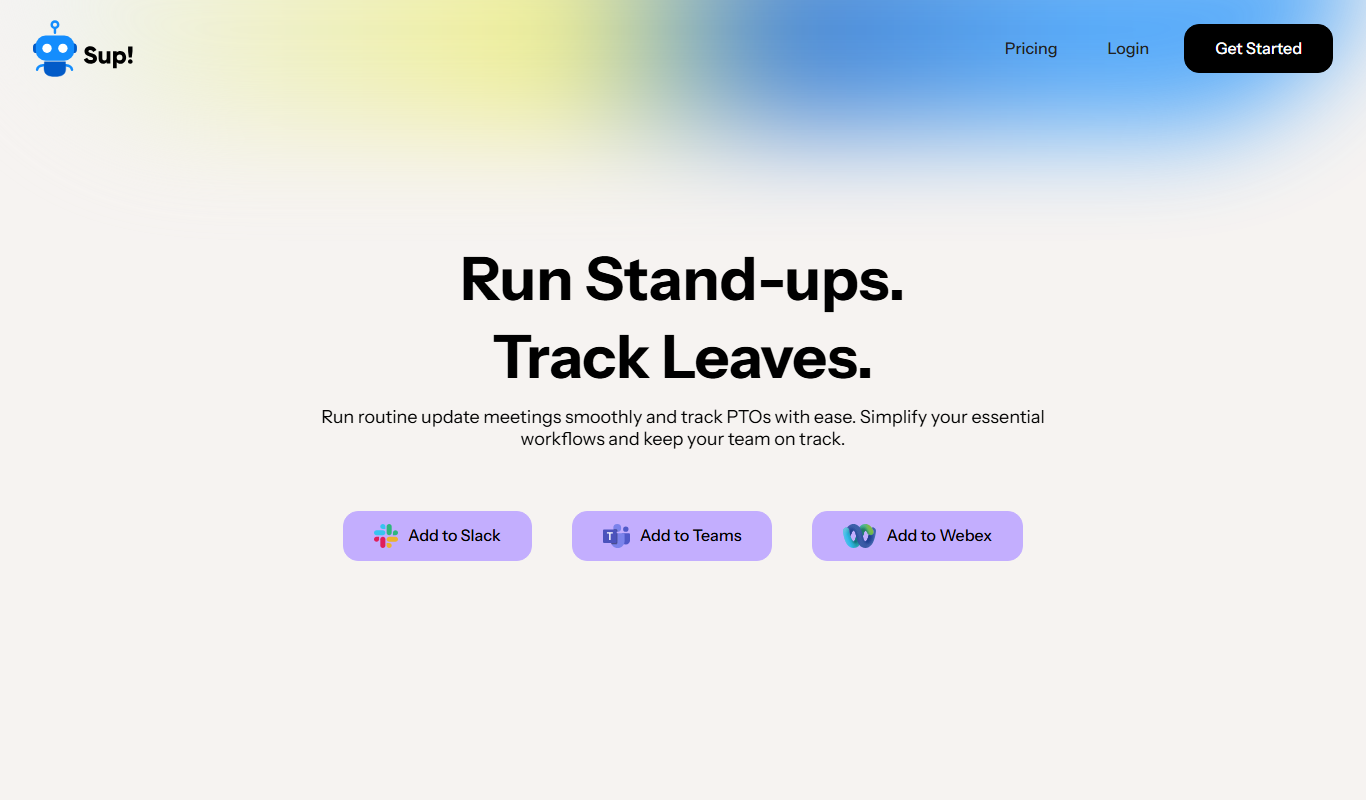
Sup! Standup Bot
Sup! Standup Bot automates daily standup meetings by collecting asynchronous team updates through Slack and Microsoft Teams, generating summaries to improve communication and save time.
Contact for pricing
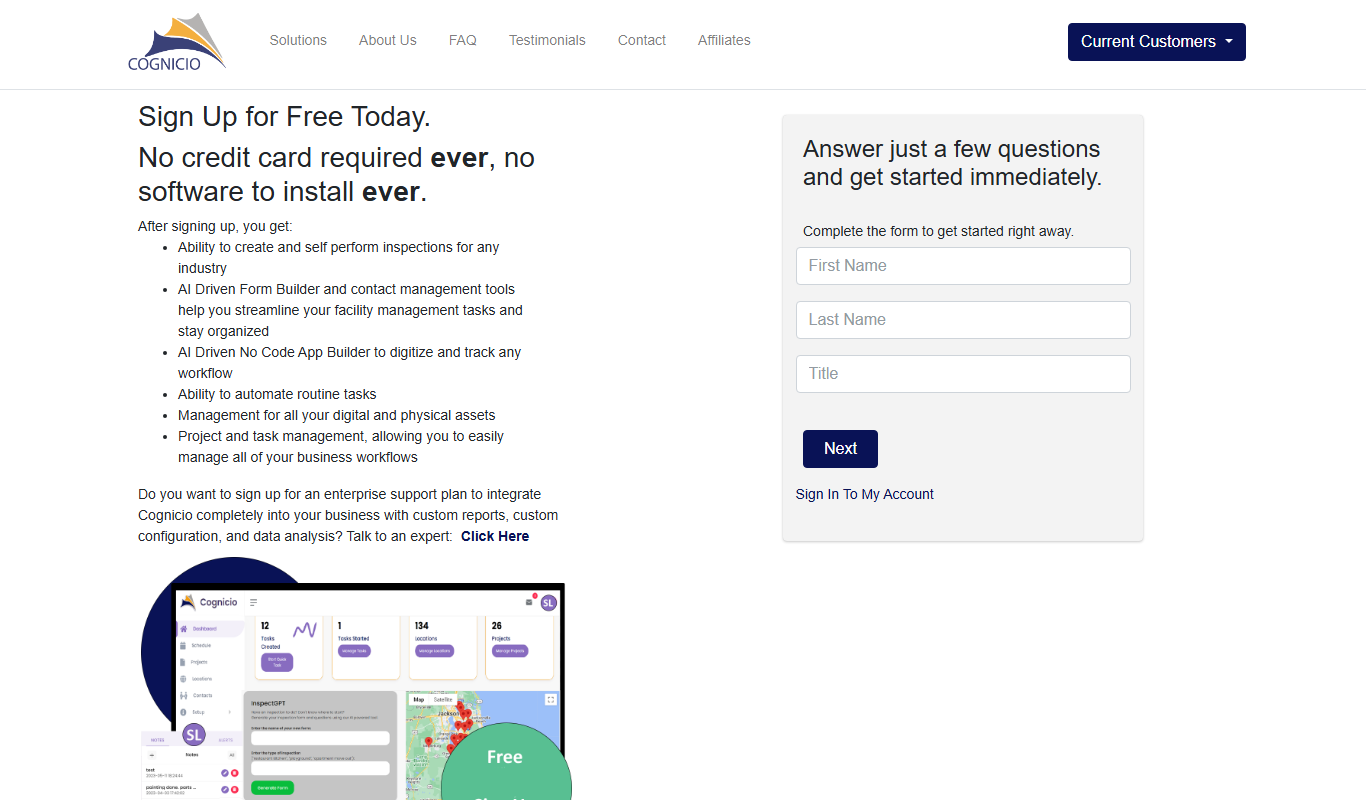
Cognicio
Cognicio is an AI-powered data analytics platform that automates complex data analysis, providing natural language insights and predictive analytics to help businesses make informed decisions.

Free Trial
UserCue
UserCue is a web-based tool that enables businesses to collect real-time user feedback through customizable surveys on their websites, helping improve customer experience and product development.

Freemium
dStudio
dStudio is an AI-driven video editing platform that automates video production tasks, enabling users to create professional videos quickly using features like smart scene detection and text-to-video conversion.

Free
Standuply: Poll & Survey Scrum Bot
Standuply is an automated Scrum bot that runs asynchronous standup meetings, polls, and surveys inside Slack and Microsoft Teams, helping Agile teams improve communication and productivity without synchronous meetings.

Freemium
CrowdSnap
CrowdSnap is an AI image generation platform that creates realistic photos from text prompts, ideal for marketers and content creators needing custom visuals quickly.
Free
Cantrip
Cantrip is an AI writing assistant that helps users generate creative and coherent text quickly using AI suggestions and a Chrome extension.