

From my experience with UserCue, it stands out for its straightforward approach to collecting user feedback directly on websites. Setting up surveys is intuitive, making it accessible even for those without technical backgrounds. The real-time feedback feature is particularly useful for quickly identifying user issues and preferences. However, the lack of a permanent free plan means smaller teams might hesitate to commit without a trial. Also, while the analytics are helpful, they could benefit from deeper insights and integrations. Overall, UserCue is a solid choice for businesses focused on improving customer experience through targeted website surveys.
UserCue User Feedback Tool for Website Surveys and Customer Insights
UserCue is a web-based tool that enables businesses to collect real-time user feedback through customizable surveys on their websites, helping improve customer experience and product development.
Your actions
Save UserCue, follow its updates and vote on it — everything stays in your account.
Sign in or create a free account
What is UserCue?
UserCue is a web-based user feedback tool designed to help businesses collect real-time insights from their website visitors through targeted surveys and feedback forms. It enables companies to understand user behavior, preferences, and pain points by capturing direct input, which can then be used to improve website usability, customer experience, and product development.
Key use cases for UserCue
Collect Website Visitor Feedback
Gather direct feedback from website visitors to understand their experience and pain points.
Improve Customer Experience
Use survey data to identify areas for improvement and enhance overall customer satisfaction.
Validate Product Ideas
Test new features or concepts by collecting user opinions before full development.
Measure User Engagement
Track how users interact with your site and what motivates or hinders their actions.
Support UX Research
Complement quantitative data with qualitative insights from real users.
How UserCue works
- 1
Create an Account
Sign up on the UserCue platform to access the dashboard.
- 2
Design Your Survey
Use pre-built templates or customize your own questions and appearance.
- 3
Deploy on Your Website
Add the UserCue script to your website to start collecting visitor feedback.
- 4
Collect Responses
Visitors see surveys based on your targeting rules and submit their feedback.
- 5
Analyze Results
Review collected data and insights in the UserCue dashboard to inform decisions.
Who is using UserCue
Website owners
UX researchers
Product managers
Marketing teams
Customer experience professionals
UserCue pricing
Free Trial
$0 for 14 days
Full feature access for two weeks to evaluate the platform.
Basic
$29/month
Includes core survey features and limited responses per month.
Pro
$79/month
Advanced targeting, unlimited responses, and priority support.
Plans and prices are as published by the vendor and can change. Check the official site before you buy. Open the pricing page (opens in a new tab)
Sign in to review this tool.
Sign In to ReviewNo reviews yet
Be the first to share how this tool worked for you.
Ask about pricing, limits, or how it compares — or answer someone else.
Sign In to AskNo questions yet
Have a question about using or paying for this tool? Be the first to ask.
Featured on TiorAI



Alternative Tools
Explore similar AI tools that might fit your needs

Enterprise
Survicate
Survicate is a customer feedback platform that enables businesses to create and distribute surveys across multiple channels, analyze responses in real time, and integrate feedback data with CRM and marketing tools to improve customer experience.

Free Trial
Qualaroo
Qualaroo is a customer feedback software that helps businesses collect targeted website surveys and analyze user insights with AI-powered tools to improve customer experience.
More AI Forms Surveys tools
Other tools in the same category, for when this one is not quite the fit.

Free Trial
CAPTR Video Forms
CAPTR Video Forms is a web platform that lets you embed interactive forms and CTAs inside videos to engage viewers and capture leads without leaving the video player.
Free
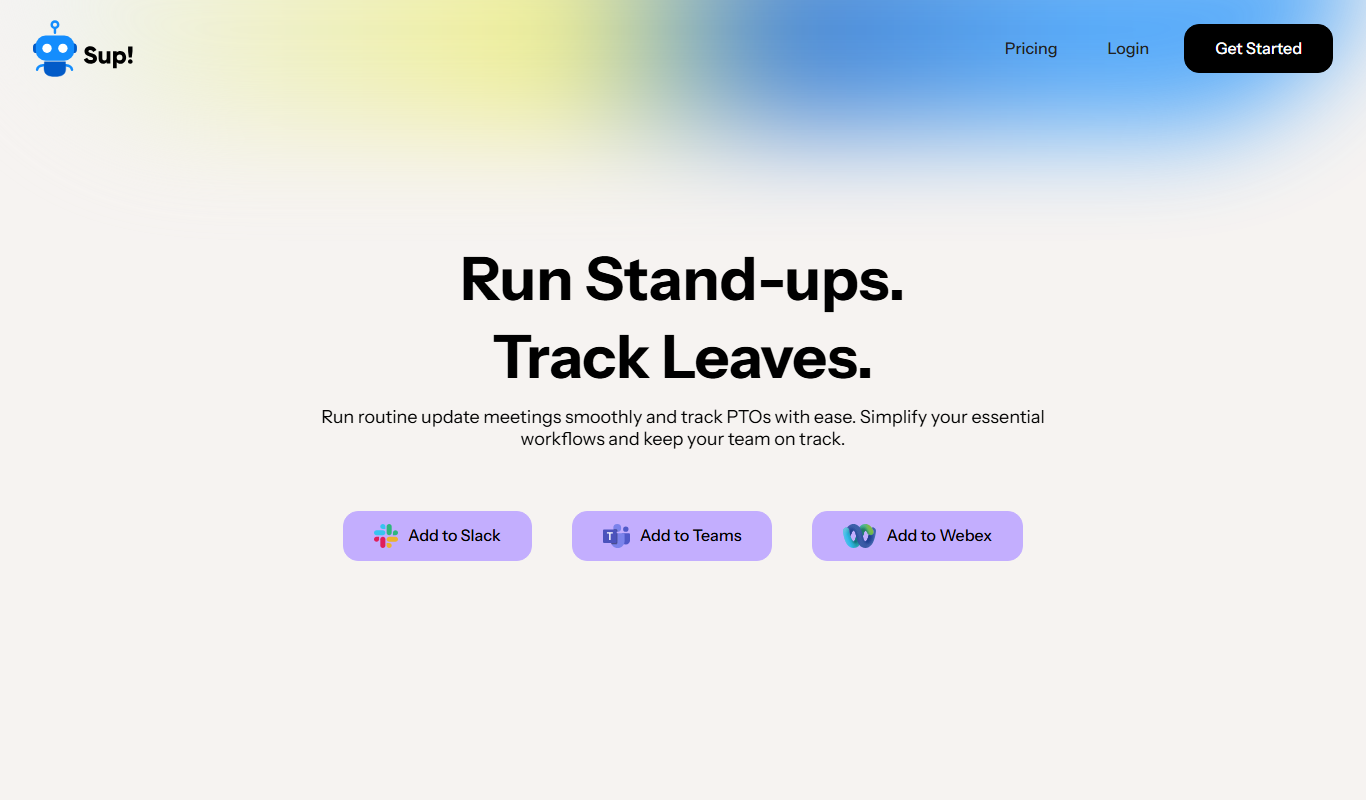
Sup! Standup Bot
Sup! Standup Bot runs asynchronous standups, follow-ups, polls and leave tracking inside Slack, Microsoft Teams and Webex, and sends one summary instead of a status meeting.

Free
Nifty
Nifty is a project management platform that helps teams organize tasks, track milestones, communicate via built-in chat, and monitor time spent, all in one centralized workspace.
Contact for pricing
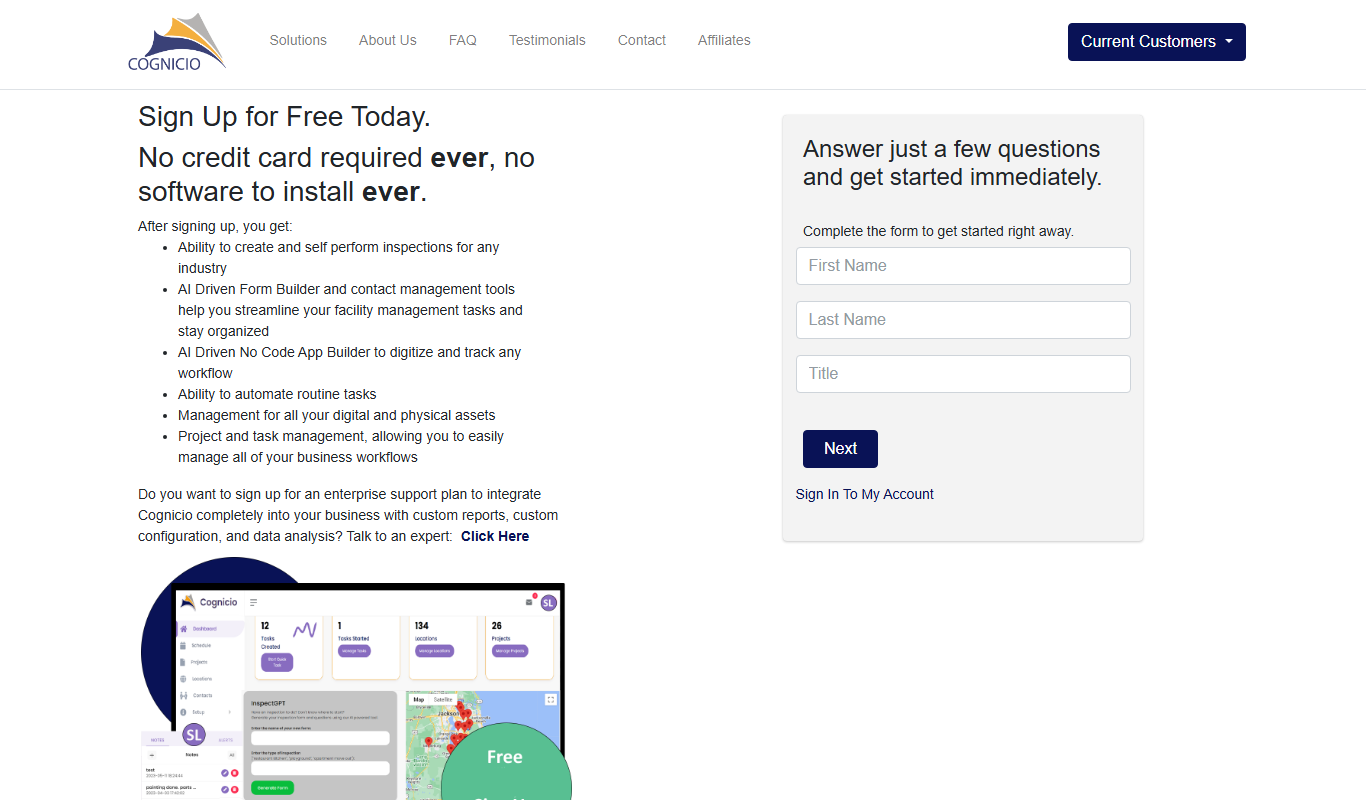
Cognicio
Cognicio is an AI-powered data analytics platform that automates complex data analysis, providing natural language insights and predictive analytics to help businesses make informed decisions.

Freemium
CrowdSnap
CrowdSnap is an AI image generation platform that creates realistic photos from text prompts, ideal for marketers and content creators needing custom visuals quickly.

Free
Cantrip
Cantrip is an AI writing assistant that helps users generate creative and coherent text quickly using AI suggestions and a Chrome extension.

Free
FormBuilderGPT
FormBuilderGPT is an AI-driven tool that creates customizable forms based on your natural language descriptions, enabling quick and easy data collection without coding.
Free
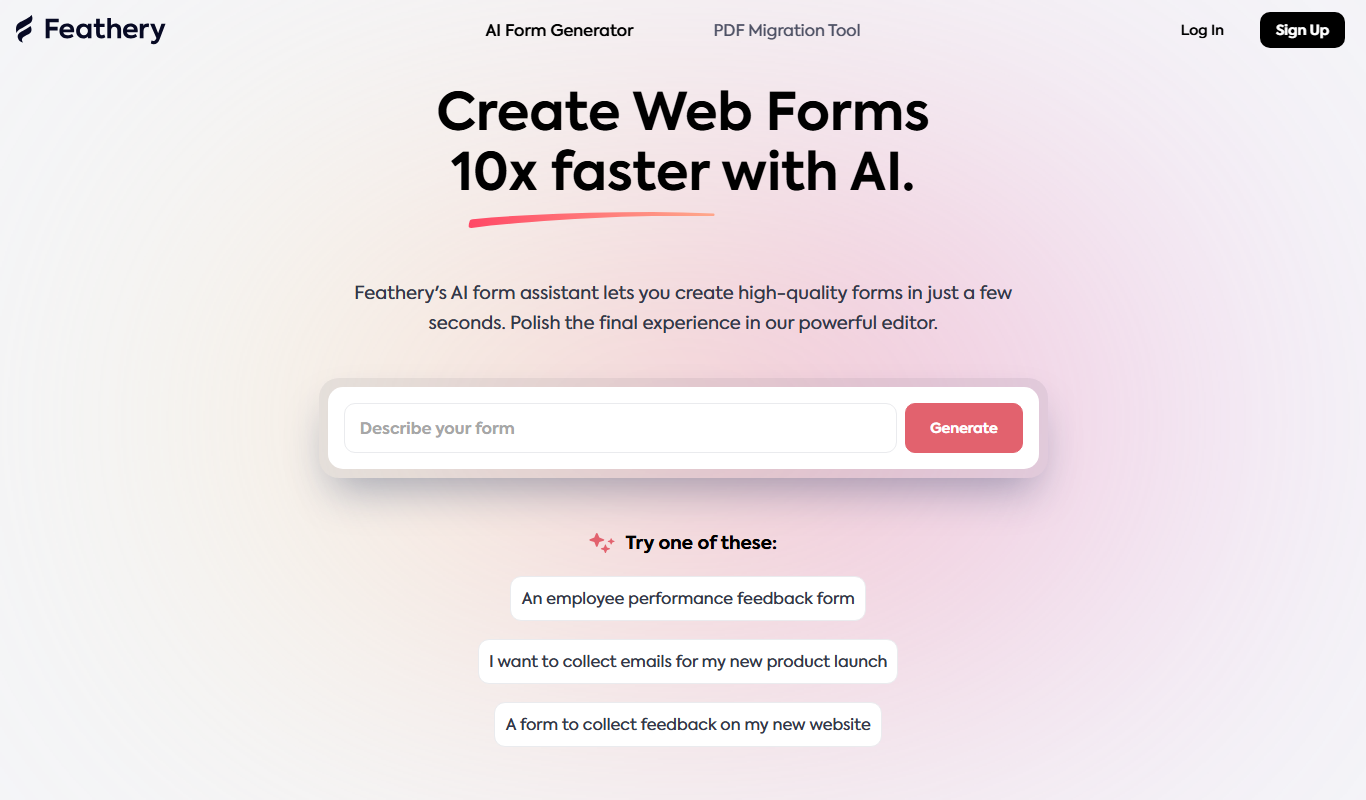
Feathery AI
Feathery AI is a no-code platform that allows users to create customizable, AI-optimized online forms and surveys with conditional logic and integrations.