

AI Jobs Automation Bot for Streamlined Job Applications and Hiring
AI Jobs Automation is a web-based tool that automates filling and submitting job applications across multiple portals, helping job seekers save time and increase efficiency.
- Best for
- Automated Job Applications
- Key capability
- Automated Form Filling
Save Webs-Automation Job Application Bots, follow its updates and vote on it — everything stays in your account.
Sign in or create a free account

What is Webs-Automation Job Application Bots?
AI Jobs Automation refers to a product family of job application bots from Webs-Automation, with a separate bot for each job site, including LinkedIn, Indeed, Dice, Glassdoor, Monster and ZipRecruiter.
Key features of Webs-Automation Job Application Bots
The tool offers features such as automated form filling, multi-platform job application submission, resume management, and workflow automation to simplify and speed up the job application process.
Automated Form Filling
Automatically fills out job application forms using stored user data to save time.
Multi-Portal Support
Supports submitting applications across multiple job boards and portals.
Resume Management
Allows users to upload and manage resumes for consistent application submissions.
Workflow Automation
Automates repetitive recruitment tasks to streamline the job search process.
Pros and cons of Webs-Automation Job Application Bots
Pros
- Saves significant time by automating job applications
- Supports multiple job portals for broader reach
- Easy to set up and use with a web-based interface
Cons
- Limited information on pricing transparency
- May not support all niche or regional job boards
- Requires initial setup of profiles and resumes
Key use cases for Webs-Automation Job Application Bots
Automated Job Applications
Automatically fill and submit job applications on multiple job portals to save time and increase efficiency.
Resume and Profile Management
Manage and update resumes and profiles across various job boards seamlessly.
Recruitment Process Automation
Streamline recruitment workflows by automating repetitive tasks related to candidate applications.
Job Search Optimization
Enhance job search by automating application submissions to relevant job listings.
How Webs-Automation Job Application Bots works
- 1
Sign Up
Create an account on the WebsAutomation platform to access the AI Jobs Automation bot.
- 2
Configure Profiles
Upload your resume and fill in your personal and professional details for automated form filling.
- 3
Select Job Portals
Choose the job boards and portals where you want the bot to submit applications.
- 4
Start Automation
Activate the bot to begin automatic job application submissions based on your preferences.
Who is using Webs-Automation Job Application Bots
Webs-Automation Job Application Bots pricing
Free Trial
$0 for limited period
Access to basic features for a limited time to evaluate the tool.
Subscription
Varies based on plan
Full access to all features with ongoing support and updates.
Plans and prices are as published by the vendor and can change. Check the official site before you buy. Open the pricing page (opens in a new tab)
Frequently asked questions about Webs-Automation Job Application Bots
The bot supports multiple popular job portals; specific supported sites can be found on the official website.
Yes, WebsAutomation follows standard security practices to protect user data.
Yes, users can configure their profiles and resumes to control the data submitted.
It depends on your specific needs and how you plan to use the tool. The official website and documentation are the best sources for the latest details.
It depends on your specific needs and how you plan to use the tool. The official website and documentation are the best sources for the latest details.
Yes, it can help with that use case depending on how you configure it and what features are available. You’ll get the best results with clear inputs and a defined goal.
Conclusion
Webs-Automation offers these job application bots as a range, with a separate bot for each job site such as LinkedIn, Indeed, Dice and Glassdoor. After signing up, users upload a resume and fill in personal and professional details, then choose the job boards where the bot submits applications. Once activated, the bot automatically fills out application forms using stored user data.
The bots are aimed at job seekers looking to automate applications, and also at career coaches assisting clients with job search. Initial setup of profiles and resumes is required, and some niche or regional job boards may not be supported.
Sources
Sign in to review this tool.
Sign In to ReviewNo reviews yet
Be the first to share how this tool worked for you.
Ask about pricing, limits, or how it compares — or answer someone else.
Sign In to AskNo questions yet
Have a question about using or paying for this tool? Be the first to ask.
Featured on TiorAI



More AI Automation & Workflow Tools tools
Other tools in the same category, for when this one is not quite the fit.

RADAAR
RADAAR is a social media management tool that helps businesses schedule posts, collaborate with teams, manage messages, and analyze social media performance from one platform.

ocrolus.com
Ocrolus is an AI-driven platform that automates the extraction and validation of data from financial documents like bank statements and pay stubs, combining OCR technology with human review to ensure accuracy and compliance.

DocumentPro
DocumentPro is an AI-driven document automation platform that extracts and processes data from documents to streamline business workflows.
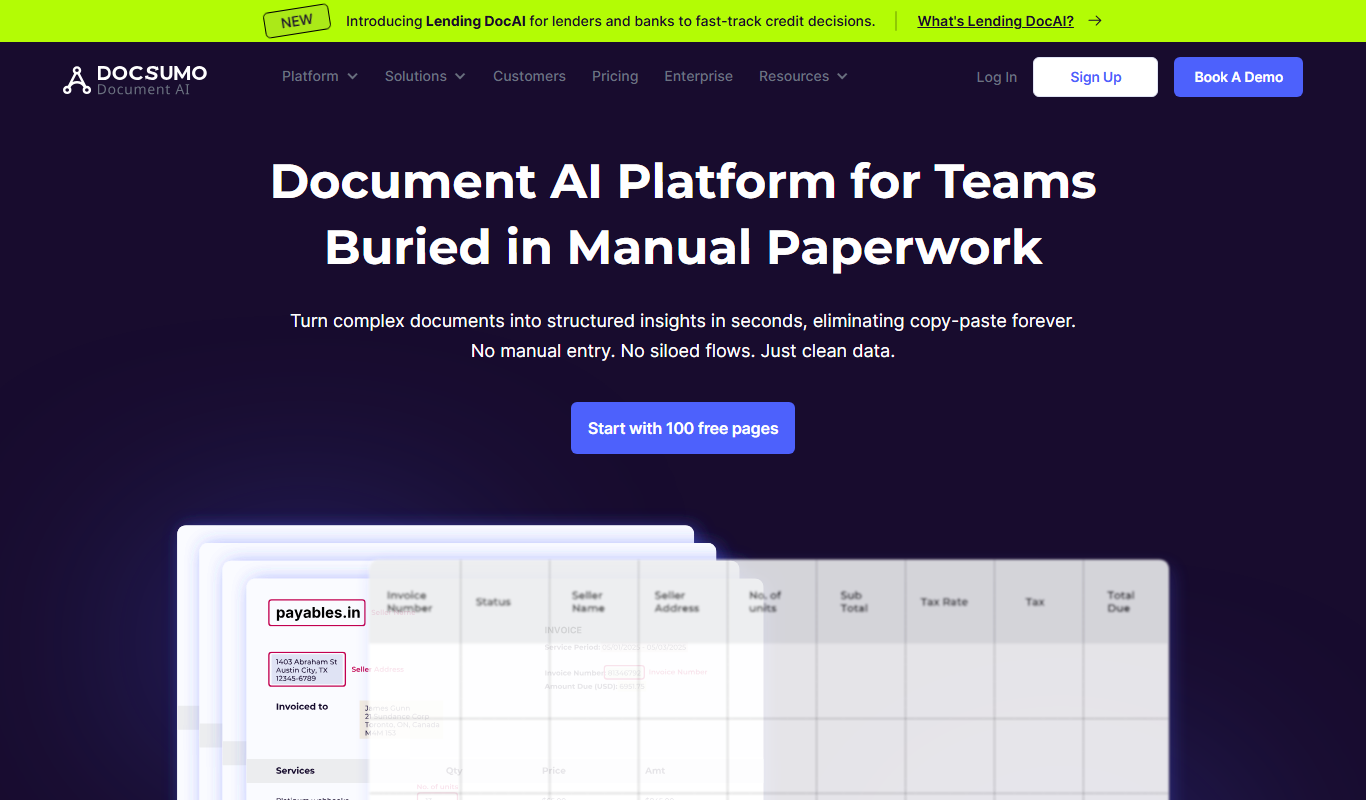
Docsumo
Docsumo is an AI-driven document processing platform that automates extraction of data from scanned documents, PDFs, and images using OCR and machine learning, helping businesses digitize workflows and reduce manual data entry.

Quiksbot
Quiksbot is an AI-powered no-code chatbot platform designed to automate customer support and lead generation on websites.

CryptoMatic Bot
CryptoMatic Bot is a web-based automated cryptocurrency trading platform that allows users to create, customize, and deploy trading bots with backtesting and multi-exchange support.
Pega Systems
Pega Systems is an enterprise software platform specializing in business process management, customer relationship management, and intelligent automation with AI-powered decisioning and low-code development.

Seismic
Seismic is a sales enablement platform that centralizes sales content, personalizes buyer experiences, integrates with CRM systems like Salesforce, and provides analytics to improve sales effectiveness.