

Vidyard Video Platform for Marketing, Sales, and Customer Engagement
Vidyard is a video platform that helps businesses create, host, and share personalized videos for marketing, sales, and customer engagement with detailed analytics and CRM integrations.
- Best for
- Sales Enablement
- Key capability
- Personalized Video Messaging
Save Vidyard, follow its updates and vote on it — everything stays in your account.
Sign in or create a free account
What is Vidyard?
Vidyard is a video platform designed to help businesses create, host, and share videos for marketing, sales, and customer engagement. It offers tools for personalized video creation, video hosting, and detailed analytics to measure video performance and viewer engagement. Vidyard integrates with popular CRM and marketing platforms to streamline video workflows and improve communication effectiveness.
Key features of Vidyard
Vidyard provides video creation tools, hosting services, personalized video messaging, video analytics, and integrations with sales and marketing software. Its platform supports video embedding, sharing, and tracking to enhance customer interactions and business communications.
Personalized Video Messaging
Create videos tailored to individual viewers to increase engagement.
Video Hosting and Management
Securely host videos with customizable players and easy sharing options.
Advanced Video Analytics
Gain insights into viewer behavior, watch time, and engagement metrics.
CRM and Marketing Integrations
Seamlessly connect with platforms like Salesforce, HubSpot, and Marketo.
Video SEO and Embedding
Optimize videos for search engines and embed them on websites or landing pages.
Pros and cons of Vidyard
Pros
- Easy-to-use video creation and hosting platform
- Strong integration with CRM and marketing tools
- Detailed viewer analytics for data-driven decisions
- Supports personalized video messaging
- Flexible sharing and embedding options
Cons
- Advanced features require paid plans
- Limited language support beyond English
- Pricing can be high for small businesses
Key use cases for Vidyard
Sales Enablement
Create personalized video messages to engage prospects and accelerate sales cycles.
Marketing Campaigns
Host and share videos to increase audience engagement and track viewer behavior.
Customer Support
Use video to explain complex concepts and improve customer satisfaction.
Internal Communications
Share company updates and training videos to improve employee engagement.
Video Analytics
Analyze viewer data to optimize video content and marketing strategies.
How Vidyard works
- 1
Sign Up
Create a Vidyard account on their website to access the video platform.
- 2
Create or Upload Video
Record a new video or upload existing video content to the platform.
- 3
Customize and Personalize
Add personalized elements like calls-to-action or branding to your videos.
- 4
Share Video
Distribute videos via email, social media, or embed on websites.
- 5
Analyze Performance
Use Vidyard’s analytics dashboard to track viewer engagement and video metrics.
Who is using Vidyard
Vidyard pricing
Free
$0/month
Stand out with video messages: no credit card required; 15 AI videos, stock avatars, 3 custom AI avatars, limited number of videos per month, video editing tools, video sharing options, limited integrations.
Starter
$59 USD per seat per month, billed annually
Close more deals, faster. Everything in Free, and unlimited video recording, full video analytics, team performance analytics, branded sharing page, CTA templates, password-protected videos.
Teams
Custom pricing
Best for teams of 5+. Everything in Starter, and CRM/MAP integrations, advanced team performance analytics, fully customizable CTAs and video captions.
Enterprise
Custom pricing
Everything in Teams, and unlimited integrations, SSO user management and secure playback, custom permissions and security.
Plans and prices are as published by the vendor and can change. Check the official site before you buy. Open the pricing page (opens in a new tab)
Frequently asked questions about Vidyard
Yes, Vidyard allows you to create personalized video messages tailored to individual viewers.
Vidyard integrates with popular CRM and marketing platforms such as Salesforce, HubSpot, and Marketo.
Yes, Vidyard offers a free plan with basic video creation and hosting features.
Yes, Vidyard provides detailed analytics on viewer engagement and behavior.
This tool is designed to help users accomplish its core tasks more efficiently. It is typically used by individuals or teams looking to improve productivity and workflow.
It depends on your specific needs and how you plan to use the tool. The official website and documentation are the best sources for the latest details.
Integration support depends on the tool and its available connectors or API. Check the official documentation or integrations page to confirm what is supported.
Conclusion
Videos are recorded or uploaded, personalized with calls-to-action or branding, and then shared by email, social media or embeds on websites. Even the Free plan includes AI videos with stock or custom AI avatars, and a Video Agent add-on handles automated video creation and delivery. An analytics dashboard tracks viewer engagement, and integrations reach platforms such as Salesforce, HubSpot and Marketo.
Sales teams, marketing professionals and customer support teams are the main users, with personalized video messages for prospects as a typical use. A Free plan needs no credit card and allows a limited number of videos per month, while Starter adds unlimited recording and full analytics with a 14-day trial. Teams and Enterprise have custom pricing through a talk with sales, and CRM/MAP integrations begin at Teams.
Sources
Sign in to review this tool.
Sign In to ReviewNo reviews yet
Be the first to share how this tool worked for you.
Ask about pricing, limits, or how it compares — or answer someone else.
Sign In to AskNo questions yet
Have a question about using or paying for this tool? Be the first to ask.
Featured on TiorAI



Alternative Tools
Explore similar AI tools that might fit your needs

Loom
Loom is a video messaging platform that enables users to quickly record and share screen and webcam videos for remote communication, collaboration, and tutorials.

Wistia
Wistia is a video hosting and marketing platform designed for businesses to host videos, customize players, analyze viewer engagement, and generate leads through interactive video tools.
BombBomb
BombBomb is a video email platform that helps businesses create, send, and track personalized video messages within emails to improve engagement and sales outreach.
More AI Analytics Assistant tools
Other tools in the same category, for when this one is not quite the fit.
Affectiva
Affectiva is an emotion AI platform that analyzes facial expressions and emotions using artificial intelligence to provide insights for marketing, automotive safety, and media engagement.
Leadfeeder
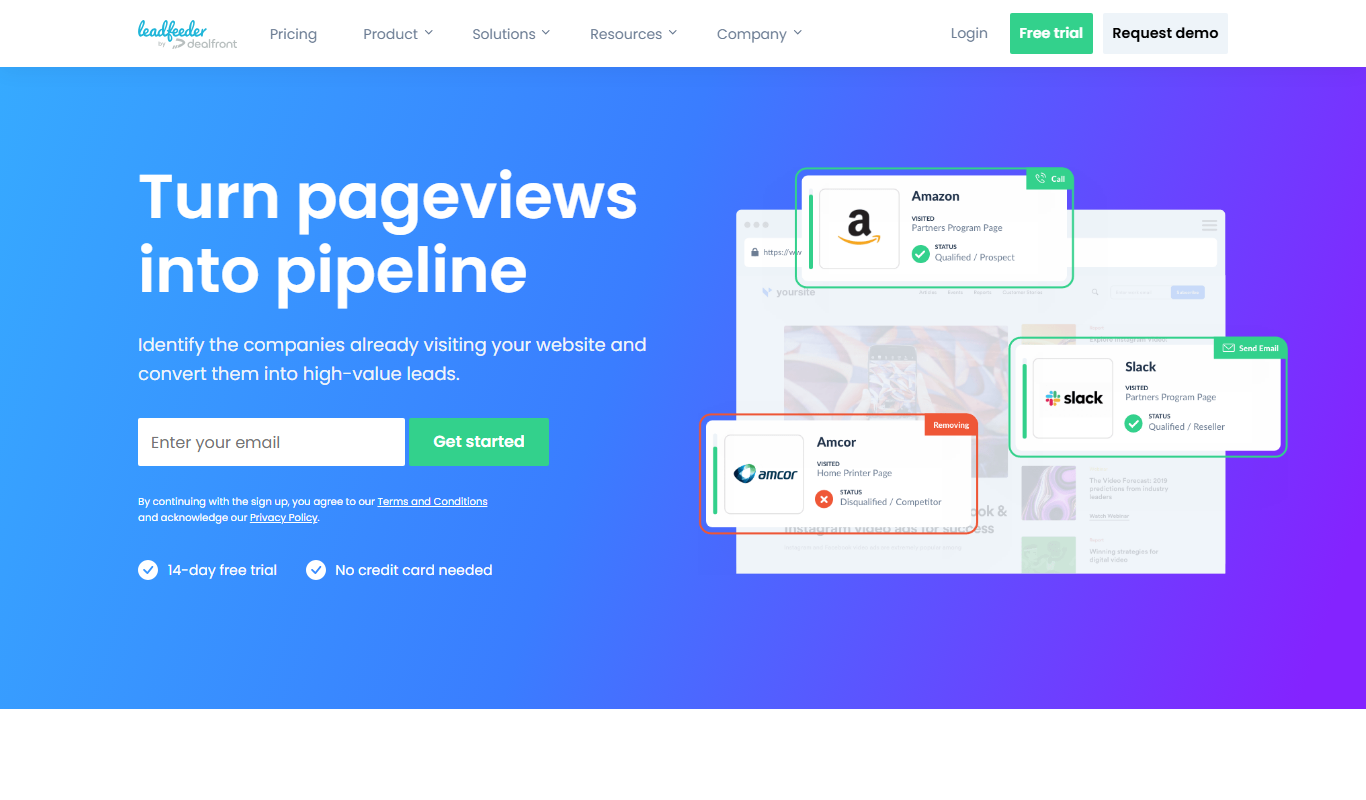
Leadfeeder is a B2B lead generation tool that identifies anonymous website visitors by company, providing sales teams with actionable leads and CRM integration to improve prospecting efficiency.

Morningfame
Morningfame is a YouTube analytics platform that helps creators grow their channels by providing keyword research, personalized growth reports, and video SEO optimization recommendations.

KlientBoost
KlientBoost is a digital marketing agency focused on managing PPC campaigns and improving conversion rates through data-driven strategies and landing page optimization.

Disruptive Advertising
Disruptive Advertising is a digital marketing agency specializing in PPC campaign management, conversion rate optimization, and analytics to help businesses maximize online advertising ROI.

Sustainalytics
Sustainalytics provides ESG risk ratings and sustainability data to help investors and companies assess environmental, social, and governance risks for responsible decision-making.
PVsyst
PVsyst is a specialized desktop software for designing and simulating photovoltaic solar energy systems, offering detailed shading analysis, energy yield estimation, and financial evaluation.

HelioScope
HelioScope is a cloud-based solar design software that enables users to create detailed photovoltaic system layouts, perform shading and energy production simulations, and generate professional reports to optimize solar project performance.