

AppSheet No-Code AI App Builder for Custom Business Applications
AppSheet is a Google-owned no-code platform that enables users to build custom mobile and web apps with AI-powered automation, connecting to various data sources without programming skills.
- Best for
- Custom Business App Development
- Key capability
- No-Code App Builder
Save AppSheet, follow its updates and vote on it — everything stays in your account.
Sign in or create a free account
What is AppSheet?
AppSheet is a no-code application development platform owned by Google that enables users to build custom mobile and web apps without writing code. It leverages AI and machine learning to simplify app creation, allowing businesses to automate workflows, collect data, and manage operations efficiently. Users can connect to various data sources like Google Sheets, Excel, and cloud databases to create dynamic applications tailored to their specific needs.
Key features of AppSheet
AppSheet offers drag-and-drop app building, AI-powered data insights, workflow automation, multi-platform deployment, and integration with popular data sources. Its intuitive interface supports rapid prototyping and deployment of business applications without requiring programming skills.
No-Code App Builder
Create fully functional apps without writing any code using a visual interface.
AI and Machine Learning Integration
Leverage AI to automate workflows and gain insights from your data.
Multi-Platform Support
Deploy apps on both web and mobile platforms seamlessly.
Data Source Connectivity
Connect to Google Sheets, Excel, SQL databases, and cloud services.
Workflow Automation
Automate notifications, approvals, and data updates with custom rules.
Pros and cons of AppSheet
Pros
- No coding required to build complex apps
- Strong integration with Google ecosystem
- Supports multiple data sources
- AI-powered automation enhances productivity
- Cross-platform app deployment
Cons
- Pricing can become expensive for large teams
- Customization options may be limited compared to traditional development
- Learning curve for advanced features and automation
Key use cases for AppSheet
Custom Business App Development
Create tailored mobile and web applications without coding to streamline business processes.
Workflow Automation
Automate repetitive tasks and data collection to improve operational efficiency.
Data Collection and Management
Build apps that facilitate real-time data entry, tracking, and reporting.
Inventory and Asset Tracking
Develop apps to monitor inventory levels and asset locations with ease.
Field Service Management
Enable field teams to access and update information on the go through custom apps.
How AppSheet works
- 1
Connect Data Source
Link your existing data from spreadsheets or databases to start building your app.
- 2
Design Your App
Use the visual editor to customize app views, forms, and workflows.
- 3
Add Automation
Incorporate AI-driven automation and conditional logic to streamline processes.
- 4
Test and Deploy
Preview your app on multiple devices and deploy it to users instantly.
Who is using AppSheet
AppSheet pricing
Starter
$5/user/month
Basic application and automation features, connections to spreadsheets and cloud file storage providers, and AppSheet database.
Core
$10/user/month
Included in most paid Google Workspace plans; advanced app and automation features, application security controls and email support.
Enterprise Plus
$20
Enhanced application security, team management and governance controls, machine learning modeling and priority customer support.
Publisher Pro
$50/app
Public apps with the feature sets of the Core plan, without user sign-in options or security filters.
Plans and prices are as published by the vendor and can change. Check the official site before you buy. Open the pricing page (opens in a new tab)
Frequently asked questions about AppSheet
No, AppSheet is designed for users without programming experience, using a visual no-code interface.
AppSheet supports Google Sheets, Excel, SQL databases, Salesforce, and other cloud data sources.
Yes, apps built with AppSheet are compatible with web browsers and mobile devices.
No, free use is only for testing with up to 10 users; Starter costs $5/user/month.
This tool is designed to help users accomplish its core tasks more efficiently. It is typically used by individuals or teams looking to improve productivity and workflow.
Some tools offer a free plan or trial with limited features. Availability can vary, so confirm on the official website.
Yes, it can help with that use case depending on how you configure it and what features are available. You’ll get the best results with clear inputs and a defined goal.
Yes, it can help with that use case depending on how you configure it and what features are available. You’ll get the best results with clear inputs and a defined goal.
Conclusion
Apps grow out of existing data: a user links Google Sheets, Excel or cloud databases, then shapes views, forms and workflows in a visual editor. No programming experience is needed, since the interface is visual and no-code. Rules automate notifications, approvals and data updates, and the finished apps work in web browsers and on mobile devices. Typical builds include inventory and asset tracking and field service apps for teams on the go.
Operations managers, field service teams and citizen developers are among the groups the platform is designed for. Paid plans are billed per user, with Starter at $5 and Core at $10 per user per month, and free use is limited to testing with up to 10 users.
Sources
Sign in to review this tool.
Sign In to ReviewNo reviews yet
Be the first to share how this tool worked for you.
Ask about pricing, limits, or how it compares — or answer someone else.
Sign In to AskNo questions yet
Have a question about using or paying for this tool? Be the first to ask.
Featured on TiorAI



Alternative Tools
Explore similar AI tools that might fit your needs

Bubble
Bubble is a no-code AI app builder for creating web and mobile apps visually, switching between AI prompting and visual editing for design, database, logic and privacy rules.

OutSystems
OutSystems is a low-code platform that accelerates enterprise application development through visual tools, AI assistance, and seamless integration, enabling rapid deployment across web and mobile.

Mendix
Mendix is a low-code development platform that enables rapid creation, deployment, and management of enterprise-grade applications with minimal coding, supporting collaboration between business and IT teams.
More AI App Builder tools
Other tools in the same category, for when this one is not quite the fit.

Curiosity
Curiosity Studio turns a sentence into working internal software, grounded in your company's connected data and permissions, on your own infrastructure.

AppifyText.ai
AppifyText.ai builds a working web app from a plain English description or an Excel file, and in v3 AI can edit the app too.

Tynker AI
Tynker AI is a no-code platform for creators, agencies and brands to build AI-driven games, quizzes and event activations that mix text, image and audio, with instant deployment and analytics.

Sparkable
Sparkable builds a working React web app from a description: describe the app, watch it run live in your browser, then edit the code, add npm packages and download the project.
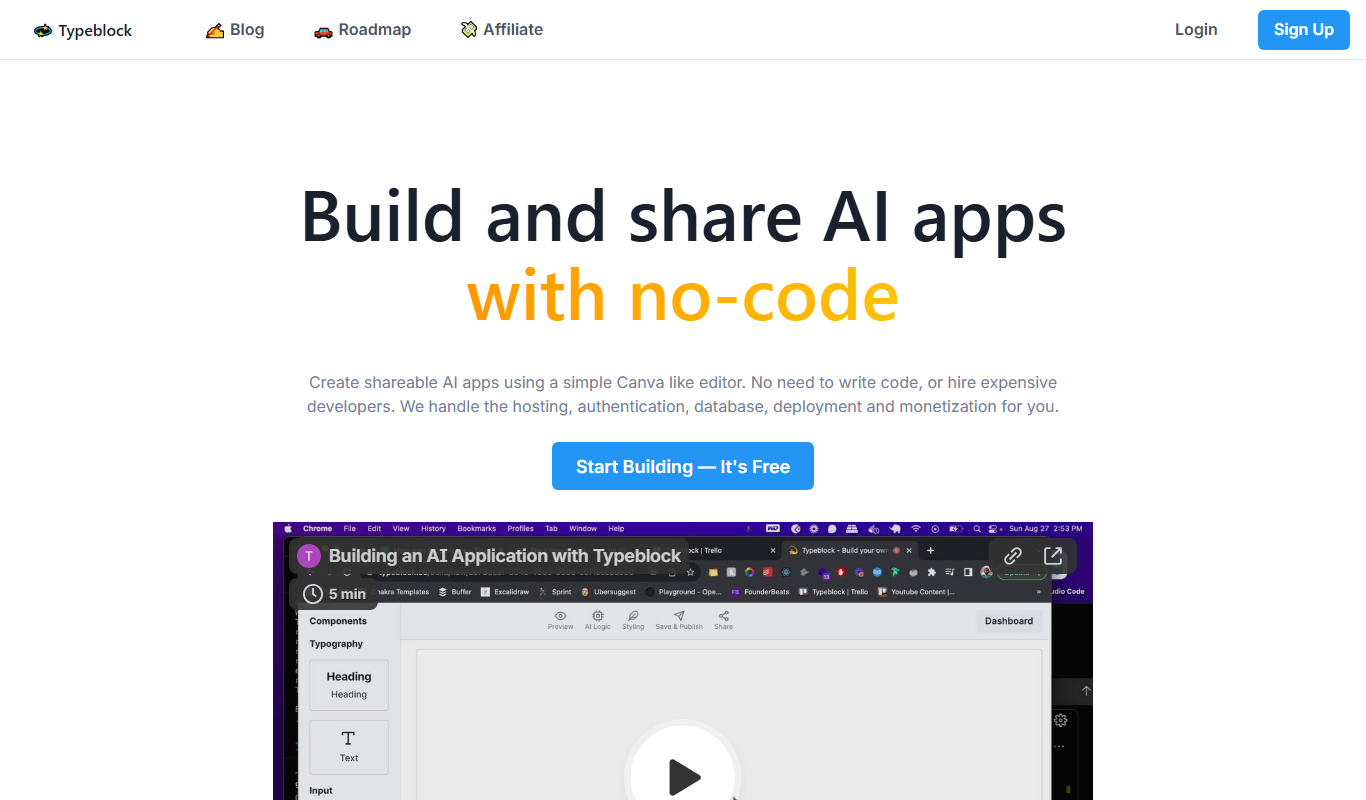
Typeblock
Typeblock lets you build and share AI apps with no code in a Canva like editor, with hosting, authentication, email collection and Stripe monetization handled for you.
toolmark.ai
toolmark.ai lets you create AI tools without code that generate text, images, voice and more, then embed them on your site or publish them, with a 7-day free trial.

Glowby Genius by Glowbom
Glowby Genius by Glowbom turns a rough sketch into working software for iOS, Android and the web, then keeps the code and project memory.

Digital Emperor
Digital Emperor's AI suite turns an app description into instant design specifications, including a user flow, sitemap and copy.