

Sparkable AI builder that turns a sentence into a React app
Sparkable builds a working React web app from a description: describe the app, watch it run live in your browser, then edit the code, add npm packages and download the project.
- Best for
- Small utility apps
- Key capability
- Describe an app, watch it get built
Save Sparkable, follow its updates and vote on it — everything stays in your account.
Sign in or create a free account

What is Sparkable?
Sparkable is an AI app builder that turns a sentence into a real React app running live in your browser. Users describe the app they want, watch it get built, then edit the code, use any npm package and real API calls, and download the project, with no setup or boilerplate.
Key features of Sparkable
Sparkable turns a text description into a React app that runs live in the browser, supports any npm package and real API calls, lets users edit the code and download the project, and offers example prompts to start from.
Describe an app, watch it get built
Turns a sentence into a real React app running live in your browser.
Any npm package and real API calls
Generated apps can use any npm package and make real API calls.
Editable code
Edit the generated code directly.
Project download
Download the project to keep working on it outside Sparkable.
Pros and cons of Sparkable
Pros
- No setup or boilerplate
- Apps run live in the browser
- Code can be edited and downloaded
- Free to start building
Cons
- Apps are built as React apps
- An account requires being at least 18 years old
Key use cases for Sparkable
Small utility apps
Build tools such as a calculator or an email collection form from a short description.
Landing pages
Generate a landing page, for example for an online shop.
Data dashboards
Create a price chart that uses real API calls.
Prototyping ideas
Turn an app idea into running React code, then edit or download the project.
How Sparkable works
- 1
Sign in
Sign in with Google to start building free.
- 2
Describe the app
Write a sentence describing the app you want, or start from an example prompt.
- 3
Watch it get built
Sparkable builds a real React app that runs live in your browser.
- 4
Edit and download
Change the code until the app is yours, then download the project.
Who is using Sparkable
Sparkable pricing
Free
Free
Start building free, with no setup or boilerplate.
Pro
$19/month
Enhanced features, higher usage limits, and priority processing.
Plans and prices are as published by the vendor and can change. Check the official site before you buy. Open the pricing page (opens in a new tab)
Frequently asked questions about Sparkable
Web apps described in a sentence, such as an iPhone style calculator, a landing page, an email collection form, a BTC and ETH price chart or a 3D globe.
Yes. You can edit the code, use any npm package and download the project.
Sparkable offers sign-in with Google.
You can start building free.
Conclusion
A single sentence is the whole brief: Sparkable turns it into a real React app that runs live in the browser, with no setup or boilerplate. The generated code can use any npm package and real API calls, and users can edit it or download the project. Example prompts on the site range from an iPhone style calculator and an email collection form to a price chart and a 3D globe.
Building can start free after a Google sign-in, and registering an account requires being at least 18 years old. Sparkable is a product of Agency Enterprise, LLC; the old spark.ae.studio address now redirects to it.
Sources
Sign in to review this tool.
Sign In to ReviewNo reviews yet
Be the first to share how this tool worked for you.
Ask about pricing, limits, or how it compares — or answer someone else.
Sign In to AskNo questions yet
Have a question about using or paying for this tool? Be the first to ask.
Featured on TiorAI



More AI App Builder tools
Other tools in the same category, for when this one is not quite the fit.

Curiosity
Curiosity Studio turns a sentence into working internal software, grounded in your company's connected data and permissions, on your own infrastructure.

AppifyText.ai
AppifyText.ai builds a working web app from a plain English description or an Excel file, and in v3 AI can edit the app too.

Tynker AI
Tynker AI is a no-code platform for creators, agencies and brands to build AI-driven games, quizzes and event activations that mix text, image and audio, with instant deployment and analytics.
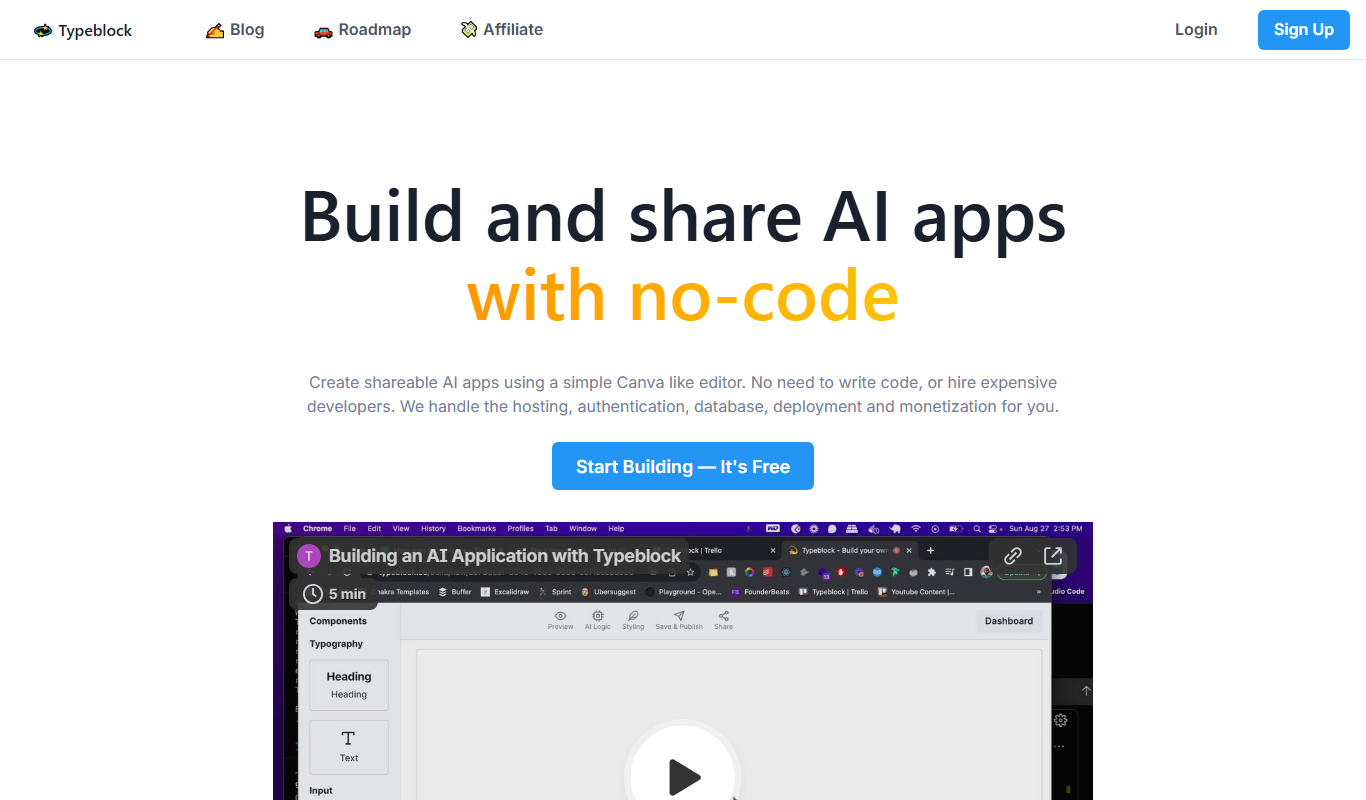
Typeblock
Typeblock lets you build and share AI apps with no code in a Canva like editor, with hosting, authentication, email collection and Stripe monetization handled for you.
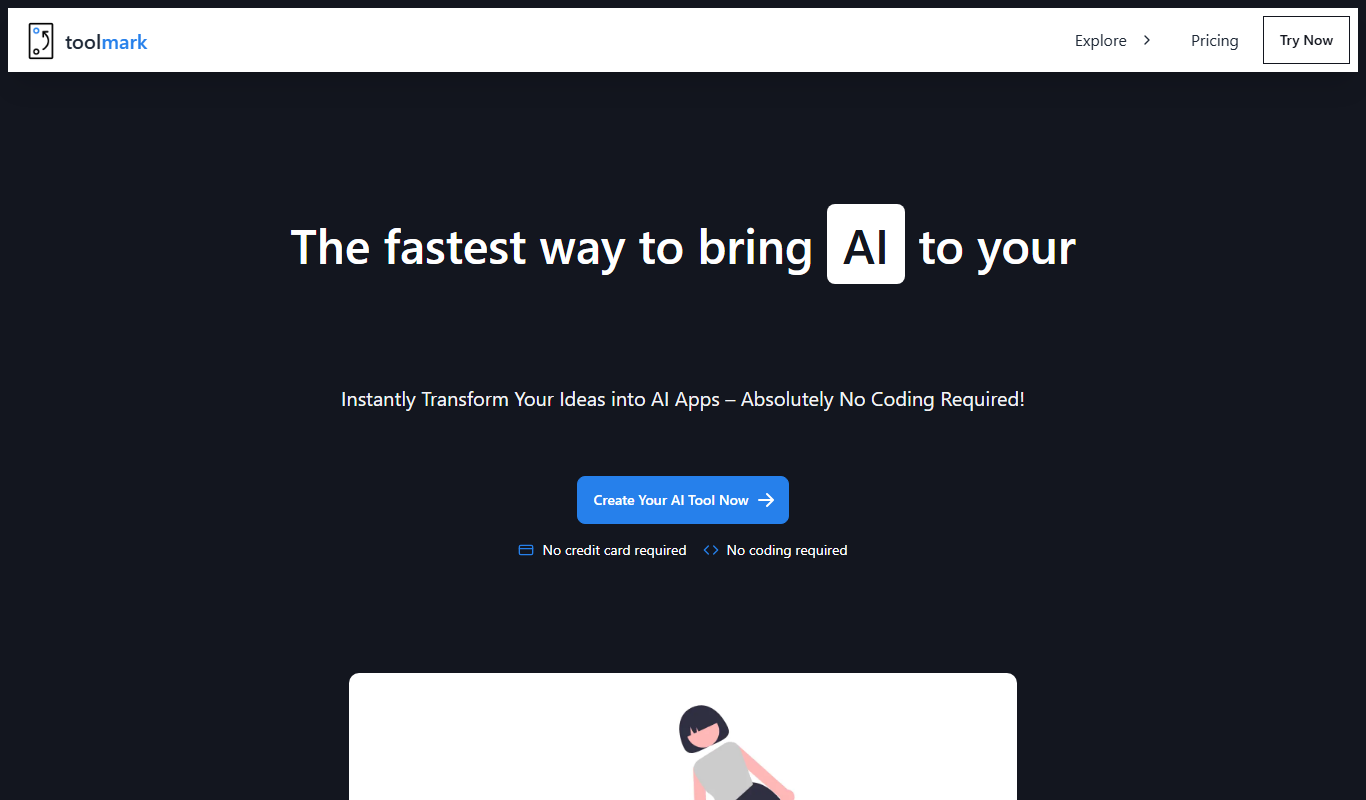
toolmark.ai
toolmark.ai lets you create AI tools without code that generate text, images, voice and more, then embed them on your site or publish them, with a 7-day free trial.

Glowby Genius by Glowbom
Glowby Genius by Glowbom turns a rough sketch into working software for iOS, Android and the web, then keeps the code and project memory.

Digital Emperor
Digital Emperor's AI suite turns an app description into instant design specifications, including a user flow, sitemap and copy.

Voiceflow
Voiceflow is an AI agent platform where teams build, launch and scale chat and voice AI agents for customer support and CX.