

From my experience with Tynker AI, it stands out as a thoughtfully designed platform that effectively introduces children to coding and AI concepts through interactive and engaging lessons. The AI-powered assistance helps young learners overcome challenges without frustration, making the learning process smoother. It’s particularly well-suited for parents and educators aiming to build foundational STEM skills in kids aged 7 and up. However, the full range of features requires a subscription, and the platform currently supports only English, which may limit accessibility for some users. Overall, Tynker AI offers a solid, kid-friendly introduction to programming and AI.
Tynker AI Coding Platform for Kids with Interactive Learning Features
Tynker AI is an educational platform that teaches children coding and AI concepts through interactive lessons and AI-powered assistance, available on web and mobile.
- Best for
- Teaching Kids Programming
- Key capability
- AI-Powered Coding Assistance
Your actions
Save Tynker AI, follow its updates and vote on it — everything stays in your account.
Sign in or create a free account
What is Tynker AI?
Tynker AI is an educational coding platform designed specifically for children, combining traditional programming lessons with artificial intelligence-powered interactive features. It aims to make learning to code fun, engaging, and accessible by using AI to personalize lessons, provide instant feedback, and help kids create projects that incorporate AI concepts.
Key features of Tynker AI
Tynker AI offers a blend of coding tutorials, AI-driven assistance, project-based learning, and gamified challenges. It supports multiple programming languages suitable for kids, including block-based coding and introductory Python. The platform also provides tools for educators to track progress and customize learning paths.
AI-Powered Coding Assistance
Provides real-time hints and suggestions to help kids understand coding concepts and debug their projects.
Interactive Coding Lessons
Step-by-step tutorials that combine block coding and text-based programming tailored for children.
Project-Based Learning
Encourages creativity by allowing kids to build games, animations, and AI-powered applications.
Educator Tools
Includes dashboards for teachers to assign lessons, track student progress, and customize curriculum.
Multi-Platform Access
Available on web browsers and mobile apps for iOS and Android, enabling learning anytime, anywhere.
Pros and cons of Tynker AI
Pros
- Engaging AI-powered learning tailored for kids
- Supports both block and text-based coding
- Accessible on multiple devices
- Includes educator tools for classroom use
Cons
- Premium features require subscription
- Limited language support beyond English
Key use cases for Tynker AI
Teaching Kids Programming
Tynker AI provides an interactive platform for children to learn coding concepts through AI-powered lessons and projects.
STEM Education Enhancement
Schools and educators use Tynker AI to integrate computer science and AI fundamentals into their STEM curriculum.
Creative Project Development
Kids can create games, animations, and apps using Tynker AI’s drag-and-drop interface combined with AI assistance.
AI Literacy for Children
The platform introduces children to artificial intelligence concepts in an accessible and engaging way.
How Tynker AI works
- 1
Create an Account
Sign up as a student, parent, or educator to access the platform.
- 2
Choose Learning Path
Select from beginner coding courses, AI-focused lessons, or creative project modules.
- 3
Engage with AI Assistance
Use AI-powered hints and feedback to solve coding challenges and build projects.
- 4
Track Progress and Share
Monitor learning milestones and share completed projects with the community.
Who is using Tynker AI
Children aged 7-14 learning to code
Parents seeking educational coding tools
K-12 educators integrating STEM curriculum
After-school coding clubs and programs
Tynker AI pricing
Free
$0/month
Access to basic coding lessons and limited projects with AI assistance.
Premium
$9.99/month
Full access to all courses, AI features, projects, and educator tools.
Plans and prices are as published by the vendor and can change. Check the official site before you buy. Open the pricing page (opens in a new tab)
Frequently asked questions about Tynker AI
Yes, Tynker AI is designed for children with no prior coding experience, starting with simple block-based coding.
Yes, parents can create accounts to track their child’s learning milestones and project completions.
The platform introduces foundational AI ideas in a kid-friendly way, integrating them into coding projects.
Tynker AI is generally recommended for children aged 7 and up.
It depends on your specific needs and how you plan to use the tool. The official website and documentation are the best sources for the latest details.
It depends on your specific needs and how you plan to use the tool. The official website and documentation are the best sources for the latest details.
Some tools offer a free plan or trial with limited features. Availability can vary, so confirm on the official website.
Yes, it can help with that use case depending on how you configure it and what features are available. You’ll get the best results with clear inputs and a defined goal.
Sign in to review this tool.
Sign In to ReviewNo reviews yet
Be the first to share how this tool worked for you.
Ask about pricing, limits, or how it compares — or answer someone else.
Sign In to AskNo questions yet
Have a question about using or paying for this tool? Be the first to ask.
Featured on TiorAI



Alternative Tools
Explore similar AI tools that might fit your needs

Free
Scratch
Scratch is a free visual programming platform developed by MIT that helps kids and beginners learn coding by creating interactive stories, games, and animations using drag-and-drop code blocks.

Free
Kodable
Kodable is an educational platform that teaches young children coding basics through interactive games and visual programming, suitable for ages 4 to 10.
More AI Education & Learning Tools tools
Other tools in the same category, for when this one is not quite the fit.

Free
Towards AI Jobs
Towards AI Jobs is a free, specialized job board focusing on AI, machine learning, and data science roles worldwide, offering job seekers and employers a targeted platform.

Freemium
Duomly – Interact, Engage and Learn!
Duomly offers short 5-minute lessons in career, management, sales, marketing and IT skills, on the web and in an app on Google Play.

Freemium
CourseMind
CourseMind is an AI-driven tool that automates the creation of online courses, lesson plans, and quizzes, enabling educators and trainers to build e-learning content quickly and efficiently.
Free
elementsofai.de
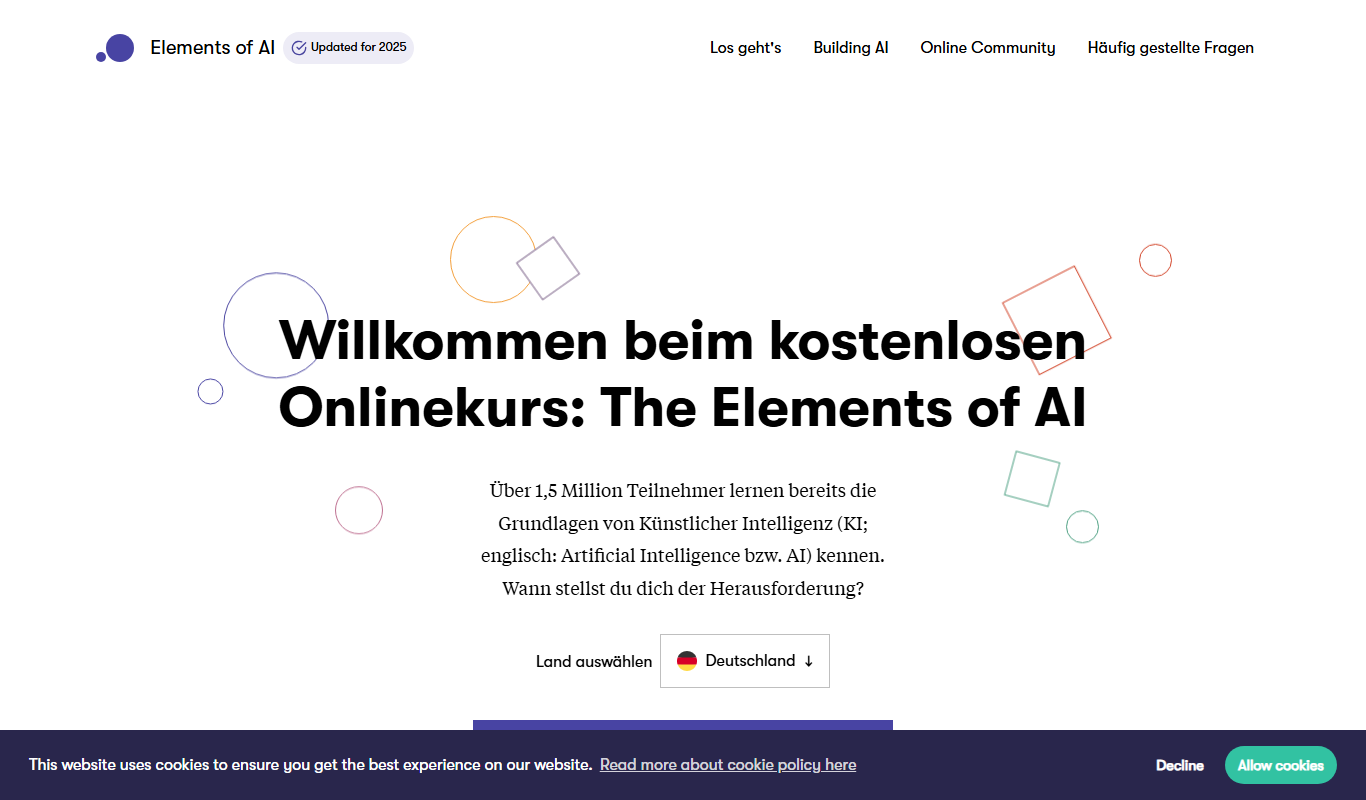
Elements of AI is a free, self-paced online course created by the University of Helsinki and Reaktor that teaches foundational AI concepts to beginners and professionals without requiring programming skills.

Free
Cream: IELTS Speaking Prep App
Cream IELTS Speaking Prep App helps IELTS candidates practice speaking questions, record responses, and improve fluency with model answers and progress tracking.

Freemium
fpt.ai
fpt.ai is an AI platform from FPT with NLP, vision, voice, chatbot and eKYC products.

Free
COACH by CareerVillage
COACH by CareerVillage is an AI career coach that is always free for individuals, with paid plans for organizations.

Free
Essay Typer
Essay Typer is a free web tool that generates essay drafts instantly based on your topic input, helping students start writing quickly.