

PERSYS private personal AI device with offline on-device inference
PERSYS is a private, offline personal device with on-device AI inference, storage for your files and AI native apps, sold by AdulisAI.
- Best for
- Private AI chat
- Key capability
- On-device AI inference
Save PERSYS, follow its updates and vote on it — everything stays in your account.
Sign in or create a free account
What is PERSYS?
PERSYS is a personal device designed with privacy in mind that complements a laptop or smartphone rather than replacing them. It runs AI inference completely on the device with no Internet, stores personal files on solid state storage and offers AI native applications such as private chat, smart notes and a private gallery.
Key features of PERSYS
PERSYS offers completely on-device AI inference that works offline, solid state storage for pictures, videos and documents, open source software, and AI native applications: Private Chat, Deep Search, Smart Notes, Document Library, Private Gallery and Media Player.
On-device AI inference
AI runs completely on the device, so your interactions are never accessible by anyone else.
Personal storage
Solid state storage for pictures, videos and documents, in 1 TB or 2 TB versions.
AI native applications
Private Chat, Deep Search, Smart Notes, Document Library, Private Gallery and Media Player, built for intelligent computing.
Open source software
The software is open source for maximum transparency.
Pros and cons of PERSYS
Pros
- Completely on-device AI inference that works with no Internet
- Plenty of storage for personal files
- Open source software for transparency
Cons
- A separate device to buy, meant to complement rather than replace a laptop or smartphone
- The desktop app download listed in the setup guide is for Mac
Key use cases for PERSYS
Private AI chat
Talk to your own local AI LLM without the chat going to any cloud or needing Internet access.
Personal cloud for files
Keep pictures, videos and documents on a safe and secure device of your own.
Custom assistant personalities
Add personalities in the chat app and set their behavior in the system prompt.
Notes, library and media
Use AI native apps for smart notes, a document library, a private gallery and a media player.
How PERSYS works
- 1
Download the desktop app
Download the Persys desktop application for Mac.
- 2
Join the device hotspot
Connect to the onboard WiFi hotspot of your Persys Console.
- 3
Log in
Log in with the device ID and the default password, which you can change at any time.
- 4
Connect to your network
After logging in, connect Persys to your local WiFi network and start using its apps.
Who is using PERSYS
PERSYS pricing
PERSYS 1 TB
$300 one-time purchase
1 TB storage, 8 GB memory, dual WiFi, stand included.
PERSYS 2 TB
$330 one-time purchase
2 TB storage, 16 GB memory, dual WiFi, stand included.
Plans and prices are as published by the vendor and can change. Check the official site before you buy. Open the pricing page (opens in a new tab)
Frequently asked questions about PERSYS
A personal system designed with privacy in mind that complements your laptop or smartphone, like your very own personal cloud.
No. AI inference is completely on-device and PERSYS is accessible with no Internet.
The 1 TB version with 8 GB memory is $300 and the 2 TB version with 16 GB memory is $330.
Connect to the device, then log in with the device ID and the default password, which you can change later.
The Models settings show which LLMs are installed and running, and the chat app lets you add personalities through a system prompt.
Yes. PERSYS uses open source software for maximum transparency.
Conclusion
Rather than replacing a laptop or smartphone, this personal device is designed with privacy in mind to complement them, much like a personal cloud of your own. AI inference runs completely on the device and stays accessible with no Internet, so chats with the local LLM do not go to any cloud. On top of storage for personal files, it ships AI native applications such as Private Chat, Deep Search, Smart Notes and a Private Gallery.
Getting started means downloading the desktop application for Mac, joining the console’s onboard WiFi hotspot and then logging in before connecting it to the local WiFi network. Inside the chat app, extra personalities can be set through a system prompt, while the Models settings show which LLMs are installed and running. The software is open source for transparency, and the hardware is a one-time purchase in two versions that differ in storage and memory.
Sources
Sign in to review this tool.
Sign In to ReviewNo reviews yet
Be the first to share how this tool worked for you.
Ask about pricing, limits, or how it compares — or answer someone else.
Sign In to AskNo questions yet
Have a question about using or paying for this tool? Be the first to ask.
Featured on TiorAI



Alternative Tools
Explore similar AI tools that might fit your needs

UiPath
UiPath is a robotic process automation platform that enables businesses to automate repetitive tasks and complex workflows using a visual drag-and-drop interface and AI integration.
Automation Anywhere
Automation Anywhere is a comprehensive RPA platform that uses AI and machine learning to automate business processes, enabling organizations to improve efficiency and reduce operational costs.

Blue Prism
Blue Prism is an enterprise-grade Robotic Process Automation platform that enables organizations to automate repetitive tasks using software robots, improving efficiency and compliance.
More AI Artificial Intelligence Tools tools
Other tools in the same category, for when this one is not quite the fit.

TwoShot
TwoShot is an AI creative suite for music, audio, video and images: generate music and sounds from text, split stems, make voiceovers and produce in an online studio.

Kuakua – Psychology & AI Tools for Well-Being
Kuakua is a free website of psychology games, tests, screenings and cognitive experiments that turns psychology research into small tools for well-being.

MixPeek
MixPeek is an AI-driven multimedia search engine that indexes videos, images, audio, and documents to enable fast, accurate search through a web interface and developer API.

Musicfy
Musicfy is an AI voice song generator for creating covers in any voice, with 100,000+ voices or a clone of your own.

MusicGen AI
MusicGen is a free AI music generation tool developed by Meta that uses a single Language Model (LM) to create music based on a prompt.

Musick AI
Musick AI is an AI-powered platform that generates original music tracks based on user-selected genres and moods, enabling easy composition for creators without musical expertise.

Ai Musician – AI Music Generator
AI Musician is an all-in-one AI music platform to generate music from text or images, remove vocals, split stems, create lyrics and sound effects, and design album covers.
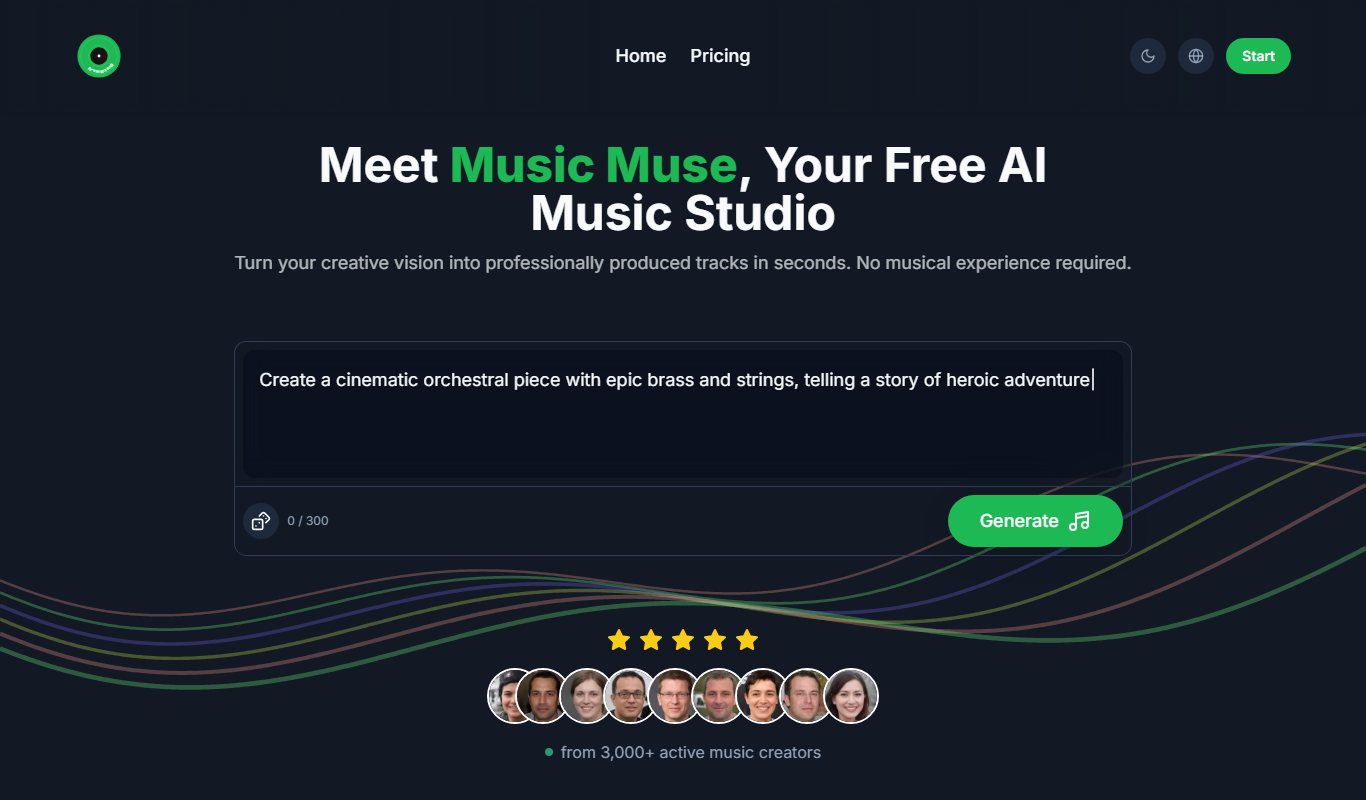
MusicMuse
MusicMuse is an AI-powered platform that generates custom, royalty-free music tracks based on user preferences like genre, mood, and tempo, ideal for content creators and marketers.