

Musicfy AI Music Generator for Custom Tracks and Soundscapes
Musicfy is an AI voice song generator for creating covers in any voice, with 100,000+ voices or a clone of your own.
- Best for
- Custom Music Creation
- Key capability
- AI voice covers
Save Musicfy, follow its updates and vote on it — everything stays in your account.
Sign in or create a free account
What is Musicfy?
Musicfy is an AI voice song generator that creates covers with AI in any voice. Users can choose from 100,000+ voices or make an AI clone of their own voice.
Key features of Musicfy
Musicfy offers AI covers in any voice, custom AI voice models trained on uploaded vocals, copyright free AI voice artists, text to music and parody voices.
AI voice covers
Create song covers with AI in any voice, choosing from 100,000+ voices.
Create your own AI voice
Upload your vocals to create your own AI model that sounds just like you.
AI text to music
Transform words and emotions into songs.
AI voice artists
A collection of copyright free vocals to give songs a new sound.
Pros and cons of Musicfy
Pros
- Easy-to-use interface for quick music creation
- Generates royalty-free tracks suitable for various uses
- Supports multiple music styles and moods
Cons
- Limited advanced customization options
- No mobile app available currently
Key use cases for Musicfy
Custom Music Creation
Generate unique music tracks tailored to specific moods or themes for personal or commercial use.
Background Music for Content
Create background soundtracks for videos, podcasts, games, or presentations without copyright concerns.
Soundscape Design
Develop immersive soundscapes for relaxation, meditation, or ambient environments.
Music Experimentation
Explore new musical ideas and compositions quickly using AI-generated suggestions.
How Musicfy works
- 1
Select Music Parameters
Choose the desired style, mood, and length for your music track.
- 2
Generate Music
The AI composes a unique track based on your selections.
- 3
Preview and Customize
Listen to the generated music and make adjustments if needed.
- 4
Download and Use
Download the final track for use in your projects royalty-free.
Who is using Musicfy
Musicfy pricing
Free
$0/month
Free to get started, no credit card required.
Starter
$8/month billed annually ($95.99/year)
150 songs/mo with no voice targeting, all Musicfy and community voices, 25 MB upload limit and master quality output.
Professional
$20/month billed annually ($239.99/year)
400 songs/mo (100 with voice targeting), fastest speed, 100 MB uploads and a commercial license.
Studio
$56/month billed annually ($671.99/year)
1,000 songs/mo (300 with voice targeting), 150 MB uploads, 1-hr datasets, simultaneous training and a commercial license.
Plans and prices are as published by the vendor and can change. Check the official site before you buy. Open the pricing page (opens in a new tab)
Frequently asked questions about Musicfy
Yes, all music created with Musicfy can be used royalty-free in your projects.
No, Musicfy is designed for users of all skill levels, requiring no prior musical knowledge.
You can select styles, moods, and lengths, but detailed editing features are limited.
It depends on your specific needs and how you plan to use the tool. The official website and documentation are the best sources for the latest details.
Some tools offer a free plan or trial with limited features. Availability can vary, so confirm on the official website.
Yes, it can help with that use case depending on how you configure it and what features are available. You’ll get the best results with clear inputs and a defined goal.
Conclusion
As an AI voice song generator, it creates covers with AI in any voice, chosen from 100,000+ voices or a clone of the user. Uploaded vocals train a personal AI model that sounds like the singer, and that voice can then be shared with other artists and songwriters. Beyond covers, a text-to-music mode and voice-to-instrument conversion produce new songs, while parody voices remaster existing tracks for fun. A collection of copyright free AI voice artists can also be added to original songs.
Getting started is free with no credit card required. Starter, Professional and Studio plans differ in custom voices, songs per month and upload size, and a commercial license is listed only on Professional and Studio. Stem splitting, which isolates drums, vocals and bass, is still listed as coming soon.
Sources
Sign in to review this tool.
Sign In to ReviewNo reviews yet
Be the first to share how this tool worked for you.
Ask about pricing, limits, or how it compares — or answer someone else.
Sign In to AskNo questions yet
Have a question about using or paying for this tool? Be the first to ask.
Featured on TiorAI



More AI Artificial Intelligence Tools tools
Other tools in the same category, for when this one is not quite the fit.

MixPeek
MixPeek is an AI-driven multimedia search engine that indexes videos, images, audio, and documents to enable fast, accurate search through a web interface and developer API.

MusicGen AI
MusicGen is a free AI music generation tool developed by Meta that uses a single Language Model (LM) to create music based on a prompt.

Musick AI
Musick AI is an AI-powered platform that generates original music tracks based on user-selected genres and moods, enabling easy composition for creators without musical expertise.

Ai Musician – AI Music Generator
AI Musician is an all-in-one AI music platform to generate music from text or images, remove vocals, split stems, create lyrics and sound effects, and design album covers.
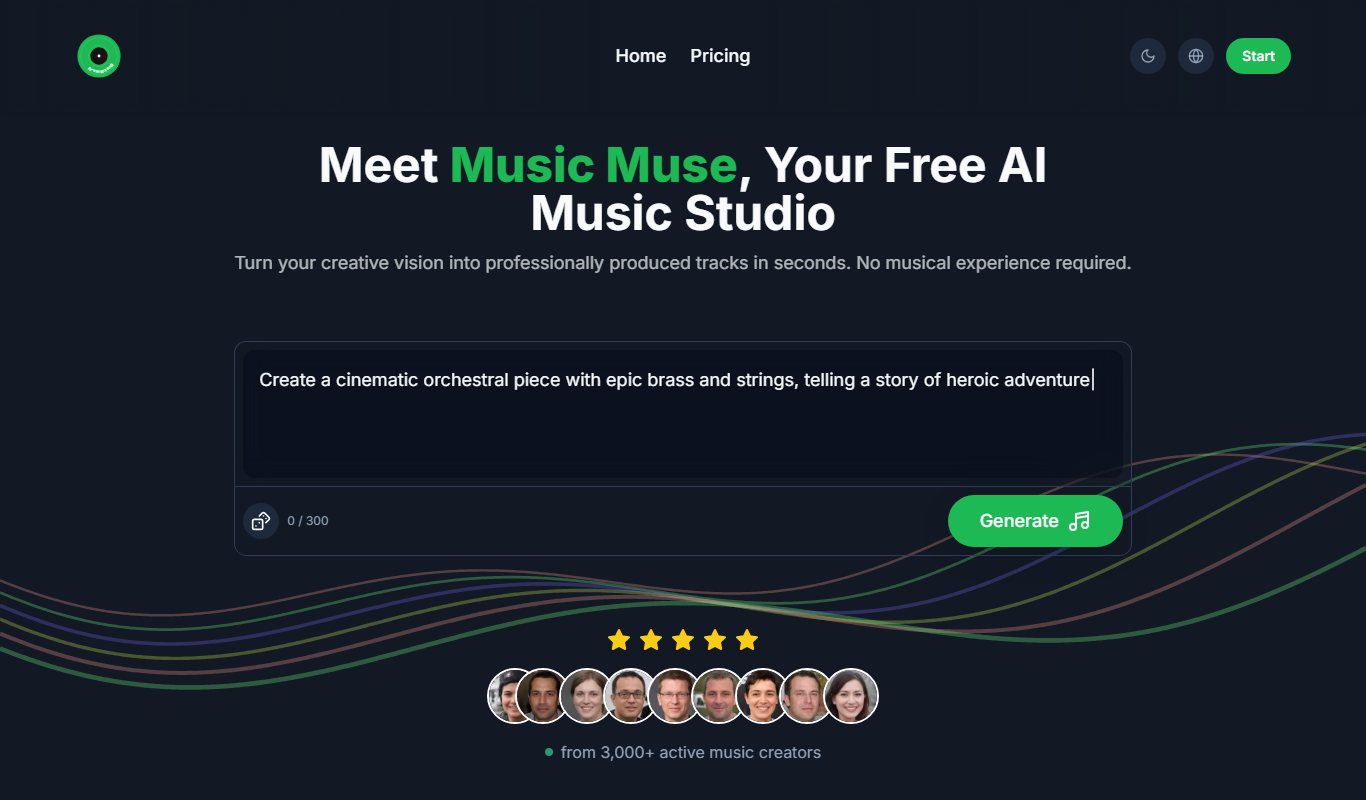
MusicMuse
MusicMuse is an AI-powered platform that generates custom, royalty-free music tracks based on user preferences like genre, mood, and tempo, ideal for content creators and marketers.

fibr.ai
Fibr AI turns your URLs into adaptive web experience agents that personalize pages by intent and run AI experiments to lift conversions.

MealsAI
MealsAI is an AI-powered platform that generates personalized meal plans and recipes based on your dietary preferences, restrictions, and nutritional goals.

JetHire.ai – Efficient, Unbiased Hiring
JetHire.ai is an AI-powered recruitment platform that automates candidate screening to reduce bias and improve hiring efficiency by integrating with ATS and providing data-driven insights.