

From my experience with TwoShot AI, I found it excels at quickly generating high-quality images from simple text prompts, making it a valuable tool for creatives who need visual content without complex design skills. The platform’s ease of use and affordable pricing tiers make it accessible for marketers and small businesses alike. However, it currently lacks advanced image editing features and mobile app support, which might limit workflow flexibility for some users. Overall, if you want a straightforward AI image generator for creative projects or content enhancement, TwoShot AI delivers reliable and impressive results.
TwoShot AI Review: Advanced AI-Powered Image Generation Tool Features
TwoShot AI is a web platform that transforms text descriptions into unique, high-resolution images using artificial intelligence, ideal for creatives and marketers.
- Best for
- Creative Image Generation
- Key capability
- Text-to-Image Generation
Your actions
Save TwoShot, follow its updates and vote on it — everything stays in your account.
Sign in or create a free account
What is TwoShot?
TwoShot AI is a web-based platform that leverages advanced artificial intelligence to generate images from textual descriptions. It enables users to create unique visuals by simply inputting descriptive prompts, making it a powerful tool for artists, designers, marketers, and content creators seeking quick and creative image solutions.
Key features of TwoShot
TwoShot AI offers intuitive text-to-image generation, customizable prompt inputs, and high-resolution outputs. It supports iterative refinement of images and provides a user-friendly interface designed for both beginners and professionals in creative fields.
Text-to-Image Generation
Convert descriptive text prompts into unique, high-quality images using AI.
Customizable Prompts
Adjust prompt details to influence style, composition, and content of generated images.
High-Resolution Outputs
Download images in resolutions suitable for professional use and printing.
User-Friendly Interface
Simple and intuitive design that caters to users with varying levels of technical expertise.
Pros and cons of TwoShot
Pros
- Easy-to-use interface suitable for beginners
- High-quality image outputs with customization
- Affordable pricing with a free tier
- Supports creative and professional use cases
Cons
- Limited advanced editing features within the platform
- Primarily web-based with no mobile apps currently
Key use cases for TwoShot
Creative Image Generation
Generate unique and high-quality images from text prompts for artistic projects, marketing, or personal use.
Content Creation
Enhance blogs, social media posts, and websites with AI-generated visuals tailored to specific themes or ideas.
Design Inspiration
Use AI-generated images as a starting point for graphic design, concept art, or product visualization.
Rapid Prototyping
Quickly create visual concepts to communicate ideas during brainstorming or client presentations.
How TwoShot works
- 1
Enter Text Prompt
Users input a detailed description of the desired image into the platform.
- 2
AI Processes Prompt
The AI model interprets the text and generates corresponding images based on learned patterns.
- 3
Review and Refine
Users can review generated images and adjust prompts or parameters to refine results.
- 4
Download or Share
Final images can be downloaded in high resolution or shared directly from the platform.
Who is using TwoShot
Graphic designers
Content creators
Marketing professionals
Artists and illustrators
Small business owners
TwoShot pricing
Free
$0/month
Access to basic image generation features with limited daily credits.
Pro
$19/month
Increased daily credits, priority processing, and access to advanced customization options.
Plans and prices are as published by the vendor and can change. Check the official site before you buy. Open the pricing page (opens in a new tab)
Frequently asked questions about TwoShot
TwoShot AI is used to generate images from text descriptions, helping users create visuals for creative projects, marketing, and design.
No, the platform is designed to be user-friendly and accessible to users without prior design experience.
Yes, depending on the subscription plan, users typically have rights to use generated images for commercial purposes. It’s best to review the terms of service for specifics.
Free plans have daily credit limits, while paid plans offer higher or unlimited generation capabilities.
It depends on your specific needs and how you plan to use the tool. The official website and documentation are the best sources for the latest details.
Some tools offer a free plan or trial with limited features. Availability can vary, so confirm on the official website.
Yes, it can help with that use case depending on how you configure it and what features are available. You’ll get the best results with clear inputs and a defined goal.
The best alternative depends on your workflow, features you need, and budget. Compare plans, integrations, and output quality to choose the closest fit.
Sign in to review this tool.
Sign In to ReviewNo reviews yet
Be the first to share how this tool worked for you.
Ask about pricing, limits, or how it compares — or answer someone else.
Sign In to AskNo questions yet
Have a question about using or paying for this tool? Be the first to ask.
Featured on TiorAI



More AI Artificial Intelligence Tools tools
Other tools in the same category, for when this one is not quite the fit.

Enterprise
NextBrain AI
NextBrain AI is a no-code machine learning and AI workflow automation platform with AutoML, a Knowledge Repository (RAG), Document Extraction and Document Comparison.

Contact for pricing
dbnix.ai
dbnix.ai is an AI-powered IT support automation platform that resolves L1 and L2 issues instantly, available 24/7.

Contact for pricing
Wisent
Wisent uses representation engineering to give control over AI models, reducing hallucinations and malicious content, through an API with SDK.

Free
EnergeticAI
EnergeticAI is TensorFlow.js optimized for serverless functions, with fast cold-start, small module size and pre-trained models for Node.js apps.

Freemium
Video Editor AI
Video Editor AI lets you edit any video with AI: remove objects, blur faces, remove backgrounds, upscale and add subtitles. Free, no watermark.

Freemium
Zetta
Zetta automates business intelligence with dashboards, analysis, insights and a conversational AI Analyst, set up by connecting a data warehouse and defining metrics.
Freemium
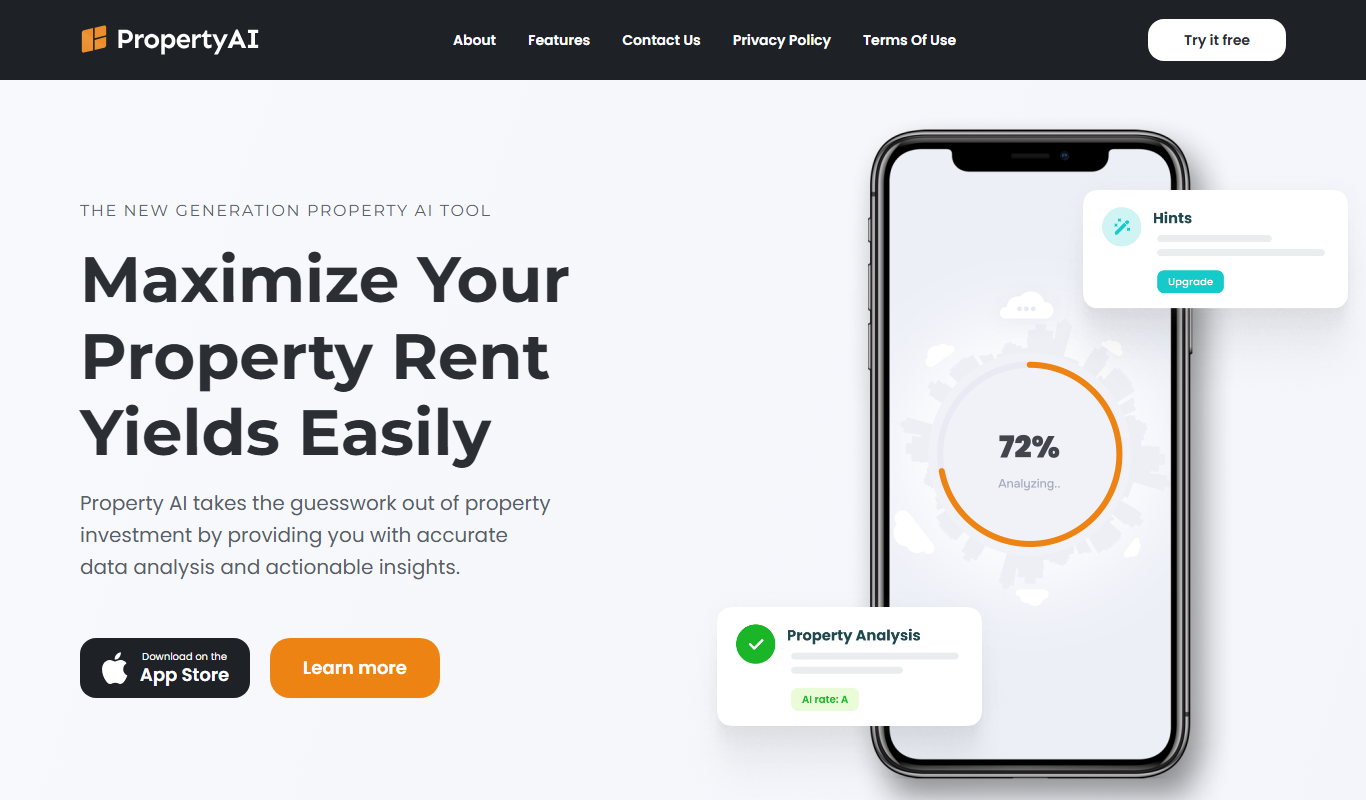
Property AI – Maximize Rental Yield
Property AI takes the guesswork out of property investment by providing accurate data analysis and actionable insights.

Contact for pricing
Fynite.AI
Fynite is an enterprise OS for agentic AI that unifies petabyte-scale data, trains domain-specific models and deploys AI agents that execute outcomes autonomously.