

InboxHiive AI-Powered Podcast Summaries by Email
InboxHiive lets you follow any podcast by email: when a new episode comes out, a short AI recap lands in your inbox.
- Best for
- Catching up on missed episodes
- Key capability
- Smart episode summary
Save InboxHiive, follow its updates and vote on it — everything stays in your account.
Sign in or create a free account
What is InboxHiive?
InboxHiive is a service that lets you follow any podcast by email. When a new episode of a show you follow comes out, an AI recap with key points, quotes and timestamped chapter summaries lands in your inbox, with nothing to install.
Key features of InboxHiive
InboxHiive offers podcast search and follow, AI episode summaries by email, timestamped chapter breakdowns, alerts for guests and topics, an intelligent listening queue and cross-show connections.
Smart episode summary
A concise overview of each episode in your inbox, with key points, memorable quotes and main topics.
Chapter breakdowns
Timestamped chapter summaries let you jump to the discussions that interest you.
Smart episode alerts
Get notified when favorite guests appear across shows or when topics you care about come up.
Intelligent queue
AI identifies which episodes are most relevant to you to decide what to listen to next.
Cross-show connections
Discover related discussions across your podcast library.
Pros and cons of InboxHiive
Pros
- Nothing to install
- Free for up to 5 shows with no credit card
- Timestamped chapter summaries
- Cancel anytime
- Alerts for favorite guests and topics
Cons
- Free plan covers up to 5 shows
- Recaps of past episodes are limited to 10 a month on Pro
Key use cases for InboxHiive
Catching up on missed episodes
Catch up on missed episodes with AI summaries.
Following many shows
Stay on top of multiple podcasts.
Tracking guests and topics
Get notified when favorite guests or topics appear across shows.
Deciding what to listen to
Prioritize episodes based on your interests.
Skimming episodes by chapter
Jump directly to discussions with timestamped chapter summaries.
How InboxHiive works
- 1
Find your podcasts
Search for your favorite shows and follow them.
- 2
Wait for a new episode
When a new episode comes out, InboxHiive prepares a recap.
- 3
Read the recap
A concise overview with key points, quotes and main topics lands in your inbox.
- 4
Jump to chapters
Use timestamped chapter summaries to go to the parts that interest you.
- 5
Prioritize your queue
Let the AI suggest which episodes to listen to next.
Who is using InboxHiive
InboxHiive pricing
Free Plan
$0/mo
Follow up to 5 shows; a recap of every new episode by email.
Pro Plan
$5.99/mo
Follow up to 25 shows, a recap of every new episode, and 10 recaps of past episodes a month.
Plans and prices are as published by the vendor and can change. Check the official site before you buy. Open the pricing page (opens in a new tab)
Frequently asked questions about InboxHiive
Pick a show, and when a new episode comes out a short recap lands in your inbox.
Key points, memorable quotes and main topics, plus timestamped chapter summaries.
Yes. The Free Plan lets you follow up to 5 shows with no credit card.
No. Recaps arrive by email, with nothing to install.
Episode summaries by email, chapter breakdowns, alerts for guests and topics, an intelligent queue and cross-show connections.
Up to 25 shows and 10 recaps of past episodes a month.
Yes. You can cancel anytime.
Conclusion
Listeners pick the podcasts they want to follow, and when a new episode comes out a short recap arrives by email, so there is nothing to install. Each recap covers the key points, memorable quotes and main topics, with timestamped chapter summaries for jumping to specific segments. Alerts can flag when a favorite guest appears on another show, and an AI-ranked queue suggests what to listen to next.
InboxHiive is a Modrn Magic product, and the domain inboxhiiv.com now forwards to it. The Free Plan follows up to 5 shows without a credit card, while the Pro Plan raises that to 25 shows and adds 10 recaps of past episodes a month.
Sources
Sign in to review this tool.
Sign In to ReviewNo reviews yet
Be the first to share how this tool worked for you.
Ask about pricing, limits, or how it compares — or answer someone else.
Sign In to AskNo questions yet
Have a question about using or paying for this tool? Be the first to ask.
Featured on TiorAI



More AI Productivity Tools tools
Other tools in the same category, for when this one is not quite the fit.

Quilter
Quilter uses physics-driven AI to automate PCB placement and routing, returning review-ready layout candidates in hours for designs from Altium, Cadence and Xpedition.
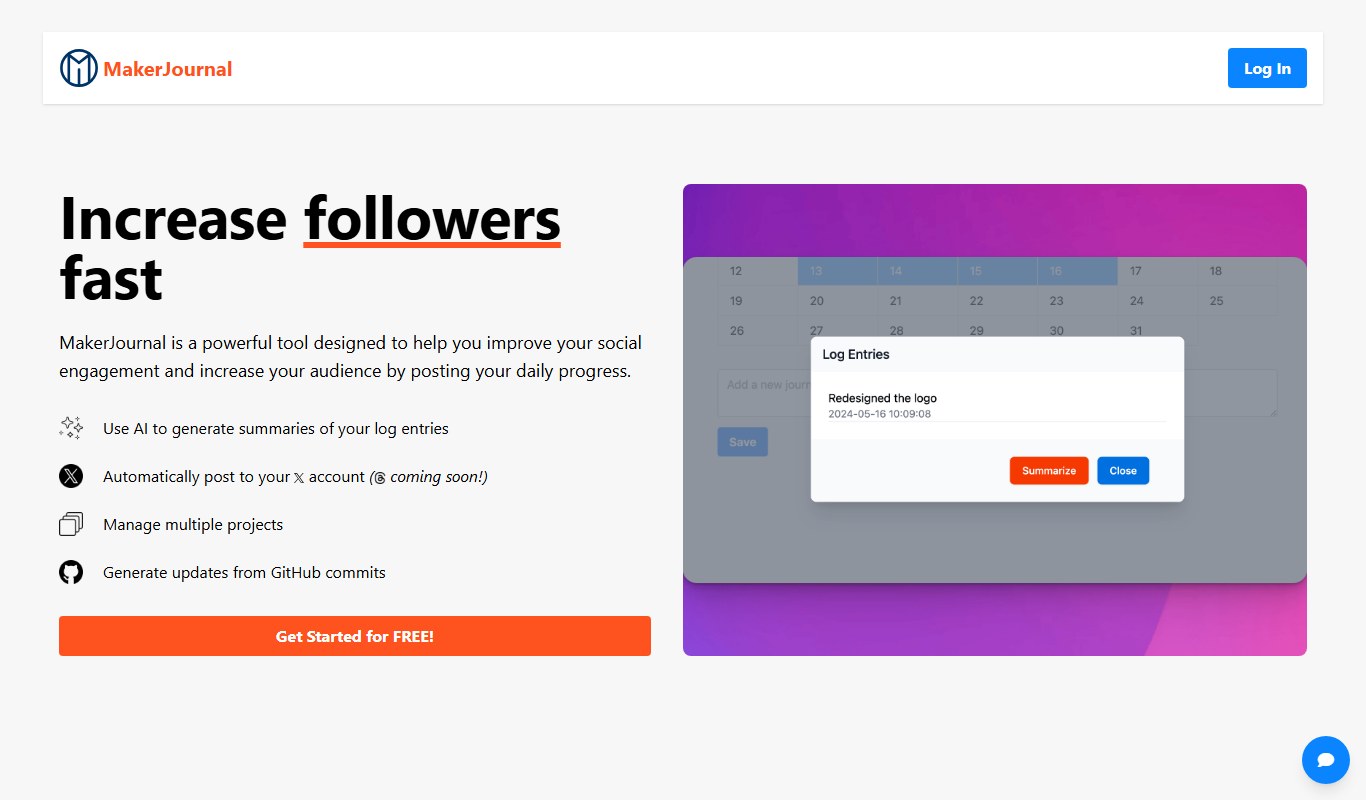
MakerJournal
MakerJournal uses AI to turn your progress logs and GitHub commits into summaries that indie makers and solo developers can post to their social accounts.
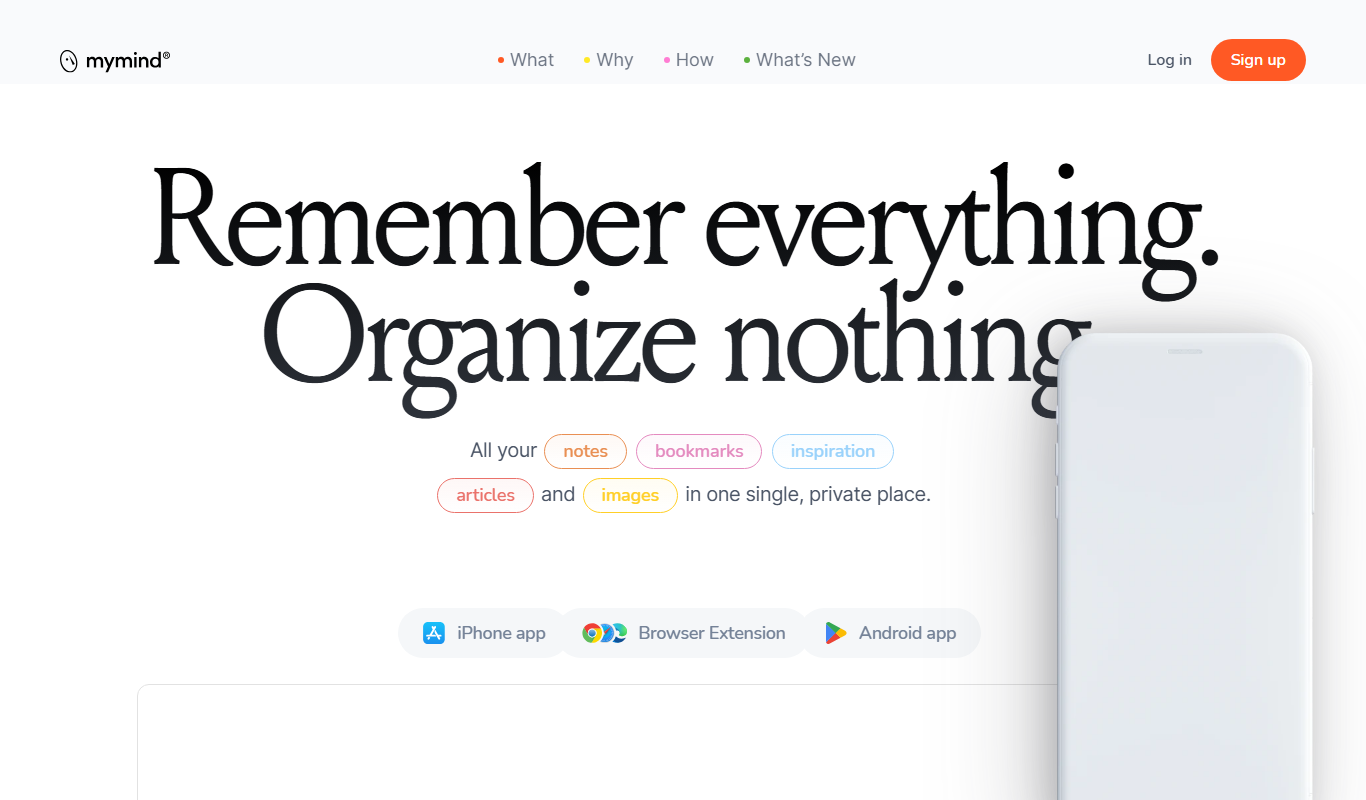
MyMind
MyMind is an AI-powered digital brain tool that helps users save, organize, and retrieve ideas, notes, and web content with automatic tagging and smart search.

Cleft Notes
Cleft is a voice-first note-taking app for iPhone, iPad and Mac: talk it out, and on-device transcription turns the recording into a structured note you can send to Notion, Apple Notes or Obsidian.

JotBot AI
JotBot AI is an AI writing assistant that writes in your personal style and helps you find and cite sources without leaving your document.

NoFOMO.AI
noFOMO OS is a free web calendar: add the venues you love and its scraper scans their websites every day, pulling every event into one calendar.

Sonnet
Sonnet AI is a meeting assistant and notetaker that records without bots, transcribes, writes custom notes, extracts action items and updates your CRM.
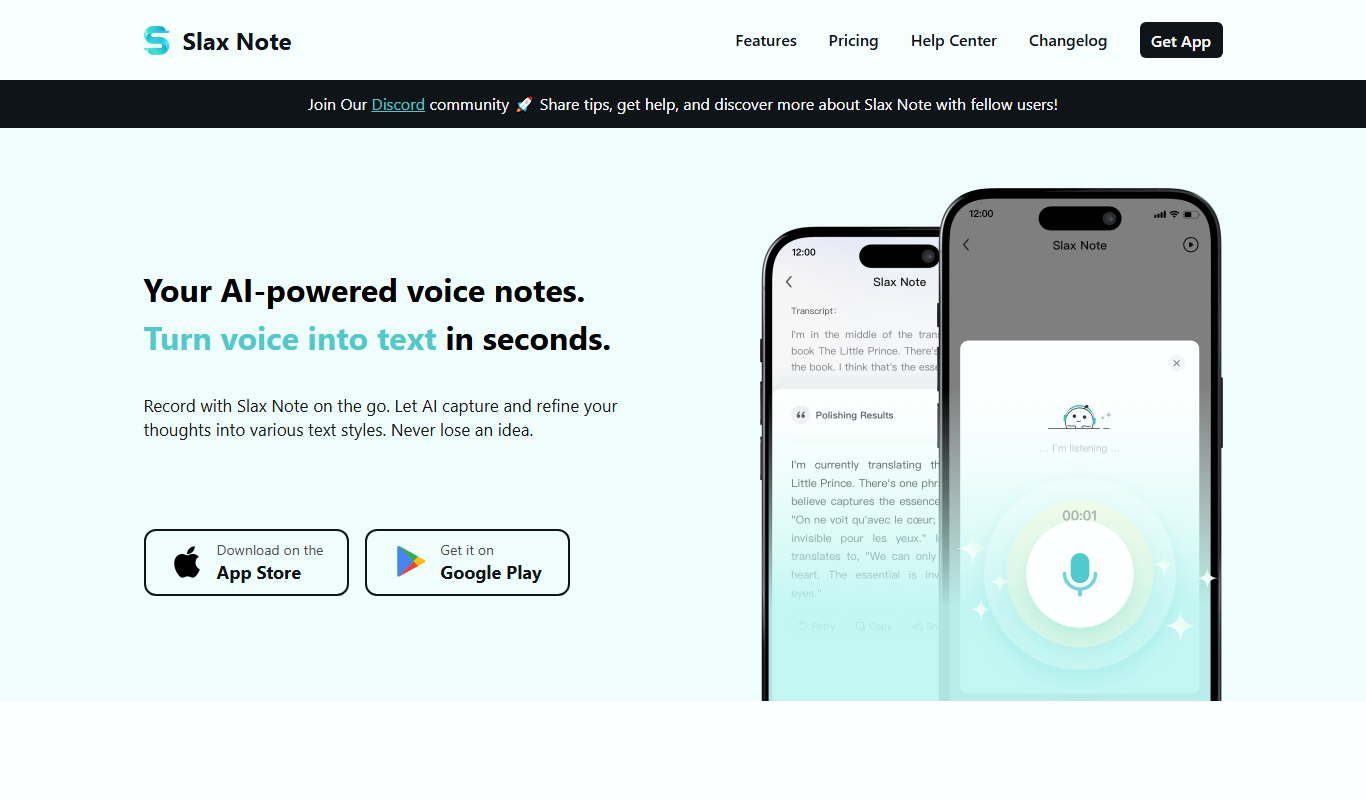
SlaxNote
Slax Note is an AI voice notes app: record once, and the prompts you pick turn the speech into a clean note, a tweet or a blog draft. Free to start.