

PDFTables PDF to Excel Converter Tool for Accurate Data Extraction
PDFTables is an online service and API that converts PDF documents containing tables into editable Excel, CSV, or XML files using advanced table recognition technology.
- Best for
- Data Extraction from PDFs
- Key capability
- Accurate Table Recognition
Save PDFTables, follow its updates and vote on it — everything stays in your account.
Sign in or create a free account
What is PDFTables?
PDFTables is an online tool and API service that converts PDF documents containing tables into editable Excel, CSV, or XML formats. It uses advanced table recognition technology to accurately extract data from PDFs, enabling users to work with their data in spreadsheet applications without manual retyping.
Key features of PDFTables
Key features include precise table detection, support for multiple output formats (Excel, CSV, XML), batch processing, and an API for seamless integration into workflows. The tool supports both one-off conversions via the web interface and automated processing via API.
Accurate Table Recognition
Advanced algorithms detect and extract tables from PDFs with high accuracy.
Multiple Export Formats
Export extracted data as Excel spreadsheets, CSV files, or XML for flexible use.
API Access
Programmatic access to PDF conversion for automation and integration into business systems.
Batch Processing
Convert multiple PDFs at once to save time on large projects.
No Software Installation
Fully web-based service requiring no downloads or installations.
Pros and cons of PDFTables
Pros
- High accuracy in table extraction
- Supports multiple output formats
- API enables automation and integration
- No software installation needed
- Flexible pricing options
Cons
- Limited support for scanned PDFs without OCR
- Free tier has usage restrictions
- No desktop application available
Key use cases for PDFTables
Data Extraction from PDFs
Extract tabular data from PDF documents into editable Excel or CSV formats for analysis and reporting.
Automated PDF to Excel Conversion
Automate the conversion of large volumes of PDFs containing tables into structured Excel spreadsheets.
Integration with Business Workflows
Integrate PDFTables API into existing business systems to streamline document processing and data entry.
Financial and Accounting Data Processing
Convert invoices, financial reports, and statements from PDF to Excel for easier auditing and bookkeeping.
Research and Data Analysis
Quickly convert research data tables from PDFs into usable spreadsheet formats for further analysis.
How PDFTables works
- 1
Upload PDF
Users upload their PDF files containing tables through the web interface or send them via API.
- 2
Automatic Table Detection
PDFTables automatically detects tables within the PDF and extracts the data.
- 3
Choose Output Format
Select the desired output format such as Excel (.xlsx), CSV, or XML.
- 4
Download or Integrate
Download the converted file or integrate the conversion process into your application using the API.
Who is using PDFTables
PDFTables pricing
Free
$0/month
Limited free conversions with file size and page restrictions.
1,000 credits
$50
Credit packages, about $0.05 per page.
5,000 credits
$150
One-off package of 5,000 page credits, valid for one year, with table recognition, XLSX/CSV/XML/HTML export and API access.
10,000 credits
$250
One-off package of 10,000 page credits, valid for one year, with table recognition, XLSX/CSV/XML/HTML export and API access.
Plans and prices are as published by the vendor and can change. Check the official site before you buy. Open the pricing page (opens in a new tab)
Frequently asked questions about PDFTables
PDFTables converts PDFs into Excel (.xlsx), CSV, and XML formats.
Yes, PDFTables offers a REST API for integrating PDF to Excel conversion into your applications.
PDFTables works best with digital PDFs; scanned PDFs require OCR preprocessing before conversion.
Free accounts have limits on file size and pages; paid plans offer higher or unlimited limits.
It depends on your specific needs and how you plan to use the tool. The official website and documentation are the best sources for the latest details.
Integration support depends on the tool and its available connectors or API. Check the official documentation or integrations page to confirm what is supported.
Yes, it can help with that use case depending on how you configure it and what features are available. You’ll get the best results with clear inputs and a defined goal.
Pricing depends on the plan and included features. For the most accurate and up-to-date details, check the official pricing page.
Conclusion
PDF files containing tables are uploaded through the web interface or sent via the API, and the tables inside are detected and extracted automatically. PDFs are converted into Excel (.xlsx), CSV or XML formats. Developers can call a REST API to build the conversion into their applications, and several PDFs can be converted at once. Invoices, financial reports and statements are typical inputs for auditing and bookkeeping.
Scanned PDFs require OCR preprocessing before conversion. It is aimed at accountants and financial professionals, data analysts and developers who integrate PDF conversion. Pricing works on credits, with $50 buying 1,000, $150 buying 5,000 and $250 buying 10,000, or about $0.05 per page.
Sources
Sign in to review this tool.
Sign In to ReviewNo reviews yet
Be the first to share how this tool worked for you.
Ask about pricing, limits, or how it compares — or answer someone else.
Sign In to AskNo questions yet
Have a question about using or paying for this tool? Be the first to ask.
Featured on TiorAI



Alternative Tools
Explore similar AI tools that might fit your needs

Smallpdf
Smallpdf is an online platform providing a suite of PDF tools including editing, converting, compressing, and e-signing documents accessible via web and mobile apps.

Able2Extract
Able2Extract is a PDF converter and editor software that enables accurate conversion of PDFs to editable formats, direct PDF editing, batch processing, and secure form filling, available on Windows, Mac, and Linux.
More AI Developer Tools tools
Other tools in the same category, for when this one is not quite the fit.

DeepLearning.AI
DeepLearning.AI is an online education platform providing expert-led courses and certifications in artificial intelligence and deep learning, designed for learners from beginners to advanced practitioners.

Thoughtbot
Thoughtbot is a software consultancy specializing in custom web and mobile app development, Agile coaching, and product design, helping teams build quality software with modern technologies.
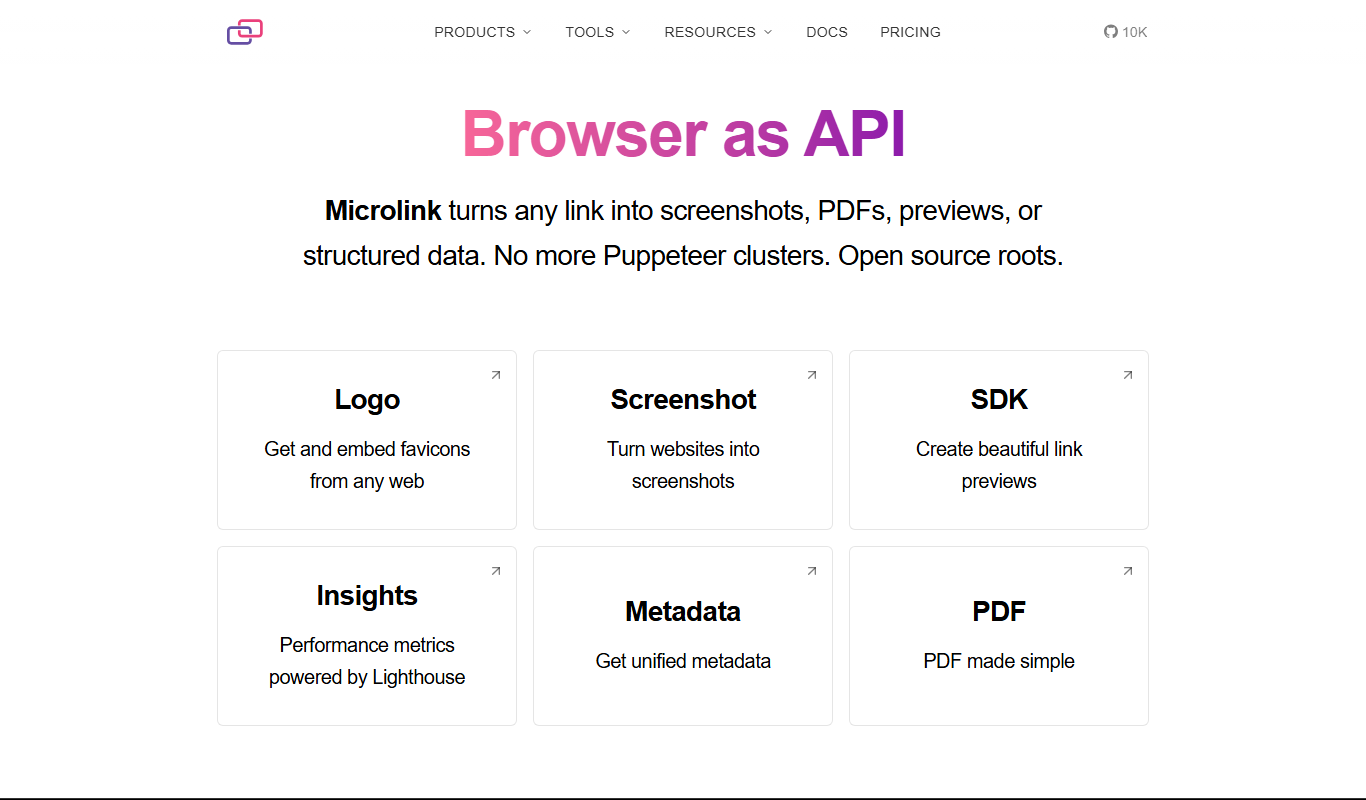
Microlink
Microlink is a developer-friendly API that extracts structured data and screenshots from any website URL, simplifying web scraping and enabling automation.

TypeORM
TypeORM is an open-source Object-Relational Mapping library that helps TypeScript and JavaScript developers interact with SQL databases using entity models, decorators, and migrations.

OpenWeatherMap
OpenWeatherMap is a weather data service providing APIs for real-time weather, forecasts, and historical data integration into applications.
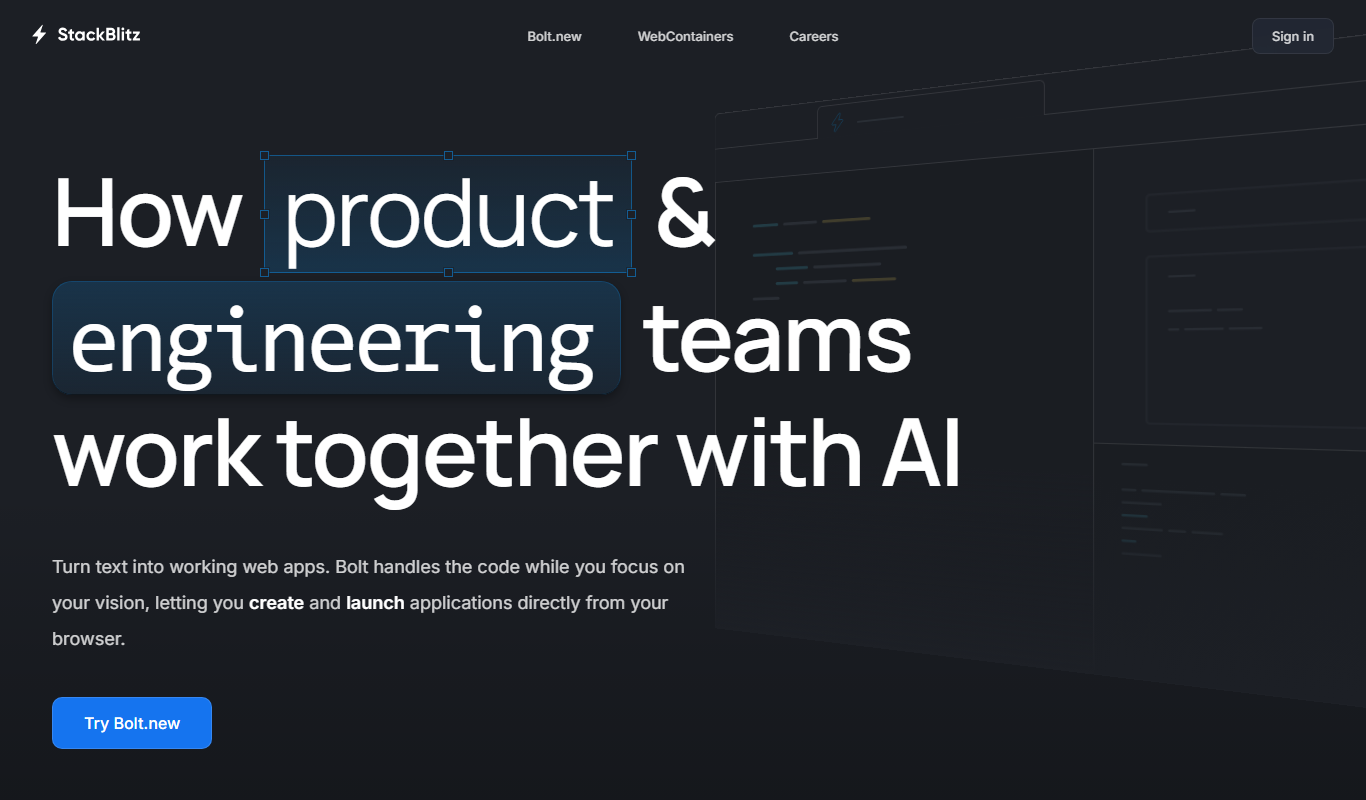
StackBlitz
StackBlitz is a cloud-based online IDE that allows developers to create, edit, and collaborate on web projects instantly in the browser without local setup.
CodeSandbox
CodeSandbox is an online integrated development environment that enables developers to build, share, and collaborate on web applications directly in the browser with live previews and GitHub integration.
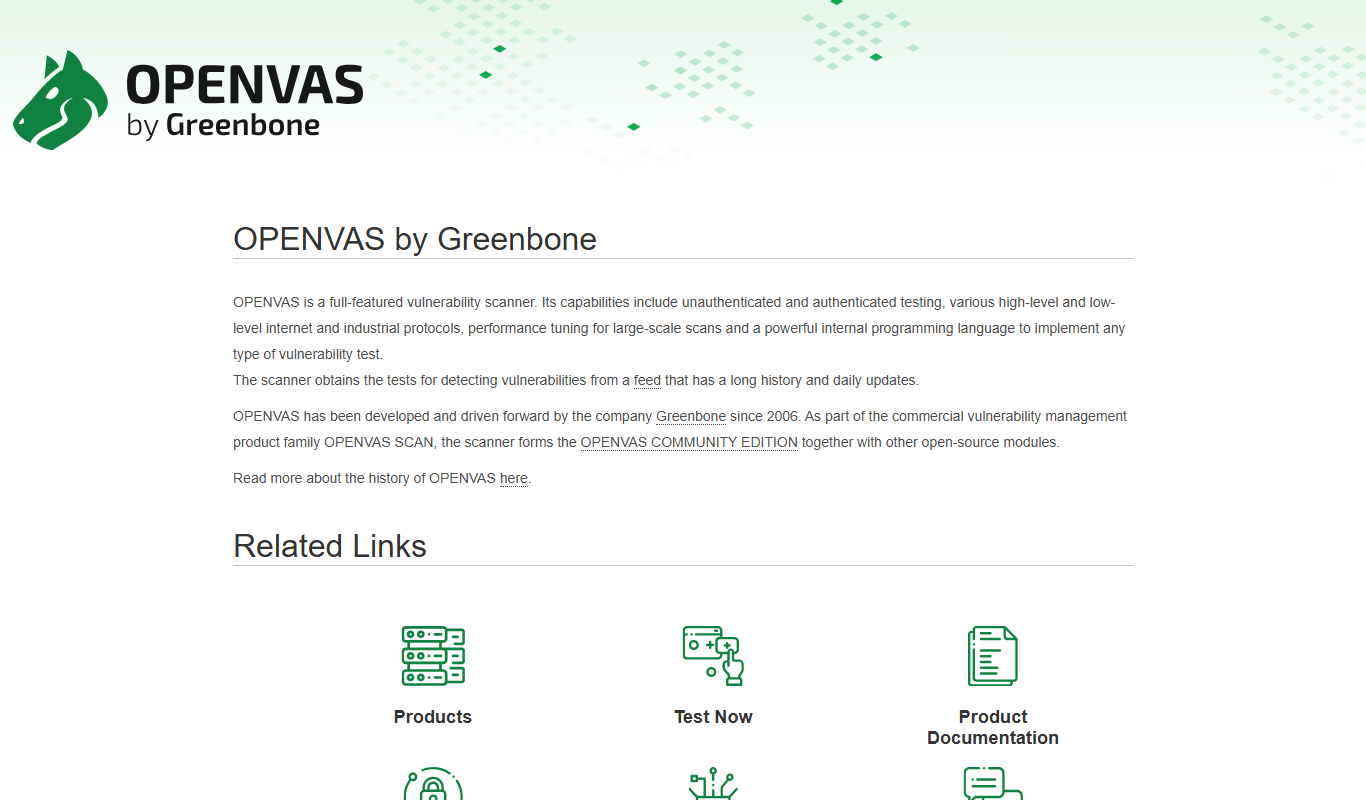
OpenVAS
OpenVAS is an open-source vulnerability scanner that detects security weaknesses in networked systems by running automated tests and generating detailed reports to help organizations manage risk.