

CodeSandbox Online IDE for Web Development and Collaborative Coding
CodeSandbox is an online integrated development environment that enables developers to build, share, and collaborate on web applications directly in the browser with live previews and GitHub integration.
- Best for
- Rapid Web Development
- Key capability
- Real-Time Collaboration
Save CodeSandbox, follow its updates and vote on it — everything stays in your account.
Sign in or create a free accountWhat is CodeSandbox?
CodeSandbox is now part of Together AI and focuses on the CodeSandbox SDK, while Sandboxes in the browser remain available for creating and sharing web projects.
Key features of CodeSandbox
CodeSandbox offers real-time collaborative editing, a rich code editor with syntax highlighting, live preview of applications, GitHub integration, and templates for various frameworks. It streamlines the development workflow by enabling instant sharing and deployment of projects.
Real-Time Collaboration
Multiple users can edit the same project simultaneously with live updates.
Live Preview
Instantly see the results of your code changes in a preview window.
GitHub Integration
Import and export projects directly to and from GitHub repositories.
Template Library
Access a wide range of starter templates for popular frameworks and libraries.
Instant Deployment
Deploy projects with a single click and get a shareable URL.
Pros and cons of CodeSandbox
Pros
- No local setup needed, runs fully in browser
- Supports real-time collaboration
- Integrates well with GitHub
- Wide selection of templates for quick start
- Instant live preview and deployment
Cons
- Limited private sandbox availability on free plan
- Primarily focused on frontend and JavaScript-based projects
- Performance can depend on internet connection
Key use cases for CodeSandbox
Rapid Web Development
Develop and prototype web applications quickly using an online IDE with live preview and instant deployment.
Collaborative Coding
Work simultaneously with team members on the same codebase in real-time, enhancing teamwork and productivity.
Learning and Experimentation
Experiment with JavaScript frameworks and libraries without local setup, ideal for students and developers learning new technologies.
Open Source Project Hosting
Host and share open source projects easily with community collaboration and instant code sharing.
Code Sharing and Review
Share live code examples and conduct code reviews directly within the platform.
How CodeSandbox works
- 1
Create a Sandbox
Start a new project by selecting a template or importing from GitHub.
- 2
Write Code
Use the online editor to write and edit your code with real-time syntax highlighting and error checking.
- 3
Preview Changes
View live updates of your application in the preview pane as you code.
- 4
Collaborate
Invite team members to edit and review code simultaneously.
- 5
Deploy and Share
Publish your project instantly and share the URL with others.
Who is using CodeSandbox
CodeSandbox pricing
Free
$0/month
Free plan with 400 VM credits for the workspace.
Pro
From $9 per workspace
Credit-based paid plan for the workspace, billed in VM credits.
Team
$30/month per user
Collaboration tools for teams, shared workspaces, and advanced permissions.
Plans and prices are as published by the vendor and can change. Check the official site before you buy. Open the pricing page (opens in a new tab)
Frequently asked questions about CodeSandbox
Yes, CodeSandbox runs entirely in the browser, so no local installation is required.
CodeSandbox supports Node.js environments for backend code, but it is primarily focused on frontend web development.
Yes, you can import repositories from GitHub to edit and run them within CodeSandbox.
Free plan sandboxes are public by default; private sandboxes require a Pro or Team subscription.
This tool is designed to help users accomplish its core tasks more efficiently. It is typically used by individuals or teams looking to improve productivity and workflow.
Some tools offer a free plan or trial with limited features. Availability can vary, so confirm on the official website.
Yes, it can help with that use case depending on how you configure it and what features are available. You’ll get the best results with clear inputs and a defined goal.
Conclusion
Since joining Together AI, the company has focused mainly on the CodeSandbox SDK, although browser-based sandboxes for web projects remain available. In the browser, a project starts from a template or a GitHub import, and code written in the online editor shows up as live updates in a preview pane. Multiple users can edit the same project simultaneously, and deployment takes a single click and returns a shareable URL.
Node.js environments handle backend code, while the main focus stays on frontend and JavaScript-based projects. It is aimed at frontend developers, coding educators and students, and open source contributors. Pricing now runs on VM credits per workspace, with a Free plan that includes 400 credits and a Pro plan from $9. Performance can depend on the internet connection.
Sources
Sign in to review this tool.
Sign In to ReviewNo reviews yet
Be the first to share how this tool worked for you.
Ask about pricing, limits, or how it compares — or answer someone else.
Sign In to AskNo questions yet
Have a question about using or paying for this tool? Be the first to ask.
Featured on TiorAI



Alternative Tools
Explore similar AI tools that might fit your needs
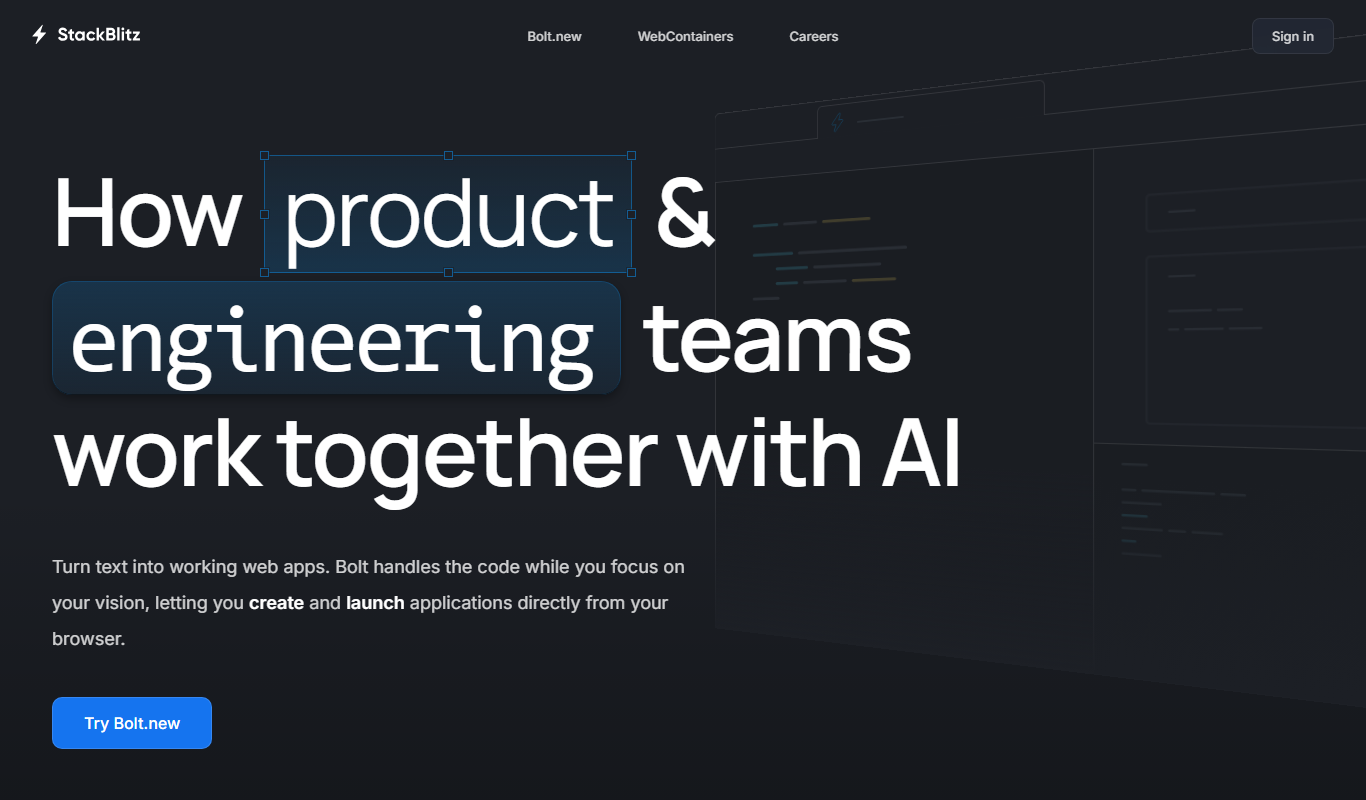
StackBlitz
StackBlitz is a cloud-based online IDE that allows developers to create, edit, and collaborate on web projects instantly in the browser without local setup.
More AI Code Assistant tools
Other tools in the same category, for when this one is not quite the fit.

Refraction
Refraction is an AI tool for developers that refactors code, generates documentation and unit tests, detects bugs and converts code between languages.
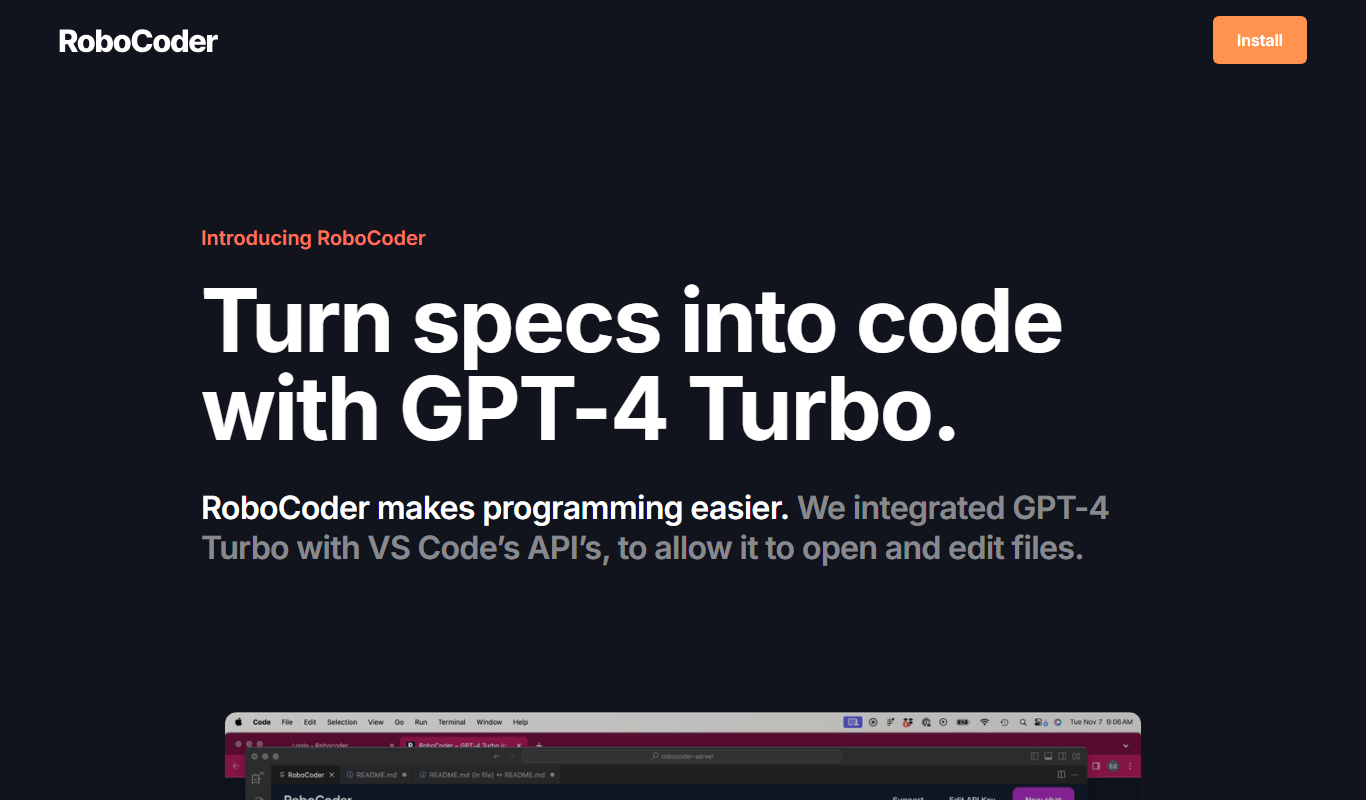
RoboCoder
RoboCoder is a VS Code extension that lets GPT-4o open and edit files, navigate your codebase and propose patches, using your own OpenAI API key.

Trae
TRAE is a development tool deeply integrated with AI, where you code in an IDE or delegate complex tasks to AI agents, on desktop, web and mobile.

Cosine
Cosine trains AI models and specialised coding agents for organisations that need frontier capability within secure environments.

WhatTheDiff
What the Diff is an AI code review assistant for GitHub and GitLab that automates pull request descriptions and simplifies team updates.

Code Fundi
Code Fundi turns any repository into a searchable, blast-radius-aware codebase map for AI agents and engineering teams.

Butterfish Shell
Butterfish Shell adds AI prompting to bash and zsh with OpenAI or compatible APIs: prompt with a capital letter and the AI sees your shell history.
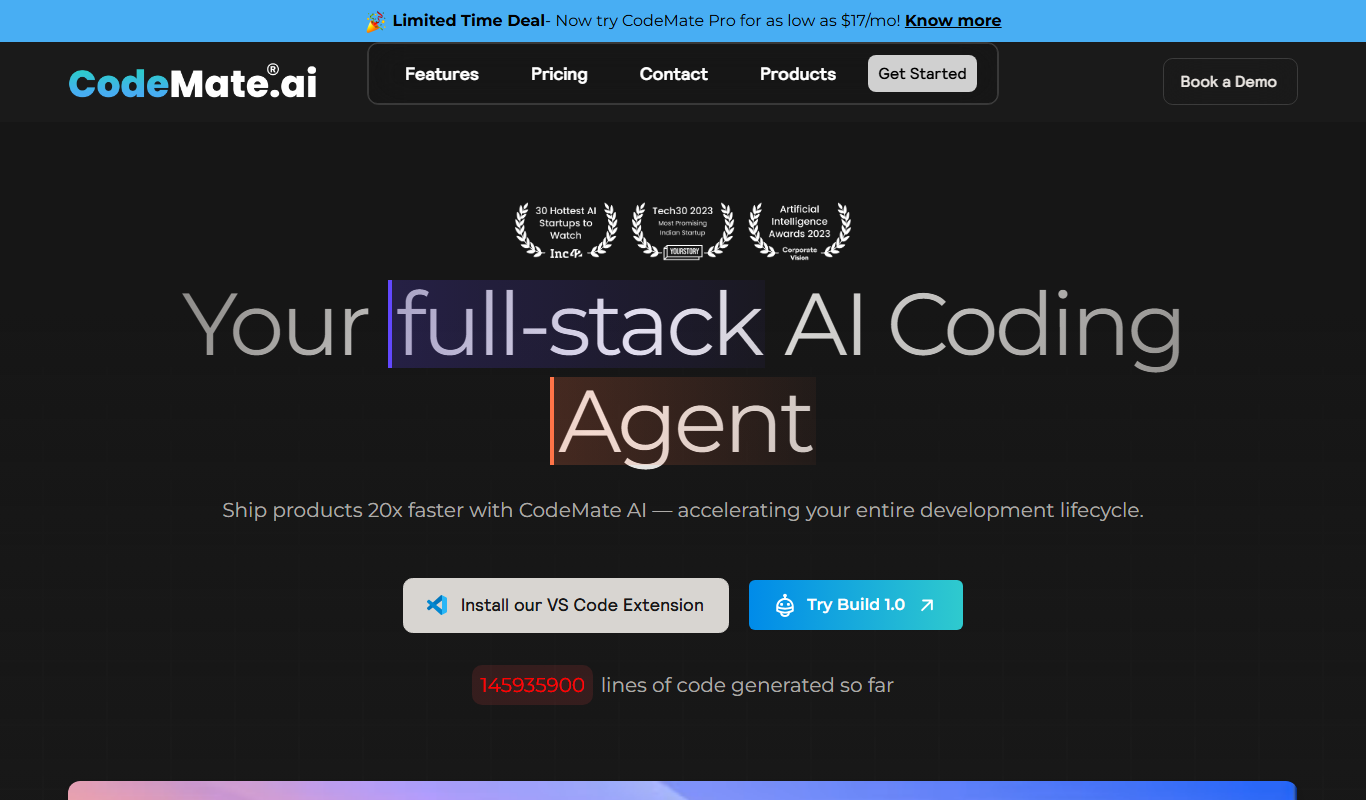
CodeMate AI
CodeMate AI is a sovereign AI pair programmer and developer assistant with private, self-hosted code completion, automated code reviews, debugging and terminal workflows.