

From my experience with OpenVAS, it stands out as a robust and cost-effective solution for vulnerability scanning, especially for organizations seeking open-source tools. Its regularly updated vulnerability database and detailed reporting make it valuable for security professionals aiming to identify and mitigate risks. However, the setup process can be challenging for those new to network security tools, and it primarily supports Linux environments, which may limit accessibility for some users. Overall, if you need a comprehensive vulnerability assessment tool without licensing costs, OpenVAS delivers reliable and thorough scanning capabilities.
OpenVAS Vulnerability Scanner for Network Security and Risk Assessment
OpenVAS is an open-source vulnerability scanner that detects security weaknesses in networked systems by running automated tests and generating detailed reports to help organizations manage risk.
- Best for
- Network Vulnerability Scanning
- Key capability
- Comprehensive Vulnerability Detection
Do you recommend this tool?
What is OpenVAS?
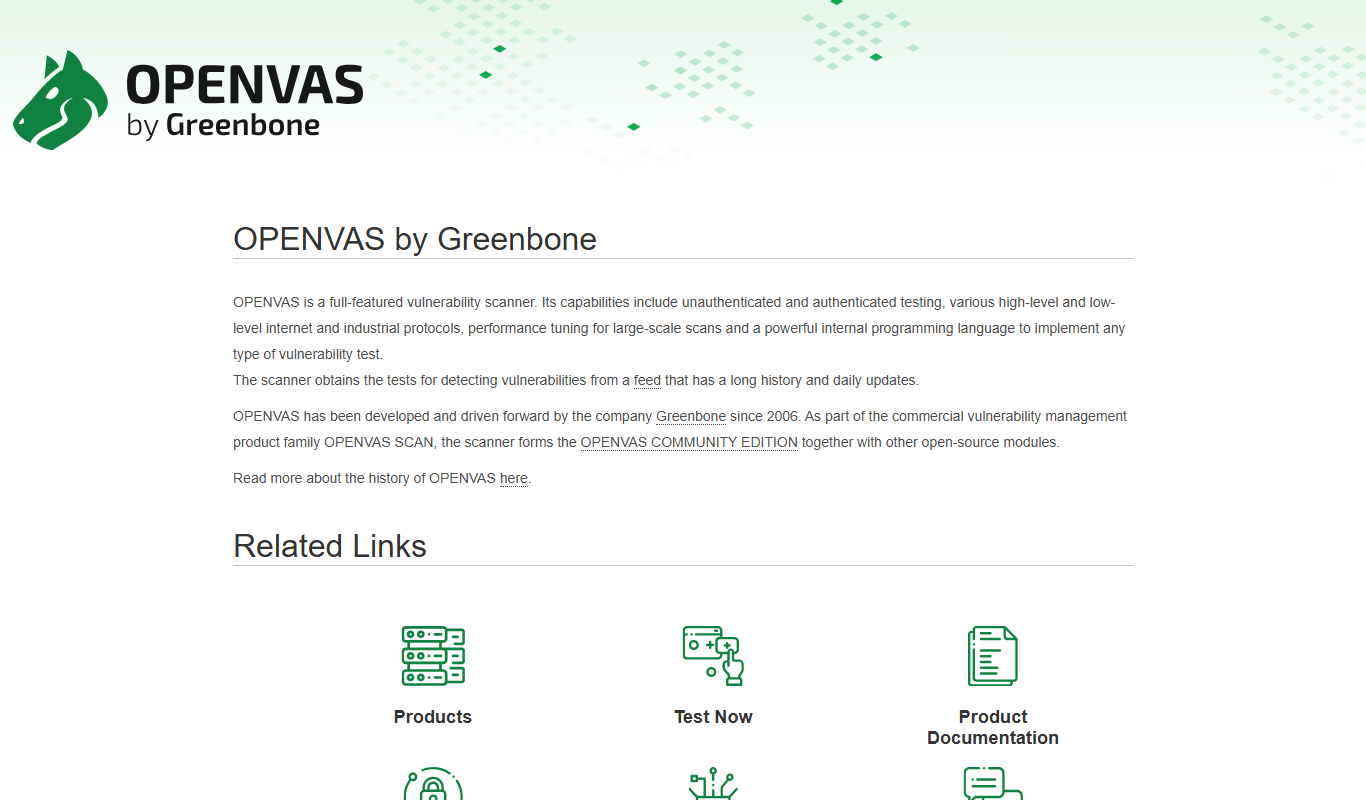
OpenVAS (Open Vulnerability Assessment System) is a comprehensive open-source vulnerability scanner designed to identify security issues in networked systems. It provides automated scanning, detailed vulnerability reports, and supports continuous monitoring to help organizations maintain a strong security posture.
Key features of OpenVAS
OpenVAS offers a powerful scanning engine, regularly updated vulnerability tests, customizable scan configurations, detailed reporting, and integration capabilities for security workflows.
Comprehensive Vulnerability Detection
Detects a wide range of vulnerabilities across network services and operating systems.
Regularly Updated NVT Feed
Maintains an extensive and frequently updated database of vulnerability tests.
Customizable Scan Configurations
Allows users to tailor scans to specific needs, including target selection and scan intensity.
Detailed Reporting and Alerts
Generates comprehensive reports with actionable insights and supports alerting mechanisms.
Integration with Security Tools
Supports integration with other security platforms and workflows via APIs and plugins.
Pros and cons of OpenVAS
Pros
- Completely open-source with no licensing fees
- Regularly updated vulnerability database
- Highly customizable scanning options
- Detailed and actionable reporting
- Strong community and commercial support options
Cons
- Setup and configuration can be complex for beginners
- Primarily supports Linux; limited native Windows support
- Resource-intensive scans may impact network performance
Key use cases for OpenVAS
Network Vulnerability Scanning
Detect and assess security vulnerabilities across network devices and servers.
Security Risk Assessment
Evaluate potential security risks and prioritize remediation efforts.
Compliance Auditing
Support compliance with security standards by identifying configuration issues and vulnerabilities.
Penetration Testing Support
Provide detailed vulnerability data to assist penetration testers in identifying exploitable weaknesses.
Continuous Security Monitoring
Enable ongoing scanning to monitor network security posture over time.
How OpenVAS works
- 1
Install and Configure
Set up OpenVAS on a supported system and configure scan targets and parameters.
- 2
Update Vulnerability Feeds
Download the latest Network Vulnerability Tests (NVTs) to ensure up-to-date scanning.
- 3
Run Scans
Initiate scans against specified network hosts or IP ranges to detect vulnerabilities.
- 4
Analyze Reports
Review detailed scan reports highlighting vulnerabilities, risk levels, and remediation advice.
- 5
Remediate and Monitor
Address identified issues and schedule regular scans to maintain security.
Who is using OpenVAS
Security analysts
Network administrators
Penetration testers
IT compliance officers
Small to medium enterprises
OpenVAS pricing
OpenVAS Community Edition
Free
Full-featured open-source vulnerability scanner with community support.
Greenbone Security Manager
Contact for pricing
Commercial appliance and subscription service with enhanced features and professional support.
Plans and prices are as published by the vendor and can change. Check the official site before you buy. Open the pricing page (opens in a new tab)
Frequently asked questions about OpenVAS
Yes, OpenVAS is an open-source tool available for free under the GNU GPL license.
OpenVAS primarily runs on Linux-based systems and provides a web interface accessible via browsers.
The Network Vulnerability Tests (NVTs) feed is updated daily to include the latest vulnerability checks.
Yes, OpenVAS supports integration through APIs and can be incorporated into broader security workflows.
This tool is designed to help users accomplish its core tasks more efficiently. It is typically used by individuals or teams looking to improve productivity and workflow.
Some tools offer a free plan or trial with limited features. Availability can vary, so confirm on the official website.
It depends on your specific needs and how you plan to use the tool. The official website and documentation are the best sources for the latest details.
Yes, it can help with that use case depending on how you configure it and what features are available. You’ll get the best results with clear inputs and a defined goal.
Sign in to review this tool.
Sign In to ReviewNo reviews yet
Be the first to share how this tool worked for you.
Ask about pricing, limits, or how it compares — or answer someone else.
Sign In to AskNo questions yet
Have a question about using or paying for this tool? Be the first to ask.
Featured on TiorAI



Alternative Tools
Explore similar AI tools that might fit your needs

Free
Nessus
Nessus is a vulnerability scanning tool by Tenable that detects security weaknesses in networks and systems to help organizations manage risk and comply with security standards.
More AI Developer Tools tools
Other tools in the same category, for when this one is not quite the fit.

Freemium
Amadeus Travel API
Amadeus Travel API is a developer platform offering RESTful APIs to access global flight, hotel, and travel data for building travel booking and itinerary management applications.

Freemium
Zyte
Zyte is a web scraping platform that enables businesses and developers to extract structured data from websites using smart crawlers, proxy rotation, and API integration to automate data collection at scale.

Enterprise License
NiceLabel
NiceLabel is an enterprise label design and management software that enables businesses to create, manage, and automate barcode and RFID label printing with compliance and integration capabilities.
Perpetual License
Geomagic Design X
Geomagic Design X is a reverse engineering software that converts 3D scan data into editable CAD models, enabling precise product design and manufacturing workflows.
Free
Changelog Generator
GitHub Changelog Generator is a free, open-source Ruby-based CLI tool that automates the creation of changelogs by extracting data from GitHub issues, pull requests, and commits to streamline release note management.

Free
UnoCSS
UnoCSS is an open-source, utility-first atomic CSS engine that generates CSS on-demand based on the classes used in your code, optimizing performance by minimizing CSS bundle size.

Enterprise
CockroachDB
CockroachDB is a distributed SQL database designed for cloud-native applications that require strong consistency, high availability, and horizontal scalability across multiple regions.
Subscription
VividCortex
VividCortex is a cloud-based database monitoring platform that provides real-time insights into SQL query performance and resource usage to help optimize and troubleshoot relational databases.