

From my experience with NiceLabel, it stands out as a comprehensive solution for businesses needing reliable label design and printing, especially in regulated industries. The software’s integration capabilities with ERP and warehouse systems streamline workflows and reduce errors, which is critical in supply chain management. While the pricing requires direct consultation and some advanced features may have a learning curve, the centralized label management and automation options provide strong value for medium to large enterprises. Overall, if your business demands scalable, compliant labeling solutions, NiceLabel delivers robust and flexible tools to meet those needs.
NiceLabel Label Design Software for Efficient Barcode and RFID Printing
NiceLabel is an enterprise label design and management software that enables businesses to create, manage, and automate barcode and RFID label printing with compliance and integration capabilities.
- Best for
- Label Design and Printing
- Key capability
- Intuitive Label Designer

What is NiceLabel?
NiceLabel is an enterprise-grade label design and management software that enables businesses to create, control, and automate barcode and RFID label printing. It supports compliance with industry standards and integrates with existing business systems to streamline labeling processes across supply chains.
Key features of NiceLabel
NiceLabel offers an intuitive label designer, centralized label management, cloud-based printing, integration capabilities with ERP/WMS systems, and automation tools to optimize labeling workflows and ensure compliance.
Intuitive Label Designer
User-friendly interface for designing complex labels with barcodes, RFID, and graphics.
Centralized Label Management
Control label templates and printing workflows from a single platform.
Cloud Printing
Print labels securely from anywhere using cloud-based infrastructure.
ERP and WMS Integration
Seamlessly connect label printing with enterprise systems for data accuracy.
Compliance and Validation
Ensure labels meet industry regulations and standards.
Pros and cons of NiceLabel
Pros
- Robust compliance and validation features
- Flexible integration with enterprise systems
- User-friendly label design interface
- Supports cloud and on-premise deployment
- Scalable for businesses of all sizes
Cons
- Pricing details require direct contact
- May have a learning curve for complex integrations
- Primarily focused on labeling, not general printing
Key use cases for NiceLabel
Label Design and Printing
Create and print compliant labels with barcodes, RFID tags, and graphics for products and packaging.
Supply Chain Compliance
Ensure labels meet industry and regulatory standards to maintain supply chain integrity.
Centralized Label Management
Manage label templates and printing workflows centrally across multiple locations and users.
Integration with ERP and WMS
Connect label printing processes with enterprise resource planning and warehouse management systems.
Automation of Label Printing
Automate label generation and printing triggered by business events or data inputs.
How NiceLabel works
-
1
Design Labels
Use the drag-and-drop label designer to create barcode, RFID, and graphic labels tailored to your needs.
-
2
Manage Templates
Store and control label templates centrally to maintain consistency and compliance.
-
3
Integrate Systems
Connect NiceLabel with ERP, WMS, or other business systems to automate label data input.
-
4
Print Labels
Print labels on-demand or automate printing triggered by business events.
Who is using NiceLabel
Manufacturing companies
Supply chain managers
Warehouse operators
Retail businesses
Healthcare providers
Logistics and distribution centers
NiceLabel pricing
Basic
Contact for pricing
Entry-level label design and printing solution for small businesses.
Professional
Contact for pricing
Advanced features including integration and centralized management.
Enterprise
Contact for pricing
Full-featured solution with cloud printing, automation, and compliance tools.
Plans and prices are as published by the vendor and can change. Check the official site before you buy. Open the pricing page (opens in a new tab)
Frequently asked questions about NiceLabel
You can design barcode labels, RFID tags, product labels, shipping labels, and compliance labels.
Yes, NiceLabel supports integration with major ERP and warehouse management systems.
NiceLabel offers both on-premise and cloud-based solutions for label management and printing.
Yes, you can automate label printing triggered by business events or data inputs.
This tool is designed to help users accomplish its core tasks more efficiently. It is typically used by individuals or teams looking to improve productivity and workflow.
Yes, it can help with that use case depending on how you configure it and what features are available. You’ll get the best results with clear inputs and a defined goal.
Integration support depends on the tool and its available connectors or API. Check the official documentation or integrations page to confirm what is supported.
It depends on your specific needs and how you plan to use the tool. The official website and documentation are the best sources for the latest details.
Sign in to review this tool.
Sign In to ReviewNo reviews yet
Be the first to share how this tool worked for you.
Ask about pricing, limits, or how it compares — or answer someone else.
Sign In to AskNo questions yet
Have a question about using or paying for this tool? Be the first to ask.
Featured on TiorAI



Alternative Tools
Explore similar AI tools that might fit your needs

Perpetual License
BarTender
BarTender is a label design and barcode printing software by Seagull Scientific that supports RFID encoding, enterprise automation, and compliance labeling.
Free Trial
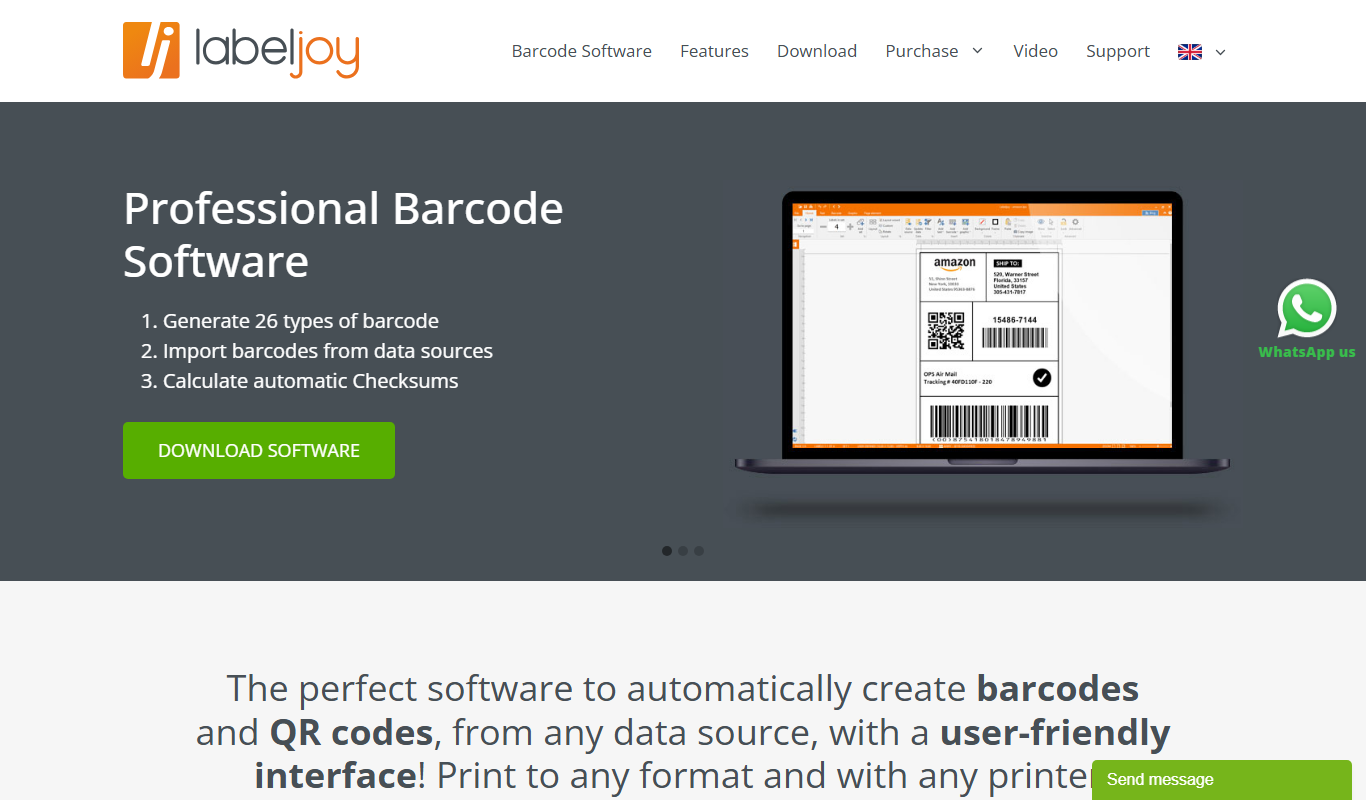
Labeljoy
Labeljoy is a Windows-based label printing software that allows users to design and print labels with barcodes and QR codes, supporting database import and batch printing for various business needs.
More AI Developer Tools tools
Other tools in the same category, for when this one is not quite the fit.

Freemium
Amadeus Travel API
Amadeus Travel API is a developer platform offering RESTful APIs to access global flight, hotel, and travel data for building travel booking and itinerary management applications.

Freemium
Zyte
Zyte is a web scraping platform that enables businesses and developers to extract structured data from websites using smart crawlers, proxy rotation, and API integration to automate data collection at scale.
Perpetual License
Geomagic Design X
Geomagic Design X is a reverse engineering software that converts 3D scan data into editable CAD models, enabling precise product design and manufacturing workflows.
Free
Changelog Generator
GitHub Changelog Generator is a free, open-source Ruby-based CLI tool that automates the creation of changelogs by extracting data from GitHub issues, pull requests, and commits to streamline release note management.

Free
UnoCSS
UnoCSS is an open-source, utility-first atomic CSS engine that generates CSS on-demand based on the classes used in your code, optimizing performance by minimizing CSS bundle size.

Enterprise
CockroachDB
CockroachDB is a distributed SQL database designed for cloud-native applications that require strong consistency, high availability, and horizontal scalability across multiple regions.
Subscription
VividCortex
VividCortex is a cloud-based database monitoring platform that provides real-time insights into SQL query performance and resource usage to help optimize and troubleshoot relational databases.
Free
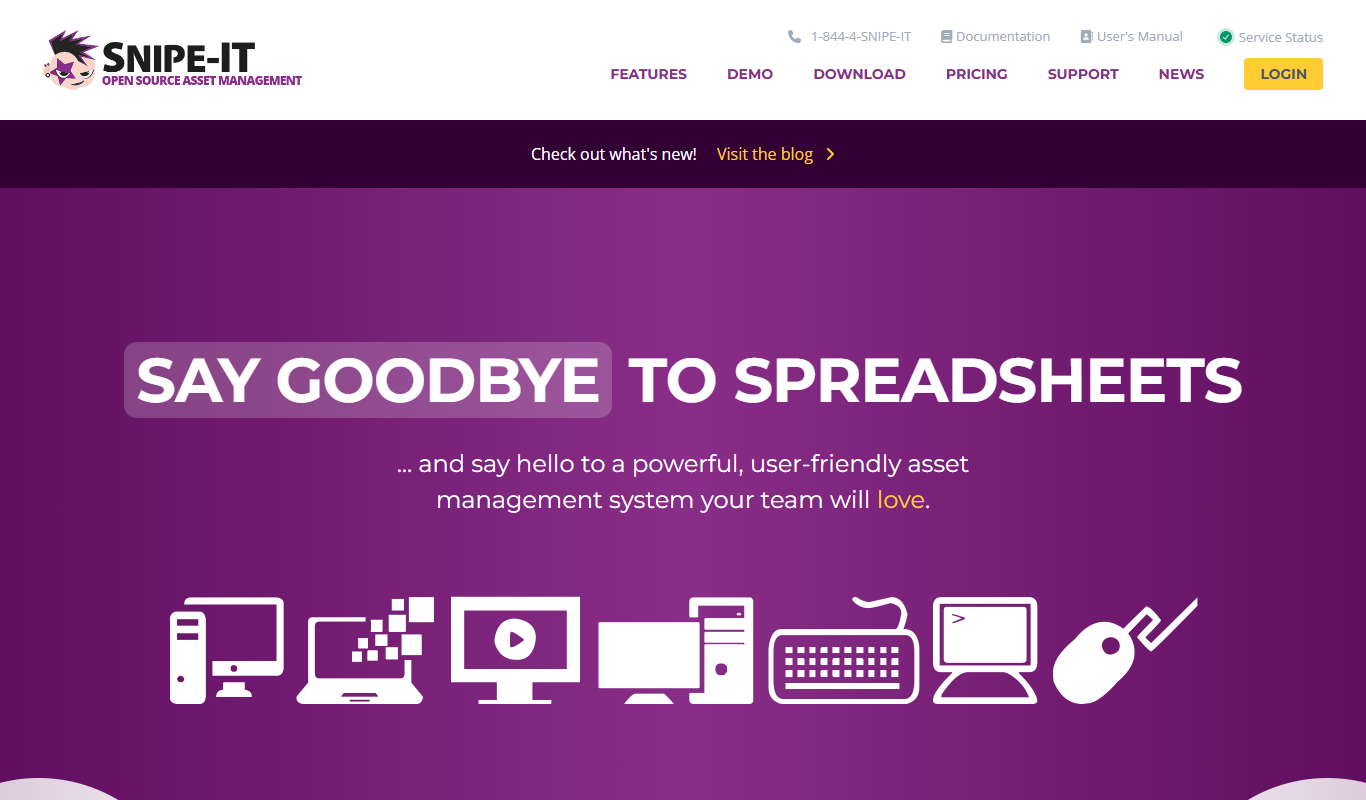
Snipe-IT
Snipe-IT is an open source IT asset management tool that helps organizations track hardware assets, software licenses, and manage inventory through a web-based platform with self-hosted and cloud options.