

From my experience with Nessus, it stands out as a robust and reliable vulnerability scanner that effectively uncovers security weaknesses across diverse IT environments. Its comprehensive vulnerability database and compliance auditing features make it a go-to tool for security professionals aiming to maintain strong cybersecurity postures. While the free version is limited, the professional edition offers extensive capabilities suitable for enterprises. However, configuring advanced scans requires some technical expertise, which may present a learning curve for beginners. Overall, Nessus is an essential tool for organizations prioritizing proactive risk management and compliance.
Nessus Vulnerability Scanner for Network Security and Risk Assessment
Nessus is a vulnerability scanning tool by Tenable that detects security weaknesses in networks and systems to help organizations manage risk and comply with security standards.
- Best for
- Network Vulnerability Scanning
- Key capability
- Extensive Vulnerability Database

Do you recommend this tool?
What is Nessus?
Nessus is a widely used vulnerability scanning software developed by Tenable, Inc. It helps organizations identify and fix security vulnerabilities in their IT infrastructure. The tool scans network devices, operating systems, and applications to detect weaknesses that could be exploited by attackers. Nessus supports compliance auditing and provides detailed reports to guide remediation efforts.
Key features of Nessus
Nessus offers comprehensive vulnerability scanning capabilities, including configuration auditing, malware detection, sensitive data discovery, and patch management integration. It supports customizable scan policies and provides actionable insights through detailed dashboards and reports.
Extensive Vulnerability Database
Access to one of the largest vulnerability databases updated regularly with new threats.
Customizable Scan Templates
Create and modify scan policies to suit specific security requirements.
Compliance Auditing
Built-in checks for standards such as PCI DSS, HIPAA, and CIS benchmarks.
Detailed Reporting and Dashboards
Visualize scan results with actionable insights and exportable reports.
Integration Capabilities
Supports integration with patch management and SIEM tools for streamlined workflows.
Pros and cons of Nessus
Pros
- Comprehensive vulnerability coverage with frequent updates
- User-friendly interface with customizable scan options
- Strong compliance auditing features
- Detailed and actionable reporting
- Widely trusted and industry-recognized tool
Cons
- Pricing for Professional version can be high for small businesses
- Requires technical knowledge to configure advanced scans
- Limited free version with IP scan restrictions
Key use cases for Nessus
Network Vulnerability Scanning
Identify security weaknesses across network devices, servers, and endpoints to prevent breaches.
Compliance Auditing
Automate compliance checks against standards like PCI DSS, HIPAA, and CIS benchmarks.
Penetration Testing Support
Assist security professionals in simulating attacks to evaluate system defenses.
Risk Assessment
Prioritize vulnerabilities based on severity and exploitability to focus remediation efforts.
Continuous Monitoring
Schedule regular scans to maintain up-to-date security posture visibility.
How Nessus works
- 1
Install Nessus
Download and install Nessus on a supported operating system.
- 2
Configure Scan Policies
Set up scan parameters tailored to your network environment and compliance needs.
- 3
Run Vulnerability Scans
Initiate scans on target systems to detect vulnerabilities and misconfigurations.
- 4
Analyze Reports
Review detailed findings with severity ratings and remediation recommendations.
- 5
Remediate Issues
Address identified vulnerabilities based on prioritized risk levels.
Who is using Nessus
Security analysts
IT administrators
Penetration testers
Compliance officers
Small to large enterprises
Nessus pricing
Nessus Essentials
Free
Limited to 16 IPs, suitable for students and small environments.
Nessus Professional
Contact for pricing
Full-featured vulnerability scanner for security professionals and enterprises.
Plans and prices are as published by the vendor and can change. Check the official site before you buy. Open the pricing page (opens in a new tab)
Frequently asked questions about Nessus
Nessus Essentials is free and limited to scanning 16 IPs, while Nessus Professional offers unlimited scanning and advanced features for professional use.
Yes, Nessus supports scanning of cloud infrastructure and virtual environments.
Yes, Nessus includes built-in compliance checks for standards like PCI DSS and HIPAA.
Nessus runs on Windows, Linux, and macOS operating systems.
This tool is designed to help users accomplish its core tasks more efficiently. It is typically used by individuals or teams looking to improve productivity and workflow.
Some tools offer a free plan or trial with limited features. Availability can vary, so confirm on the official website.
It depends on your specific needs and how you plan to use the tool. The official website and documentation are the best sources for the latest details.
Sign in to review this tool.
Sign In to ReviewNo reviews yet
Be the first to share how this tool worked for you.
Ask about pricing, limits, or how it compares — or answer someone else.
Sign In to AskNo questions yet
Have a question about using or paying for this tool? Be the first to ask.
Featured on TiorAI



Alternative Tools
Explore similar AI tools that might fit your needs
Free
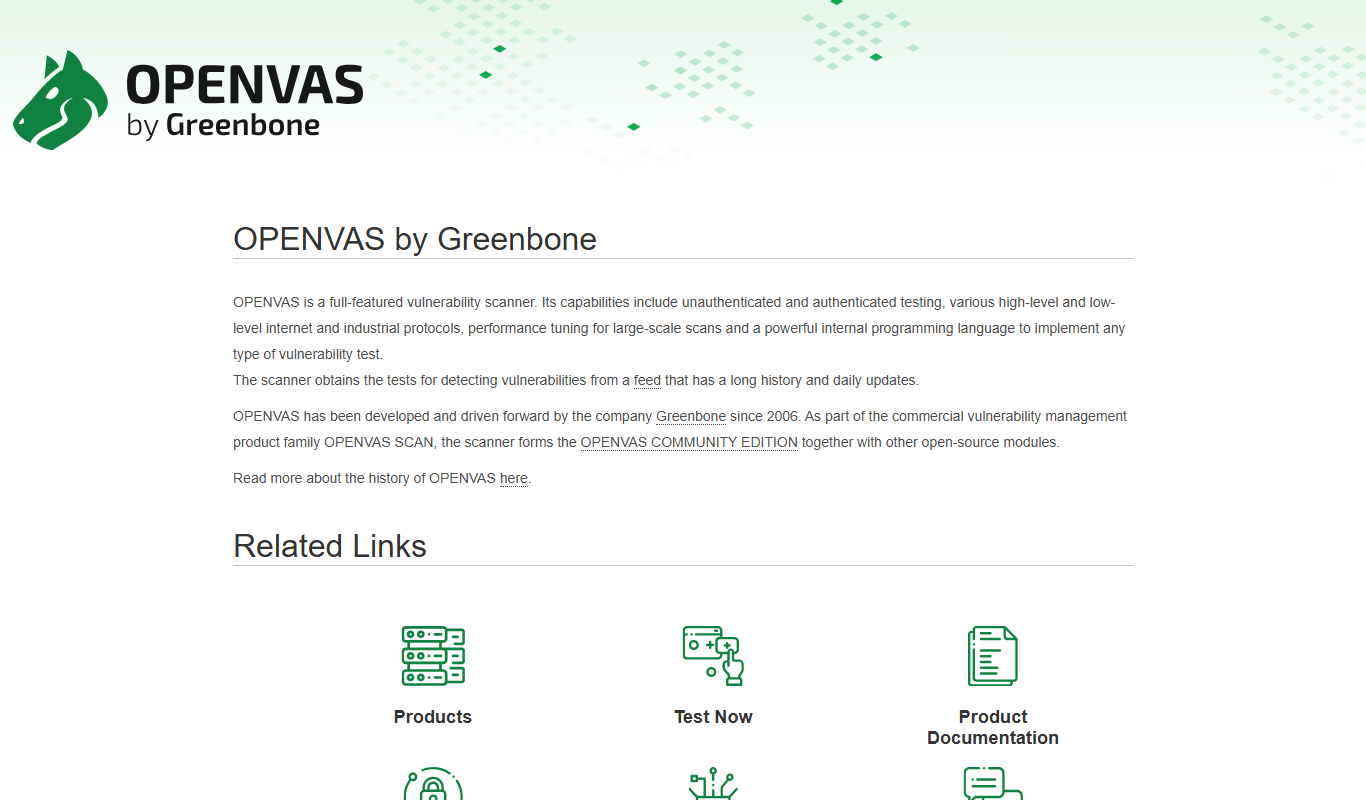
OpenVAS
OpenVAS is an open-source vulnerability scanner that detects security weaknesses in networked systems by running automated tests and generating detailed reports to help organizations manage risk.
More AI Security Tools tools
Other tools in the same category, for when this one is not quite the fit.

Free
URLScan.io
URLScan.io is a web-based tool that scans and analyzes URLs to detect phishing, malware, and other security threats by rendering websites in a sandboxed environment and providing detailed reports and API access.