

TypeORM - Open Source ORM for TypeScript and JavaScript Developers
TypeORM is an open-source Object-Relational Mapping library that helps TypeScript and JavaScript developers interact with SQL databases using entity models, decorators, and migrations.
- Best for
- Database Abstraction
- Key capability
- Multi-Database Support
Save TypeORM, follow its updates and vote on it — everything stays in your account.
Sign in or create a free account
What is TypeORM?
TypeORM is an open-source Object-Relational Mapping (ORM) library designed for TypeScript and JavaScript developers. It facilitates working with relational databases by allowing developers to define database schemas and queries using TypeScript classes and decorators. TypeORM supports multiple database systems and aims to simplify database operations while maintaining type safety and code maintainability.
Key features of TypeORM
TypeORM offers features such as entity modeling with decorators, support for multiple SQL databases, a flexible query builder, migration tools, and integration with popular frameworks like Express and NestJS. It is widely used in Node.js applications to streamline database interactions.
Multi-Database Support
Works with MySQL, PostgreSQL, SQLite, Microsoft SQL Server, Oracle, and more.
Active Record and Data Mapper Patterns
Supports both Active Record and Data Mapper patterns for flexible development styles.
TypeScript Decorators
Uses decorators to define entities and relationships, enhancing code readability and type safety.
Powerful Query Builder
Enables building complex SQL queries programmatically without writing raw SQL.
Migration System
Facilitates database schema versioning and migration management.
Pros and cons of TypeORM
Pros
- Supports multiple popular SQL databases
- Strong TypeScript integration with decorators
- Flexible architecture supporting different design patterns
- Comprehensive migration system
- Active open-source community
Cons
- Documentation can be complex for beginners
- Performance overhead compared to raw SQL queries
- Some advanced features require deeper understanding
Key use cases for TypeORM
Database Abstraction
Simplifies database interactions by providing an abstraction layer over SQL databases for TypeScript and JavaScript applications.
Cross-Database Compatibility
Enables developers to write database-agnostic code that works with multiple database systems like MySQL, PostgreSQL, SQLite, and more.
Entity Modeling
Allows defining database schemas using TypeScript classes and decorators, improving maintainability and type safety.
Migrations Management
Supports database schema migrations to evolve database structure safely over time.
Query Building
Provides a powerful query builder for creating complex SQL queries programmatically.
How TypeORM works
- 1
Install TypeORM
Add TypeORM and a supported database driver to your project using npm or yarn.
- 2
Define Entities
Create TypeScript classes decorated with TypeORM decorators to represent database tables and columns.
- 3
Configure Connection
Set up database connection options including type, host, port, username, password, and database name.
- 4
Use Repository or Entity Manager
Interact with the database through repositories or the entity manager to perform CRUD operations.
- 5
Run Migrations
Manage schema changes safely by creating and running migration scripts.
Who is using TypeORM
TypeORM pricing
Free
$0
Open-source and free to use with community support.
Plans and prices are as published by the vendor and can change. Check the official site before you buy. Open the pricing page (opens in a new tab)
Frequently asked questions about TypeORM
Yes, TypeORM is an open-source project and free to use under the MIT license.
TypeORM supports MySQL, PostgreSQL, MariaDB, SQLite, Microsoft SQL Server, Oracle, and more.
Yes, TypeORM supports both TypeScript and JavaScript projects.
Yes, it includes a migration system to manage database schema changes.
This tool is designed to help users accomplish its core tasks more efficiently. It is typically used by individuals or teams looking to improve productivity and workflow.
Some tools offer a free plan or trial with limited features. Availability can vary, so confirm on the official website.
It depends on your specific needs and how you plan to use the tool. The official website and documentation are the best sources for the latest details.
Conclusion
With TypeORM, database tables and columns are represented by TypeScript classes decorated with TypeORM decorators. After adding the library and a database driver through npm or yarn and configuring the connection, developers perform CRUD operations through repositories or the entity manager. Both Active Record and Data Mapper patterns are supported, and a query builder creates complex SQL queries without raw SQL. Supported databases include MySQL, PostgreSQL, MariaDB, SQLite, Microsoft SQL Server and Oracle.
It is free under the MIT license and supports both TypeScript and JavaScript projects. The library is aimed at Node.js backend developers and full-stack developers using SQL databases. The page notes a performance overhead compared to raw SQL queries, and documentation can be complex for beginners.
Sources
Sign in to review this tool.
Sign In to ReviewNo reviews yet
Be the first to share how this tool worked for you.
Ask about pricing, limits, or how it compares — or answer someone else.
Sign In to AskNo questions yet
Have a question about using or paying for this tool? Be the first to ask.
Featured on TiorAI



More AI Code Assistant tools
Other tools in the same category, for when this one is not quite the fit.

AutoMapper
AutoMapper is a .NET library that automates mapping between different object models, helping developers reduce manual code; since version 15.x it is commercial, with a free Community edition for companies under $5M revenue.
Ranorex
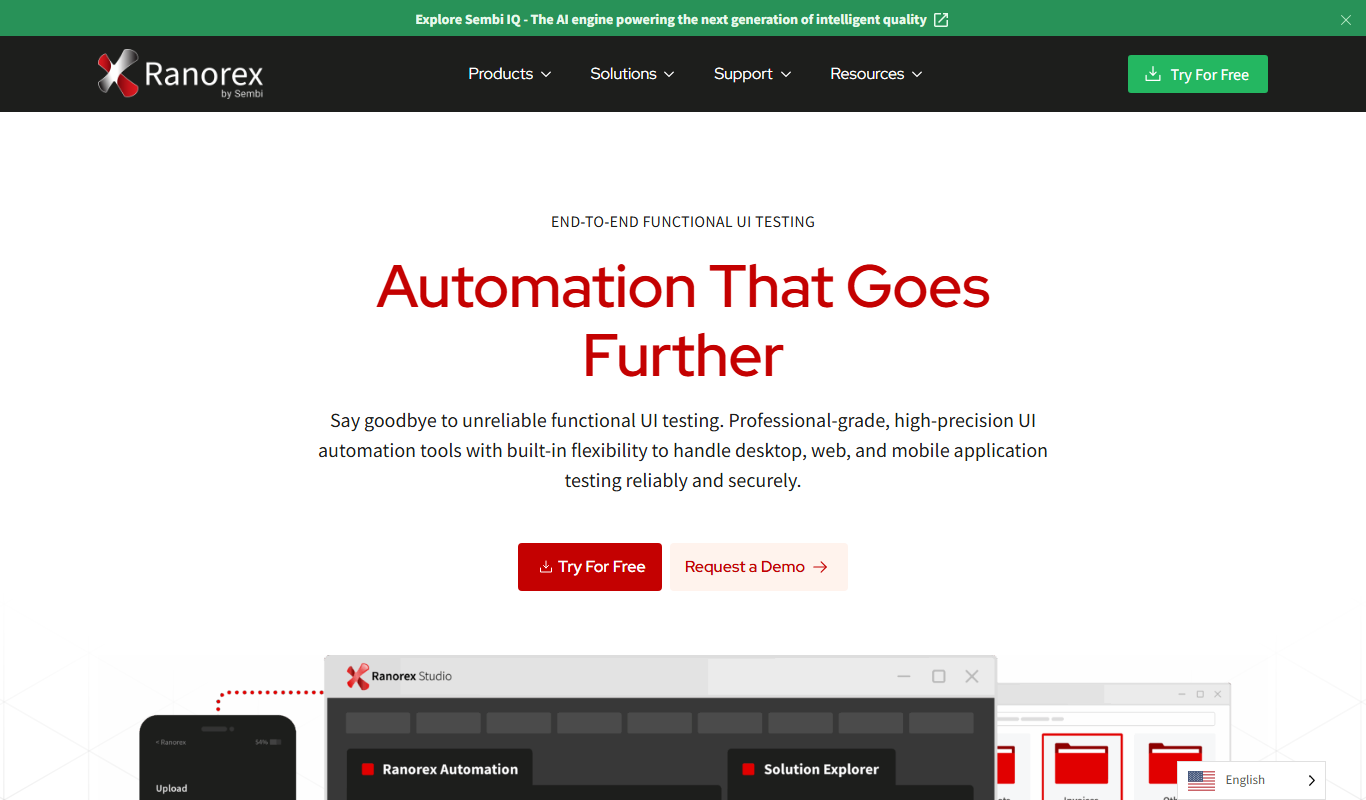
Ranorex is a comprehensive test automation tool that supports GUI testing for desktop, web, and mobile apps, offering both codeless and code-based test creation with strong CI/CD integration.

Tynker
Tynker is an educational coding platform that teaches kids programming through interactive block coding and text-based languages like Python and JavaScript, supporting STEM learning and creative project development.
Gamefroot
Gamefroot is a web-based platform that enables users to create 2D games through drag-and-drop tools and JavaScript scripting, focusing on educational and indie game development.

Donkey Car
Donkey Car is an open source platform that lets users build and program small-scale autonomous vehicles using affordable hardware and AI models for self-driving capabilities.

Numerai
Numerai is an AI-powered hedge fund platform that hosts weekly data science competitions using encrypted financial data, allowing data scientists to submit machine learning models anonymously and earn cryptocurrency rewards.

Cymath
Cymath is an AI-powered math solver that provides step-by-step solutions for algebra, calculus, and other math problems via web and mobile apps.

Sphinx
Sphinx is an open-source documentation generator primarily for Python projects that converts reStructuredText and docstrings into multi-format technical documentation.