

PoweReader RSS reader for iPhone and Mac, with AI summaries and translation
PoweReader is a native RSS reader for iPhone and Mac; Premium adds AI summaries, inline translation, audio narration and Daily Picks.
- Best for
- Efficient Reading
- Key capability
- AI-Powered Summarization
Save PoweReader, follow its updates and vote on it — everything stays in your account.
Sign in or create a free account
What is PoweReader?
PoweReader is a native RSS reader for iPhone and Mac. Reading RSS is free, and Premium adds AI summaries, inline translation, audio narration and Daily Picks across your feeds.
Key features of PoweReader
PoweReader is a native RSS reader for iPhone and Mac with a built-in RSS service or Feedbin, FreshRSS and Miniflux. Premium clusters the day’s feeds into story lines and adds summaries, translation and audio.
AI-Powered Summarization
Automatically generates clear and concise summaries from lengthy texts.
Inline Translation
Read foreign feeds without leaving the article, with translated lines beneath the original from on-device AI, Apple Translate or cloud AI.
Daily Picks
The day's articles cluster into events, with key developments, expert insights and source articles in one view.
User-Friendly Interface
Simple and intuitive design for quick access and easy navigation.
Pros and cons of PoweReader
Pros
- Saves time by condensing long texts into key points
- Supports multiple content formats including PDFs and web pages
- Native iPhone and Mac apps synced through iCloud
- Affordable pricing with a free tier for casual users
Cons
- AI features need Premium; the free tier covers RSS reading only
Key use cases for PoweReader
Efficient Reading
Helps users quickly understand long articles or documents by generating concise summaries.
Content Extraction
Summarize articles from RSS feeds into three short paragraphs to get the key points quickly.
Research Assistance
Supports researchers and students by summarizing large volumes of text to save time.
Productivity Enhancement
Enables professionals to process information faster, improving workflow and decision-making.
How PoweReader works
- 1
Download the App
Download PoweReader for iPhone or Mac from the App Store.
- 2
Add Feeds
Connect Feedbin, FreshRSS or Miniflux, or start with the built-in RSS service; no third-party account required.
- 3
Generate Summary
Hit Summarize on any article to get three short paragraphs in seconds.
- 4
Review and Use
Read the summary, or turn any article or summary into a podcast-style narration.
Who is using PoweReader
PoweReader pricing
Free
$0 forever
Everything needed to read RSS: native iPhone and Mac apps, a built-in RSS service with no account required, support for Feedbin, FreshRSS, Miniflux, NewsBlur, Fever and TinyTinyRSS, full-text article view, saved articles, search, and OPML import and export.
Premium
$19.99 / year with a 7-day free trial, or $3.99/month with a 3-day trial
100 cloud AI actions a month, Daily Picks, audio summaries, iCloud sync, private on-device AI and offline image caching.
Plans and prices are as published by the vendor and can change. Check the official site before you buy. Open the pricing page (opens in a new tab)
Frequently asked questions about PoweReader
PoweReader summarizes articles in your RSS feeds: hit Summarize on any article for three short paragraphs in seconds.
Reading RSS is free, forever; Premium unlocks 100 cloud AI actions a month.
PoweReader offers 9 interface languages.
PoweReader is a native RSS reader app for iPhone and Mac, downloaded from the App Store.
It depends on your specific needs and how you plan to use the tool. The official website and documentation are the best sources for the latest details.
Some tools offer a free plan or trial with limited features. Availability can vary, so confirm on the official website.
Yes, it can help with that use case depending on how you configure it and what features are available. You’ll get the best results with clear inputs and a defined goal.
Yes, it can help with that use case depending on how you configure it and what features are available. You’ll get the best results with clear inputs and a defined goal.
Conclusion
Feeds come from a built-in RSS service with no account required or from Feedbin, FreshRSS and Miniflux, and everything runs in native apps for iPhone and Mac. Reading, subscribing, searching and saving articles are free, forever. AI comes in only on request: hitting Summarize on any article gives three short paragraphs in seconds, and Daily Picks clusters the day’s articles into events. Foreign feeds can be read with translated lines beneath the original, and any article or summary can become a podcast-style narration.
These AI tools sit in Premium, which is billed through the App Store with a free trial and includes a monthly quota of AI actions. On-device summaries run with MLX on Apple Silicon without touching that quota, but they require a recent iPhone or an Apple Silicon Mac. iCloud syncs reading position, saved articles and the feed list between iPhone and Mac.
Sources
Sign in to review this tool.
Sign In to ReviewNo reviews yet
Be the first to share how this tool worked for you.
Ask about pricing, limits, or how it compares — or answer someone else.
Sign In to AskNo questions yet
Have a question about using or paying for this tool? Be the first to ask.
Featured on TiorAI



Alternative Tools
Explore similar AI tools that might fit your needs

SummarizeBot
SummarizeBot offers a free AI summarization chatbot for Slack and Google Chat alongside enterprise AI products, including a Natural Language Processing API and CER automation.
More AI Productivity Tools tools
Other tools in the same category, for when this one is not quite the fit.
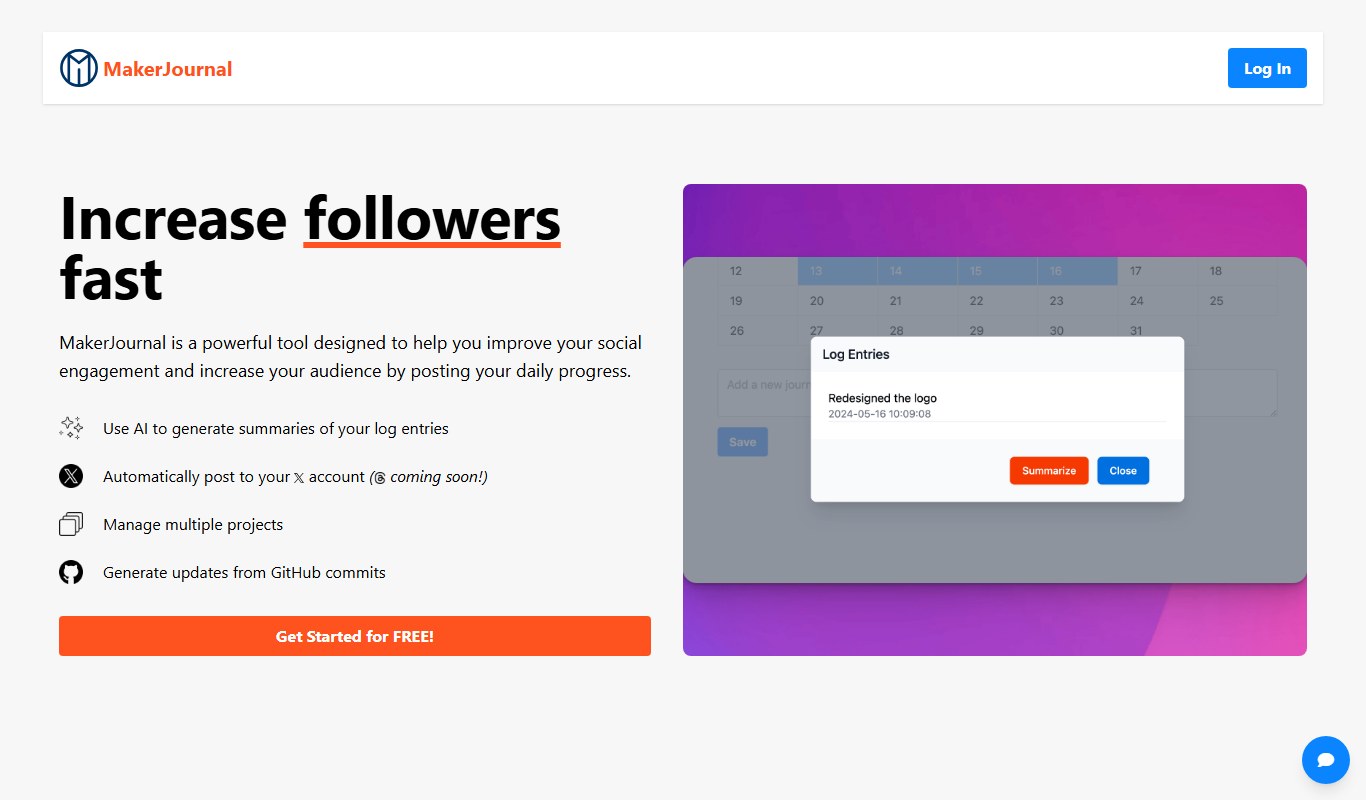
MakerJournal
MakerJournal uses AI to turn your progress logs and GitHub commits into summaries that indie makers and solo developers can post to their social accounts.
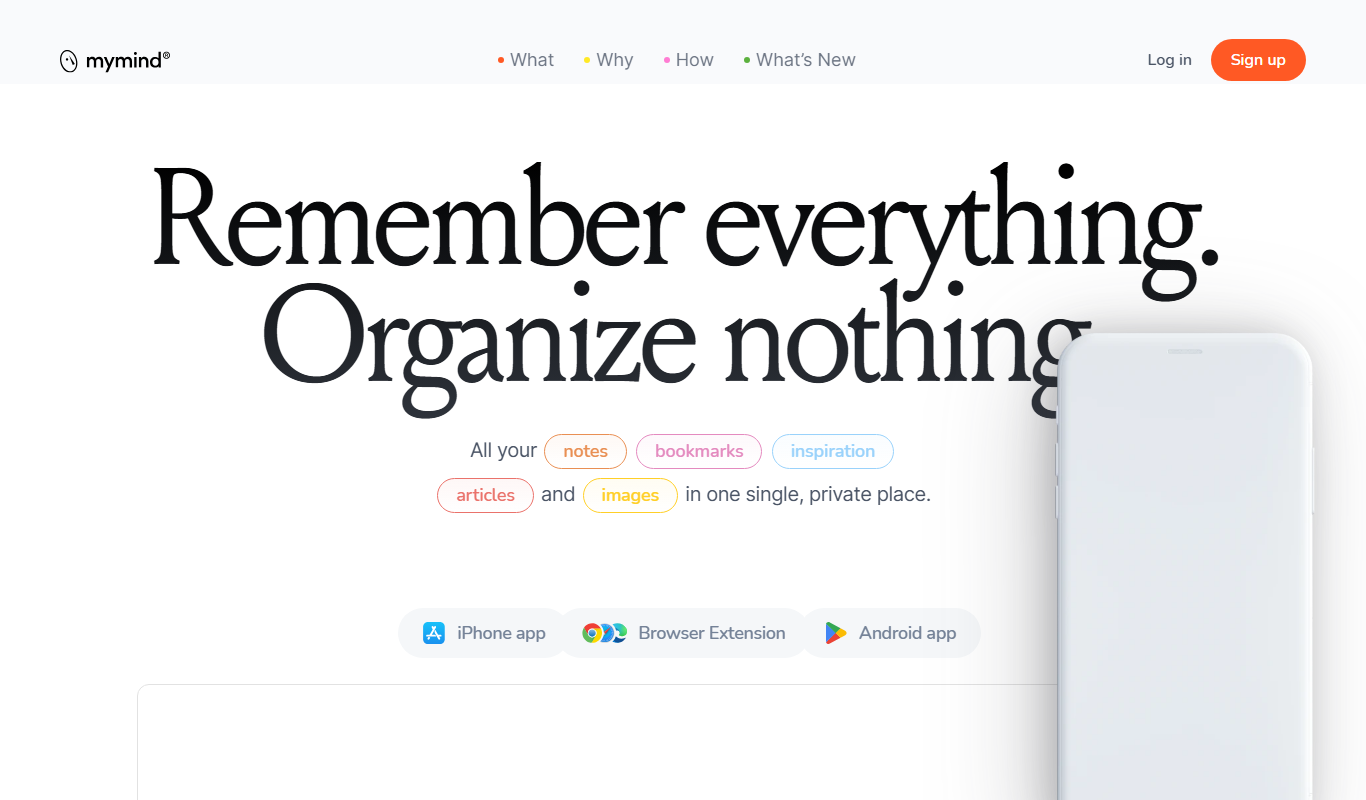
MyMind
MyMind is an AI-powered digital brain tool that helps users save, organize, and retrieve ideas, notes, and web content with automatic tagging and smart search.

Cleft Notes
Cleft is a voice-first note-taking app for iPhone, iPad and Mac: talk it out, and on-device transcription turns the recording into a structured note you can send to Notion, Apple Notes or Obsidian.

JotBot AI
JotBot AI is an AI writing assistant that writes in your personal style and helps you find and cite sources without leaving your document.

NoFOMO.AI
noFOMO OS is a free web calendar: add the venues you love and its scraper scans their websites every day, pulling every event into one calendar.

Sonnet
Sonnet AI is a meeting assistant and notetaker that records without bots, transcribes, writes custom notes, extracts action items and updates your CRM.
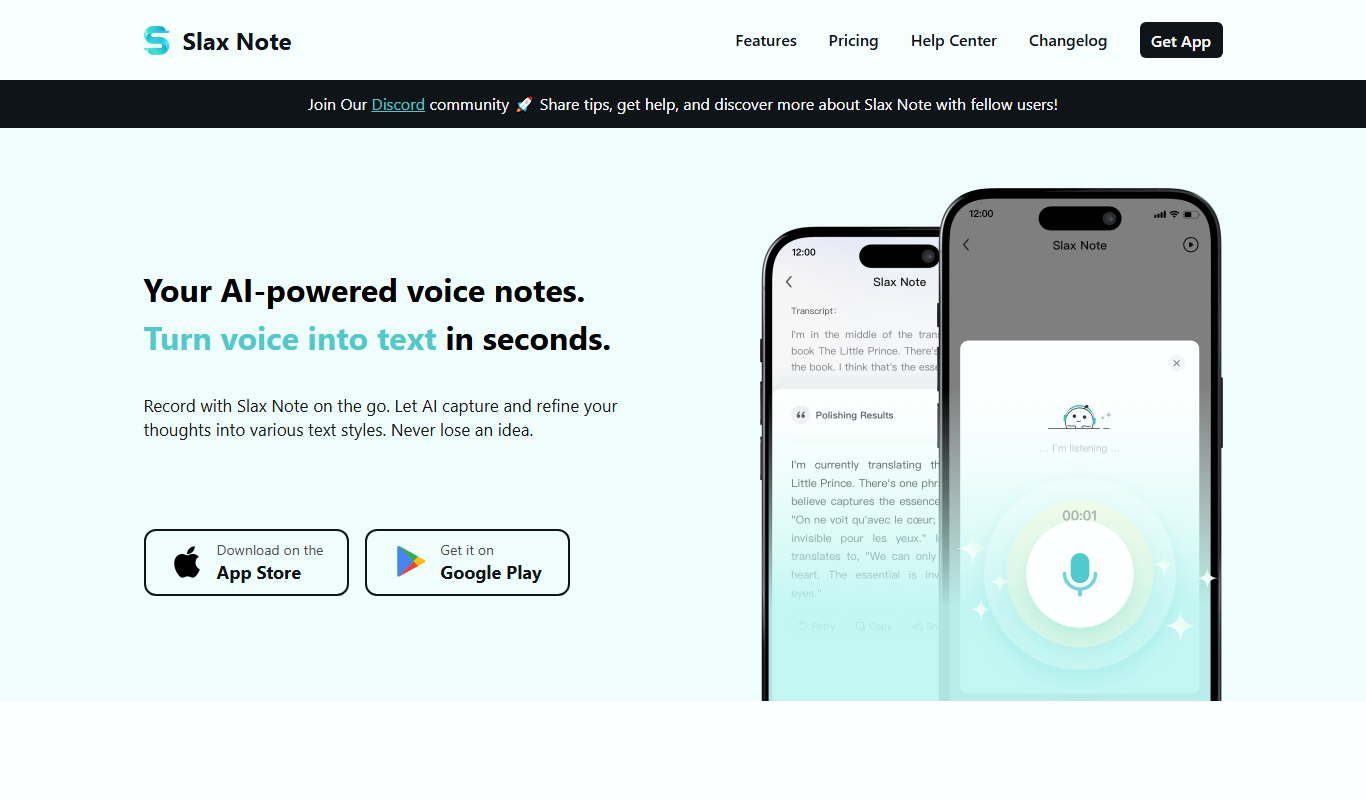
SlaxNote
Slax Note is an AI voice notes app: record once, and the prompts you pick turn the speech into a clean note, a tweet or a blog draft. Free to start.

AFAnotes – AI Productivity
AFAnotes blocks distracting app notifications, delivers personalised scheduled summaries and tracks screen time, with Slack and Instagram integration, on iOS and Android.