

From my experience with Social Bellow, I found it excels at providing an affordable and straightforward platform for agencies managing multiple social media accounts. The tool’s focus on team collaboration and client management makes it particularly well-suited for marketing agencies and social media managers juggling several clients. However, the lack of a dedicated mobile app and limited integrations compared to larger competitors can be a drawback for users needing more flexibility. Overall, if you need a cost-effective solution to streamline social media scheduling and analytics for multiple clients, Social Bellow delivers solid value.
Social Bellow Review: Affordable Social Media Management Tool for Agencies
Social Bellow is a web-based social media management platform that helps agencies and social media managers schedule posts, manage multiple client accounts, collaborate with teams, and analyze social media performance.
- Best for
- Social Media Scheduling
- Key capability
- Multi-Account Management
Your actions
Save Social Bellow, follow its updates and vote on it — everything stays in your account.
Sign in or create a free account

What is Social Bellow?
Social Bellow is a cloud-based social media management platform designed primarily for marketing agencies and social media managers. It enables users to schedule, automate, and analyze social media content across multiple channels from a single dashboard. The tool focuses on simplifying client management and streamlining content workflows to improve efficiency and engagement.
Key features of Social Bellow
Social Bellow offers features such as multi-account scheduling, content calendar, team collaboration, analytics reporting, and client management tools. Its user-friendly interface supports bulk uploads and automated posting, making it suitable for agencies handling multiple social media profiles.
Multi-Account Management
Manage multiple social media profiles and clients from one centralized dashboard.
Content Calendar
Visualize and organize scheduled posts with an intuitive drag-and-drop calendar.
Bulk Upload
Upload multiple posts at once to save time on content scheduling.
Team Collaboration
Assign roles, share drafts, and approve content within your team.
Analytics and Reporting
Track key metrics and generate customizable reports to measure social media success.
Pros and cons of Social Bellow
Pros
- User-friendly interface suitable for agencies
- Supports multiple social media accounts and clients
- Includes team collaboration and approval workflows
- Affordable pricing with a free plan
- Comprehensive analytics and reporting features
Cons
- No dedicated mobile app available
- Limited integrations compared to larger competitors
- Tech stack details are not publicly disclosed
Key use cases for Social Bellow
Social Media Scheduling
Plan and schedule posts across multiple social media platforms to maintain consistent engagement.
Agency Client Management
Manage multiple client accounts efficiently with centralized dashboards and team collaboration features.
Social Media Analytics
Track performance metrics and generate reports to optimize social media strategies.
Content Automation
Automate repetitive posting tasks to save time and increase productivity.
Team Collaboration
Coordinate with team members through shared calendars and approval workflows.
How Social Bellow works
- 1
Create an Account
Sign up on Social Bellow’s website to start managing your social media profiles.
- 2
Connect Social Profiles
Link your social media accounts like Facebook, Instagram, Twitter, and LinkedIn.
- 3
Schedule Content
Use the content calendar to plan and schedule posts across all connected accounts.
- 4
Collaborate with Team
Invite team members and assign roles to streamline content creation and approval.
- 5
Analyze Performance
Monitor engagement and generate reports to refine your social media strategy.
Who is using Social Bellow
Marketing agencies
Social media managers
Small to medium businesses
Content creators
Freelancers managing multiple clients
Social Bellow pricing
Free
$0/month
Basic plan with limited social profiles and scheduling capabilities.
Pro
$29/month
Advanced features including unlimited profiles, team collaboration, and analytics.
Plans and prices are as published by the vendor and can change. Check the official site before you buy. Open the pricing page (opens in a new tab)
Frequently asked questions about Social Bellow
Social Bellow supports Facebook, Instagram, Twitter, LinkedIn, and other major platforms.
Yes, Social Bellow is designed to handle multiple client accounts efficiently.
Currently, Social Bellow is accessible via web browser; no dedicated mobile app is available.
Yes, the platform provides detailed analytics and customizable reports.
This tool is designed to help users accomplish its core tasks more efficiently. It is typically used by individuals or teams looking to improve productivity and workflow.
Yes, it can help with that use case depending on how you configure it and what features are available. You’ll get the best results with clear inputs and a defined goal.
Pricing depends on the plan and included features. For the most accurate and up-to-date details, check the official pricing page.
Yes, it can help with that use case depending on how you configure it and what features are available. You’ll get the best results with clear inputs and a defined goal.
Sign in to review this tool.
Sign In to ReviewNo reviews yet
Be the first to share how this tool worked for you.
Ask about pricing, limits, or how it compares — or answer someone else.
Sign In to AskNo questions yet
Have a question about using or paying for this tool? Be the first to ask.
Featured on TiorAI



Alternative Tools
Explore similar AI tools that might fit your needs

Free Trial
Later
Later is an influencer marketing and social media management platform for brands, creators and social media managers, with tools to plan, schedule and analyze posts on Instagram, Facebook, TikTok, Pinterest, LinkedIn, YouTube and more.
More AI Automation & Workflow Tools tools
Other tools in the same category, for when this one is not quite the fit.

Free
CommandAI
CommandAI is an AI-powered command line tool installed from npm that turns plain-language requests into terminal scripts, shows the plan before running them, and can also query databases and chat with an AI.

Contact for pricing
Adaapt
Adaapt.AI is an enterprise AI super assistant platform for workflow automation, voice AI, predictive analytics and enterprise integrations, available by demo.

Free Trial
Axiom
Axiom is a no-code automation platform that allows users to build custom web scraping bots and automate workflows without programming, supporting scheduling, API integration, and data export.
Freemium
Superflows
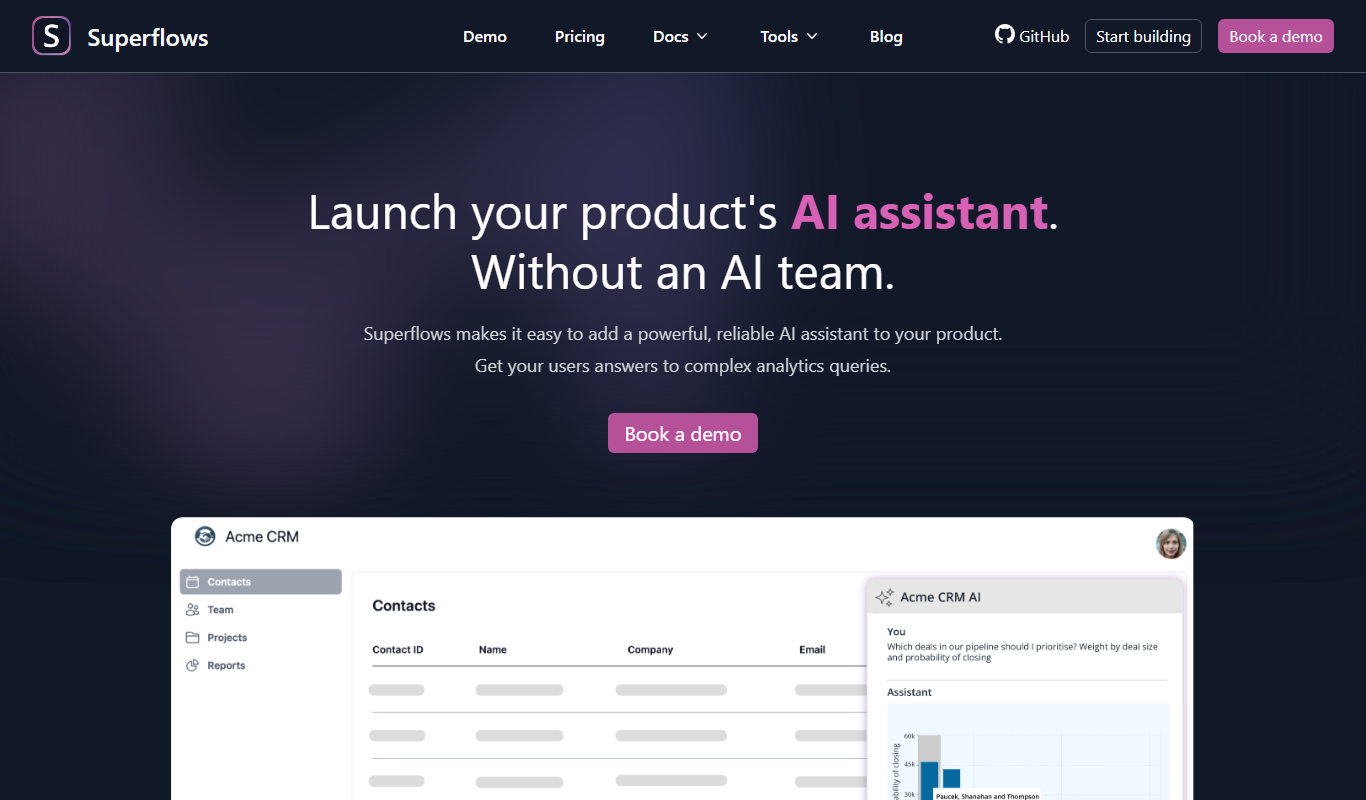
Superflows makes it easy to add an AI assistant to your software product that answers analytics queries, takes actions for your users and helps them get the most from your software.

Enterprise
Spine
Spine AI builds Canvas for cloud-based multi-agent work across 300+ models and Medley for local-first agent orchestration.

Enterprise
BuildShip
BuildShip is a visual AI workflow builder to automate complex backend tasks, develop tools for AI agents and spin up APIs, with no-code ease and full code access.

Free
HTTPie
HTTPie is an API testing client with an open-source command-line tool and a Web & Desktop app in public beta.

Enterprise
fastn
fastn is the embedded integration layer for SaaS: your customers connect any system inside your product, with no engineering and no code per customer.