

VoiceCheap: AI video translation and dubbing with voice cloning and lip-sync
VoiceCheap translates and dubs videos into 70+ languages with AI voice cloning and lip-sync, for creators, educators and businesses.
- Best for
- YouTube and social media localization
- Key capability
- Video translation and dubbing
Save VoiceCheap, follow its updates and vote on it — everything stays in your account.
Sign in or create a free account
What is VoiceCheap?
VoiceCheap is an application that translates and dubs videos in over 70 languages using voice cloning and lip-sync technology. Users upload a video, and the platform produces dubbed versions with natural voice synthesis, translation and subtitle generation.
Key features of VoiceCheap
Video dubbing into 70+ languages with voice cloning, lip-sync, multi-speaker dubbing, subtitle generation, background noise removal, proofreading and team collaboration.
Video translation and dubbing
Translate and dub videos in over 70 languages.
Voice cloning and lip-sync
AI voice cloning and lip-sync keep the original speaker's voice and mouth movements.
Multi-speaker dubbing
Dub videos with several speakers, with +100 professional voices available.
Subtitle generation
Generate subtitles alongside AI dubbing with natural voice synthesis.
Proofreading and team work
Proofread translations, remove background noise, export and schedule, and work with your team.
Pros and cons of VoiceCheap
Pros
- Dubbing into 70+ languages with voice cloning and lip-sync
- Imports from computer, YouTube or social media in all formats
- GDPR-compliant workflows and private file handling
- Free tools for dubbing, transcription and subtitles
Cons
- Plans are limited by monthly dubbing minutes
- Lip-sync starts with the Starter plan, not the entry plan
- API discount bonus starts with the Creator plan
Key use cases for VoiceCheap
YouTube and social media localization
Create multilingual videos for YouTube and social media in minutes.
Educational content
Localize videos for educators and learning content in new languages.
Business video localization
Translate business videos with brand vocabulary and glossary support.
Subtitles and captions
Add subtitles to video and generate captions with the free tools.
How VoiceCheap works
- 1
Upload your video
Import from your computer, YouTube or social media; all formats are supported.
- 2
Translate and dub
Choose target languages from over 70 and let voice cloning and lip-sync dub the video.
- 3
Proofread
Review the translation and subtitles before publishing.
- 4
Export and publish
Export the dubbed video or schedule it.
Who is using VoiceCheap
VoiceCheap pricing
Beginner
$7/month
15 min of dubbing, no watermark, 5GB per file, dynamic subtitles, YouTube import up to 1080p.
Starter
$10 first month, then $20/month
48 min of dubbing, lipsync, 10GB per file, brand vocabulary, 1 team member.
Creator
$30 first month, then $59/month
144 min of dubbing, priority Lipsync Pro, 20GB per file, 3 team members, API discount bonus.
Pro
$99/month
252 min of dubbing, priority Lipsync Pro, 30GB per file, more natural translations, brand dictionary, 5 team members.
Scale
$199/month
540 min of dubbing, priority Lipsync Studio, 40GB per file.
Plans and prices are as published by the vendor and can change. Check the official site before you buy. Open the pricing page (opens in a new tab)
Frequently asked questions about VoiceCheap
An application that translates and dubs videos in over 70 languages using voice cloning and lip-sync technology.
It dubs videos into 70+ languages.
From your computer, YouTube or social media; all formats are supported.
Yes. It combines AI dubbing with natural voice synthesis and subtitle generation.
Plans are monthly and sold by dubbing minutes, starting with the Beginner plan; see the pricing section for current prices.
More than 100 professional voices are available, along with voice cloning.
VoiceCheap uses GDPR-compliant workflows, ultra-secure infrastructure and privacy-first handling from upload to delivery.
Yes. Free tools include AI video dubbing, video and audio transcription, subtitles and an auto caption generator.
Conclusion
Dubbing a video into another language is the core job: a user imports a clip from a computer, YouTube or social media, and VoiceCheap translates and dubs it into any of more than 70 languages. Voice cloning keeps the speaker’s voice, lip-sync matches the mouth movements, and multi-speaker dubbing, subtitles and proofreading come in the same workspace.
Creators, educators and businesses are the stated audience, with YouTube and social media localization at the center. Business use is supported through brand vocabulary, a glossary and GDPR-compliant workflows. Plans are sold by monthly dubbing minutes, alongside free tools for dubbing, transcription and subtitles. Lip-sync is not part of the entry plan; it starts with the Starter tier.
Sources
Sign in to review this tool.
Sign In to ReviewNo reviews yet
Be the first to share how this tool worked for you.
Ask about pricing, limits, or how it compares — or answer someone else.
Sign In to AskNo questions yet
Have a question about using or paying for this tool? Be the first to ask.
Featured on TiorAI



More AI Translation Tools tools
Other tools in the same category, for when this one is not quite the fit.

Pairaphrase
Pairaphrase is an AI-powered translation platform that combines machine translation with customizable glossaries and translation memory to deliver accurate, secure, and collaborative document translations for businesses.
Banva
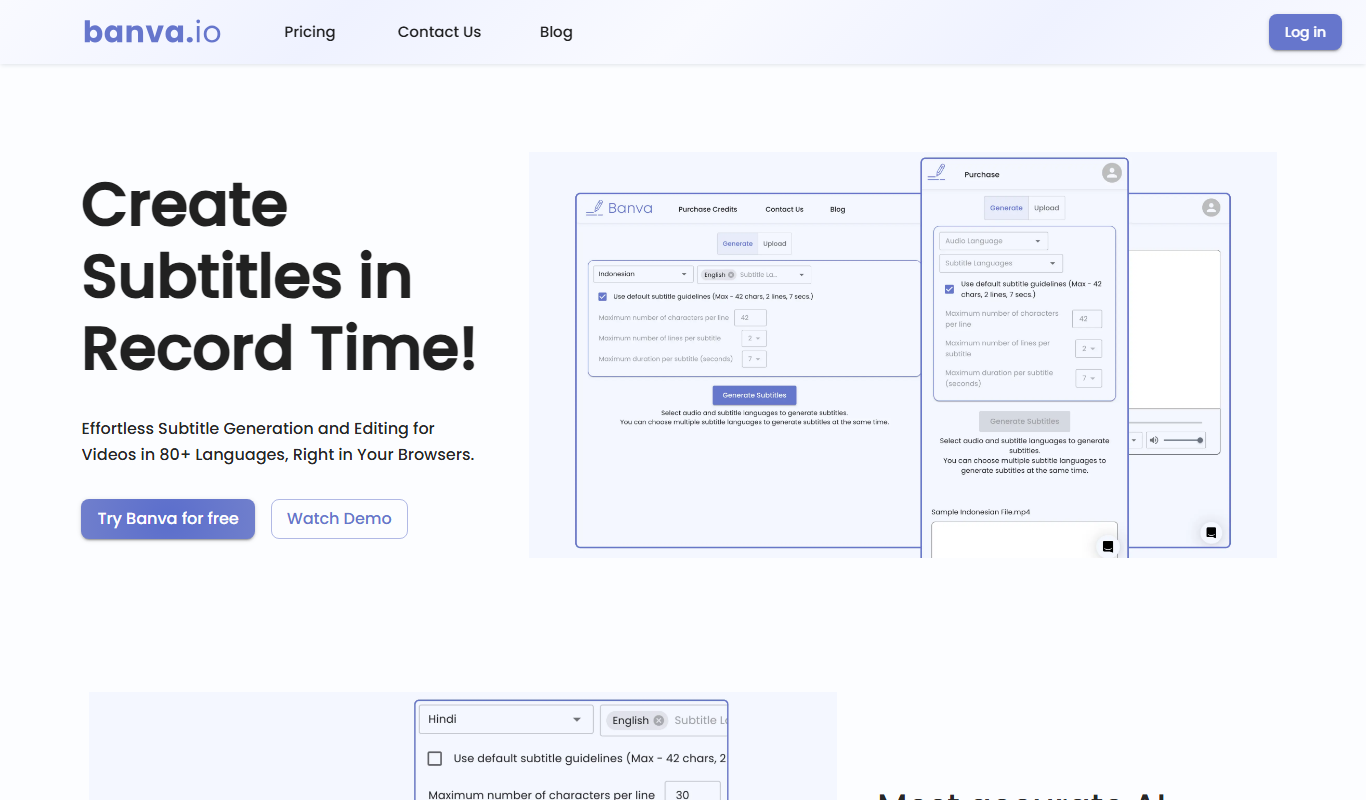
Banva is an AI subtitling, transcription and translation platform for video and audio in 90+ languages, with pay-as-you-go credits after 15 free minutes.

Manga Translator
Manga Translator is an AI extension for Chrome and Edge that translates manga, manhwa, webtoons, raw scans and screenshots into 100+ languages while you read online.

AI Manga Translator
AI Manga Translator is a web tool that uses AI to translate raw manga and comic images into multiple languages while preserving the original artwork and layout.
Lingvanex
Lingvanex is an AI-based translation software that provides real-time text, voice, document, and offline translations in over 100 languages, suitable for individuals, businesses, and developers.

Linguana
Linguana is an AI-driven translation platform that helps businesses efficiently translate and manage multilingual content with CMS integration and collaborative tools.

DocTransGPT
DocTransGPT is a free AI workspace for writing, captions, translation, PDF tools and OCR, with essential tools usable without sign-up.

Tutor Lily
Tutor Lily is an AI language tutor for real conversations in 50+ languages, with a personalized, science-backed method that remembers your goals and mistakes.