

idict Voice Cloning Translation App for 137 Languages
idict is a voice cloning translation app that gives instant access to 137 languages for voice clone translation, object detection, photo translation and text translation.
- Best for
- Spoken conversations across languages
- Key capability
- Voice clone translation
Save idict, follow its updates and vote on it — everything stays in your account.
Sign in or create a free account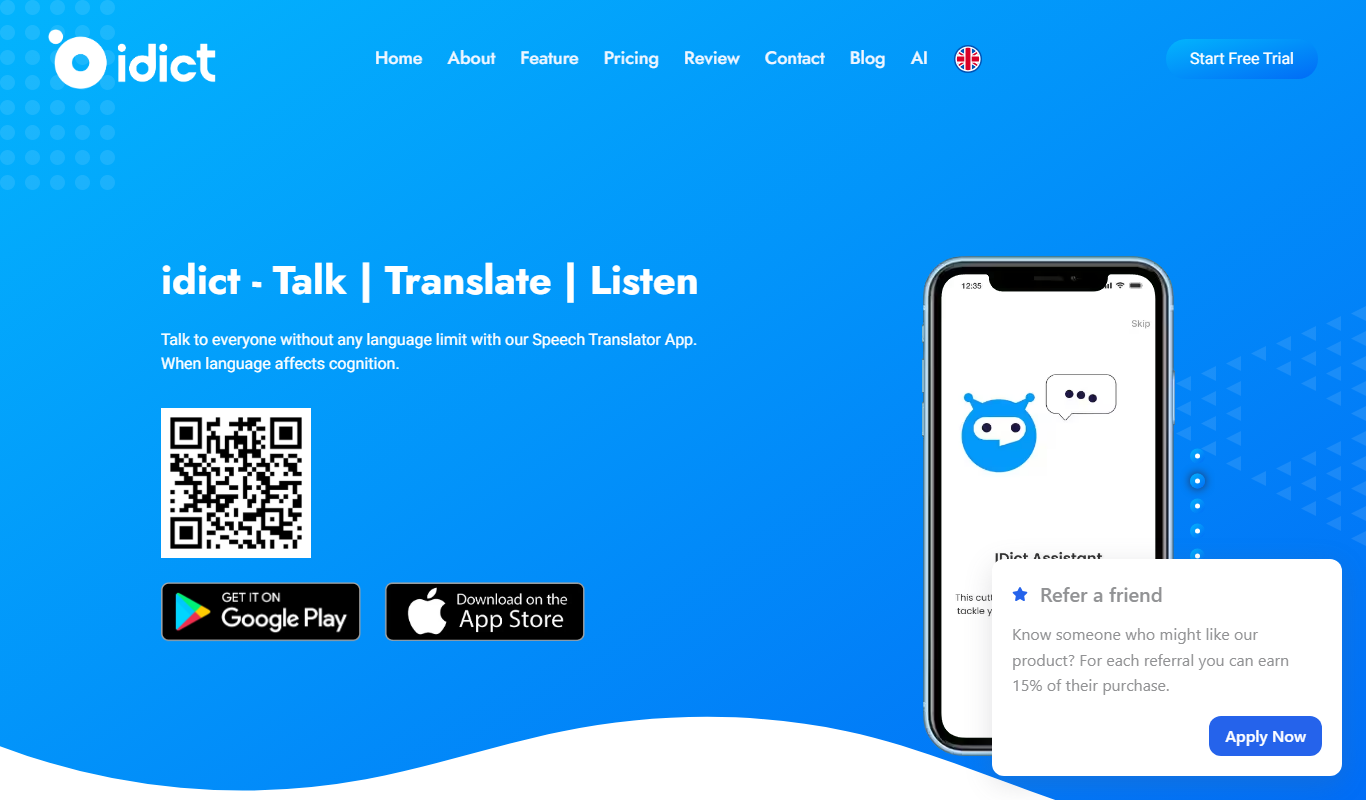
What is idict?
idict is a speech translator app for mobile devices that offers voice clone translation, photo translation, text translation and object detection across 137 languages. Users install it from the App Store or Play Store, set up a profile with their language preferences and translate their voice into other languages.
Key features of idict
idict translates speech in real time with optional voice cloning, translates text in photos, detects objects in pictures, plays audio pronunciations, answers questions through the idict Assistant and works offline with downloaded language packs.
Voice clone translation
Translate your voice into multiple languages, with voice cloning as an option.
Photo-text translation
Translate text in images quickly and easily.
Object detection
Take a picture of an object or scene and receive information about the objects in the image.
idict Assistant
A personal AI companion that answers questions in 72 languages, not only in text.
Offline translate
Download language packs for the languages you need before you leave home.
Pros and cons of idict
Pros
- Voice clone translation across 137 languages
- Offline translation with downloadable language packs
- Photo-text translation and object detection in one app
- Supports different dialects and regional accents
Cons
- No permanent free plan; free use is a 7-day trial
- Free plan has daily usage limits
- Mobile app is not separately available; only mobile web
Key use cases for idict
Spoken conversations across languages
Talk to people who speak another language with the speech translator.
Translating text in photos
Translate text in images such as signs or documents by taking a photo.
Translation without internet
Download language packs before you leave home to translate offline.
Learning pronunciation
Hear how words are pronounced in different languages.
Cross-cultural Communication
Facilitates understanding and communication across different languages and cultures.
How idict works
- 1
Install the app
Download and install idict from your preferred app store.
- 2
Set up your profile
Create a user profile and customize settings and language preferences.
- 3
Translate your voice
Translate your voice into multiple languages and try voice cloning.
- 4
Translate if Needed
Use the translation feature to convert text between supported languages instantly.
- 5
Apply Changes
Review and accept suggestions to improve your writing or translation.
Who is using idict
idict pricing
Trial version
$0.00 for 7 days
Photo translate, handwriting, ads free, offline mode.
idict PRO
$6.99 per month
Photo translate, handwriting, ads free, offline mode.
Premium plan
$79.99 per year
Photo translate, handwriting, ads free, offline mode.
Plans and prices are as published by the vendor and can change. Check the official site before you buy. Open the pricing page (opens in a new tab)
Frequently asked questions about idict
idict gives access to 137 languages for voice clone translation, object detection, photo translation and text translation.
idict offers a 7-day trial version; the paid options are idict PRO, billed monthly, and the Premium plan, billed yearly.
Yes. With offline translate you can download language packs for the languages you need before you leave home.
The idict Assistant is a personal AI companion that answers your questions in 72 languages, not only in text.
Yes, it can help with that use case depending on how you configure it and what features are available. You’ll get the best results with clear inputs and a defined goal.
Some tools offer a free plan or trial with limited features. Availability can vary, so confirm on the official website.
Yes, it can help with that use case depending on how you configure it and what features are available. You’ll get the best results with clear inputs and a defined goal.
Yes, it can help with that use case depending on how you configure it and what features are available. You’ll get the best results with clear inputs and a defined goal.
Conclusion
Voice clone translation is the core: idict offers instant access to 137 languages and translates a user’s voice into multiple languages. It is a mobile app installed from the App Store or Play Store, and setup consists of creating a profile with language preferences. The camera handles two further jobs: photo-text translation for text inside images, and object detection, which returns information about the objects in a picture.
For trips, offline translate lets users download language packs for the languages they need before they leave home. The idict Assistant, a personal AI companion, answers questions in 72 languages and does not reply in text only. Audio pronunciations let learners hear how words sound in different languages, and the translator is designed to recognize different dialects and accents. Access begins with a 7-day trial version, after which idict PRO is billed monthly and the Premium plan yearly.
Sources
Sign in to review this tool.
Sign In to ReviewNo reviews yet
Be the first to share how this tool worked for you.
Ask about pricing, limits, or how it compares — or answer someone else.
Sign In to AskNo questions yet
Have a question about using or paying for this tool? Be the first to ask.
Featured on TiorAI



More AI Translation Tools tools
Other tools in the same category, for when this one is not quite the fit.
Banva
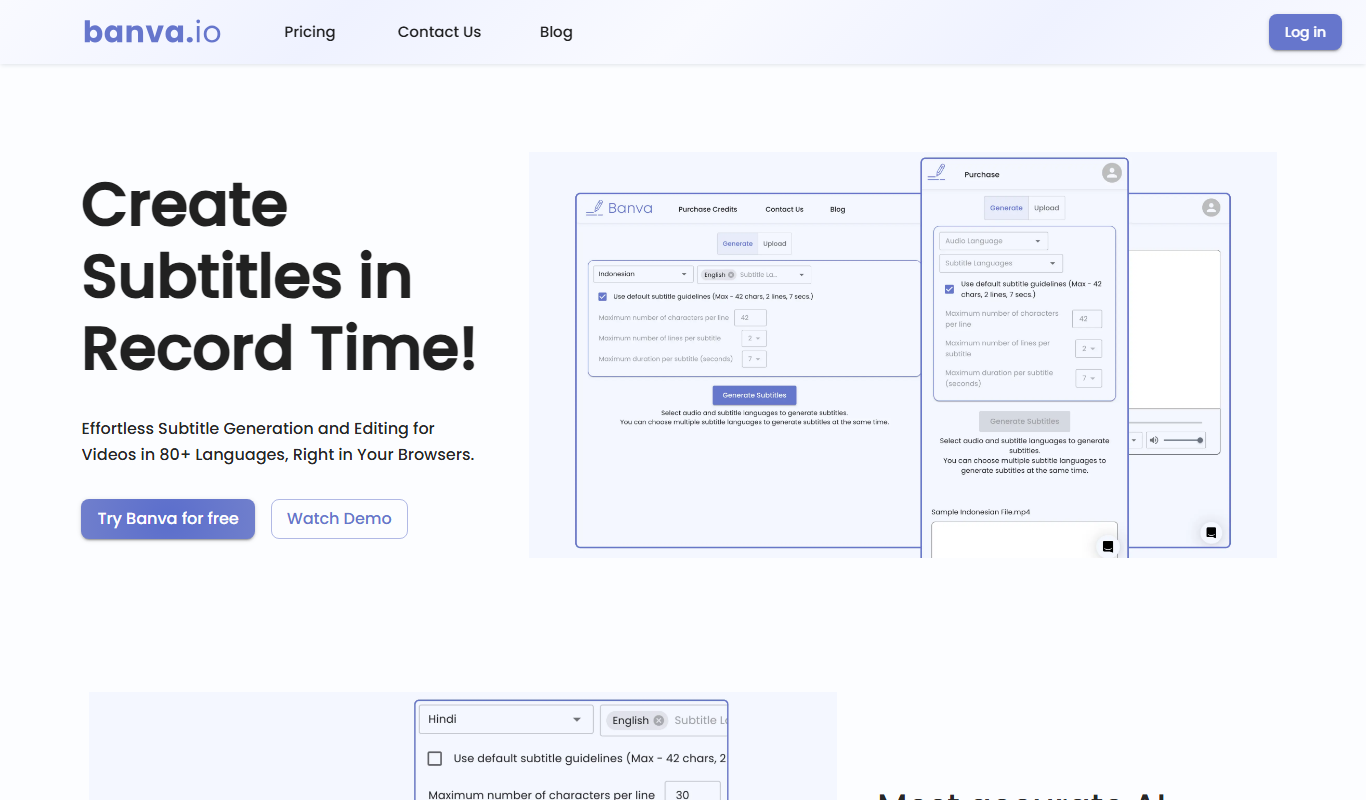
Banva is an AI subtitling, transcription and translation platform for video and audio in 90+ languages, with pay-as-you-go credits after 15 free minutes.

Manga Translator
Manga Translator is an AI extension for Chrome and Edge that translates manga, manhwa, webtoons, raw scans and screenshots into 100+ languages while you read online.

AI Manga Translator
AI Manga Translator is a web tool that uses AI to translate raw manga and comic images into multiple languages while preserving the original artwork and layout.
Lingvanex
Lingvanex is an AI-based translation software that provides real-time text, voice, document, and offline translations in over 100 languages, suitable for individuals, businesses, and developers.

Linguana
Linguana is an AI-driven translation platform that helps businesses efficiently translate and manage multilingual content with CMS integration and collaborative tools.

DocTransGPT
DocTransGPT is a free AI workspace for writing, captions, translation, PDF tools and OCR, with essential tools usable without sign-up.

Tutor Lily
Tutor Lily is an AI language tutor for real conversations in 50+ languages, with a personalized, science-backed method that remembers your goals and mistakes.

gengo.app
gengo.app is a free manga and light novel reader with an integrated OCR dictionary and other language learning tools, designed for learning Japanese.