

Wan 2.2 AI Text-to-Video and Image-to-Video Generator
Wan 2.2 AI generates videos from text or images with the Wan 2.2 text-to-video and image-to-video AI models, with cinema-grade aesthetic control and up to 720p resolution.
- Best for
- Videos from text
- Key capability
- Text-to-video generation
Save Wan 2.2 AI, follow its updates and vote on it — everything stays in your account.
Sign in or create a free account

What is Wan 2.2 AI?
Wan 2.2 AI is a video generation platform built on the Wan 2.2 text-to-video and image-to-video AI models. It turns text descriptions or static images into short videos with cinema-grade aesthetic control and motion generation, up to 720p resolution, and runs on monthly credit plans or one-time credit packages.
Key features of Wan 2.2 AI
Wan 2.2 AI offers text-to-video and image-to-video generation with cinema-grade aesthetic controls such as lighting, color grading, shot composition, camera angles and lens selection, advanced motion generation, prompt formulas, generated audio, and output up to 720p at 16-24 FPS in 16:9, 9:16 and 1:1 aspect ratios.
Text-to-video generation
Transform text descriptions into videos with the Wan 2.2 AI model.
Image-to-video generation
Convert static images into dynamic videos with motion, camera movements and transitions.
Cinema-grade aesthetic control
Cinematography controls including lighting, color grading, shot composition, camera angles and lens selection.
Output up to 720p
Videos up to 720p resolution at 16-24 FPS in 16:9, 9:16 and 1:1 aspect ratios, up to 6 seconds long.
Prompt formulas
Basic, Advanced and Image-to-Video prompt recipes with aesthetic and motion controls.
Pros and cons of Wan 2.2 AI
Pros
- Cinematography controls for lighting, color grading, camera angles and lens selection
- Paid plans include commercial licensing
- One-time credit packages with no subscription required
- 50 credits for login users
Cons
- Output is limited to 720p resolution and videos up to 6 seconds long
- Generation is metered in credits on monthly plans or one-time packages
- Pricing details are somewhat basic without enterprise options
Key use cases for Wan 2.2 AI
Videos from text
Turn a written description into a short video with cinema-grade aesthetic control.
Animating images
Add motion, camera movements and transitions to a static image.
Commercial video content
Generate videos for commercial use; paid plans include commercial licensing.
SEO Optimization
Produce SEO-friendly content that targets keywords effectively to boost search engine rankings.
Idea Generation
Brainstorm new content topics and creative ideas with AI suggestions to overcome writer’s block.
How Wan 2.2 AI works
- 1
Choose text or image
Pick text-to-video for a written description or image-to-video for a static image.
- 2
Write the prompt
Use a prompt recipe such as Basic (Subject + Scene + Motion) or Advanced, which adds aesthetic controls and stylization.
- 3
Generate the video
Processing takes approximately 1-5 minutes depending on complexity, for videos up to 6 seconds long.
- 4
Generate and Edit
Use the AI to create content drafts, then review and customize the output as needed.
- 5
Export or Publish
Download the content or integrate it directly with your publishing platforms.
Who is using Wan 2.2 AI
Wan 2.2 AI pricing
Creator Plan
$19.9/month
1000 credits per month (~20 videos), 100 free audio generation uses, up to 720p, private video mode, 90 days video history, commercial license.
Professional Plan
$34.9/month
2000 credits per month (~40 videos), unlimited audio generation, priority processing speed.
Enterprise Plan
$62.9/month
5000 credits per month (~100 videos) for agencies and studios, unlimited audio generation, fastest processing priority.
Credit Boost 2K
$50 one-time
2000 credits (~40 videos), no subscription required.
Credit Boost 5K
$100 one-time
5000 credits (~100 videos), no subscription required.
Plans and prices are as published by the vendor and can change. Check the official site before you buy. Open the pricing page (opens in a new tab)
Frequently asked questions about Wan 2.2 AI
Wan 2.2 transforms text descriptions into videos and supports cinema-grade aesthetic controls such as lighting, camera angles and shot composition.
It converts static images into dynamic videos by analyzing the source image and generating realistic motion.
Videos up to 720p resolution at 16-24 FPS, in 16:9, 9:16 and 1:1 aspect ratios, up to 6 seconds long, with processing in about 1-5 minutes.
Yes, paid Wan 2.2 plans include commercial licensing; the Creator Plan and above provide full commercial usage rights.
This tool is designed to help users accomplish its core tasks more efficiently. It is typically used by individuals or teams looking to improve productivity and workflow.
Pricing depends on the plan and included features. For the most accurate and up-to-date details, check the official pricing page.
Yes, it can help with that use case depending on how you configure it and what features are available. You’ll get the best results with clear inputs and a defined goal.
It depends on your specific needs and how you plan to use the tool. The official website and documentation are the best sources for the latest details.
Conclusion
Text descriptions or still images go in, and short clips come out of the Wan 2.2 text-to-video and image-to-video models. The emphasis is on directing the shot: cinematography controls cover lighting, color grading, camera angles and lens choice, and prompt recipes range from a basic subject, scene and motion formula to advanced stylization. Image-to-video adds motion, camera movement and transitions to a static picture.
Creators, marketers and content producers are the stated audience, with a separate tier for agencies and studios. Output is capped at 720p and clips run up to 6 seconds, with processing taking roughly one to five minutes. Logged-in users receive a small batch of starter credits, after which generation runs on monthly credit plans or one-time credit packs, and paid plans include commercial licensing.
Sources
Sign in to review this tool.
Sign In to ReviewNo reviews yet
Be the first to share how this tool worked for you.
Ask about pricing, limits, or how it compares — or answer someone else.
Sign In to AskNo questions yet
Have a question about using or paying for this tool? Be the first to ask.
Featured on TiorAI



More AI Video Generator tools
Other tools in the same category, for when this one is not quite the fit.
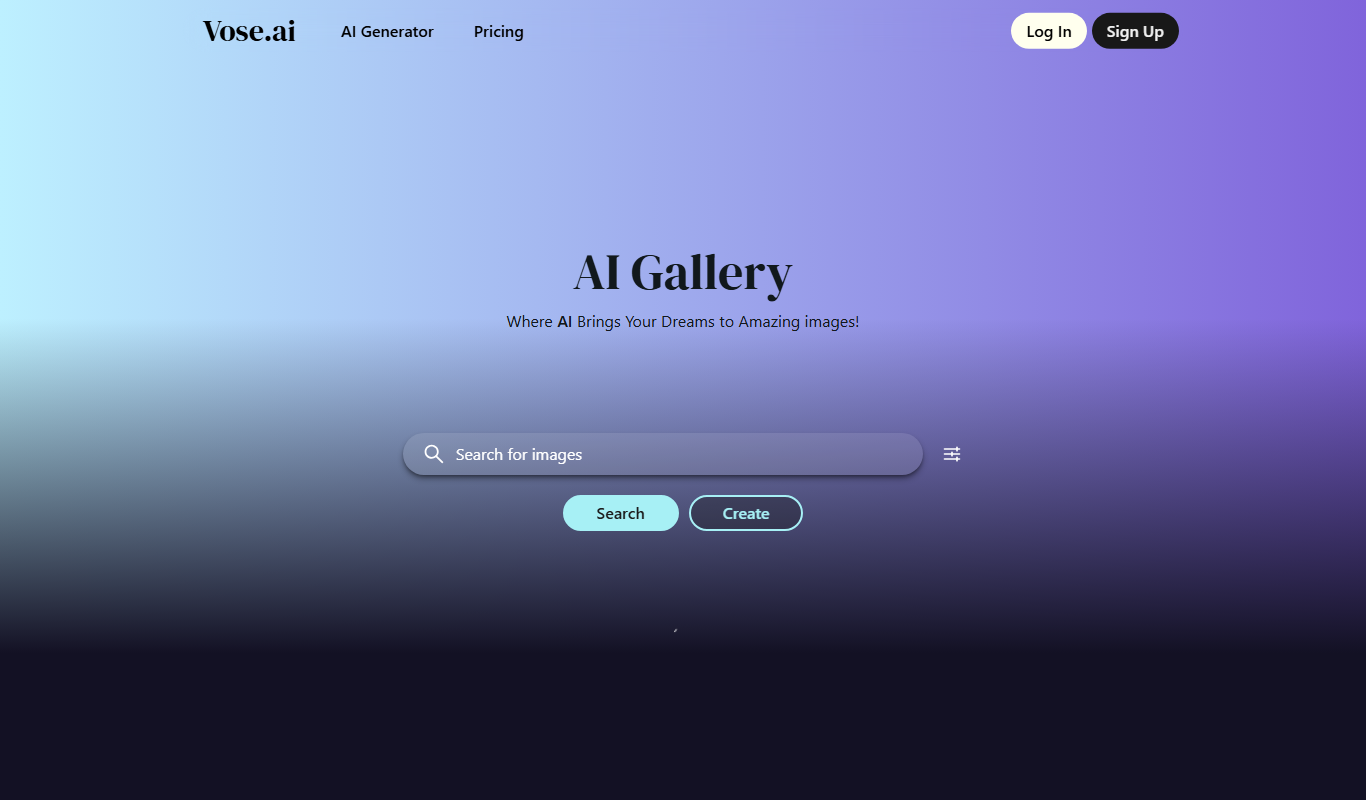
Vose.ai
Vose.ai generates AI videos and images with top AI models, ready-made presets, a built-in video editor and an agent that works in one chat.

FluxAI Pro
FluxAI Pro is a credit-based AI image and video generator powered by Flux 2 and other Flux models, with 4MP photorealistic output and editing tools.
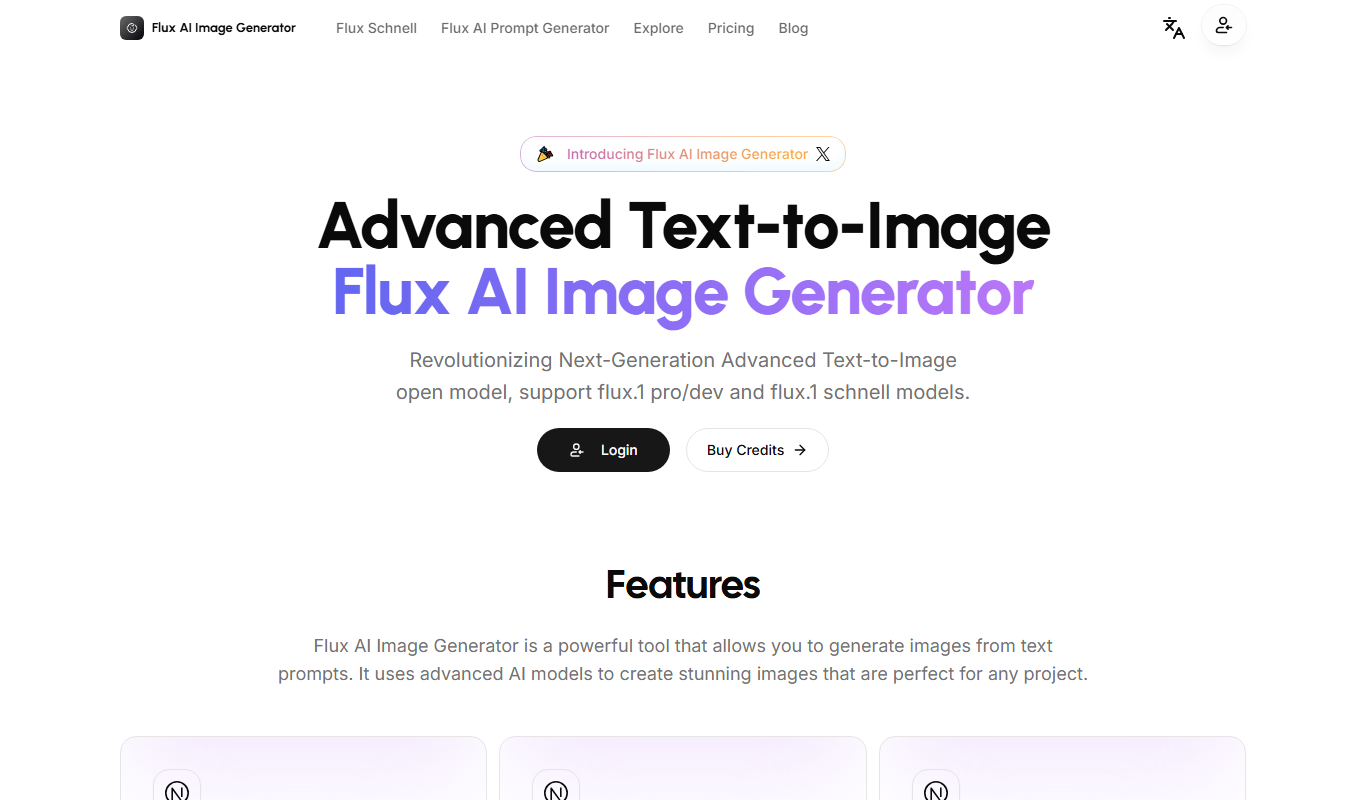
Flux AI (FluxAIPro)
Flux AI (FluxAIPro) is a multi-model AI image and video workspace with a feed of image prompts, text-to-image, reference-image editing and Seedance 2.5 video, paid with credits.

OmniGen
OmniGen AI is an online image and video generator that creates images and videos from simple prompts and reference images, using credit packs.

ShortsNinja
ShortsNinja lets you create professional faceless videos using AI, for TikTok and YouTube.
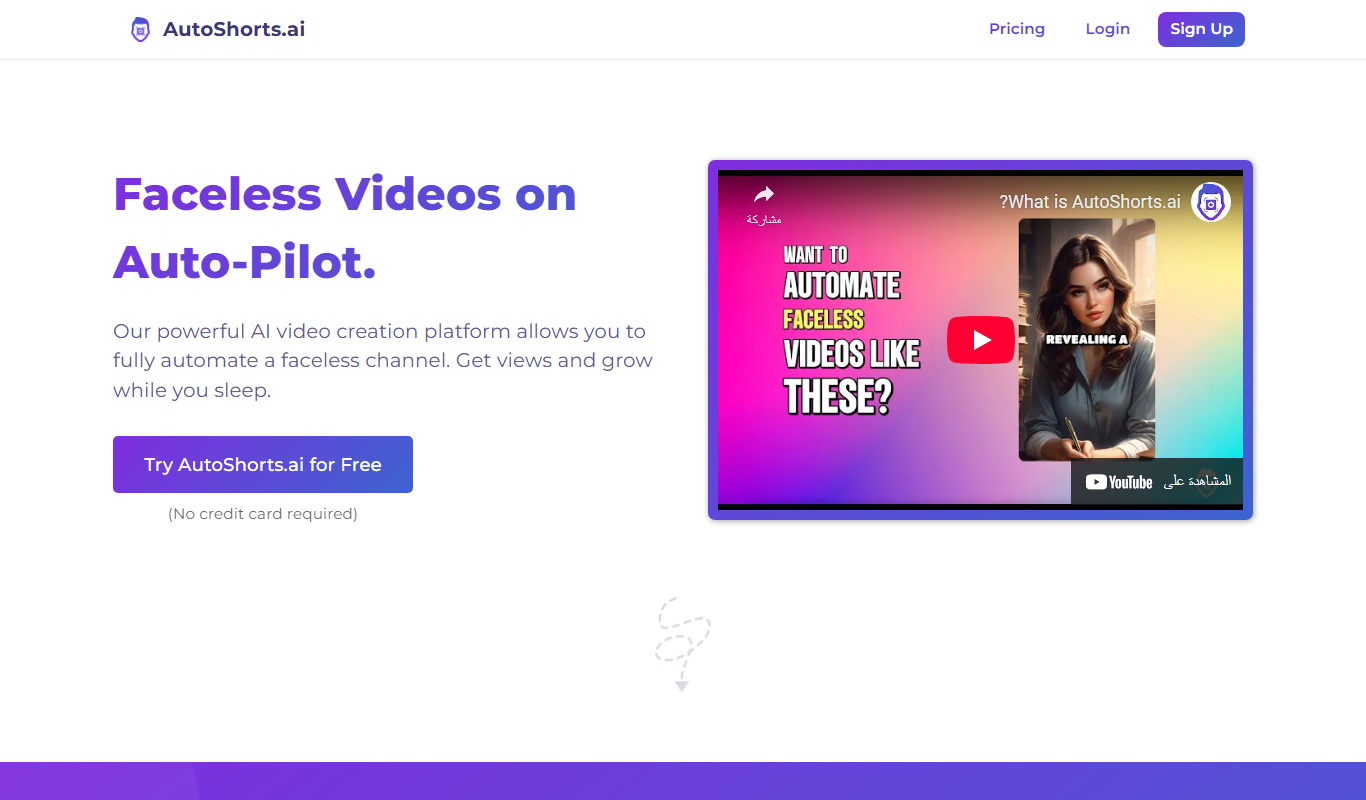
AutoShorts.ai
AutoShorts.ai automatically creates, schedules and posts faceless videos for TikTok and YouTube, on auto-pilot.

chat4o.ai
Chat 4O AI is an all-in-one platform for AI chat with leading LLMs plus AI image and video generation, paid with credit packs.

YuanbaoPower AI
YuanbaoPower AI is a multi-model AI image generation platform with video generation, style transfer, 10x HD upscaling and a node-based workflow canvas.