

From my experience with Open Source Flux AI Image Generator, I found it excels at providing accessible AI-powered image creation without cost or barriers. Its open source nature encourages community involvement and transparency, which is a big plus for developers and artists wanting to understand or customize the technology. However, the platform currently offers a more basic feature set compared to some commercial AI art tools, which might limit advanced creative control. Overall, if you seek a free, web-based AI image generator with open source benefits, this tool delivers a solid and straightforward solution.
Open Source Flux AI Image Generator for Creative AI Art Generation
Open Source Flux AI Image Generator is a free, web-based AI tool that generates images from text prompts using an open source model, ideal for artists and developers seeking creative AI art solutions.
- Best for
- Creative Art Generation
- Key capability
- Open Source Model
Your actions
Save Open Source Flux AI Image Generator, follow its updates and vote on it — everything stays in your account.
Sign in or create a free account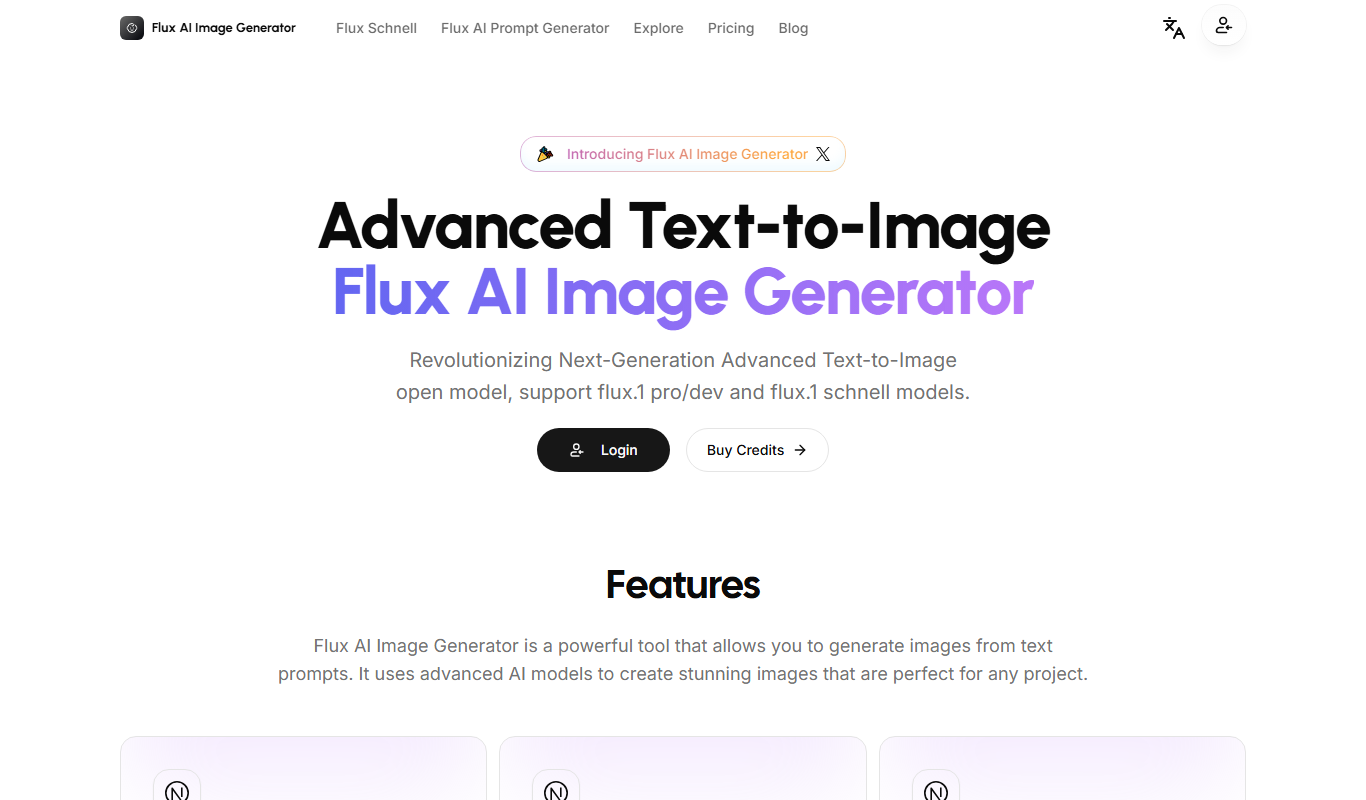
What is Open Source Flux AI Image Generator?
Open Source Flux AI Image Generator is a web-based platform that enables users to create AI-generated images using an open source model. It allows artists, designers, and developers to explore creative possibilities by generating unique visuals powered by artificial intelligence. The tool emphasizes transparency and community collaboration by providing open access to its underlying technology.
Key features of Open Source Flux AI Image Generator
This tool offers AI-driven image generation with customizable prompts, an intuitive web interface, and open source accessibility. Users can generate diverse artwork styles and contribute to the project’s ongoing development.
Open Source Model
The AI image generation model is open source, allowing community contributions and transparency.
Text-to-Image Generation
Create images from descriptive text prompts with AI-powered synthesis.
Web-Based Platform
No installation required; accessible directly through a web browser.
Free to Use
The tool is available at no cost, promoting accessibility for all users.
Pros and cons of Open Source Flux AI Image Generator
Pros
- Open source with community-driven development
- Free and accessible via web browser
- Supports creative and diverse AI-generated images
Cons
- Limited information on tech stack and company details
- May have fewer advanced features compared to commercial AI art tools
Key use cases for Open Source Flux AI Image Generator
Creative Art Generation
Generate unique AI-powered artwork for personal or professional projects.
Design Inspiration
Use AI-generated images to inspire graphic design, concept art, and visual storytelling.
Open Source Development
Contribute to and customize the AI image generation model through open source collaboration.
How Open Source Flux AI Image Generator works
- 1
Access the Web Interface
Visit the Flux AI Image Generator website to start creating images without installation.
- 2
Enter a Text Prompt
Describe the desired image using natural language prompts to guide the AI.
- 3
Generate Image
The AI processes the prompt and produces a unique image based on the input.
- 4
Download or Share
Save the generated image or share it with others directly from the platform.
Who is using Open Source Flux AI Image Generator
Digital artists
Graphic designers
AI developers
Open source enthusiasts
Creative professionals
Open Source Flux AI Image Generator pricing
Free
$0
Full access to AI image generation features without any fees.
Plans and prices are as published by the vendor and can change. Check the official site before you buy. Open the pricing page (opens in a new tab)
Frequently asked questions about Open Source Flux AI Image Generator
Yes, it is completely free and open source.
Yes, since the project is open source, contributions from developers are welcome.
No, the tool is web-based and works directly in your browser.
It depends on your specific needs and how you plan to use the tool. The official website and documentation are the best sources for the latest details.
Some tools offer a free plan or trial with limited features. Availability can vary, so confirm on the official website.
Yes, it can help with that use case depending on how you configure it and what features are available. You’ll get the best results with clear inputs and a defined goal.
Sign in to review this tool.
Sign In to ReviewNo reviews yet
Be the first to share how this tool worked for you.
Ask about pricing, limits, or how it compares — or answer someone else.
Sign In to AskNo questions yet
Have a question about using or paying for this tool? Be the first to ask.
Featured on TiorAI



More AI Design & Creative Tools tools
Other tools in the same category, for when this one is not quite the fit.
Free
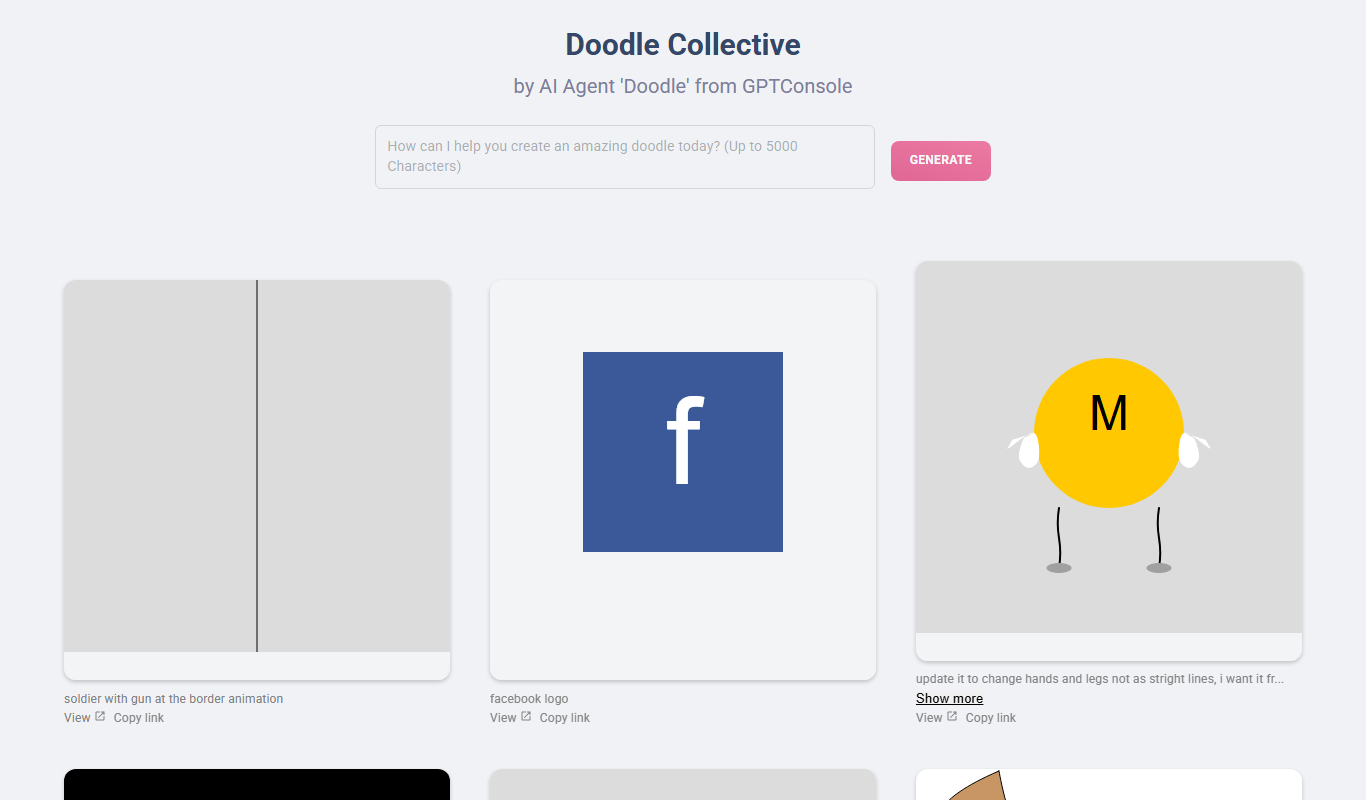
Doodle Collective
Doodle Collective is an AI art generator that transforms text prompts into unique digital images, suitable for creative projects and marketing.

Free
Game Assets Generator
Game Assets Generator is a web-based tool for creating 2D game assets; it does not offer 3D models.
Free
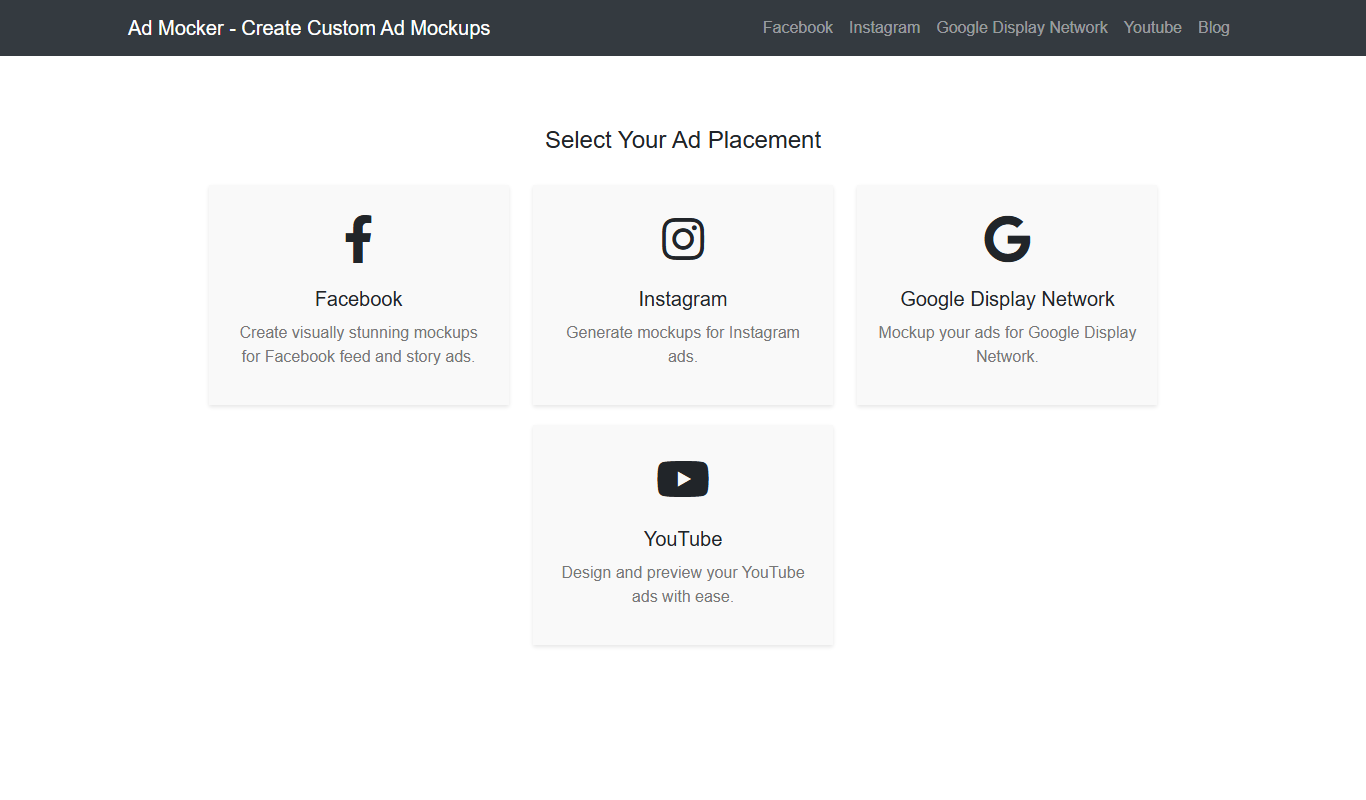
Ad Mocker
Ad Mocker is a free web-based tool that helps marketers and designers create realistic ad mockups quickly without needing advanced design software.

Free
Guess The Prompt!
Guess The Prompt! is a free online game where players guess AI-generated prompts based on images or clues, promoting creative thinking and fun.
Paid
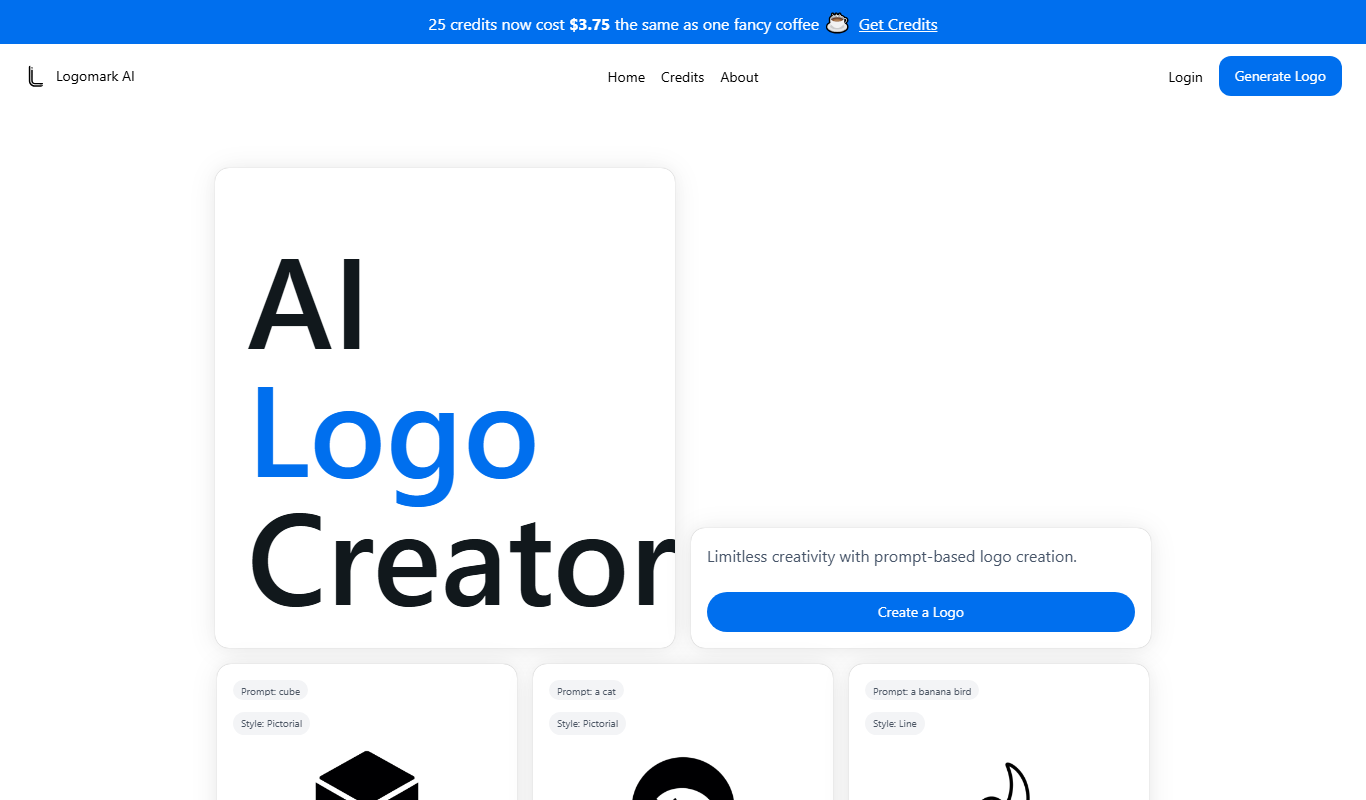
Logomark AI
Logomark AI is a prompt-based logo creator that turns a text description into a pictorial, abstract or line mark logo exportable as PNG or SVG.

Freemium
YouMusic.AI
YouMusic.AI turns text prompts or your own lyrics into complete songs, with free credits for new users and commercial rights on paid plans.

Free
svgtrace.com
SVGTrace.com is an online tool that converts raster images such as PNG or JPG into scalable SVG vector graphics using image tracing algorithms, accessible directly from your browser without installation.

Freemium
PuLID for FLUX
PuLID for FLUX is available free on 8PixLabs and generates images that keep facial features from a single photo.