

From my experience with FluxAI Pro, I found it excels at simplifying complex workflow automation through its intuitive no-code interface combined with powerful AI capabilities. The platform is particularly well-suited for small to medium businesses and teams looking to integrate multiple applications without heavy technical overhead. However, the lack of multi-language support and absence of a mobile app may limit accessibility for some users. Overall, if you need an AI-driven automation tool that balances ease of use with advanced features, FluxAI Pro delivers solid results.
FluxAI Pro Review: Advanced AI-Powered Workflow Automation Platform
FluxAI Pro is a no-code AI-powered workflow automation platform that helps businesses automate complex processes by integrating multiple applications and leveraging AI for smarter decision-making.
- Best for
- Automate Business Processes
- Key capability
- No-Code Workflow Builder
Your actions
Save FluxAI Pro, follow its updates and vote on it — everything stays in your account.
Sign in or create a free account

What is FluxAI Pro?
FluxAI Pro is an advanced AI-powered workflow automation platform designed to help businesses automate complex processes without coding. It combines artificial intelligence with a user-friendly interface to enable organizations to build, monitor, and optimize workflows that integrate multiple applications and data sources. The platform targets efficiency gains by reducing manual tasks and enabling smarter decision-making through AI insights.
Key features of FluxAI Pro
FluxAI Pro offers no-code workflow design, multi-application integration, AI-driven automation steps, real-time analytics dashboards, and API access for custom extensions. Its AI capabilities allow for intelligent task routing and predictive automation, making it suitable for diverse industries seeking to enhance productivity.
No-Code Workflow Builder
Intuitive drag-and-drop interface for creating complex automation without programming.
AI-Powered Automation
Incorporates AI models to automate decision-making and predictive task management.
Multi-App Integration
Supports seamless connections with popular SaaS platforms and custom APIs.
Real-Time Analytics
Provides dashboards and alerts to track workflow efficiency and identify bottlenecks.
API Access
Enables developers to extend functionality and integrate FluxAI Pro into custom environments.
Pros and cons of FluxAI Pro
Pros
- User-friendly no-code workflow builder
- Robust AI-driven automation capabilities
- Wide range of integrations
- Real-time monitoring and analytics
- Flexible pricing plans including free tier
Cons
- Limited language support (English only)
- Advanced AI features require paid plans
- No dedicated mobile app currently
Key use cases for FluxAI Pro
Automate Business Processes
Streamline repetitive tasks and complex workflows across departments to improve efficiency and reduce manual errors.
Integrate Multiple Applications
Connect various SaaS tools and internal systems seamlessly to enable data synchronization and unified operations.
Custom Workflow Creation
Build tailored automation workflows using an intuitive no-code interface to meet specific organizational needs.
Real-time Monitoring and Analytics
Track workflow performance and receive actionable insights to optimize processes continuously.
AI-Driven Decision Making
Leverage AI models embedded within workflows to automate decision points and enhance operational intelligence.
How FluxAI Pro works
- 1
Sign Up and Access Dashboard
Create an account on FluxAI Pro and log into the web dashboard to start building workflows.
- 2
Connect Applications
Integrate your existing SaaS tools and internal systems via pre-built connectors or API.
- 3
Design Workflows
Use the drag-and-drop no-code editor to create automation sequences incorporating AI decision nodes.
- 4
Deploy and Monitor
Activate workflows and monitor their performance through real-time analytics and alerts.
- 5
Optimize with AI Insights
Leverage AI-generated recommendations to refine workflows and improve operational outcomes.
Who is using FluxAI Pro
Small to medium businesses
IT and operations teams
Marketing agencies
Product managers
Business analysts
FluxAI Pro pricing
Free
$0/month
Basic workflow automation with limited integrations and monthly task quota.
Professional
$49/month
Expanded integrations, higher task limits, AI features, and priority support.
Enterprise
Custom pricing
Tailored solutions with unlimited workflows, dedicated support, and advanced security.
Plans and prices are as published by the vendor and can change. Check the official site before you buy. Open the pricing page (opens in a new tab)
Frequently asked questions about FluxAI Pro
No, FluxAI Pro is designed with a no-code interface, allowing users to build workflows without programming knowledge.
Yes, the platform supports integration with many popular SaaS applications and custom APIs.
Yes, the Free plan allows you to try basic features with limited usage before upgrading.
AI models are embedded to automate decision points, predict outcomes, and optimize task routing.
This tool is designed to help users accomplish its core tasks more efficiently. It is typically used by individuals or teams looking to improve productivity and workflow.
Yes, it can help with that use case depending on how you configure it and what features are available. You’ll get the best results with clear inputs and a defined goal.
Pricing depends on the plan and included features. For the most accurate and up-to-date details, check the official pricing page.
Integration support depends on the tool and its available connectors or API. Check the official documentation or integrations page to confirm what is supported.
Sign in to review this tool.
Sign In to ReviewNo reviews yet
Be the first to share how this tool worked for you.
Ask about pricing, limits, or how it compares — or answer someone else.
Sign In to AskNo questions yet
Have a question about using or paying for this tool? Be the first to ask.
Featured on TiorAI



Alternative Tools
Explore similar AI tools that might fit your needs

Enterprise
UiPath
UiPath is a robotic process automation platform that enables businesses to automate repetitive tasks and complex workflows using a visual drag-and-drop interface and AI integration.
More AI Artificial Intelligence Tools tools
Other tools in the same category, for when this one is not quite the fit.

Enterprise
NextBrain AI
NextBrain AI is a no-code machine learning and AI workflow automation platform with AutoML, a Knowledge Repository (RAG), Document Extraction and Document Comparison.

Contact for pricing
dbnix.ai
dbnix.ai is an AI-powered IT support automation platform that resolves L1 and L2 issues instantly, available 24/7.

Contact for pricing
Wisent
Wisent uses representation engineering to give control over AI models, reducing hallucinations and malicious content, through an API with SDK.

Free
EnergeticAI
EnergeticAI is TensorFlow.js optimized for serverless functions, with fast cold-start, small module size and pre-trained models for Node.js apps.

Freemium
Video Editor AI
Video Editor AI lets you edit any video with AI: remove objects, blur faces, remove backgrounds, upscale and add subtitles. Free, no watermark.

Freemium
Zetta
Zetta automates business intelligence with dashboards, analysis, insights and a conversational AI Analyst, set up by connecting a data warehouse and defining metrics.
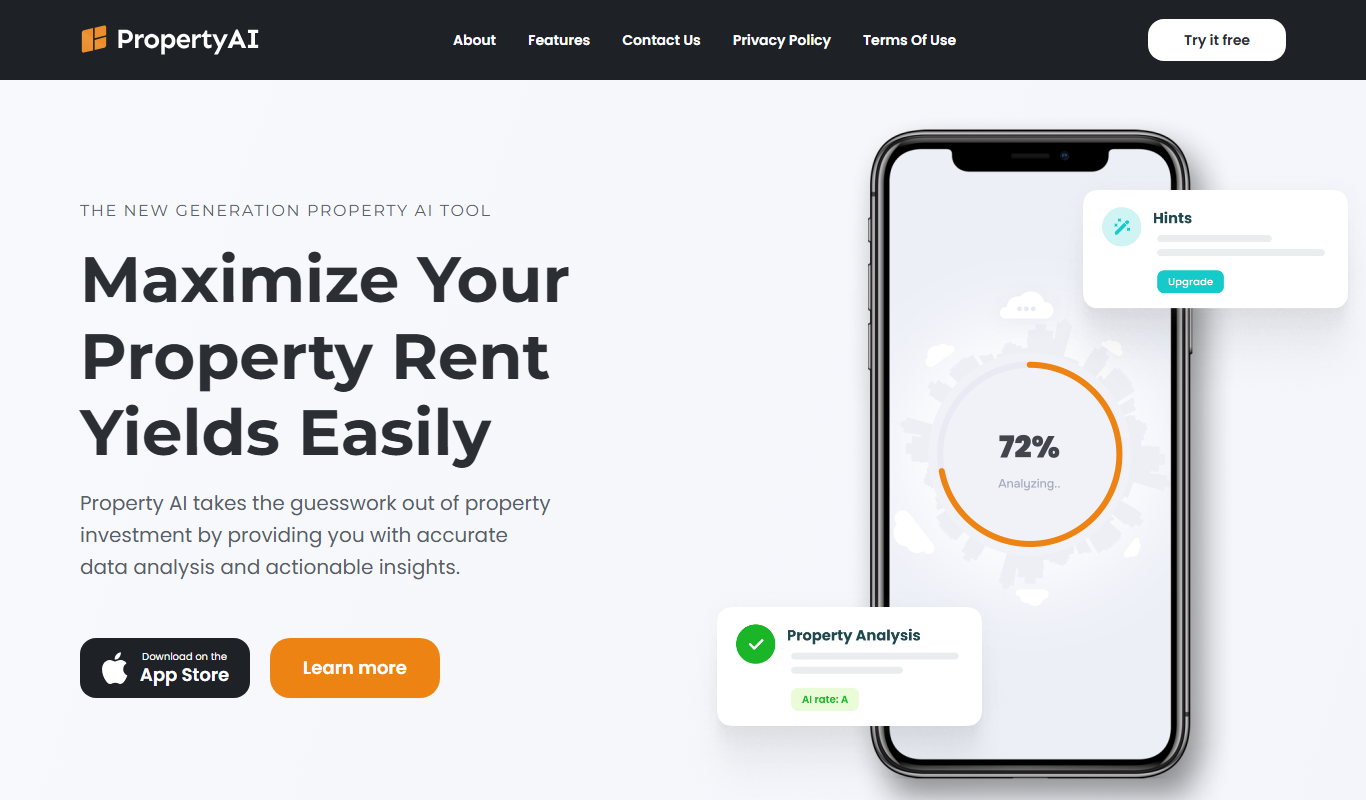
Freemium
Property AI – Maximize Rental Yield
Property AI takes the guesswork out of property investment by providing accurate data analysis and actionable insights.

Contact for pricing
Fynite.AI
Fynite is an enterprise OS for agentic AI that unifies petabyte-scale data, trains domain-specific models and deploys AI agents that execute outcomes autonomously.