

ProCamera App Review – Advanced AI Photography Tool for iOS Users
ProCamera is a professional iOS camera app offering manual controls, AI-enhanced low-light photography, RAW capture, and advanced editing tools for mobile photographers.
- Best for
- Professional Mobile Photography
- Key capability
- Manual Camera Controls
Save ProCamera, follow its updates and vote on it — everything stays in your account.
Sign in or create a free accountWhat is ProCamera?
ProCamera is a professional-grade camera app designed exclusively for iOS devices. It offers advanced manual controls, AI-assisted photography features, and powerful editing tools to help users capture and enhance high-quality photos and videos. The app caters to both enthusiasts and professionals seeking to maximize the capabilities of their iPhone cameras beyond the native camera app.
Key features of ProCamera
ProCamera provides manual control over focus, exposure, ISO, and shutter speed, alongside AI-powered low-light modes, HDR, and RAW capture. It also includes a comprehensive photo editor and video recording capabilities, making it a versatile tool for mobile photography.
Manual Camera Controls
Adjust focus, exposure, ISO, shutter speed, and white balance manually for precise photography.
AI-Powered Low-Light Mode
Capture brighter and clearer photos in low-light environments using AI enhancements.
RAW Image Capture
Shoot in RAW format to preserve image quality and allow advanced post-processing.
Advanced Photo Editing
Edit photos with tools for exposure, contrast, saturation, sharpness, and more.
High-Quality Video Recording
Record videos with manual control over focus and exposure for professional results.
Pros and cons of ProCamera
Pros
- Comprehensive manual controls for photography enthusiasts
- AI-powered low-light mode improves night shots
- Supports RAW capture for professional editing
- Intuitive interface tailored for iOS devices
- Includes both photo and video capabilities
Cons
- Available only on iOS, no Android support
- Some advanced features require additional purchase
- No free trial version available
Key use cases for ProCamera
Professional Mobile Photography
Capture high-quality photos with advanced manual controls and AI-powered features on your iPhone.
Low-Light and Night Photography
Use specialized night mode and low-light enhancements to take clear photos in challenging lighting conditions.
Post-Capture Editing
Edit photos directly within the app using a suite of professional tools including exposure, contrast, and color adjustments.
Video Recording
Record high-resolution videos with manual control over focus, exposure, and white balance for cinematic results.
RAW Capture and Editing
Shoot and edit RAW images to retain maximum detail and flexibility for professional-grade photo editing.
How ProCamera works
- 1
Download and Install
Get ProCamera from the Apple App Store and install it on your iPhone.
- 2
Launch and Configure Settings
Open the app and customize camera settings such as resolution, file format, and manual controls.
- 3
Capture Photos or Videos
Use the intuitive interface to take photos or record videos with manual or automatic modes.
- 4
Edit and Enhance
Apply edits and enhancements using the built-in photo editor or export images for external editing.
Who is using ProCamera
ProCamera pricing
Standard
About $8.99
Full access to all camera features and basic editing tools.
Pro Upgrade
$3.99 one-time purchase
Unlock advanced features including RAW capture, low-light mode, and video controls.
Subscription
$1.99/month
Access to all features with ongoing updates and premium support.
Plans and prices are as published by the vendor and can change. Check the official site before you buy. Open the pricing page (opens in a new tab)
Frequently asked questions about ProCamera
ProCamera supports most iPhones running iOS 13 or later, but some advanced features may require newer hardware.
Yes, ProCamera supports RAW image capture for compatible iPhone models.
Yes, the app includes manual controls for video recording, including focus and exposure adjustments.
The ProCamera Up annual subscription includes a 14-day free trial.
It depends on your specific needs and how you plan to use the tool. The official website and documentation are the best sources for the latest details.
Yes, it can help with that use case depending on how you configure it and what features are available. You’ll get the best results with clear inputs and a defined goal.
It depends on your specific needs and how you plan to use the tool. The official website and documentation are the best sources for the latest details.
Pricing depends on the plan and included features. For the most accurate and up-to-date details, check the official pricing page.
Conclusion
Manual controls cover focus, exposure, ISO, shutter speed and white balance, and photos can be shot in RAW format for advanced post-processing. Video recording also offers manual control over focus and exposure. A built-in editor adjusts exposure, contrast, saturation and sharpness, or images can be exported for external editing.
The app is iOS only and is installed from the Apple App Store. Professional photographers using iPhone, mobile photography enthusiasts and videographers seeking manual video controls are its core audience. The app costs about $8.99, and the ProCamera Up bundle is sold as an annual subscription or a one-time purchase, with a 14-day free trial on the annual option.
Sources
Sign in to review this tool.
Sign In to ReviewNo reviews yet
Be the first to share how this tool worked for you.
Ask about pricing, limits, or how it compares — or answer someone else.
Sign In to AskNo questions yet
Have a question about using or paying for this tool? Be the first to ask.
Featured on TiorAI



Alternative Tools
Explore similar AI tools that might fit your needs

Halide Mark III
Halide Mark III is an iPhone camera app with manual controls, RAW and ProRAW capture, and computational photography features for photo and video.

Camera+ 2
Camera+ 2 is an iOS photography app that combines manual camera controls with AI-powered editing features like background removal and portrait enhancements, designed for professional and enthusiast iPhone photographers.
More AI Photography tools
Other tools in the same category, for when this one is not quite the fit.

ProCam 8
ProCam - Pro Camera, formerly ProCam 8, is a camera app from Tinkerworks Apps sold for $9.99 as a one-time purchase, with paid in-app add-ons.

Pixieset
Pixieset is a photography platform that helps photographers create portfolio websites, deliver client galleries, and sell prints and digital downloads with integrated e-commerce.

LumaBooth
LumaBooth is a professional photo booth software that enables event photographers and marketers to create customizable photo experiences with green screen backgrounds, GIF and video capture, and instant social media sharing on MacOS, Windows, and iPad platforms.
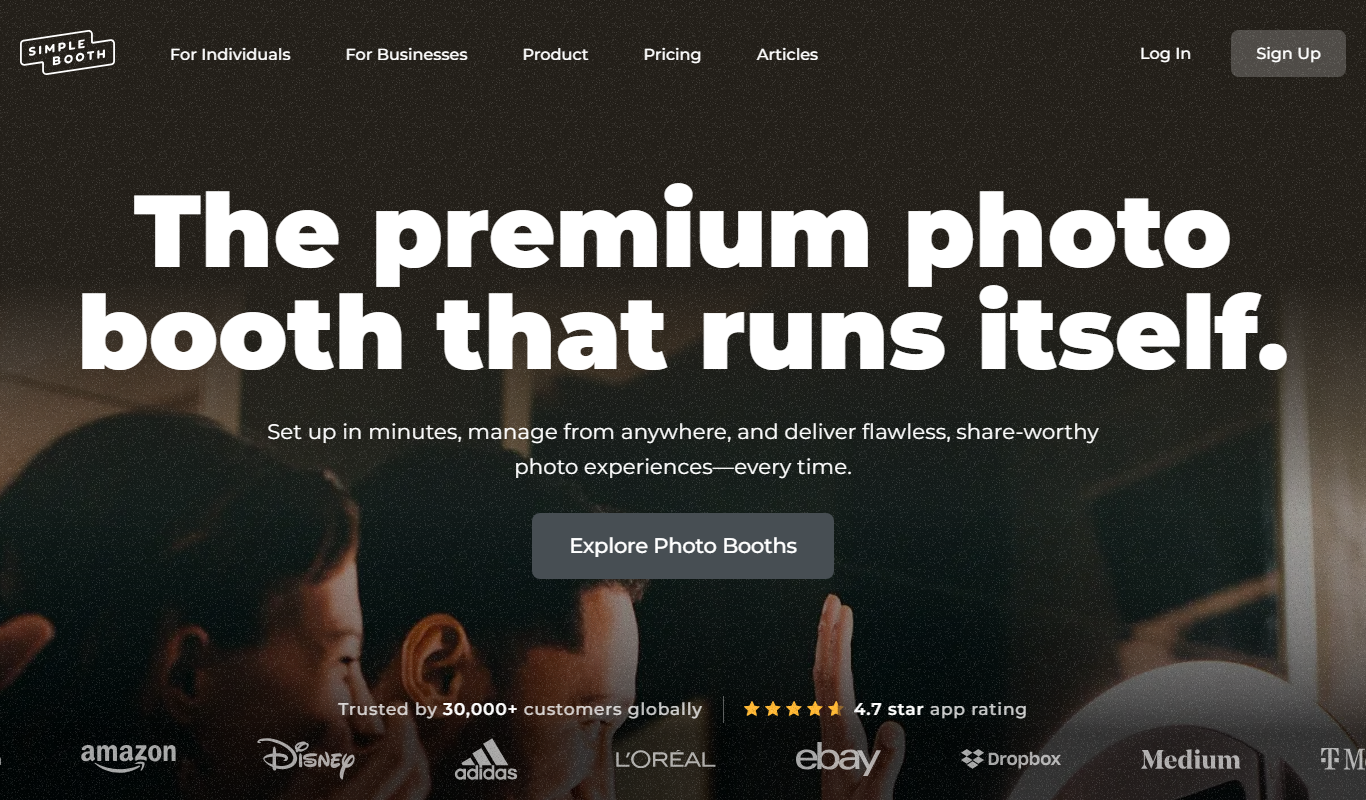
Simple Booth
Simple Booth is a photo booth software platform that enables event organizers to create customizable photo and video experiences for in-person and virtual events, with social media sharing and real-time analytics.

ImgBB
ImgBB is a free online image hosting service that allows users to upload, store, and share images with direct links and embed codes, supporting multiple file formats and optional account features.

Postimages
Postimages is a free online image hosting service that allows users to upload images quickly without registration, providing multiple link formats for sharing and embedding images on forums, websites, and social media.

Zenfolio
Zenfolio is a photography-focused website builder that offers portfolio creation, client proofing galleries, and integrated e-commerce for selling prints and digital downloads.
SmugMug
SmugMug is an online platform offering unlimited photo and video storage, customizable galleries, client proofing, and e-commerce tools for photographers and creatives.