

InShot Video Editor App for Mobile Video Editing and Social Media Content
InShot is a mobile video editing app that allows users to trim, cut, add music, apply filters, and export videos optimized for social media platforms like Instagram and TikTok.
- Best for
- Social Media Video Creation
- Key capability
- Video Trimming and Cutting
Save InShot, follow its updates and vote on it — everything stays in your account.
Sign in or create a free account
What is InShot?
InShot is a mobile video editing application designed for users who want to create, edit, and enhance videos directly on their smartphones. It offers a wide range of editing tools including trimming, cutting, merging, adding music, applying filters, and more. The app is popular among social media content creators for its ease of use and powerful features tailored for short-form video platforms.
Key features of InShot
InShot provides comprehensive video editing capabilities such as video trimming, speed adjustment, adding music and sound effects, applying filters and transitions, text and sticker overlays, and exporting videos in various aspect ratios suitable for social media.
Video Trimming and Cutting
Easily trim and cut video clips to remove unwanted parts.
Music and Sound Effects
Add background music, sound effects, and voiceovers with adjustable volume.
Filters and Visual Effects
Apply a variety of filters and effects to enhance video aesthetics.
Text and Stickers
Overlay customizable text and animated stickers to videos.
Multiple Aspect Ratios
Export videos in formats optimized for Instagram, TikTok, YouTube, and more.
Pros and cons of InShot
Pros
- User-friendly interface suitable for beginners
- Wide range of editing tools and effects
- Optimized for social media video formats
- Affordable premium subscription
- Regular updates with new features
Cons
- Free version includes watermark on videos
- Limited advanced editing features compared to desktop software
- Mobile-only platform without desktop support
Key use cases for InShot
Social Media Video Creation
Create and edit videos optimized for platforms like Instagram, TikTok, and YouTube with easy-to-use tools.
Video Editing on Mobile
Trim, cut, merge, and adjust videos directly on your smartphone without needing a desktop editor.
Adding Music and Sound Effects
Incorporate background music, sound effects, and voiceovers to enhance video storytelling.
Applying Filters and Effects
Use a variety of filters, transitions, and visual effects to customize video appearance.
Creating Video Collages and Slideshows
Combine multiple clips and photos into engaging video collages or slideshows.
How InShot works
- 1
Download and Install
Get the InShot app from the Apple App Store or Google Play Store and install it on your mobile device.
- 2
Import Media
Open the app and import videos or photos from your device gallery to start editing.
- 3
Edit Your Video
Use the editing tools to trim, cut, add music, apply filters, insert text, and more.
- 4
Export and Share
Save the edited video in your preferred resolution and aspect ratio, then share it directly to social media or save locally.
Who is using InShot
InShot pricing
Free
$0
Access to basic editing tools with watermark on exported videos.
Pro
$4.99/month
Removes watermark, unlocks all filters, effects, and premium features.
Pro Annual
$19.99/year
Annual subscription with full access to premium features and no watermark.
Plans and prices are as published by the vendor and can change. Check the official site before you buy. Open the pricing page (opens in a new tab)
Frequently asked questions about InShot
Yes, InShot offers a free version with basic features and a watermark on exported videos.
Yes, upgrading to the Pro subscription removes the watermark and unlocks additional features.
InShot is available on iOS and Android mobile devices.
Yes, InShot allows you to add background music, sound effects, and voiceovers.
It depends on your specific needs and how you plan to use the tool. The official website and documentation are the best sources for the latest details.
Some tools offer a free plan or trial with limited features. Availability can vary, so confirm on the official website.
Yes, it can help with that use case depending on how you configure it and what features are available. You’ll get the best results with clear inputs and a defined goal.
Yes, it can help with that use case depending on how you configure it and what features are available. You’ll get the best results with clear inputs and a defined goal.
Conclusion
Everything happens on the smartphone: videos and photos are imported from the device gallery and then trimmed, cut or merged. Background music, sound effects and voiceovers can be added with adjustable volume, and filters and effects change the look of a clip. Finished videos are exported in formats optimized for Instagram, TikTok and YouTube.
Social media content creators, influencers and vloggers, and casual users wanting quick edits are the people it is made for. Both iOS and Android versions exist, and the free version adds a watermark to exported videos, which the Pro subscription removes. Pro costs $4.99 per month or $19.99 per year, and a Lifetime option costs $49.99.
Sources
Sign in to review this tool.
Sign In to ReviewNo reviews yet
Be the first to share how this tool worked for you.
Ask about pricing, limits, or how it compares — or answer someone else.
Sign In to AskNo questions yet
Have a question about using or paying for this tool? Be the first to ask.
Featured on TiorAI



Alternative Tools
Explore similar AI tools that might fit your needs

KineMaster
KineMaster is a mobile and desktop video editing app offering multilayer editing, chroma key, audio mixing, and a rich asset store for creating professional-quality videos.
More Music & Audio tools
Other tools in the same category, for when this one is not quite the fit.

Podcast Shownotes Generator
Podcast Shownotes Generator is an AI-powered web tool that creates detailed, SEO-optimized summaries for podcast episodes, helping podcasters save time and improve discoverability.

Soundify
Soundify is a free AI generator that creates sound effects from text descriptions, with 5 free generations a day for signed-in users.

AI Song Generator
AI Song Generator is a web tool that creates original songs and lyrics from your genre, mood and topic, with a limited free plan and paid subscriptions.

A.V. Mapping
A.V. Mapping is an AI platform that analyzes your video or photo, recommends licensed music and sound effects from musicians, and handles the music license in one place.

ampedstudio.com
Amped Studio is an online DAW with AI music tools to create beats, record vocals, mix tracks and produce songs in your browser without installation.
IndieMono
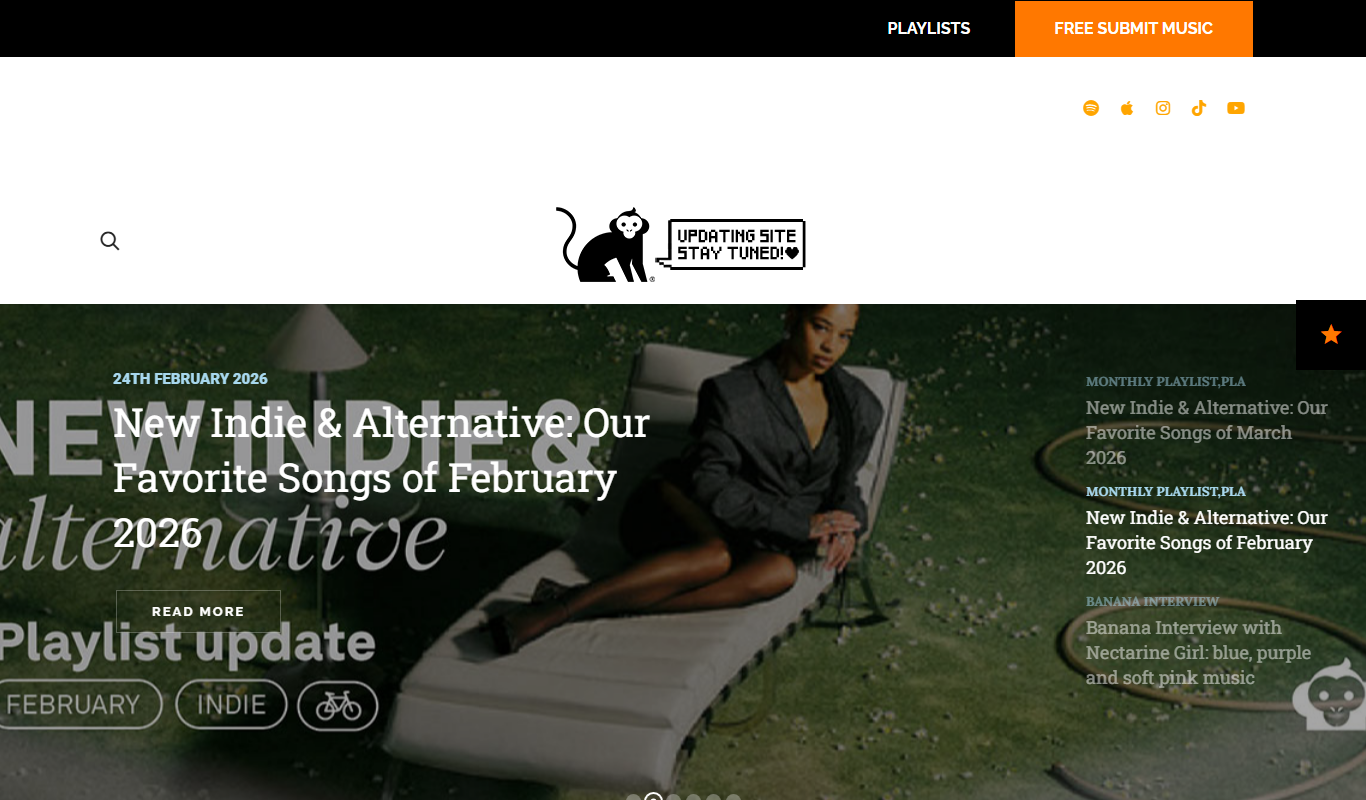
Indiemono is an indie music platform of independent curators and Spotify playlists where artists can submit music for free to be considered for its editorial selections.

Beatoven.ai
Beatoven.ai is an AI-driven platform that generates custom royalty-free music tracks tailored to your project's mood and style, ideal for content creators and marketers.

TwoShot
TwoShot is an AI creative suite for music, audio, video and images: generate music and sounds from text, split stems, make voiceovers and produce in an online studio.