

From my experience with Bulk Image Generation, I found it excels at rapidly producing large volumes of images with minimal manual effort. The platform’s API is particularly useful for developers looking to automate creative workflows. While it may not offer the deep customization of manual design tools, its speed and ease of use make it a strong choice for marketers and content creators needing bulk visuals. Pricing transparency could improve, but the free trial allows a good initial evaluation. Overall, if you require fast, AI-powered bulk image creation, this tool delivers practical and efficient results.
Bulk Image Generation Tool for Fast AI-Powered Image Creation Online
Bulk Image Generation is an AI tool that allows users to create large batches of images from text prompts quickly, with options for customization and API integration.
- Best for
- Bulk Image Creation
- Key capability
- Bulk Image Generation
Your actions
Save Bulk Image Generation, follow its updates and vote on it — everything stays in your account.
Sign in or create a free account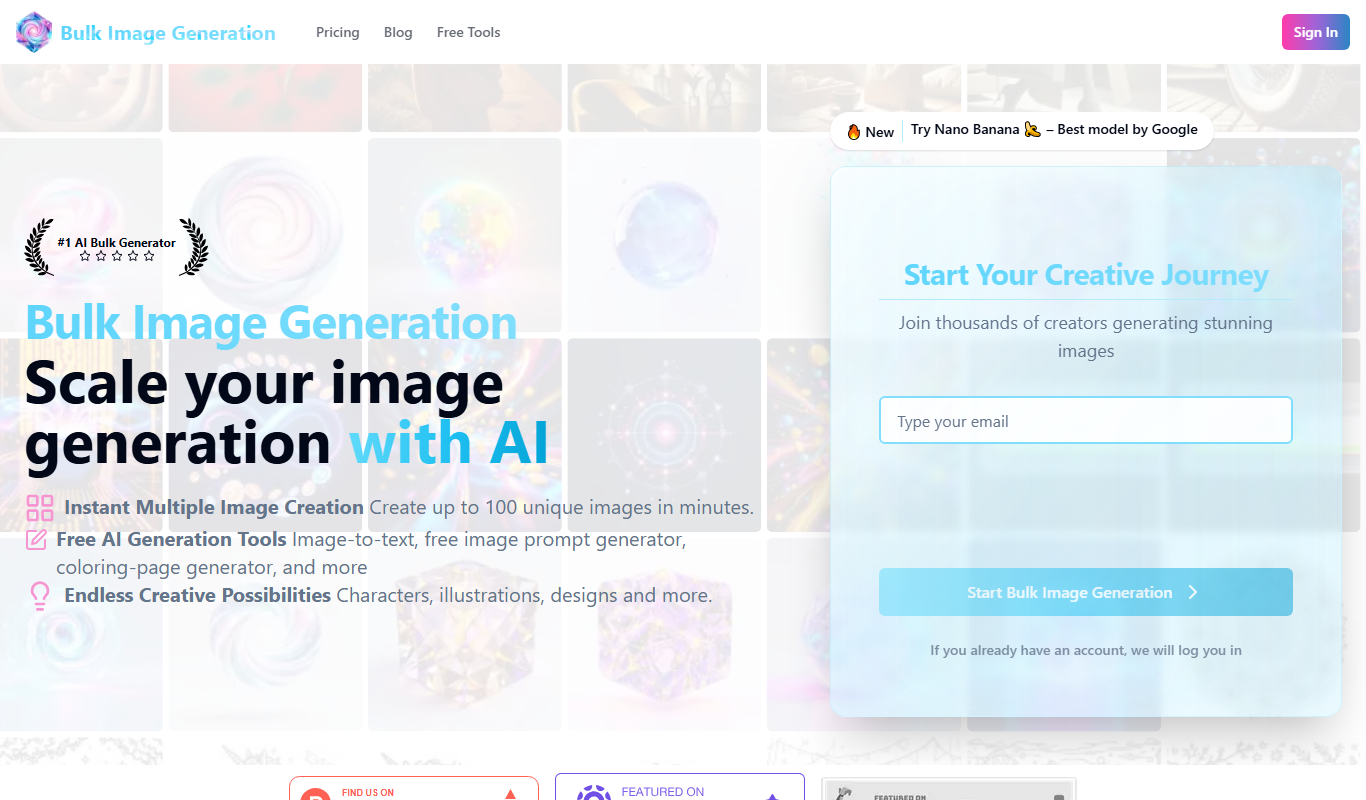

What is Bulk Image Generation?
Bulk Image Generation is an AI-powered platform that enables users to create large volumes of images efficiently. It leverages advanced text-to-image models to transform prompts into unique visuals, streamlining the creative process for marketers, designers, and developers.
Key features of Bulk Image Generation
The tool offers batch image generation, customizable prompts, API access for automation, and supports various image styles and resolutions to fit diverse project needs.
Bulk Image Generation
Create hundreds of images simultaneously from text prompts.
Customizable Prompts
Fine-tune image outputs by specifying detailed descriptions and styles.
API Access
Automate image creation with a developer-friendly API.
High-Resolution Outputs
Download images in high quality suitable for professional use.
Pros and cons of Bulk Image Generation
Pros
- Efficient bulk image creation saves time
- API enables seamless automation
- Supports high-quality image outputs
Cons
- Limited customization compared to manual design
- Pricing details beyond trial are not fully transparent
Key use cases for Bulk Image Generation
Bulk Image Creation
Generate large batches of images quickly for marketing, social media, or e-commerce.
Creative Content Generation
Produce unique visuals for blog posts, advertisements, and digital campaigns.
Design Prototyping
Create multiple design concepts rapidly to explore visual ideas.
API Integration
Automate image generation workflows by integrating the API into existing applications.
How Bulk Image Generation works
- 1
Create an Account
Sign up on the Bulk Image Generation website to access the platform.
- 2
Input Prompts
Enter text prompts describing the images you want to generate, either individually or in bulk.
- 3
Configure Settings
Adjust parameters such as image style, resolution, and quantity.
- 4
Generate Images
Start the generation process and download the resulting images once ready.
- 5
Use API for Automation
Integrate the API into your workflow to automate bulk image creation.
Who is using Bulk Image Generation
Digital marketers
Content creators
E-commerce businesses
Graphic designers
Developers needing image automation
Bulk Image Generation pricing
Free Trial
$0
Limited number of image generations to test the platform.
Subscription
Starts at $19/month
Access to bulk generation features with higher limits and API usage.
Plans and prices are as published by the vendor and can change. Check the official site before you buy. Open the pricing page (opens in a new tab)
Frequently asked questions about Bulk Image Generation
Yes, the platform is designed specifically for bulk image generation using your own text prompts.
Yes, Bulk Image Generation offers an API to integrate image creation into your workflows.
The tool supports high-resolution outputs suitable for professional and commercial use.
Yes, you can try the platform with a free trial that includes a limited number of image generations.
It depends on your specific needs and how you plan to use the tool. The official website and documentation are the best sources for the latest details.
Yes, it can help with that use case depending on how you configure it and what features are available. You’ll get the best results with clear inputs and a defined goal.
Integration support depends on the tool and its available connectors or API. Check the official documentation or integrations page to confirm what is supported.
Sign in to review this tool.
Sign In to ReviewNo reviews yet
Be the first to share how this tool worked for you.
Ask about pricing, limits, or how it compares — or answer someone else.
Sign In to AskNo questions yet
Have a question about using or paying for this tool? Be the first to ask.
Featured on TiorAI



More AI Background Generator tools
Other tools in the same category, for when this one is not quite the fit.

Free
Patterninja
Patterninja is a free web-based tool for creating seamless, repeatable patterns and backgrounds with an easy drag-and-drop interface and export options in PNG and SVG.

Free
Cool Backgrounds
Cool Backgrounds is a free web tool that uses AI to generate customizable gradients, patterns, and abstract backgrounds for websites and social media.
Free
Little Author
Little Author is an app from Blue Giraffe Labs that builds children's stories with AI from the 5Ws questions.

Free
Favicon Helper
Favicon Helper is a free web tool that allows you to generate and convert favicons in multiple formats like ICO, PNG, GIF, and JPG quickly and without registration.

Free
Wallhaven
Wallhaven is a free online platform offering a vast collection of high-quality HD and 4K wallpapers for desktops and mobile devices, featuring advanced search filters and community uploads.

Free
Get Waves
Get Waves is a free online tool that generates customizable SVG wave backgrounds for web and graphic design, allowing users to adjust wave complexity, colors, and orientation with real-time preview and export options.
Free
Haikei
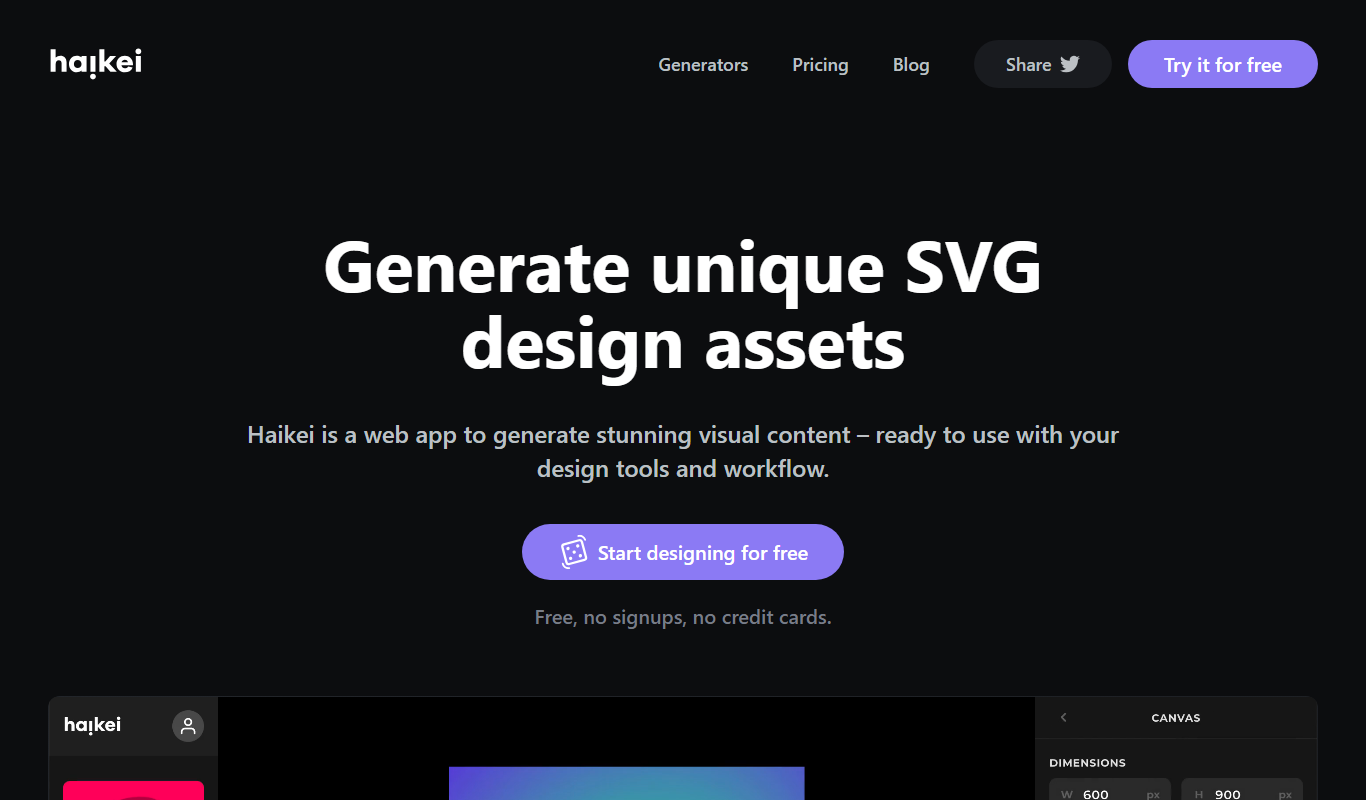
Haikei is a free web-based generator of random SVG shapes and backgrounds built from adjustable parameters, with unlimited downloads.
Free
Bg.Eraser
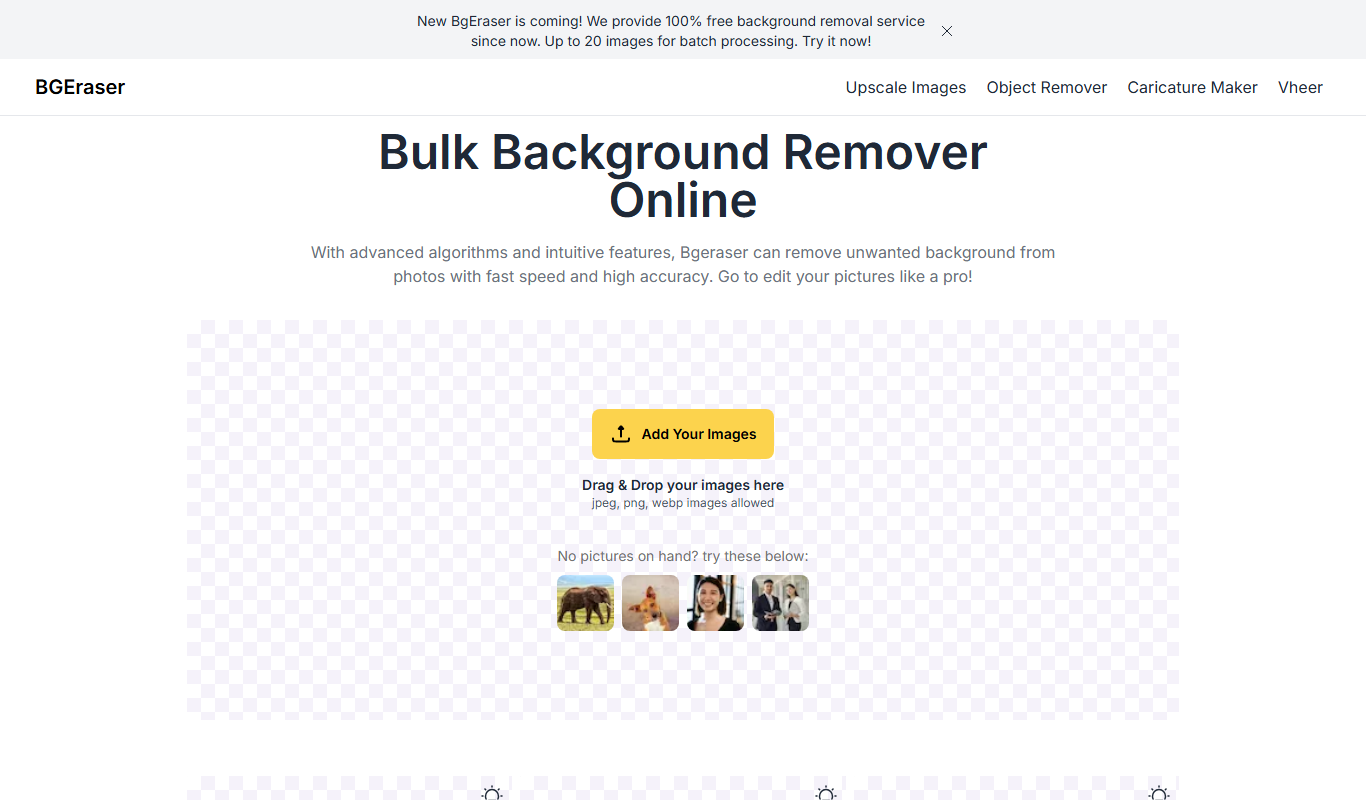
Bg.Eraser is an AI-based online tool that automatically removes backgrounds from images, providing transparent PNG outputs suitable for e-commerce, design, and content creation.