

Tattoo Ideas Generator for Unique and Custom Tattoo Designs Online
Tattoo Ideas is an online source for curated tattoo ideas and downloadable designs, with a generator that creates tattoo designs from keywords.
- Best for
- Tattoo Inspiration
- Key capability
- Tattoo Design Generator
Save Tattoo ideas, follow its updates and vote on it — everything stays in your account.
Sign in or create a free account
What is Tattoo ideas?
Tattoo Ideas is an online source for curated tattoo ideas and downloadable designs, updated weekly with fresh inspiration for every style. It also includes a tattoo generator that creates designs from keywords or a description.
Key features of Tattoo ideas
The platform features a tattoo design generator, categorized galleries, and a user-friendly interface that allows easy exploration of tattoo styles. It supports browsing by themes, styles, and body placements, making it simple to find tailored tattoo ideas.
Tattoo Design Generator
Automatically creates unique tattoo ideas based on user input and preferences.
Categorized Galleries
Organized tattoo designs by style, theme, and body placement for easy browsing.
User-Friendly Interface
Simple navigation and clean layout to enhance user experience.
Free and premium designs
Many designs are available for free, with premium options for more detailed artwork.
Pros and cons of Tattoo ideas
Pros
- Free and easy to use
- Wide variety of tattoo styles and themes
- Helpful for both individuals and tattoo artists
Cons
- Limited advanced customization options
- No mobile app available
Key use cases for Tattoo ideas
Tattoo Inspiration
Users can explore a wide variety of tattoo design ideas to find inspiration for their next tattoo.
Custom Tattoo Design
Generate unique tattoo concepts tailored to user preferences and styles.
Tattoo Artist Reference
Tattoo artists can use the platform to discover fresh design ideas and trends to offer clients.
Personalized Tattoo Planning
Helps individuals plan and visualize tattoo placements and styles before committing.
How Tattoo ideas works
- 1
Visit Website
Access the Tattoo Ideas platform through the web browser.
- 2
Browse or Generate Designs
Explore existing tattoo galleries or use the generator to create custom tattoo ideas.
- 3
Save or Share
Save favorite designs for future reference or share them with tattoo artists.
Who is using Tattoo ideas
Tattoo ideas pricing
Free
Free
Many designs are available for free. Premium options are offered for more detailed artwork.
Plans and prices are as published by the vendor and can change. Check the official site before you buy. Open the pricing page (opens in a new tab)
Frequently asked questions about Tattoo ideas
Many designs are available for free, and premium options are offered for more detailed artwork.
The tool generates unique tattoo ideas based on user preferences, but detailed customization may require consultation with a tattoo artist.
No account creation is necessary to browse and generate tattoo ideas.
It depends on your specific needs and how you plan to use the tool. The official website and documentation are the best sources for the latest details.
Yes, it can help with that use case depending on how you configure it and what features are available. You’ll get the best results with clear inputs and a defined goal.
Conclusion
A prompt box takes keywords or a description, such as a minimalist lotus or a geometric wolf, and Ink My Idea turns it into tattoo designs with AI. An optional style menu covers dozens of looks, from gothic text and Chicano to dotwork, Japanese, realism and tribal. Generated images can be enlarged, downloaded to show an artist or shared with friends for feedback. Alongside the generator, curated category pages collect ideas for men and women and for simple, small, hand and sleeve tattoos.
Beginners and tattoo lovers are addressed, as are tattoo artists looking for design ideas. The site itself warns that AI cannot replace real artists and suggests treating generated tattoos as drafts or concepts. Many designs are free to download, premium options exist for more detailed artwork, and a custom design request feature is still in the works.
Sources
Sign in to review this tool.
Sign In to ReviewNo reviews yet
Be the first to share how this tool worked for you.
Ask about pricing, limits, or how it compares — or answer someone else.
Sign In to AskNo questions yet
Have a question about using or paying for this tool? Be the first to ask.
Featured on TiorAI


More AI Art Generator tools
Other tools in the same category, for when this one is not quite the fit.

TattooAI
TattooAI is an AI tattoo generator and try-on studio: describe an idea, generate tattoo designs and preview them on a photo of your body.

aitattoo.ink
aitattoo.ink is an AI-based web tool that generates custom tattoo designs from user input, offering multiple styles and high-resolution downloads for personal or professional use.

Free Flux AI Image Generator
Free Flux AI Image Generator is a web platform that turns text into images with Flux models from Black Forest Labs, with free daily credits and paid credit plans.
AI Poster Maker
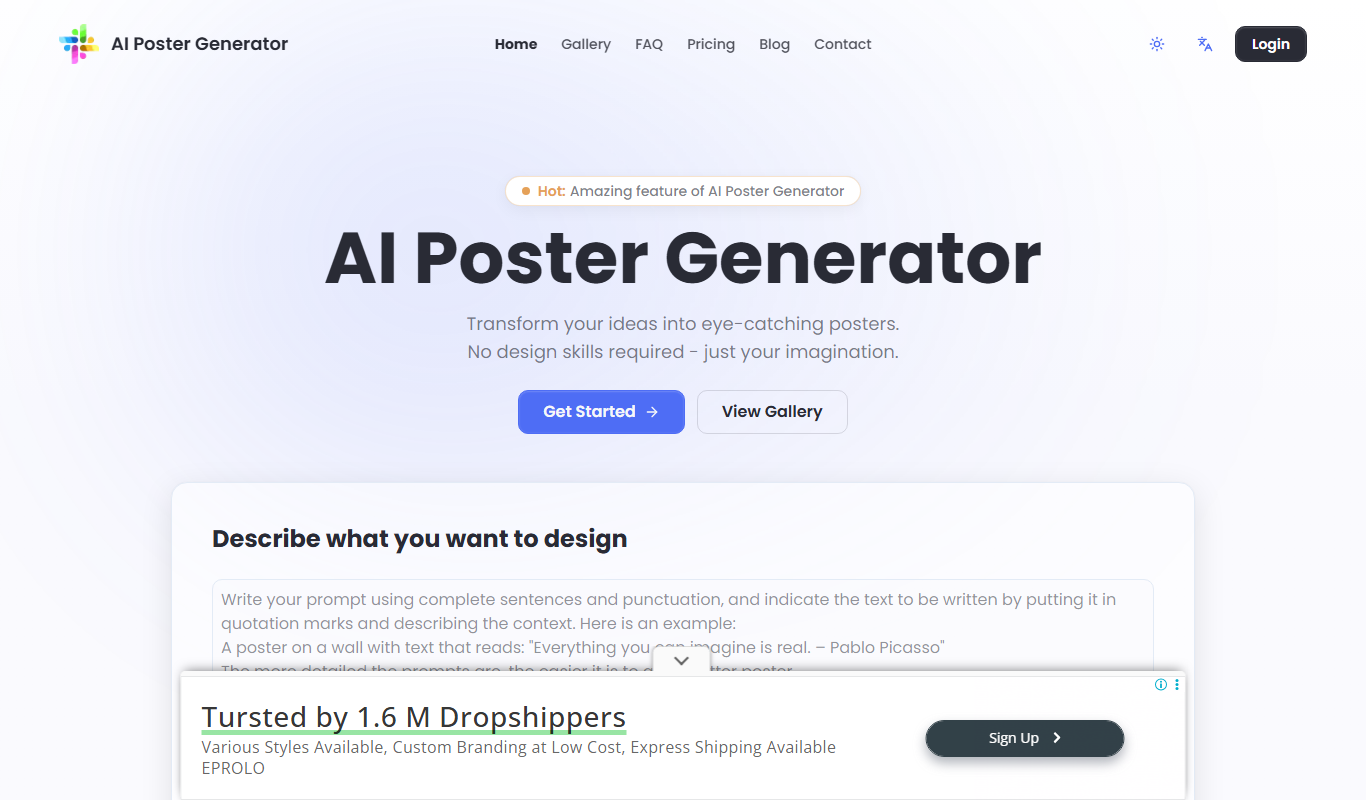
AI Poster Maker is an online AI poster generator that turns a prompt and headline into a finished poster in a chosen style and aspect ratio.

AiWallz
AiWallz is a free AI wallpaper app for iPhone, iPad and Android: swipe through endless AI-generated 4K and HD wallpapers and save the ones you like.

FluxPicture
FluxPicture is an AI image and video generator using FLUX AI, Krea photorealistic images and Wan 2.2 video generation.

FluxAI.art: Free AI Image Generator
FluxAI.art is an AI image generator with multiple models, including Nano Banana, Flux Kontext and ChatGPT-4o image, for text to image, image to image and image editing.

AI Portrait Gen
AI Portrait Gen is an online AI portrait generator that creates realistic portraits of yourself from a few photos.